Features
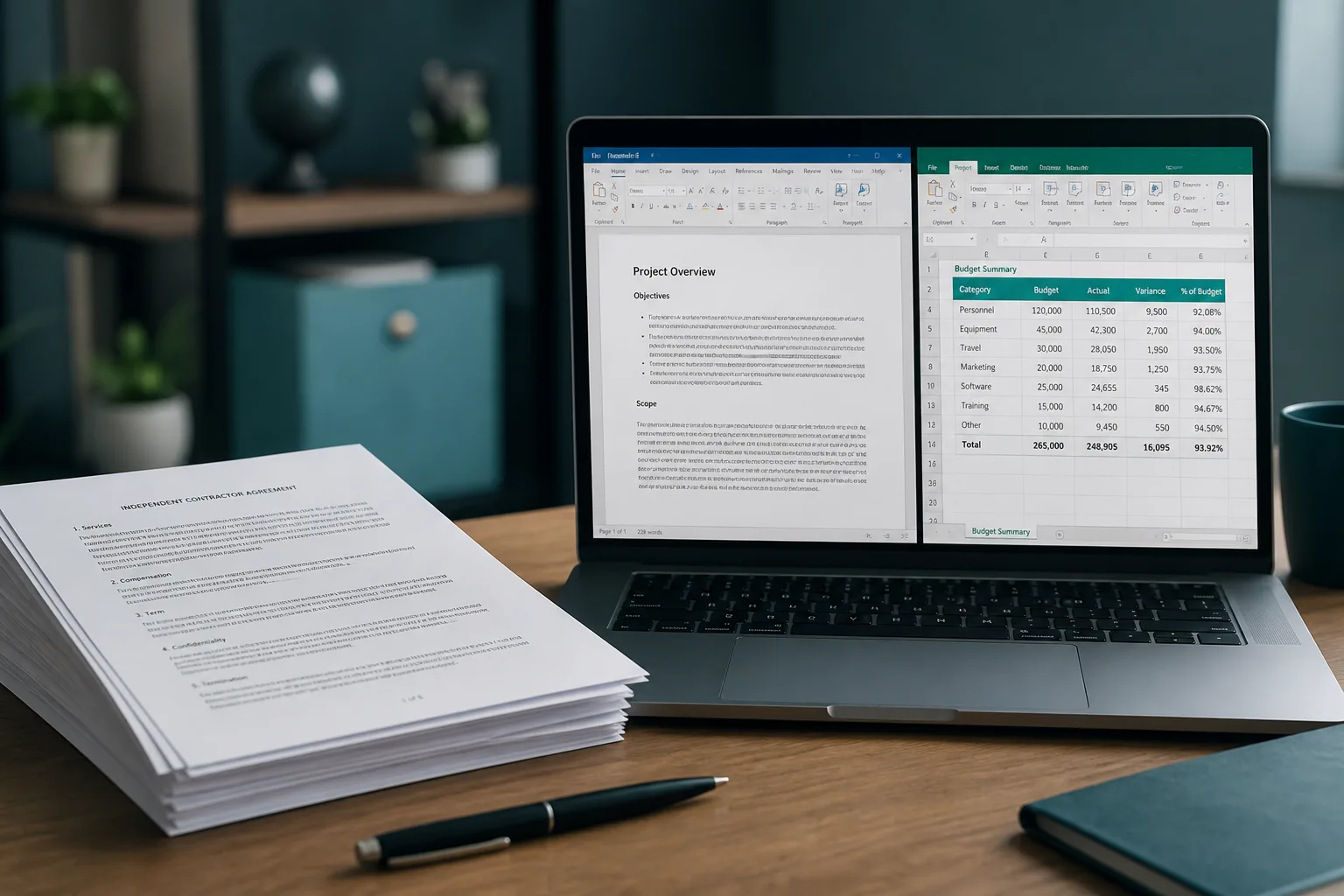
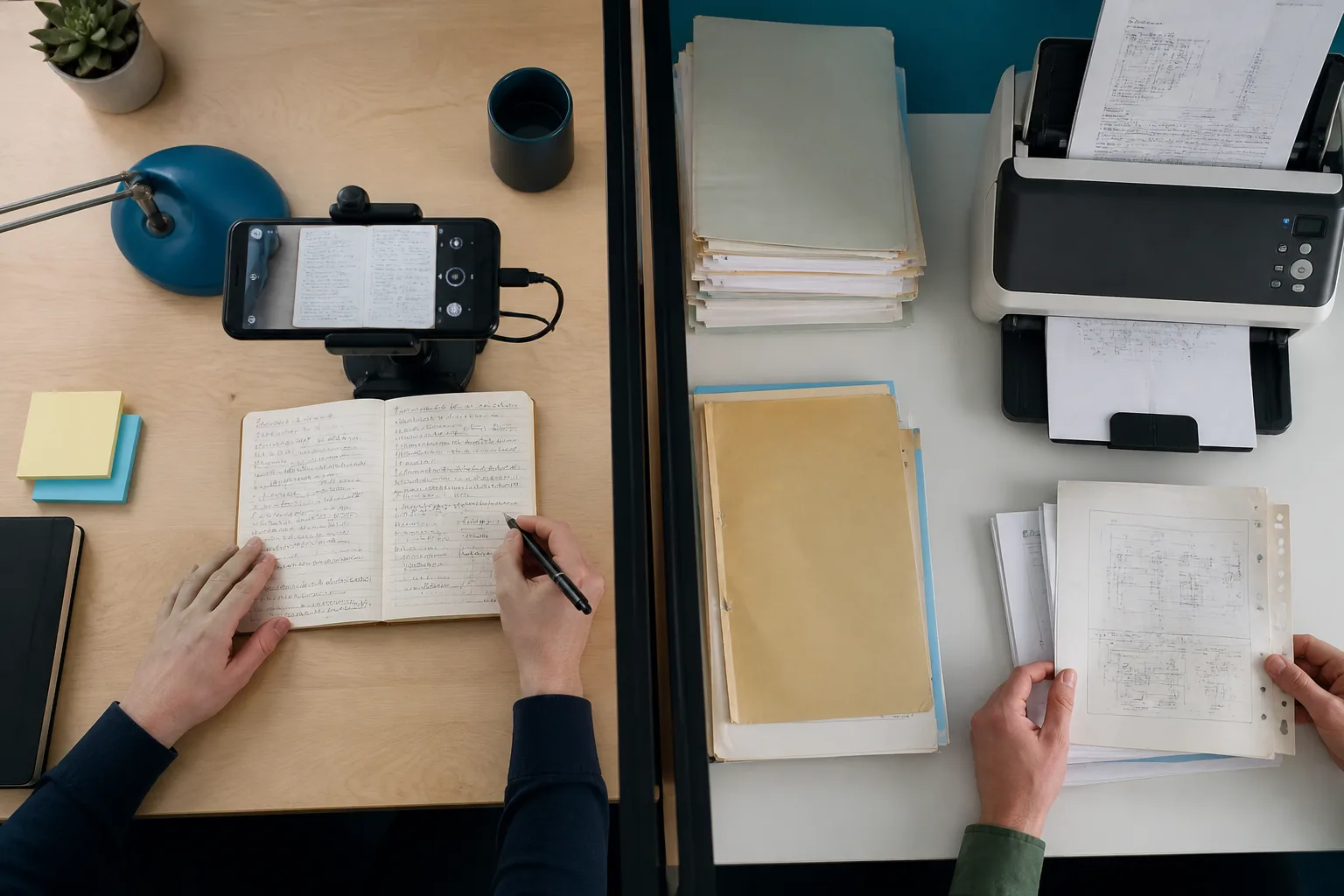
Online OCR. Online OCR is a long-running conversion portal. It accepts PDF, TIFF, JPEG, BMP, PNG, GIF, and ZIP packs, then writes Word, Excel, RTF, TXT, or searchable PDF. Email OCR and a separate SOAP/REST API (OCR Web Service) are the features most newer tools skip.
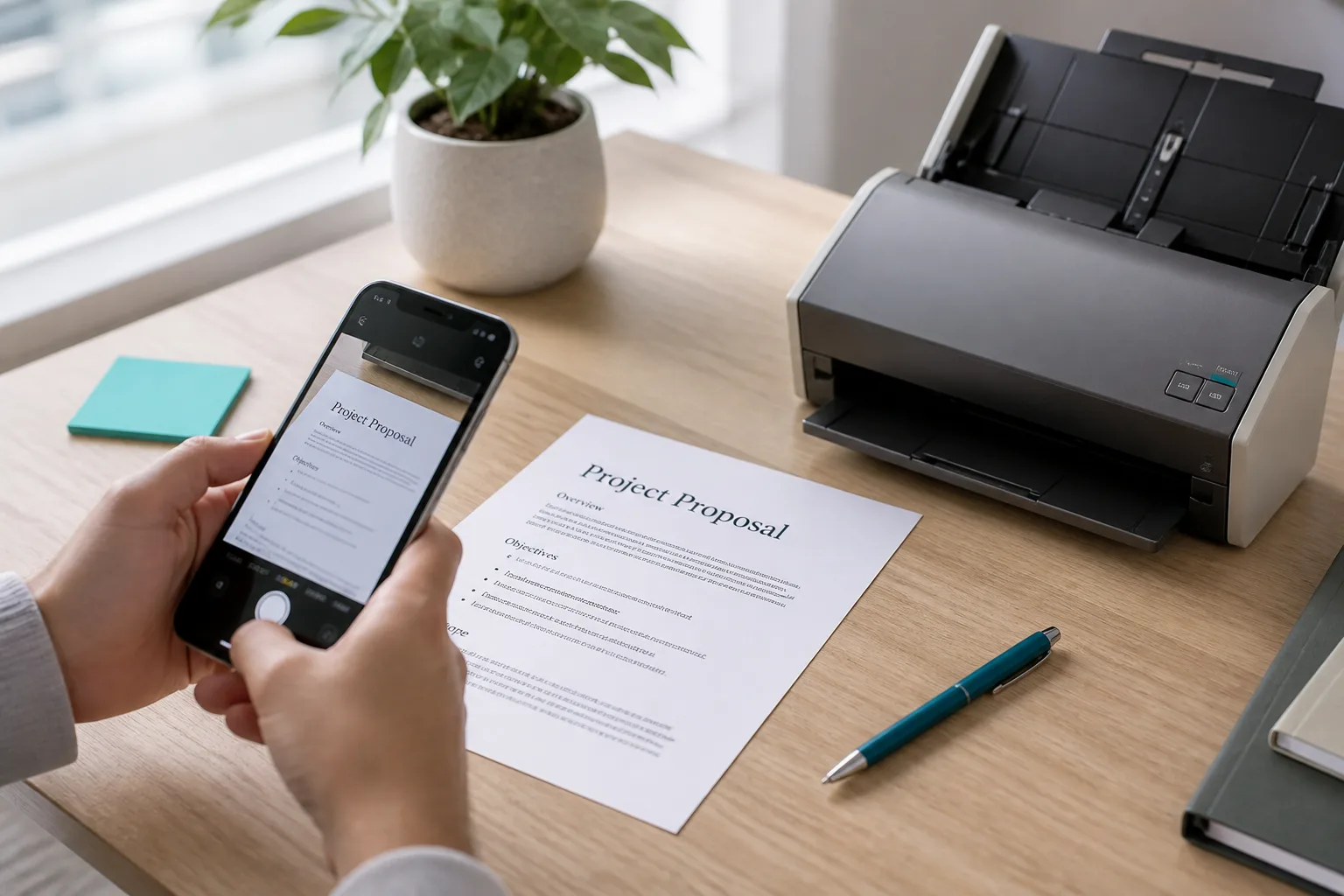
Photo to Text. Photo to Text starts on a photo or PDF in the browser. You copy text, download TXT or Markdown, or open dedicated Word and Excel editors. Receipt, invoice, bank statement, screenshot, and handwriting pages cover the jobs people actually search for.
Pick Online OCR for archive formats and email-in. Pick Photo to Text when the next step is an editable Word or Excel file.
Pricing
Online OCR. Guests convert without an account, but the meter is 5 files per hour and 15 MB. Registered accounts raise the cap to about 200 MB and 50 free pages. Heavy use moves you toward the paid OCR API, not a simple credit pack.
Photo to Text. You can start on the converter without buying a plan. Simple OCR costs 1 credit per page. Advanced OCR, Word, and Excel cost 10. Subscriptions start at $9.99/month, and credit packs do not expire.
Online OCR is cheaper for a few guest files per hour. Photo to Text is clearer if you convert in bursts and want credits you can see.
Ease of use
Online OCR. The site still feels like a desktop-era OCR counter: pick a format, wait, download a file. That is fine if you already know you want a searchable PDF. It is slower if you just need to copy a paragraph from a screenshot.
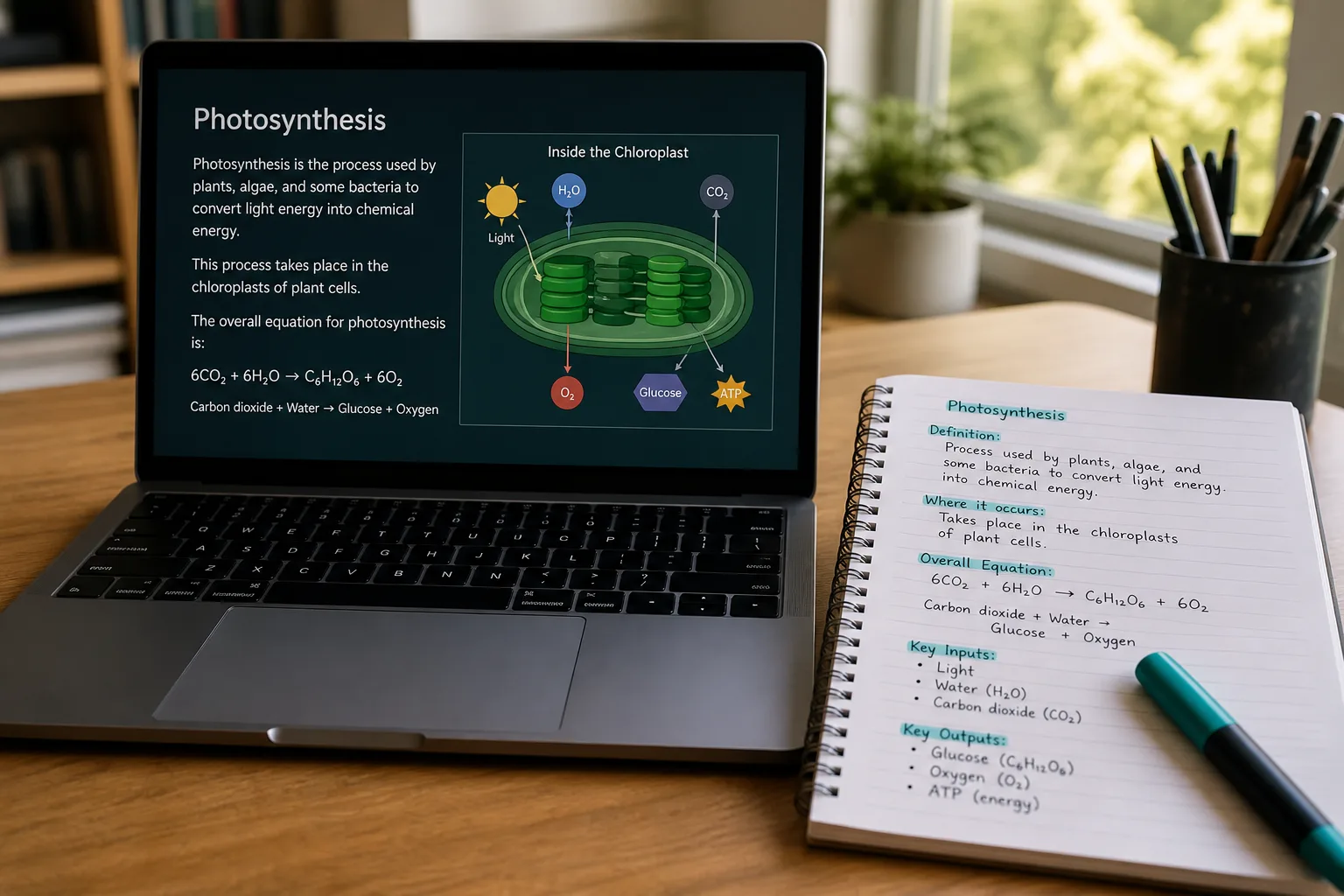
Photo to Text. Drop a photo, run Simple or Advanced OCR, then copy or keep editing. Word and Excel downloads happen after you can see the result, not as a blind file export.
Use Online OCR when the output file type is the whole job. Use Photo to Text when you want to read the text first.