
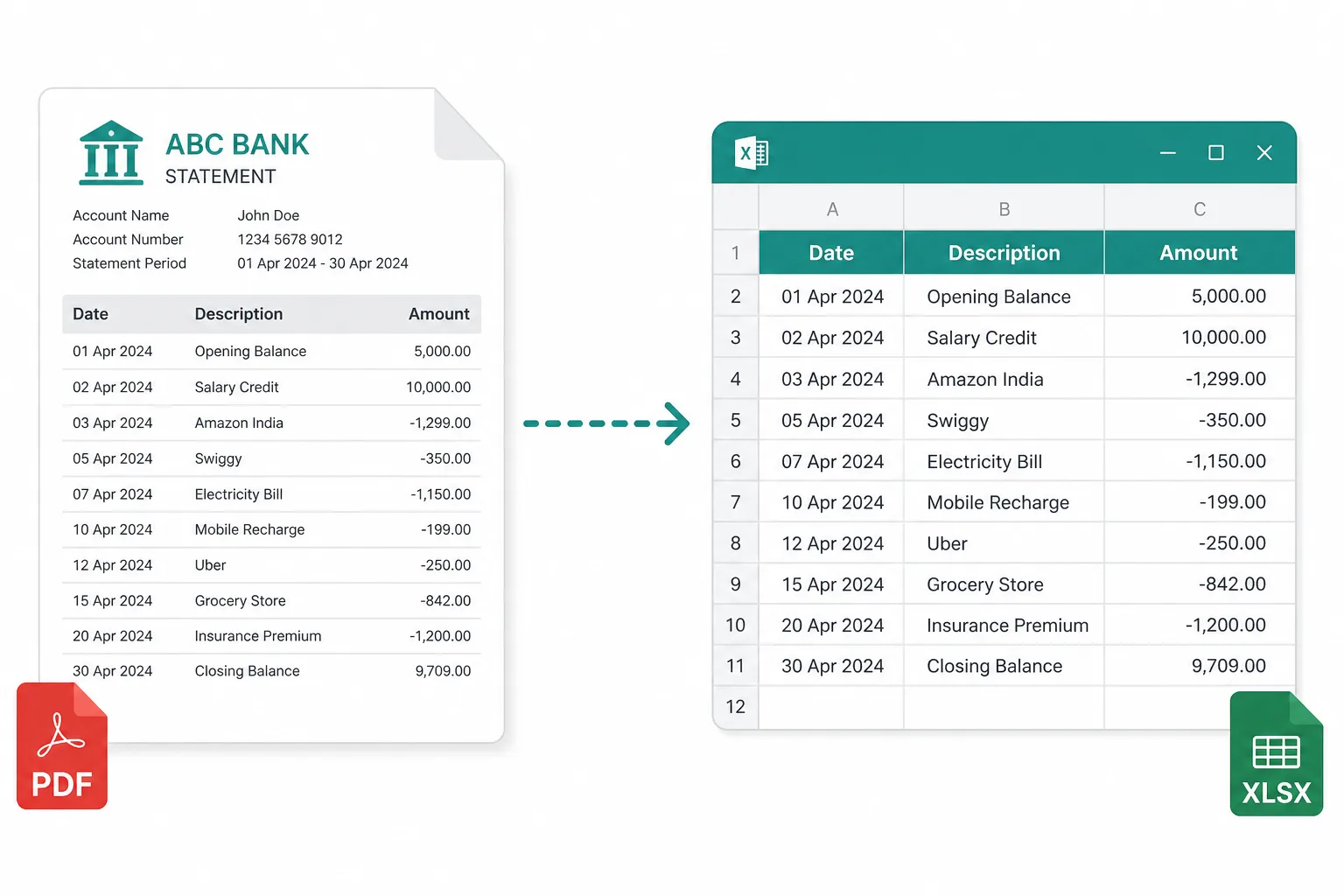
Monthly reconciliation
Turn statement PDFs into rows you can match against your books and mark cleared.
Bank statement to Excel online — turn statement PDFs into rows you can reconcile, sum, and filter. Edit the sheet, then download XLSX or CSV.
Drop images or PDFs here
JPG, PNG, WEBP, HEIC, PDF
From a statement PDF to a spreadsheet you can reconcile.
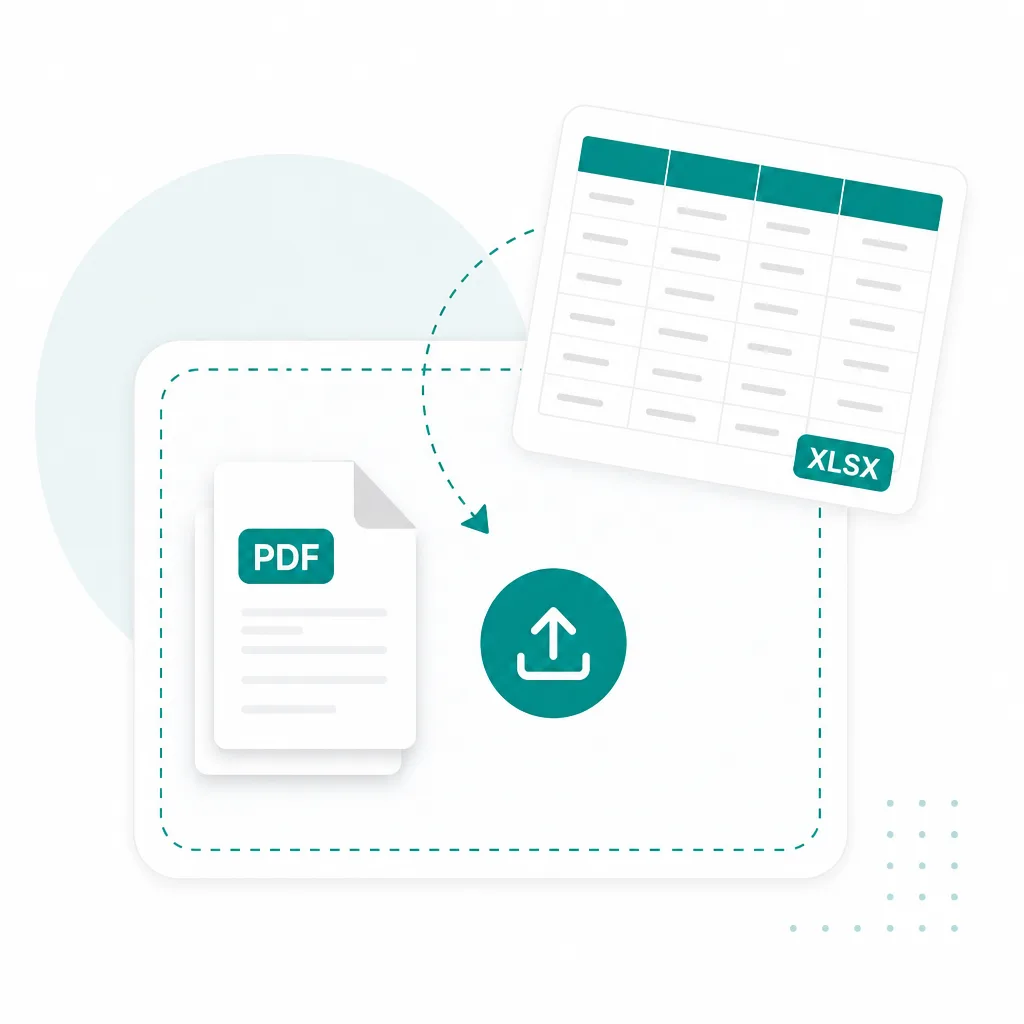
Drop a bank or credit-card statement PDF above — scanned and multi-page files are fine.
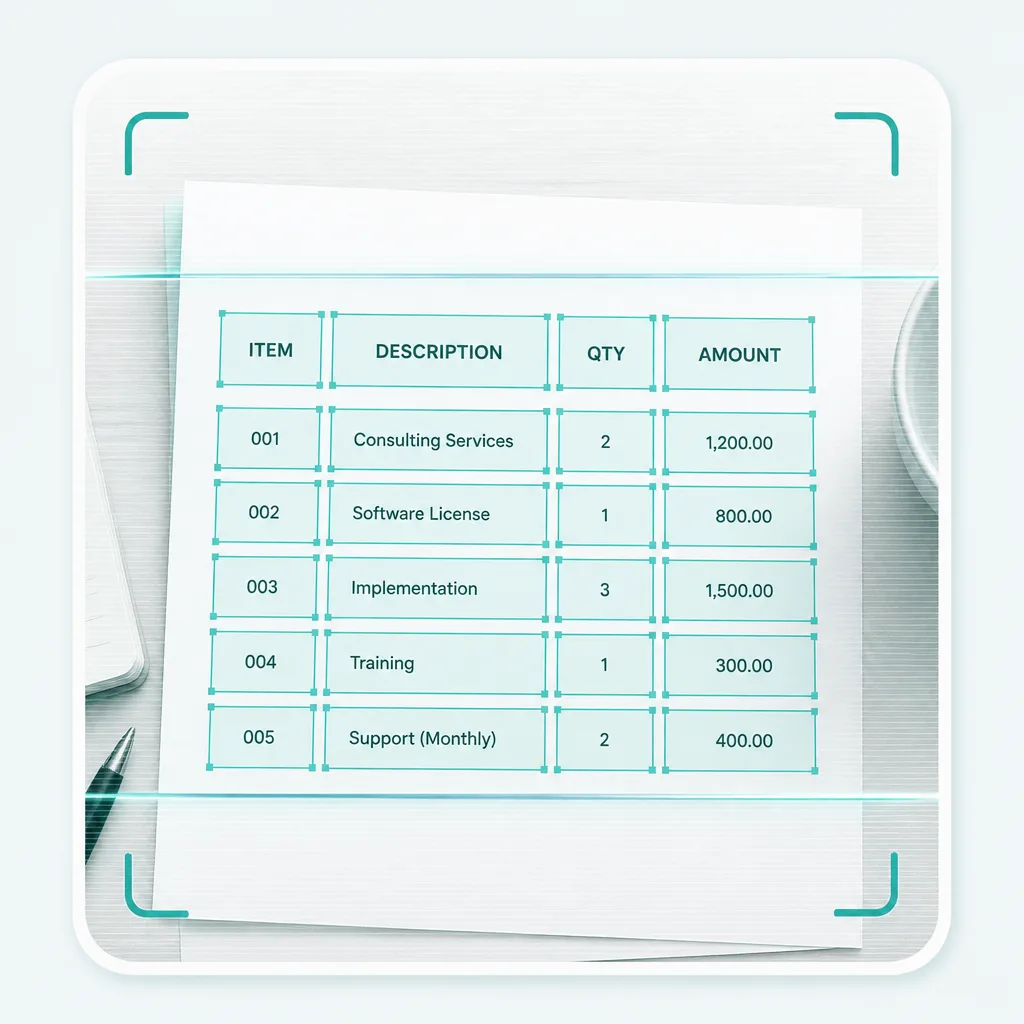
Run Advanced OCR to pull dates, descriptions, and amounts into an editable sheet.
Fix cells if needed, then download XLSX — or export CSV / TSV for another tool.
Built as a bank statement converter first. PDF statements, scans, and credit-card exports work when the ledger lives on the page.
Bank statement PDF
Monthly and multi-page statements
Scanned statement
Image-based PDFs you cannot copy
Credit card statement
Card ledgers to spreadsheet rows
Statement to CSV
Plain data when you skip XLSX
When transactions sit in a PDF you cannot copy, pull them into a spreadsheet instead of retyping.
Turn statement PDFs into rows you can match against your books and mark cleared.
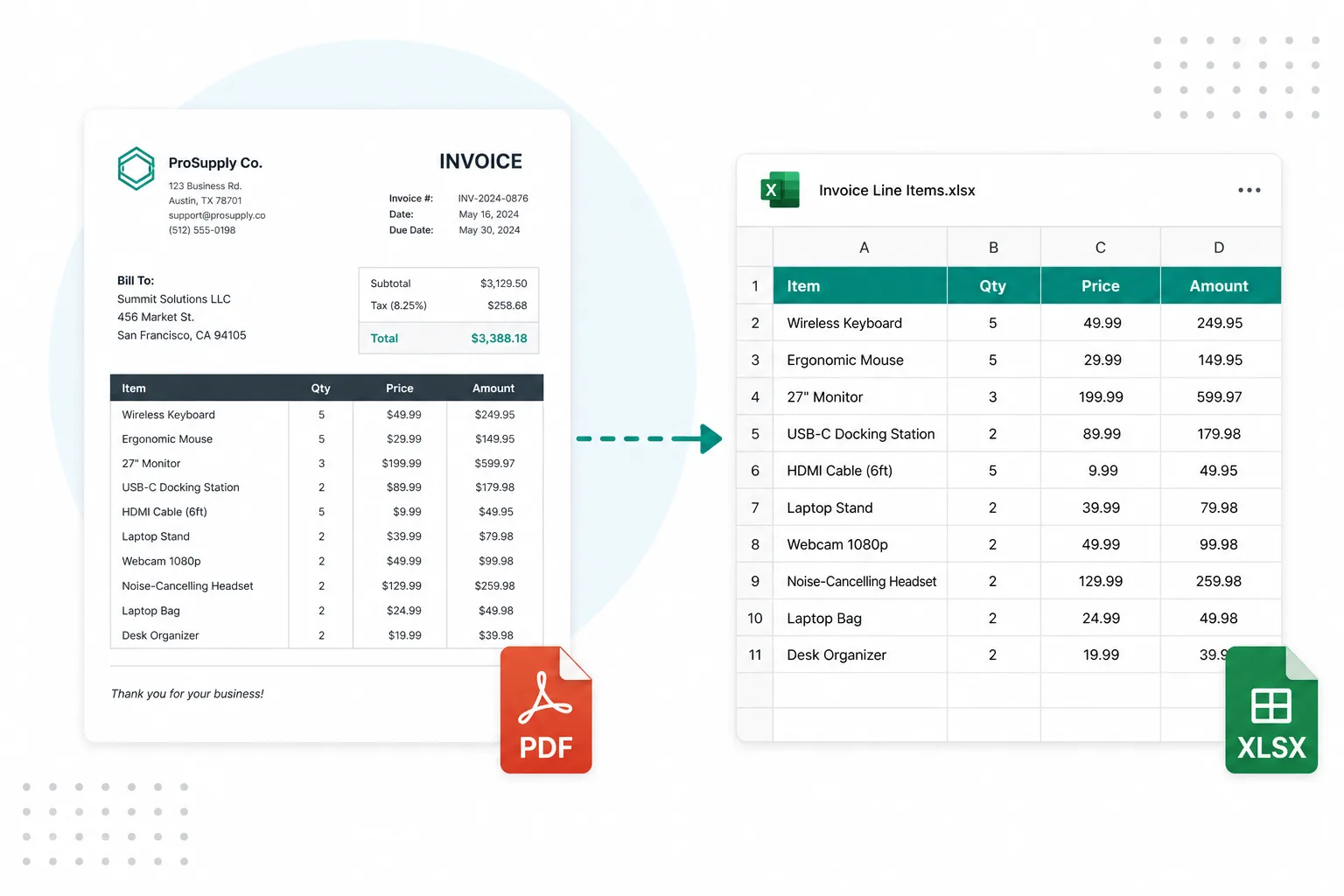
Extract card statement lines into Excel for expense coding and month-end close.
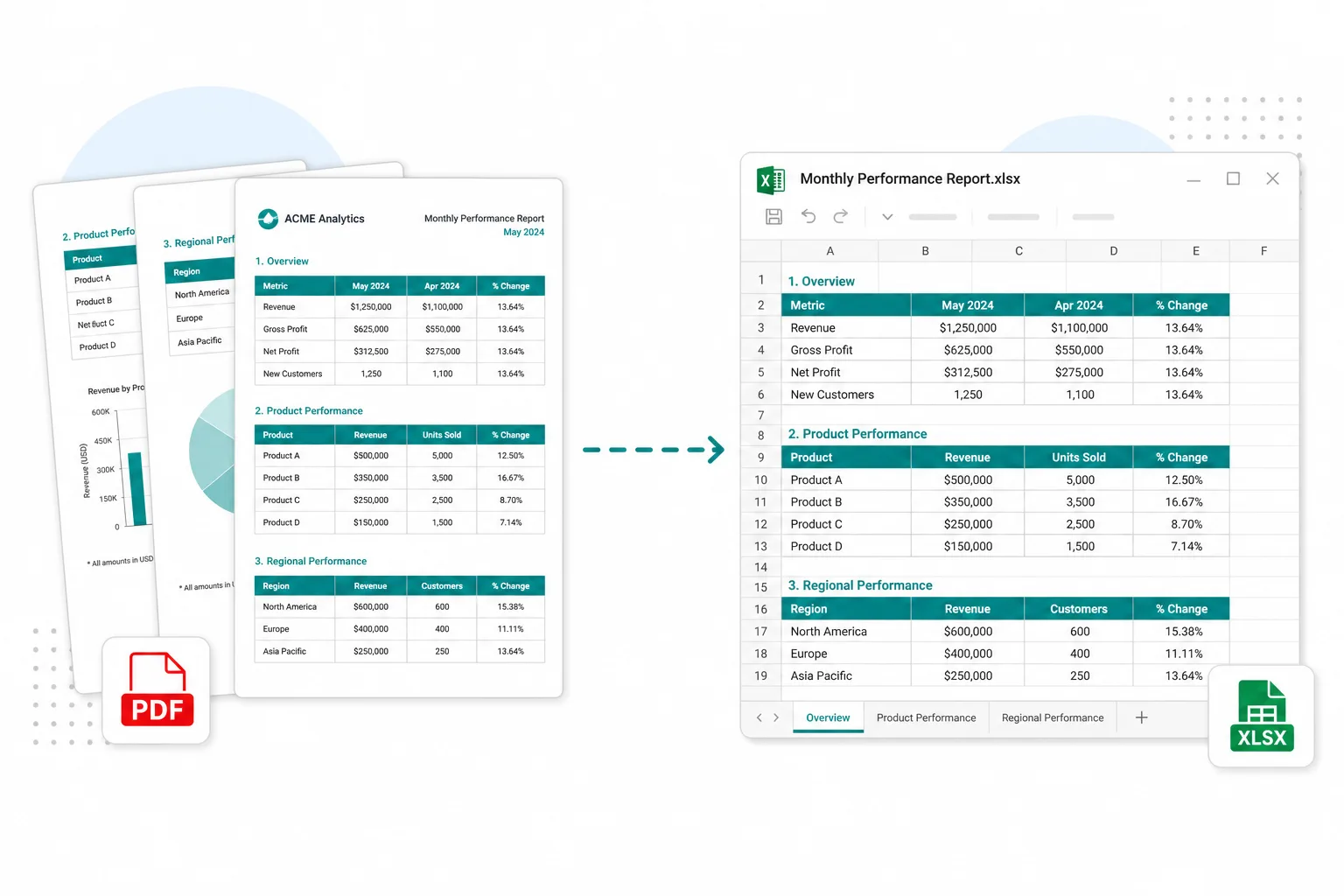
Pull tables page by page from long PDF statements without rebuilding the grid by hand.