Photo to TextPhoto to Text

PDF to Text Converter

Drop a PDF below to extract editable text with OCR — copy into notes, or download TXT. Scanned pages work too.

  • Online PDF to text OCR
  • Scanned PDFs supported
  • Copy or download TXT

Drop images or PDF here

or click to browse, paste from clipboard, or drop · JPG PNG WEBP GIF BMP HEIC TIFF PDF

How to convert PDF to text in 3 steps

From a PDF or scanned document to text you can copy and edit.
  1. Upload a PDF file to convert to text
    1

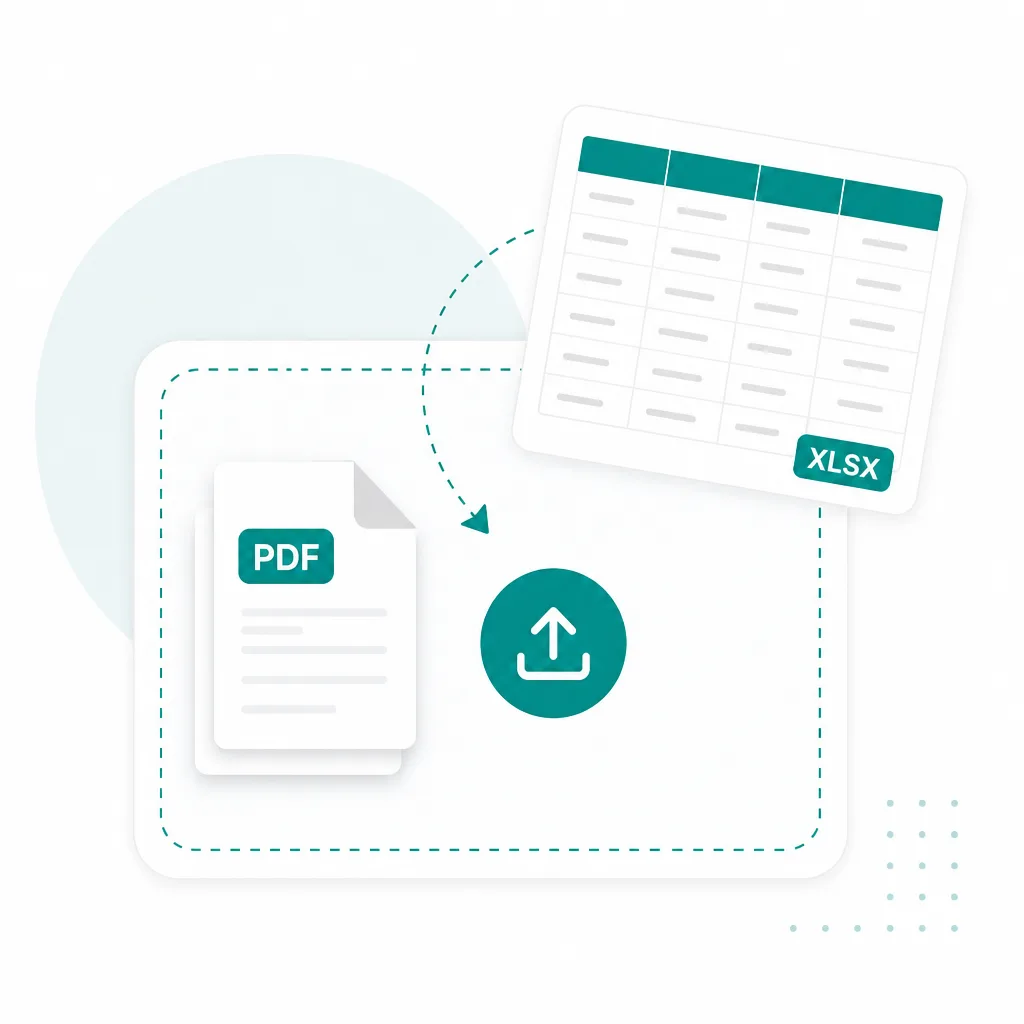
    Upload your PDF

    Drop a PDF into the converter above. Multi-page files expand into pages you can review.
  2. OCR extracting text from PDF pages
    2

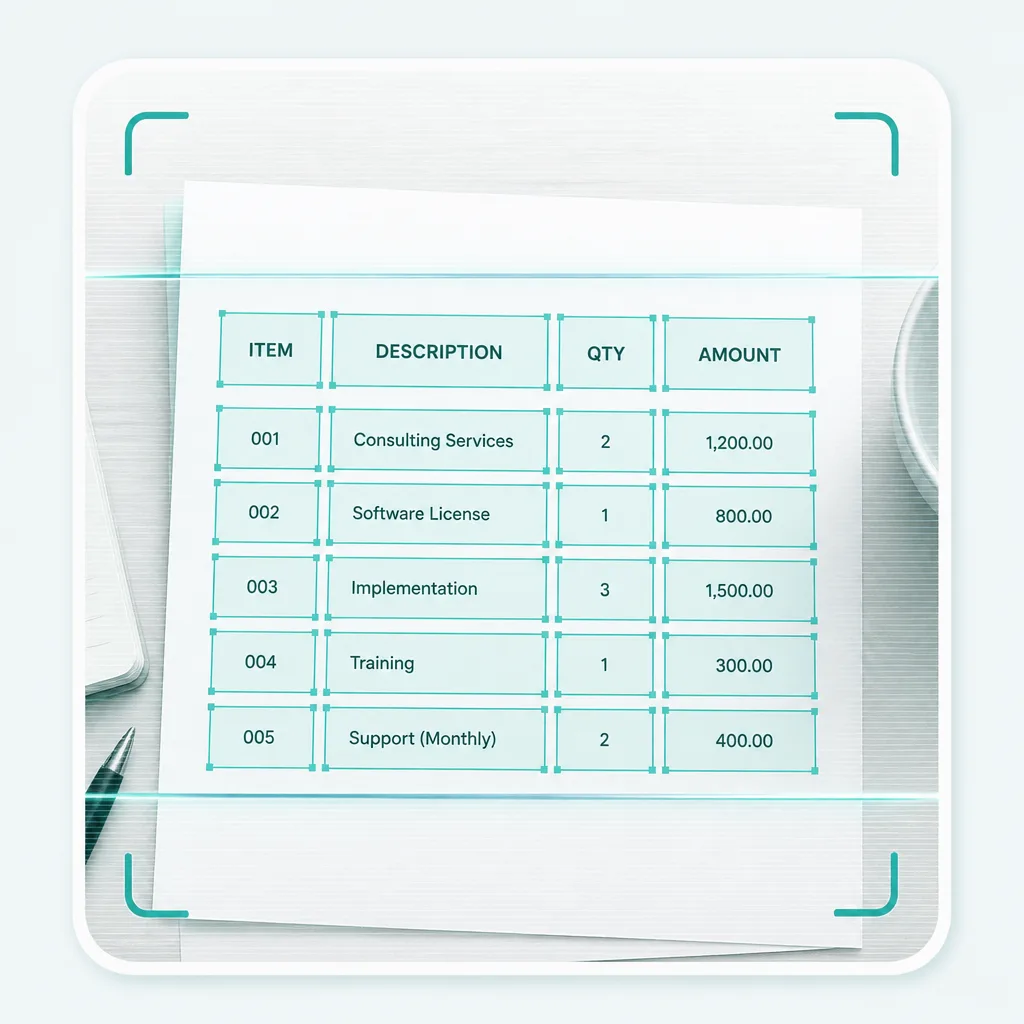
    Extract text with OCR

    Run Simple or Advanced OCR to pull text from each page — including scanned PDFs.
  3. Download extracted PDF text as a TXT file
    3

    Copy or download TXT

    Edit the result if needed, then copy to your clipboard or download a TXT file.

PDF to text — built for documents you already have

PDF to text is the main workflow. Scanned pages and image-based PDFs use the same OCR path when the words live in a picture.

  • PDF to text

    Native and scanned PDFs

  • Scanned PDF OCR

    Paper docs saved as PDF

  • Multi-page PDFs

    Review pages one by one

  • TXT download

    Copy or save plain text

PDF document converting into editable plain text

Everyday PDF to text workflows

When the words sit in a PDF, pull them into editable text instead of retyping.

Convert scanned contract PDF to text

Contracts & forms

Turn a scanned contract or filled form into text you can search, quote, and reuse.
Convert lecture notes PDF to text

Notes & handouts

Extract lecture slides, study notes, and handouts from PDF into copy-ready text.
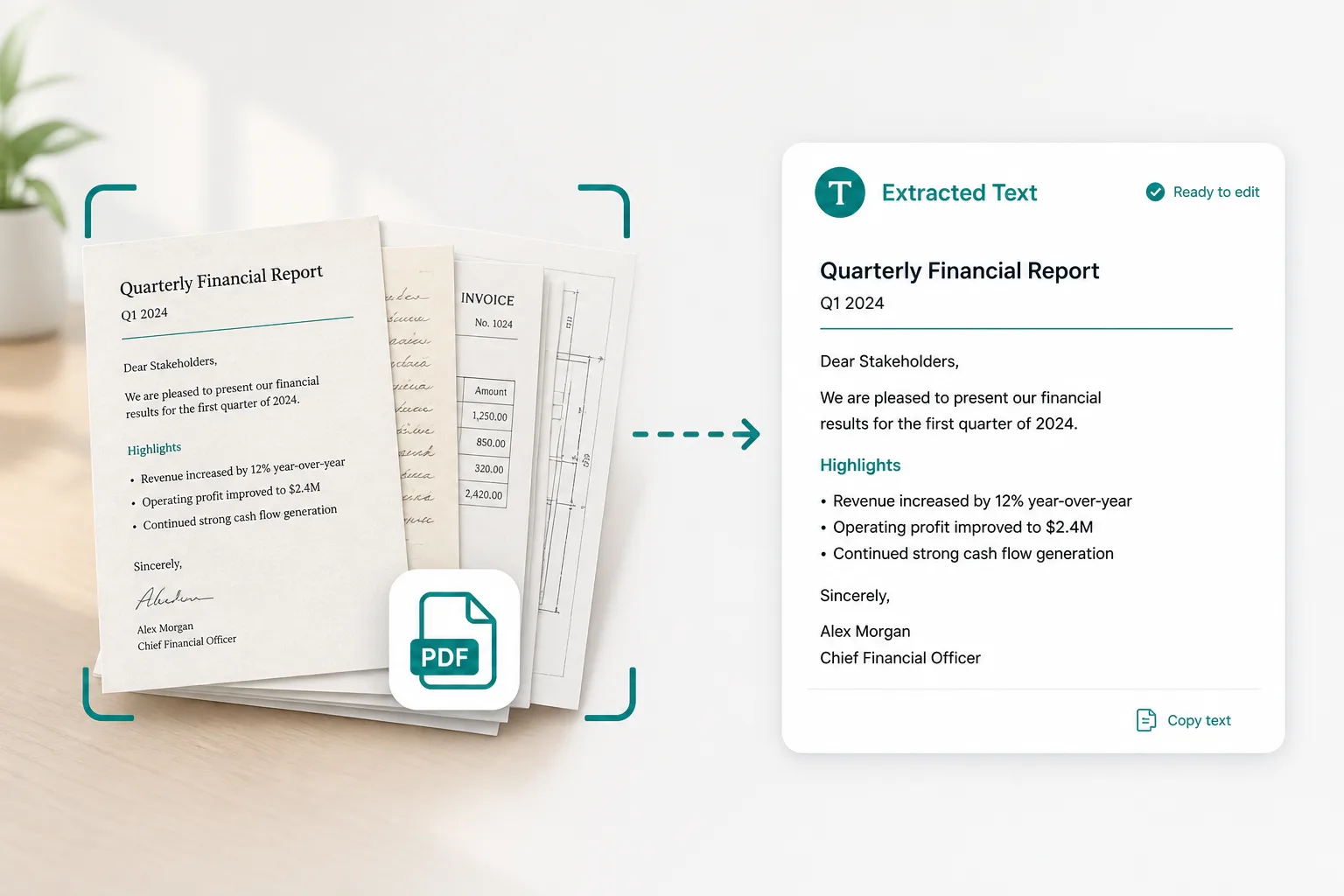
Convert scanned paperwork PDF to text

Scanned paperwork

PDF to text for paper letters, reports, and archives you only have as a scan.

Frequently asked questions

Is this PDF to text converter online free?
You can open the PDF to text converter online and add files without paying first. Advanced OCR uses credits — see pricing for plans. Sign in when you are ready to convert.
Can I extract text from scanned PDFs?
Yes. Scanned PDFs are rendered page by page, then OCR reads the text from each page — the same path used for photo documents.
Does PDF to text work with multi-page files?
Yes. Multi-page PDFs expand into separate pages so you can review, edit, and download text from each one.
How is PDF to text different from Photo to Text?
Same converter underneath. This page focuses on PDF to text; the Photo to Text homepage leads with images and screenshots. Need Word or Excel instead? Try JPG to Word or JPG to Excel.
Do you store my PDFs?
Your privacy is protected! No data is transmitted or stored for guest conversions, and guest results are not kept as account history. If you sign in and save Results, you can delete them anytime — you stay in control. Unused Results are also cleared automatically after about 14 days.