
Browser full of screenshot clippings ready to extract

Photo to Text vs Image to Text.io

A well-known extractor with paid history, or a suite with Word and Excel editors.

Try Photo to Text

Updated August 19, 2026

The short version

Choose Photo to Text if

Photo to Text is the better pick if you outgrew clipboard text and need Excel tables, Word files, or document-specific pages.

Choose Image to Text (.io) if

imagetotext.io still fits if you want their localized sites, math-syntax claims, and a familiar extractor you already bookmarked.

Visit imagetotext.io

At a glance

How Photo to Text and Image to Text (.io) handle the jobs people actually compare.

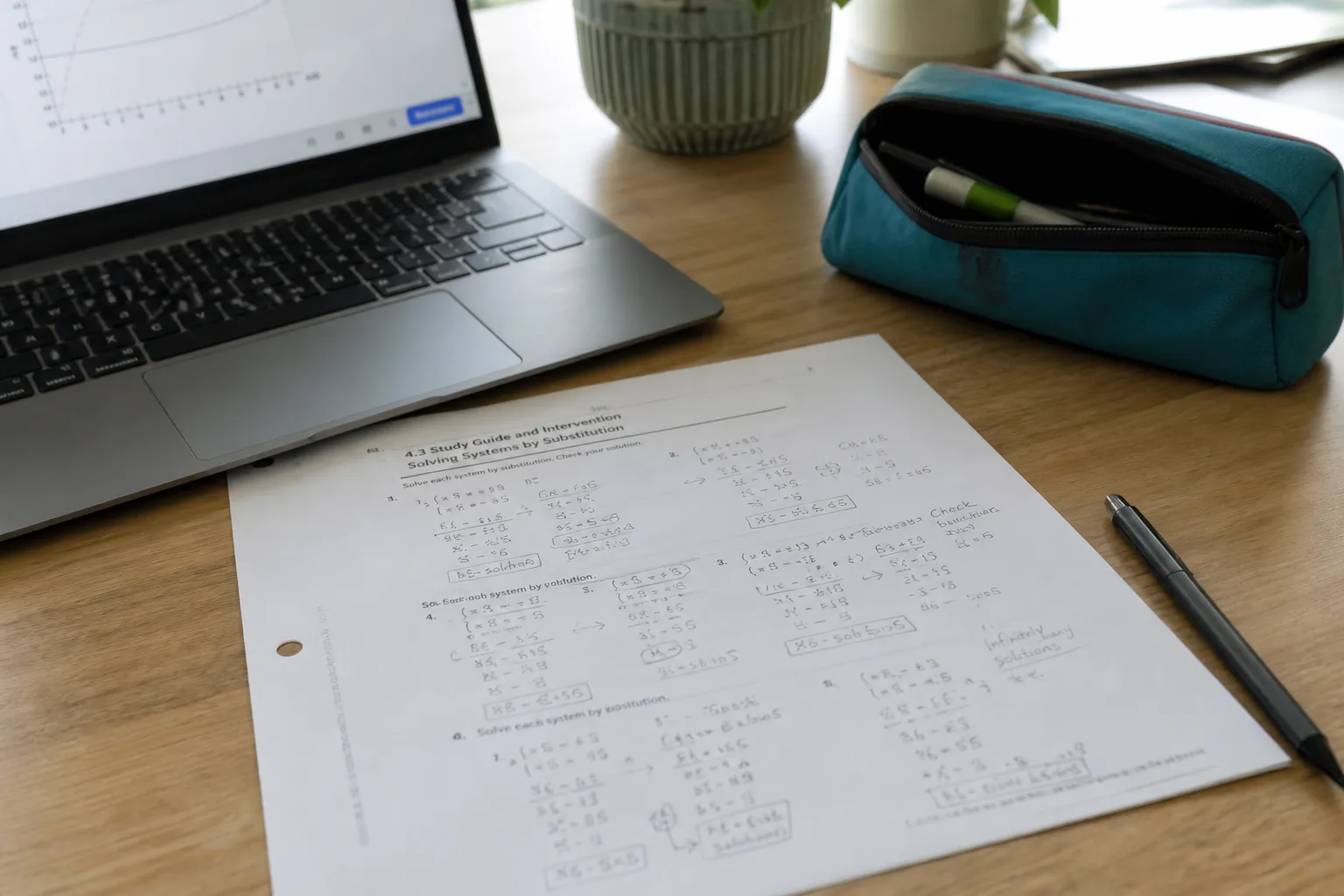
Two documents side by side for an OCR comparison
Feature comparison of Photo to Text and Image to Text (.io)
Feature Photo to TextImage to Text (.io)
Text outputCopy, TXT, or Markdown. Keep going to Word or Excel when you need a file.Copy or download TXT from JPG, PNG, GIF, JFIF, and PDF.
Word and ExcelJPG to Word and JPG to Excel with an in-browser editor before download.Sibling Image to Excel tool for tabular photos.
PDFPDF to text, Word, and Excel, plus free PDF tools.PDF listed in supported files on the homepage.
HandwritingDedicated handwriting to text page.Copy mentions handwritten notes. Same generic OCR story as the rest of the page.
BatchUp to 10 pages per run on free. Up to 100 when you pay.Multi-upload. Conversion history is a premium unlock.
PricingFree to start. Plans from $9.99/month, or buy credit packs.Freemium. Upgrade to unlock history and higher limits.
PrivacyGuest conversions are not kept as account history.Homepage says no data is transmitted or stored, while history is a paid feature.
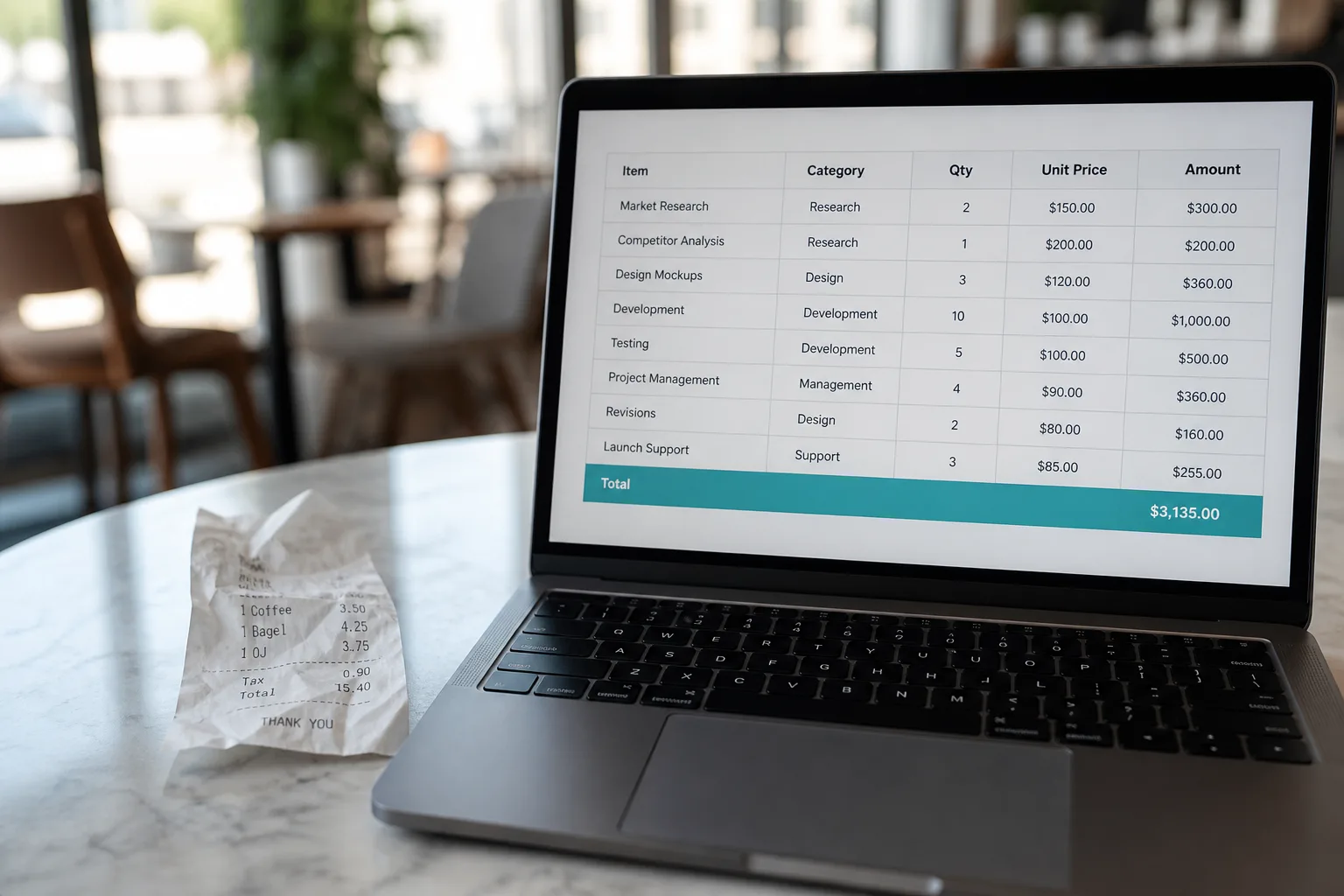
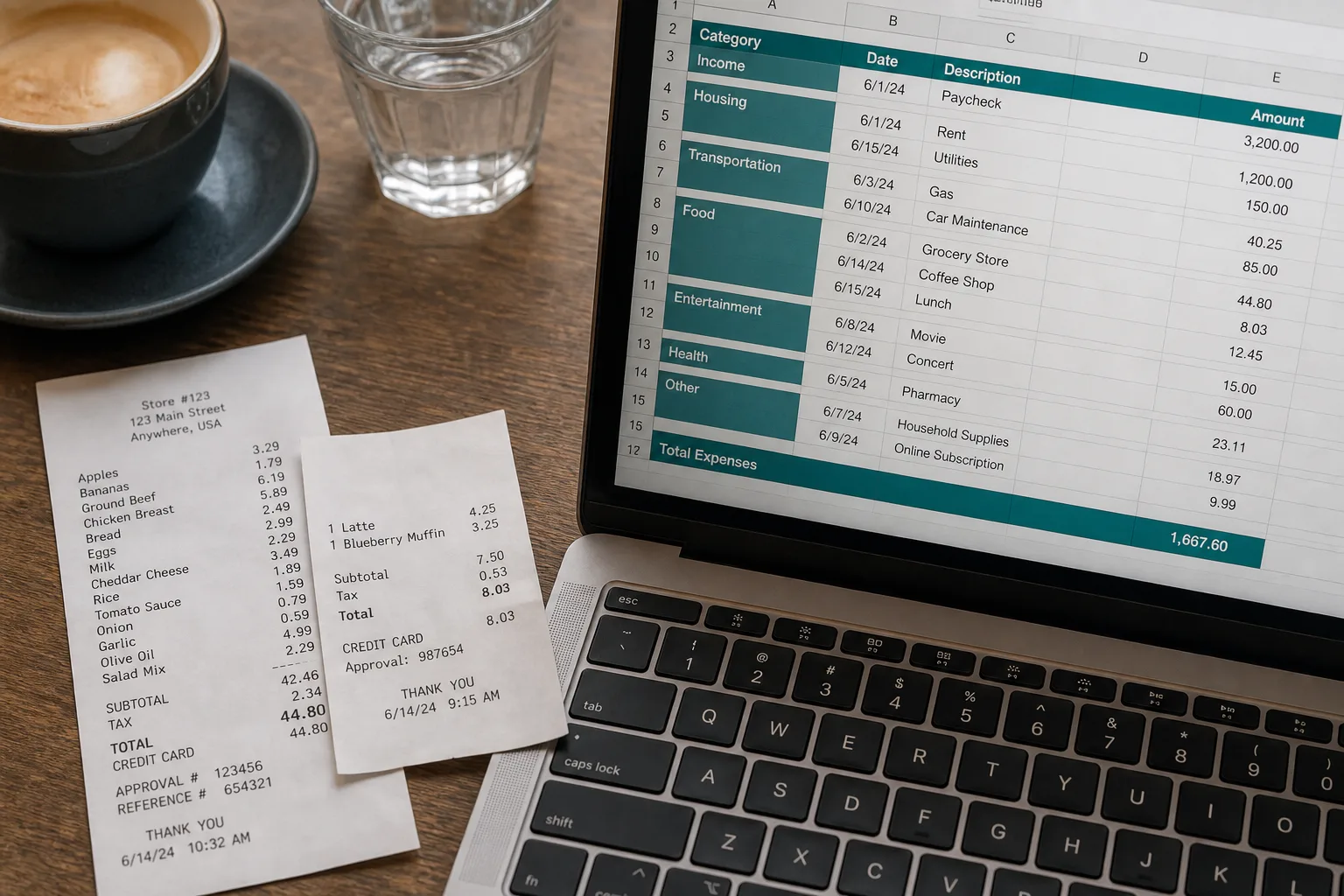
Receipt workflow from photo to organized spreadsheet

Features

Image to Text (.io). imagetotext.io is one of the most visible “image to text” brands. The extractor uses OCR, Tesseract, and Python libraries, with copy about low-resolution photos, math syntax, and many UI languages. An Image to Excel sibling exists for tables. History is locked until you upgrade, which sits oddly next to “no data is stored.”

Photo to Text. Photo to Text does not sell a history paywall as the upgrade. You sign in for Results you can delete. Excel is an editor, not only a sibling marketing page. Receipts, invoices, and bank statements have their own URLs.

Use imagetotext.io if that bookmark already works. Use Photo to Text if you want document workflows and an honest Results model.


Pricing

Image to Text (.io). Free extraction, then pay to unlock history and higher volume. Exact plan names live on their pricing page.

Photo to Text. Credits and subscriptions are listed on the pricing page. Guest conversions stay out of history on purpose.

If paid history is the feature you want, stay on .io. If you want to pay for OCR quality and Excel, use Photo to Text.

Ease of use

Image to Text (.io). The dropzone is familiar. Camera, URL, and browse are there. Upgrade prompts for history appear once you look for past jobs.

Photo to Text. Same drop-and-extract pattern, then obvious paths to Word and Excel. No history tease on a page that also claims nothing is stored.

Stay if .io is muscle memory. Switch when the upsell is history and you actually needed a spreadsheet.

Photo to Text is built for

  • You need receipt or invoice tables, not only TXT
  • You want Results you opted into, not a locked history drawer
  • PDF to Word or PDF to Excel is part of the week
  • You prefer a smaller set of serious converters over a huge tool belt

Image to Text (.io) still fits if

  • You already work in imagetotext.io every day
  • Their translated homepages match your language
  • Math syntax in images is a regular extract
  • Paid conversion history is something you will use
A phone scanning notes beside a stack of archive documents

Copy text from imagetotext.io, then upload the same files to Photo to Text for Excel, Word, or a Results history you control after sign-in.

Questions people ask

What is a good imagetotext.io alternative?
Photo to Text is a strong alternative if you need Word, Excel, or document pages for receipts and PDFs. Keep imagetotext.io if you rely on its localized extractor and paid history.
Does imagetotext.io store my files?
The homepage says no data is transmitted or stored, while conversion history is a premium feature. Photo to Text does not keep guest conversions as account history. Signed-in Results can be deleted, and unused Results clear after about 14 days.
Can both convert a picture of a table to Excel?
imagetotext.io points table jobs to an Image to Excel tool. Photo to Text has JPG to Excel with an editor, plus receipt and invoice pages.
Which tool is better for screenshots?
Both extract screenshot text. Photo to Text has a screenshot to text page if that is the only thing you do. Use whichever converter feels faster for a one-off copy.