
Extract text from image without retyping
Turn a photo to text in a few clicks. This free online photo to text converter is built for screenshots, phone photos, PDFs, and everyday documents — so you spend less time typing what is already on the page.
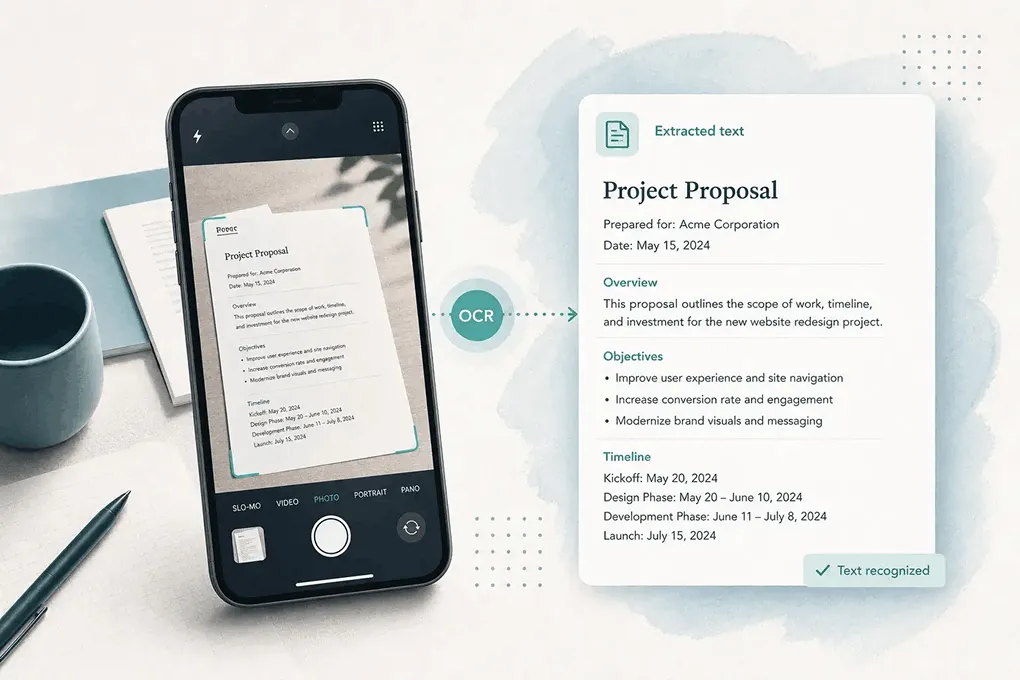
Photo to Text is a free online OCR converter that extracts copyable text from photos, screenshots, and PDFs — then lets you paste into notes, Word, or a spreadsheet in seconds.
Drop images or PDFs here
JPG, PNG, WEBP, HEIC, PDF
Fast OCR for real photos — free to start, ready when you need text from image files, Word docs, or spreadsheets.
Turn a photo to text in a few clicks. This free online photo to text converter is built for screenshots, phone photos, PDFs, and everyday documents — so you spend less time typing what is already on the page.
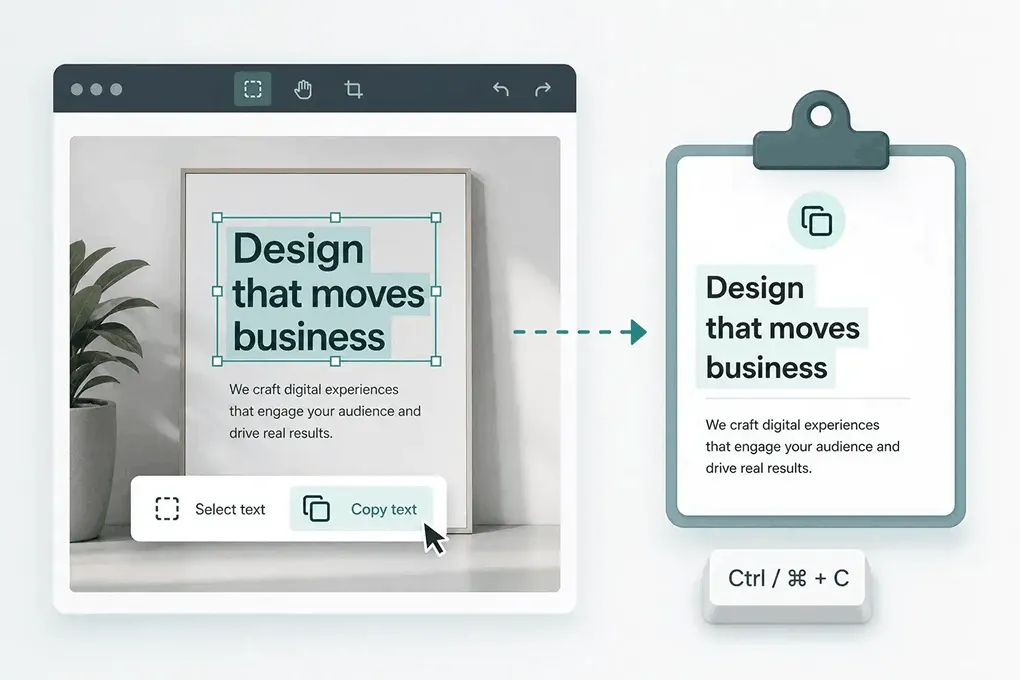
Paste editable text into Word, Docs, or email. When you need a full .docx from photos — insert images, plain text, or keep formatting — use the dedicated converter.
Open JPG to Word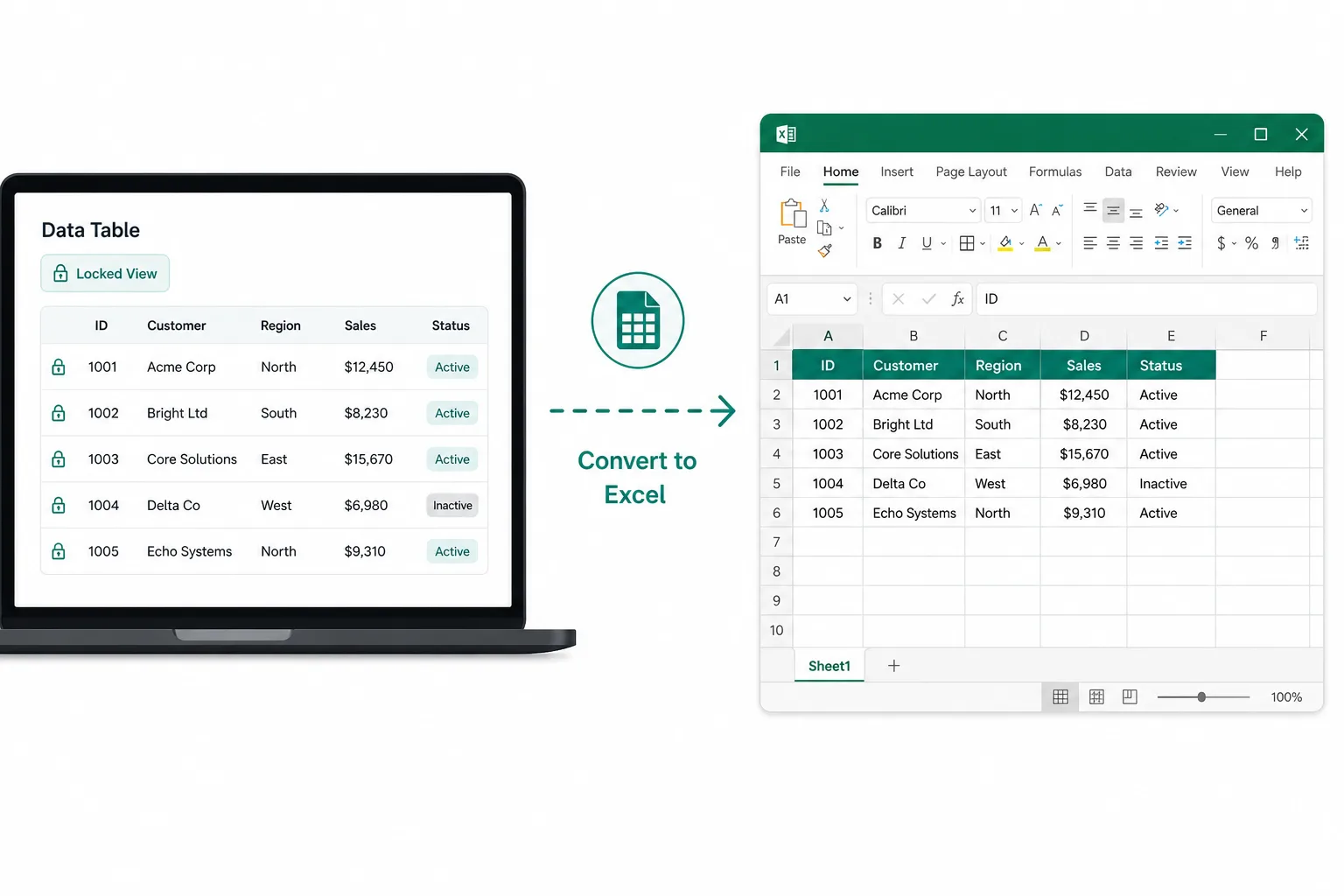
Receipts, screenshot grids, and paper tables are painful to retype. Pull rows and columns into a spreadsheet you can edit and download.
Open JPG to ExcelFrom picture to editable text — no sign-up required to start.
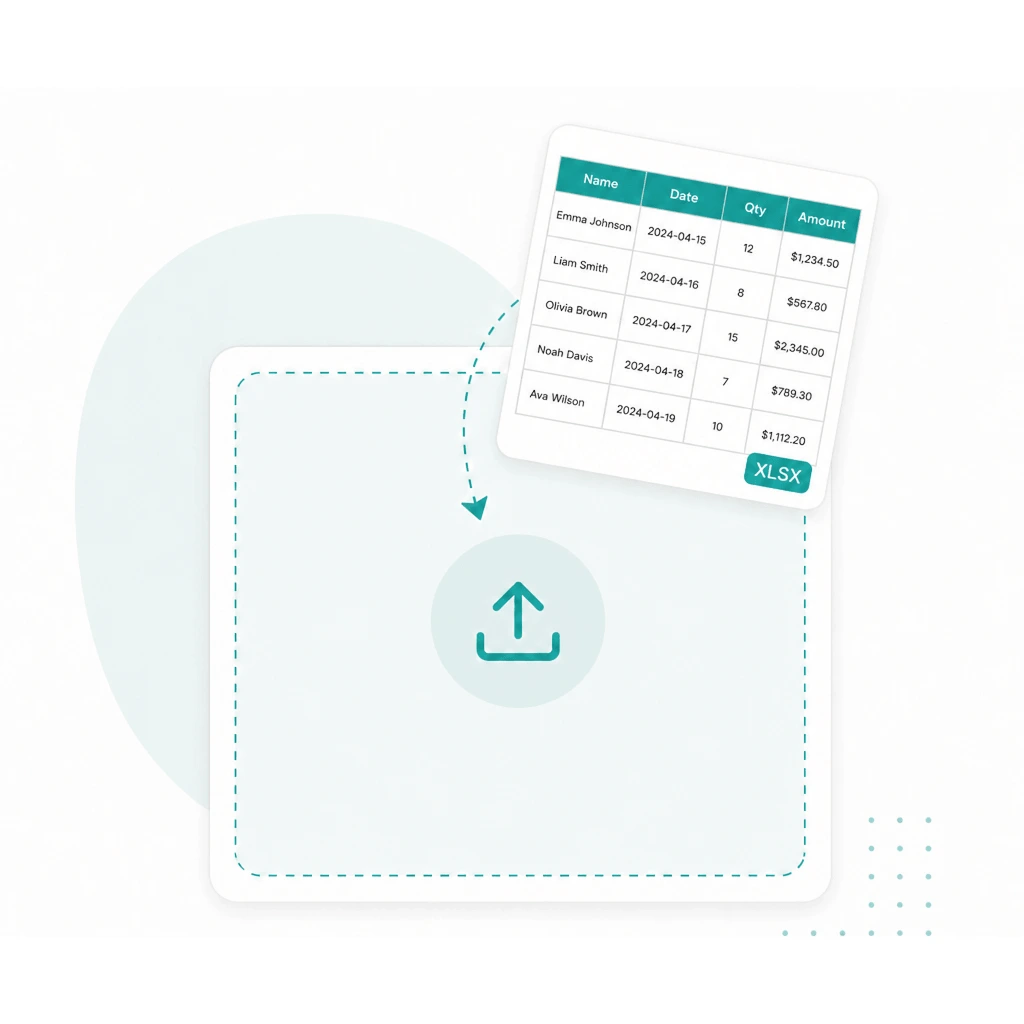
Drop a JPG, PNG, PDF, or other file into the converter above.
Run OCR to pull text from image files — including trickier shots when you pick Advanced.
Copy the result into Word, notes, or email — or open JPG to Word / JPG to Excel when you need a file.
Whether you need picture to text from a phone album, a crisp screenshot, or a PDF scan, this text extractor handles common types so you can convert online without reformatting first — then copy, or continue to Word or Excel when you need a file.
JPG to text
Photos and camera shots
PNG to text
Screenshots and graphics
PDF to text
Scans and document PDFs
Pic / img to text
WEBP, HEIC, TIFF, and more
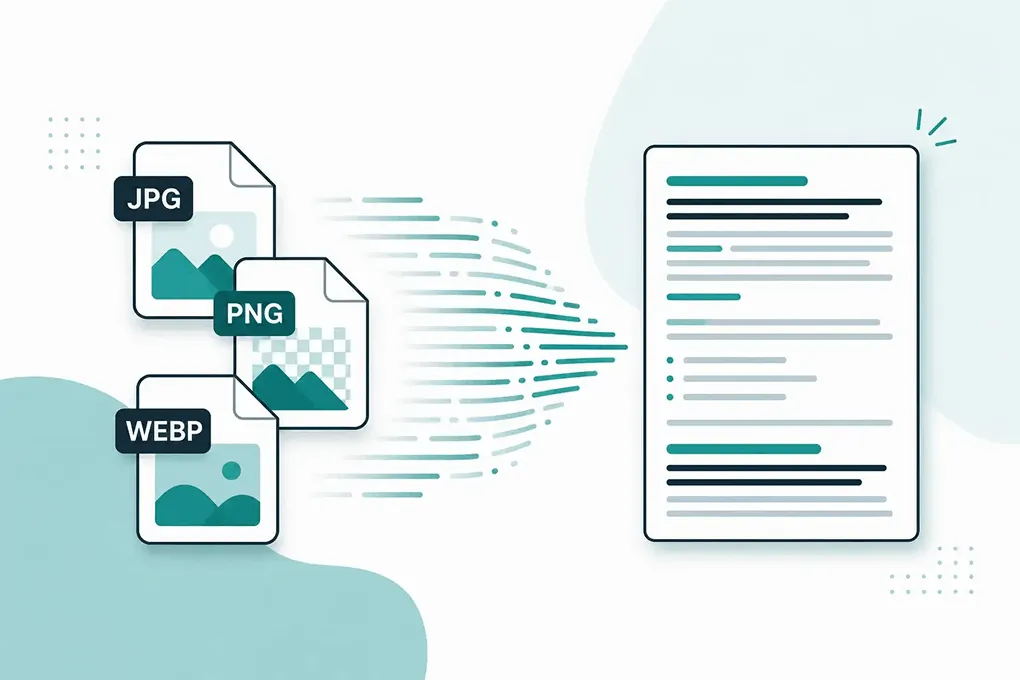
Pick the mode that fits your photo — both powered by OCR. Advanced also helps when tables and crowded layouts need more than a quick copy.
Fast photo to text for clear screenshots and printed pages — when the text is already easy to read.
Built for trickier shots: blurry photos, tilted pages, handwriting, crowded layouts, or table images you may send to Excel — when Simple is not enough.
See pricingStay in plain text, or jump to Word and Excel when you need a file.
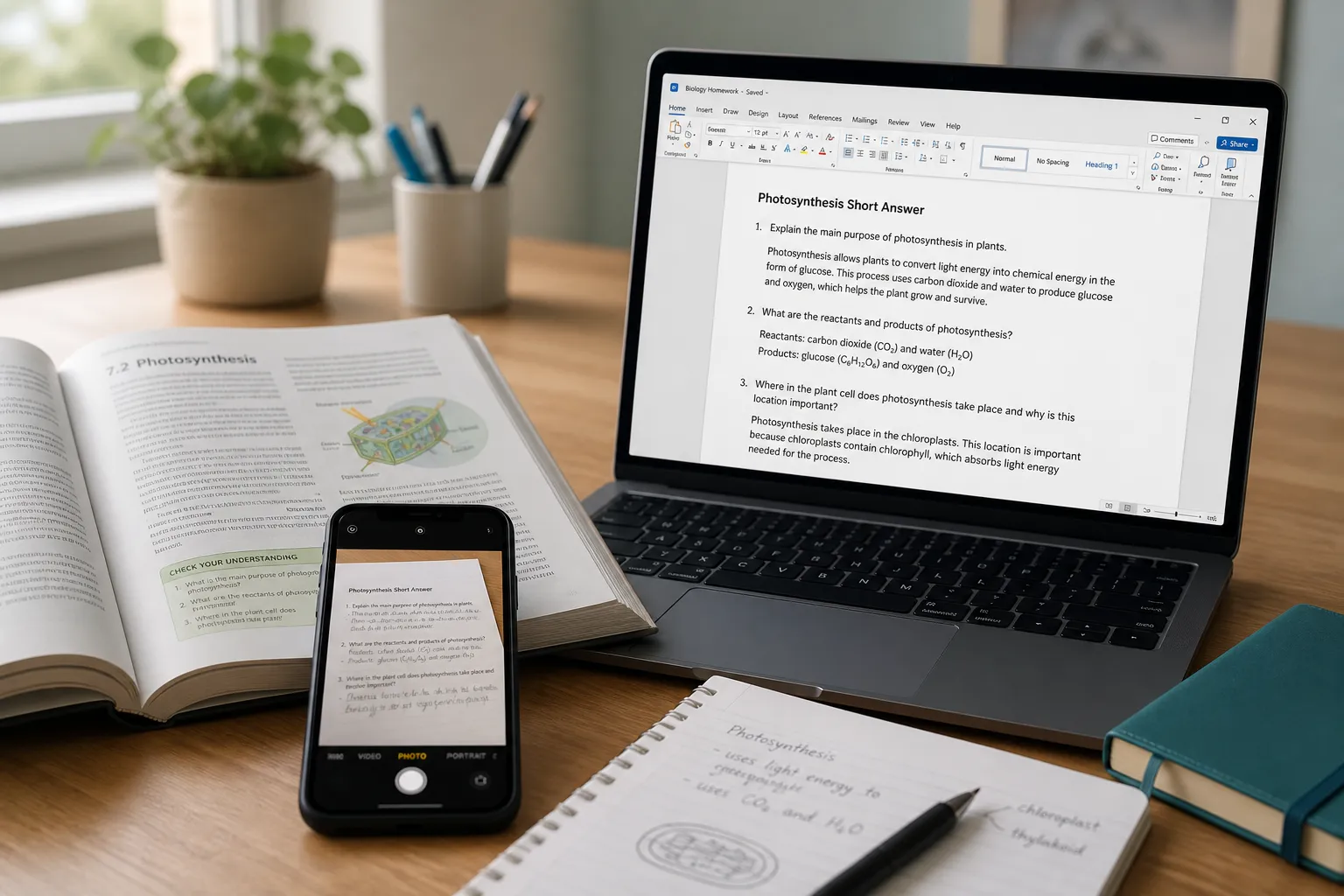
Scans, screenshots, and locked document photos into an editable Word file — insert images, plain text, or keep formatting.
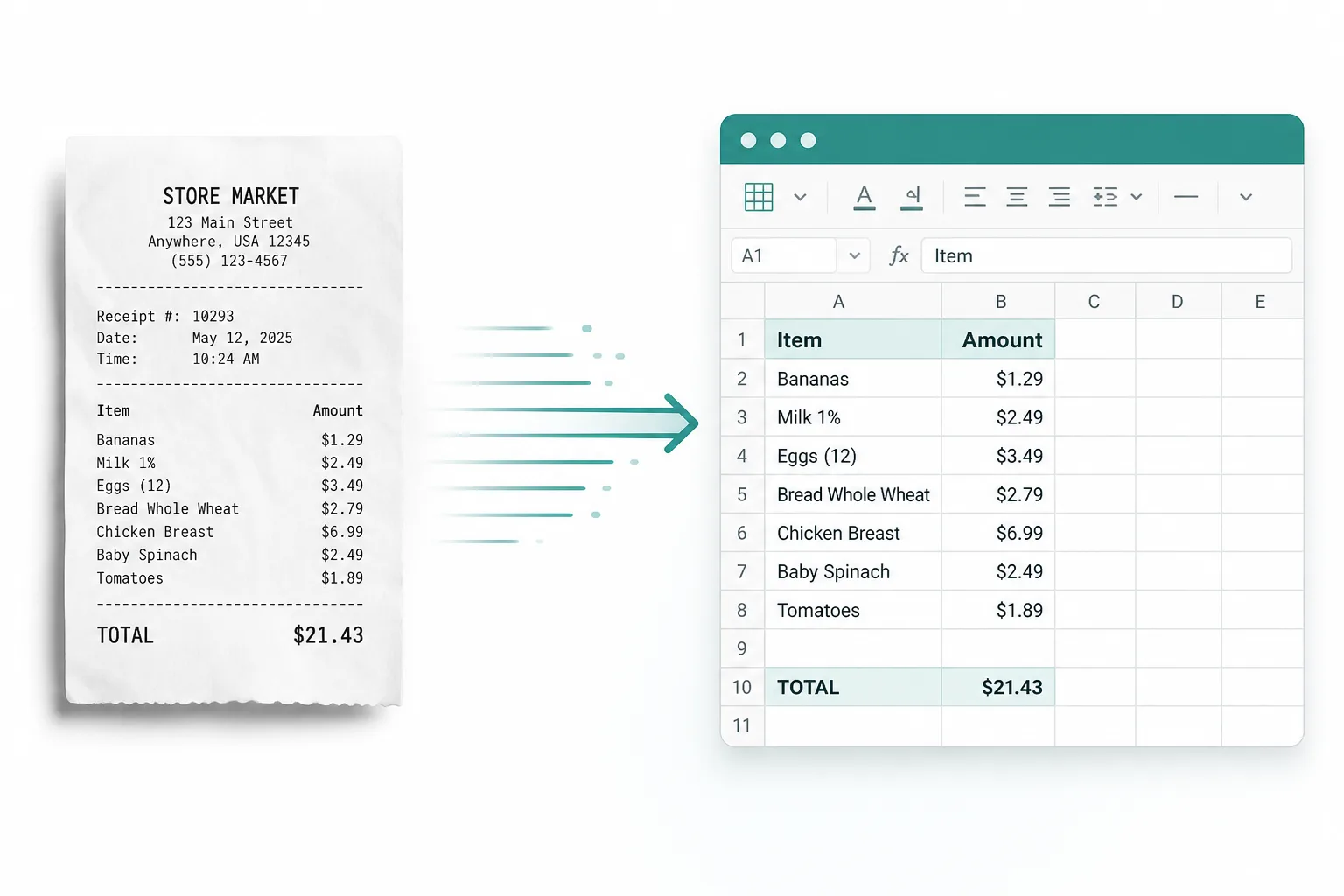
Receipts, screenshot tables, and paper sheets into rows and columns you can edit — then download XLSX, CSV, or TSV.
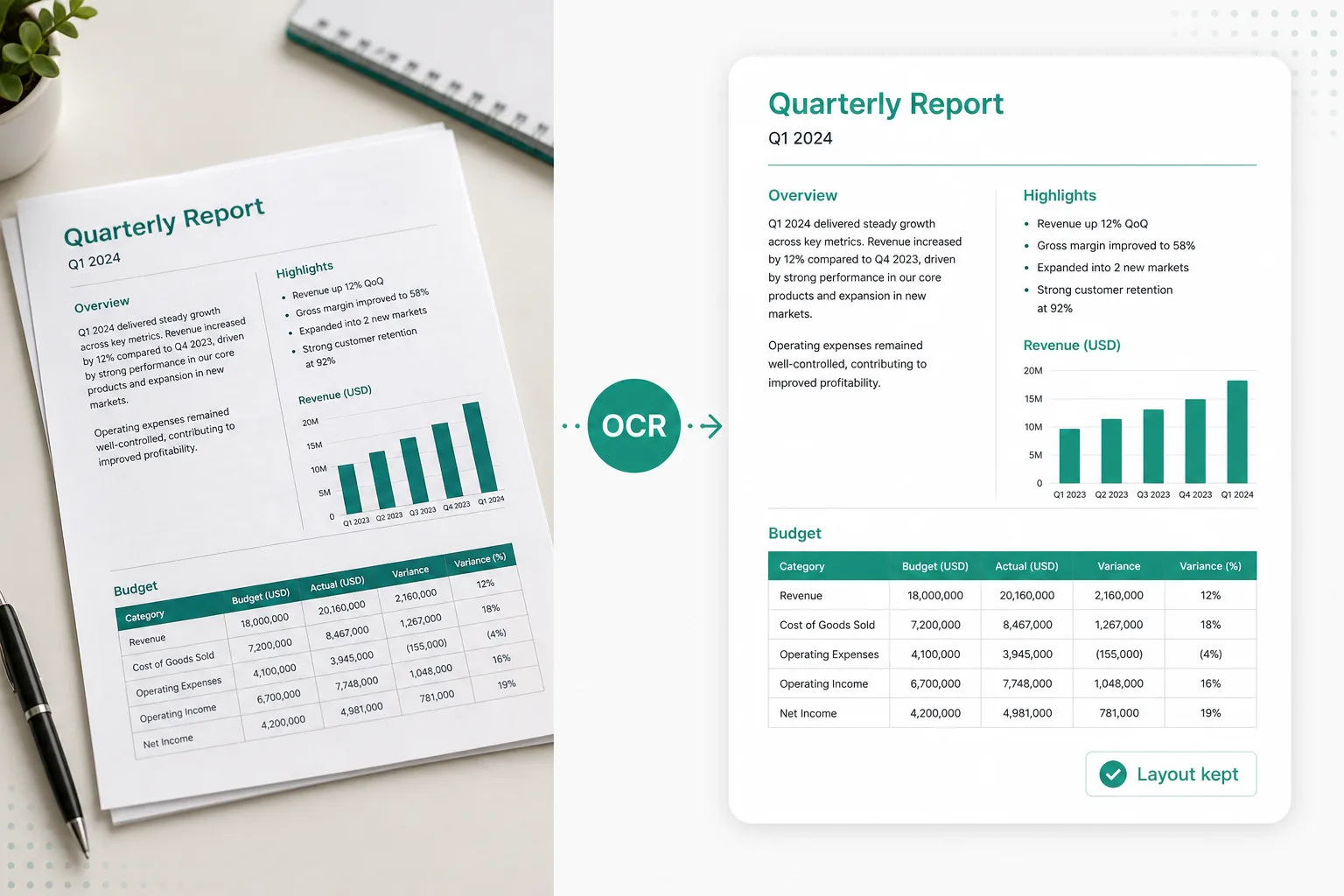
Need layout-aware extraction for hard documents? Try an OCR model converter, then export to Word when the structure matters.
Pull text from a scanned page, locked screenshot, or printed worksheet into an editable Word file — or paste from the converter above when a quick copy is enough.
Try JPG to Word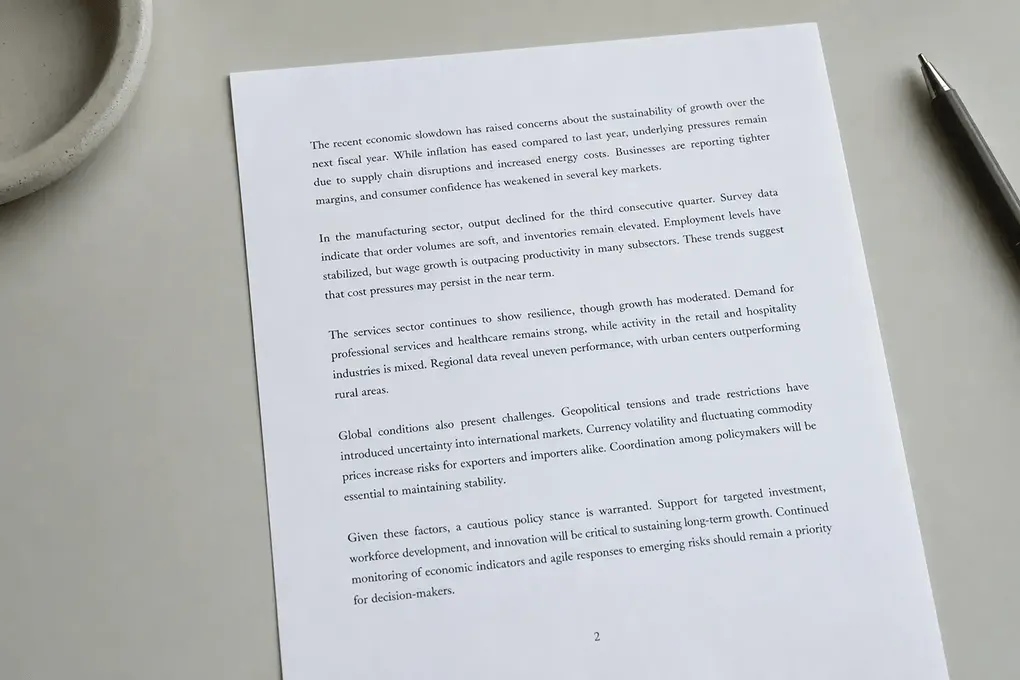
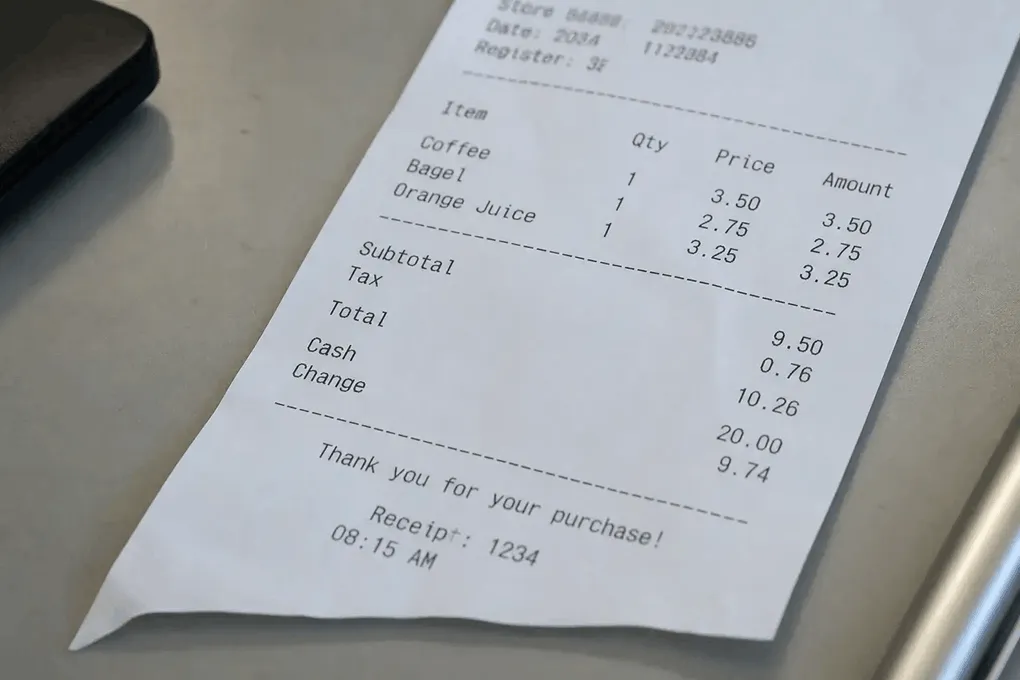
Pull totals and line items from a photo into a spreadsheet instead of typing them by hand.
Receipt to Excel
Image to text copy when the app locks selection or the text lives only in a picture.
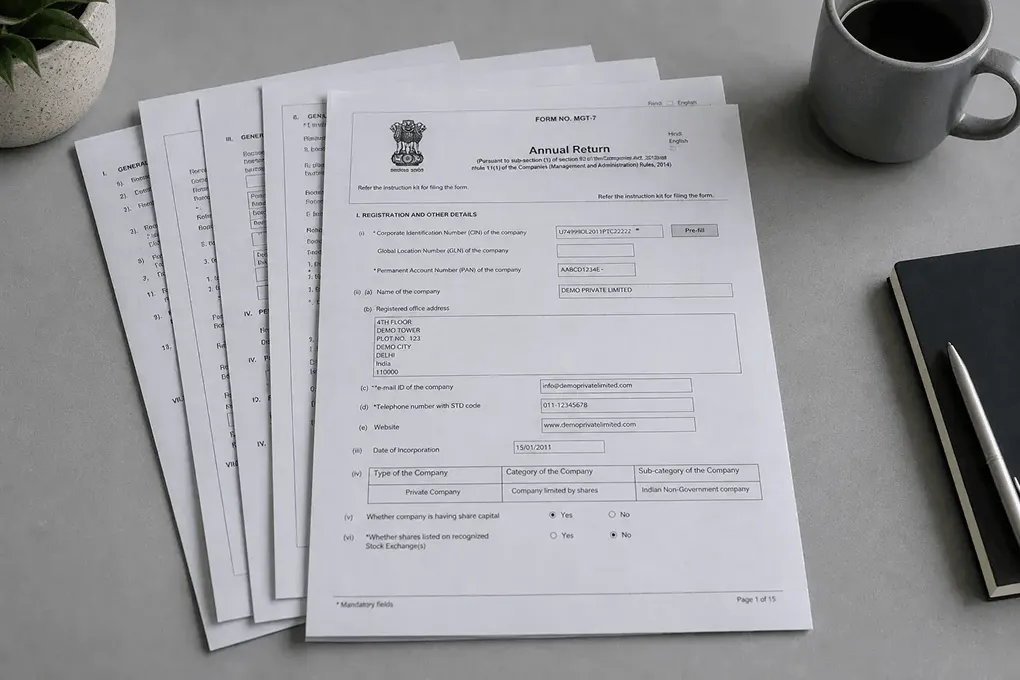
Turn scanned documents and PDF pages into searchable, reusable text.
Jump back to the converter and extract text from image or PDF files in seconds — then copy, or open Word / Excel when you need a download.