Laptop showing unselectable screenshot text next to copied notes

Photo to Text vs JPG to Text

Two image to text converters. One puts Word and Excel editors next to the OCR.

Try Photo to Text

Updated August 19, 2026

The short version

Choose Photo to Text if

Photo to Text is the better pick if you want Simple and Advanced OCR, then a real Word or Excel file, without a converter wrapped in ads.

Choose JPG to Text if

jpgtotext.com still fits if you like its Formatted OCR, multilingual site copies, and a long menu of extra converters on the same domain.

Visit jpgtotext.com

At a glance

How Photo to Text and JPG to Text handle the jobs people actually compare.

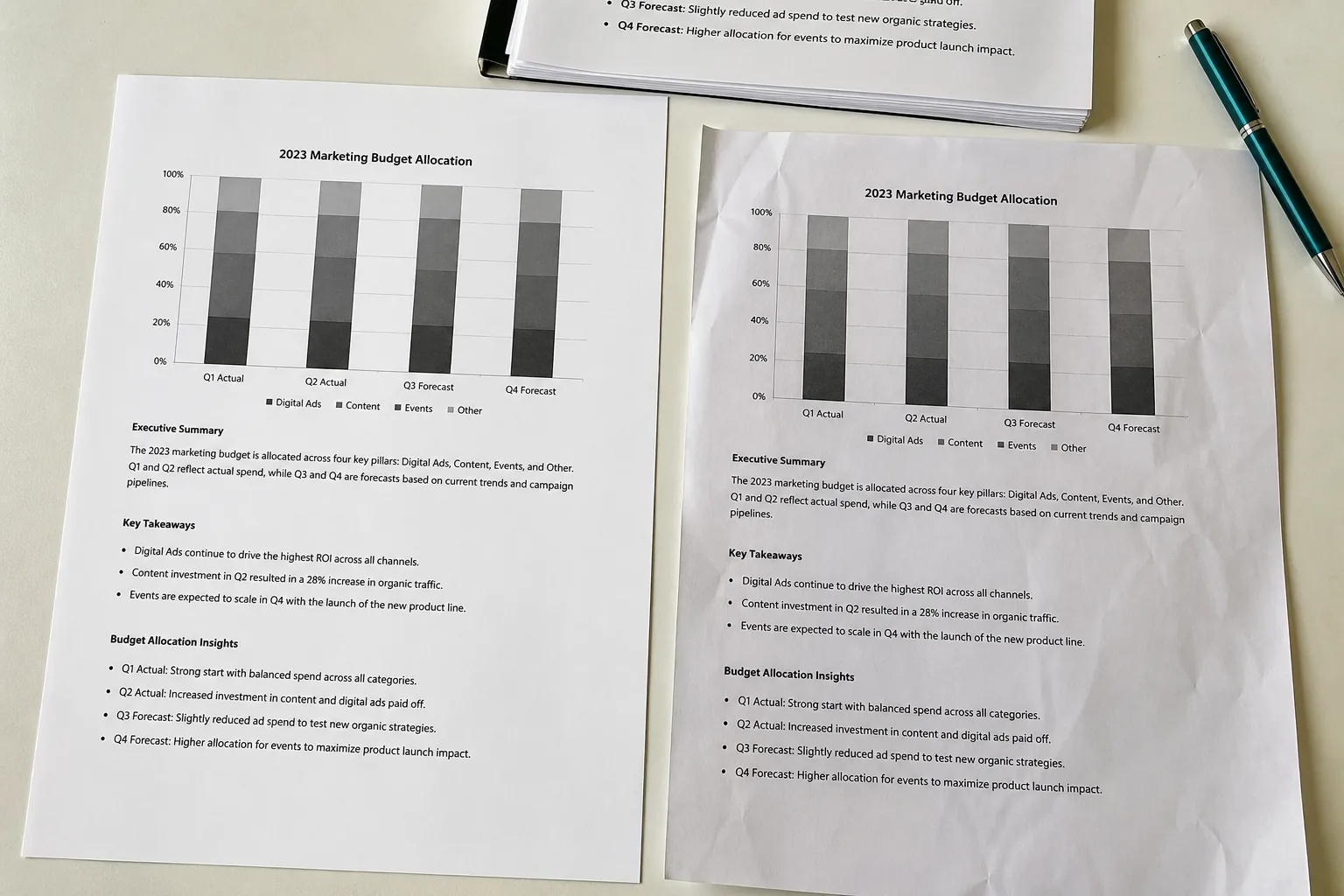
Two documents side by side for an OCR comparison
Feature comparison of Photo to Text and JPG to Text
Feature Photo to TextJPG to Text
Text outputCopy, TXT, or Markdown. Keep going to Word or Excel when you need a file.Copy text, formatted text, HTML, or Markdown. Extra tools for Word and Excel.
Word and ExcelJPG to Word and JPG to Excel with an in-browser editor before download.Separate JPG to Word and JPG to Excel tools on the same site.
PDFPDF to text, Word, and Excel, plus free PDF tools.PDF to text, PDF to Word, and other PDF converters in the tool menu.
HandwritingDedicated handwriting to text page.Image OCR. Not a dedicated handwriting workspace.
BatchUp to 10 pages per run on free. Up to 100 when you pay.Multiple images per run. Free path shows reCAPTCHA and ads.
PricingFree to start. Plans from $9.99/month, or buy credit packs.Premium around $4.50. Credits such as 10K total credits on paid.
PrivacyGuest conversions are not kept as account history.Homepage claims no data is transmitted or stored.
Simple OCR and Advanced OCR options beside a Word download

Features

JPG to Text. jpgtotext.com is the closest public lookalike. Simple OCR and Formatted OCR sit on the homepage, with camera, URL, and file upload. The rest of the site is a converter farm: JPG to Word, JPG to Excel, HEIC to JPG, and more. Output includes formatted text, HTML, and Markdown.

Photo to Text. Photo to Text also offers Simple and Advanced OCR, then keeps Word and Excel as first-class products with editors. Handwriting, receipts, invoices, and a free PDF tool shelf are named pages, not a footer grid of 15 converters.

Use JPG to Text if you want that specific Formatted OCR plus the extra image utilities. Use Photo to Text if OCR should lead to a document you can edit.

Pricing

JPG to Text. The free converter is usable, with ads and reCAPTCHA on the way. Paid plans advertise no ads, more images per submission, and a credit pool (the homepage shows 10K credits and about $4.50 Premium).

Photo to Text. Free accounts can convert up to 10 pages per run. Paid accounts go to 100. Credits are explicit: 1 for Simple, 10 for Advanced, Word, and Excel. Plans start at $9.99/month, which is more than $4.50, and include the full tool set.

JPG to Text can cost less if you only need text and hate ads. Photo to Text costs more and includes spreadsheet and Word editors in the same billing.

Ease of use

JPG to Text. The extractor works, but the page is busy: ads, premium prompts, language switchers, and a large related-tool strip. Fine if you already live in that tool farm.

Photo to Text. The homepage is the converter. Landing sections explain Word and Excel without covering the dropzone in ads.

Stay on jpgtotext.com if you like the dense tool menu. Switch if the ads and captcha slow down a simple copy.

Photo to Text is built for

  • You bounce between text, Word, and Excel from the same photos
  • You want Advanced OCR for hard photos, not only a formatted-text toggle
  • You would rather pay for credits than click through ads
  • You need handwriting or receipt pages that are not generic converters

JPG to Text still fits if

  • You already use jpgtotext.com and only need Formatted OCR
  • The extra JPG to PNG / HEIC tools on that domain matter to you
  • A lower-priced premium tier is the main decision
  • You read the site in a language they localize that we do not
A phone scanning notes beside a stack of archive documents

Copy the text from jpgtotext.com, or upload the same images to Photo to Text if you want Advanced OCR, a spreadsheet editor, or a quieter page.

Questions people ask

Is Photo to Text a JPG to Text alternative?
Yes. Both extract text from JPG and PNG. Photo to Text is the better alternative when you also need Word or Excel editors and fewer ads. jpgtotext.com is a fair alternative if Formatted OCR and its extra converters are what you use.
Do both tools have a simple and a formatted OCR mode?
jpgtotext.com labels Simple OCR and Formatted OCR. Photo to Text uses Simple OCR for clean shots and Advanced OCR for harder photos, Word, and Excel.
Which one is cheaper?
jpgtotext.com advertises Premium around $4.50. Photo to Text plans start at $9.99/month and cover text, Word, Excel, and PDF workflows. Compare what you actually export, not only the sticker price.
Can I keep formatting when I copy text?
Both aim to. Photo to Text lets you copy with formatting or download DOCX, Markdown, or TXT. Use JPG to Word when the goal is a Word file, not a clipboard dump.