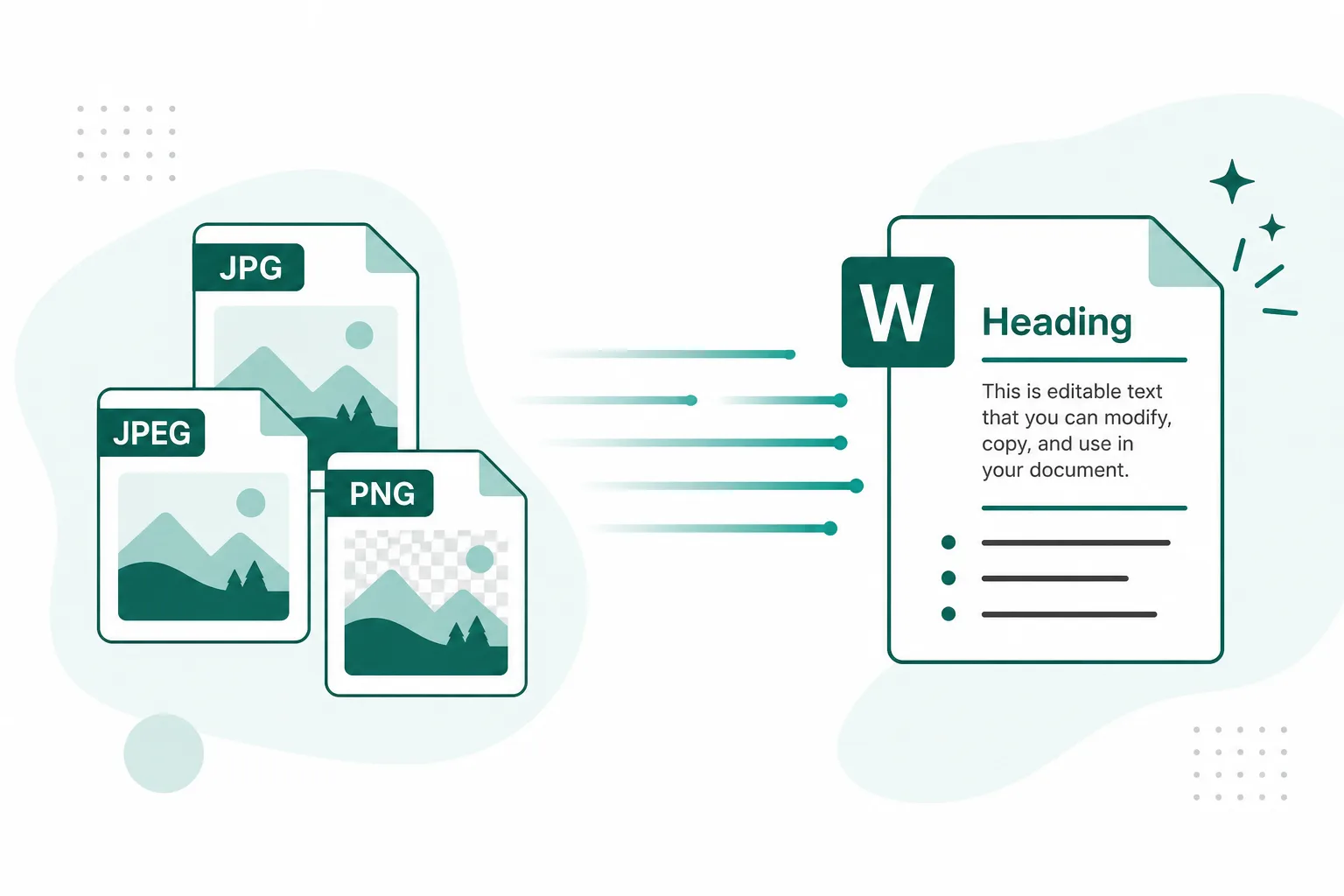
Photo to TextPhoto to Text

JPG to Word Converter

Free online jpg to word — turn photos and scans into a Word document: insert images as-is, extract plain text, or keep formatting.

  • Free insert-images mode
  • Editable Word (.docx)
  • Online — no install

Drop images here

or click to browse, paste from clipboard, or drop · JPG PNG WEBP GIF BMP HEIC TIFF

How to convert JPG to Word in 3 steps

From a photo or scan to a downloadable .docx — choose the mode that fits.

  1. 1

    Upload a photo

    Drop a JPG, JPEG, PNG, or photo into the converter above.

  2. 2

    Choose a Word mode

    Insert images (free), Plain text (Simple OCR), or Keep formatting (Advanced OCR).

  3. 3

    Download Word

    Get a .docx you can open in Word or Docs — editable text when you used an OCR mode.

Three ways to turn a JPG into Word

Pick a mode above the uploader — same converter, different Word output.

Insert images

Drops your JPG (or PNG) into a .docx as pictures. Use when you only need the photos inside Word — no text extraction.

Plain text

Runs Simple OCR, then builds an editable Word file from the plain text. Best for clear screenshots and printed pages.

Keep formatting

Uses Advanced OCR, then exports headings, lists, and tables into Word. Pick this when layout matters.

JPG to Word — and the formats you already shoot

Built for jpg to word first. JPEG, PNG, photo, and picture files work the same way when the words live in an image.

  • JPG to Word

    Camera shots and saved photos

  • JPEG to Word

    Phone albums and exports

  • PNG / photo to Word

    Screenshots and scans

  • Img to DOC

    Download an editable .docx

JPG JPEG PNG and photo formats converting to a Word document

Everyday jpg to word workflows

When the words sit in a picture, put them into Word instead of retyping.
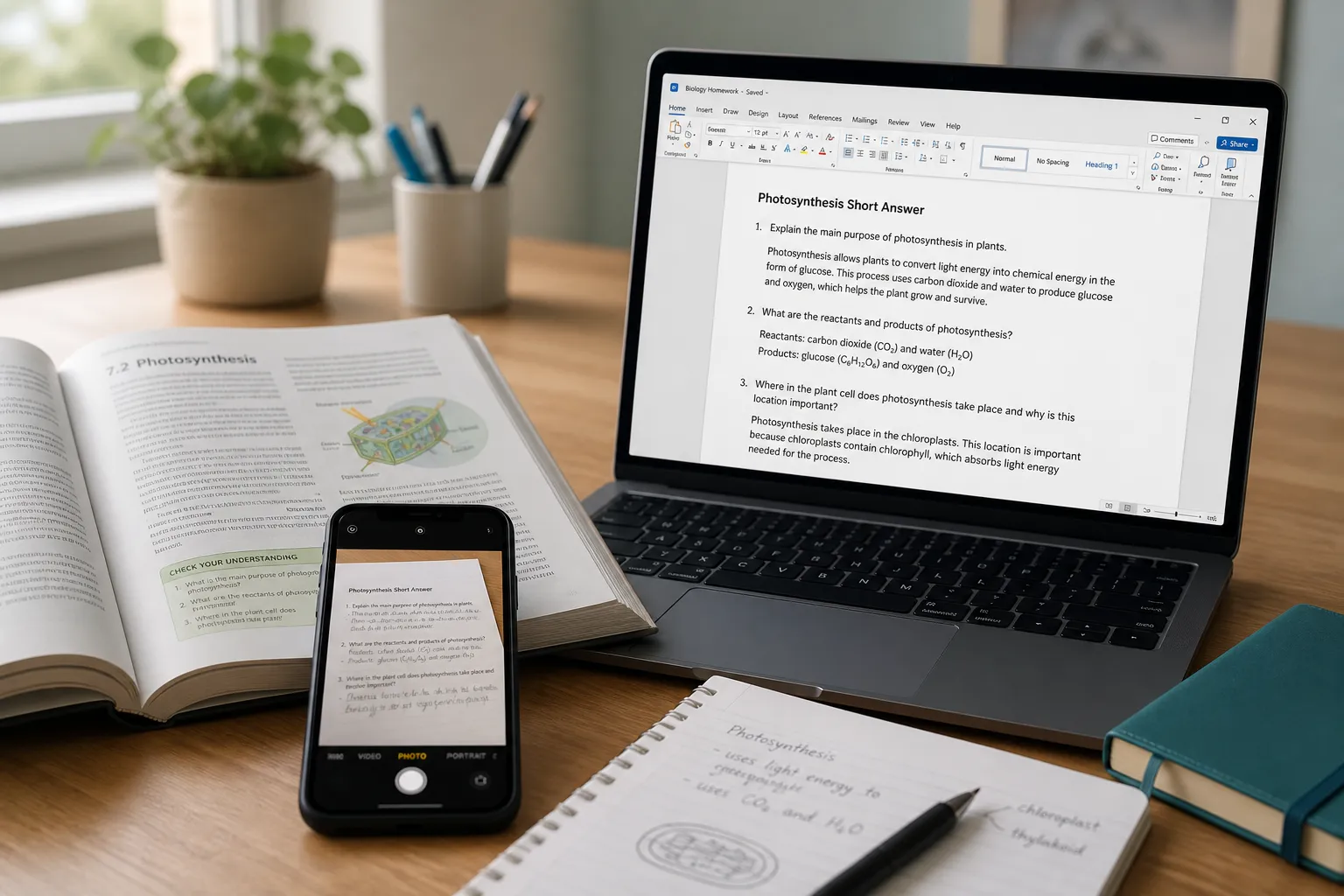
Convert homework photo JPG to editable Word

Homework & notes

Photo a worksheet or textbook page, then get editable text in Word for essays and study notes.

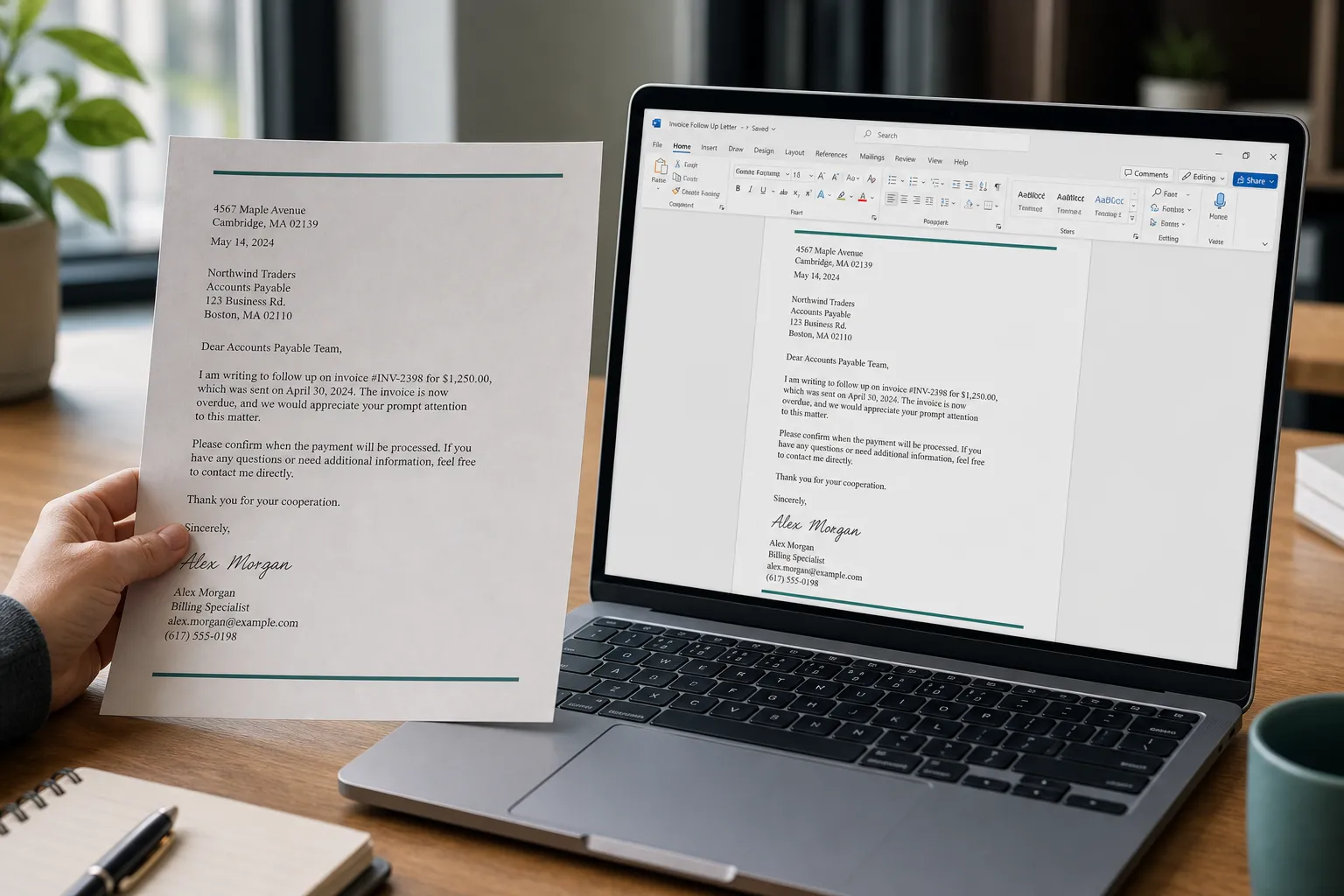
Convert scanned letter photo to Word document

Scans & letters

Turn a scanned letter or printed page into a Word file you can edit and share.
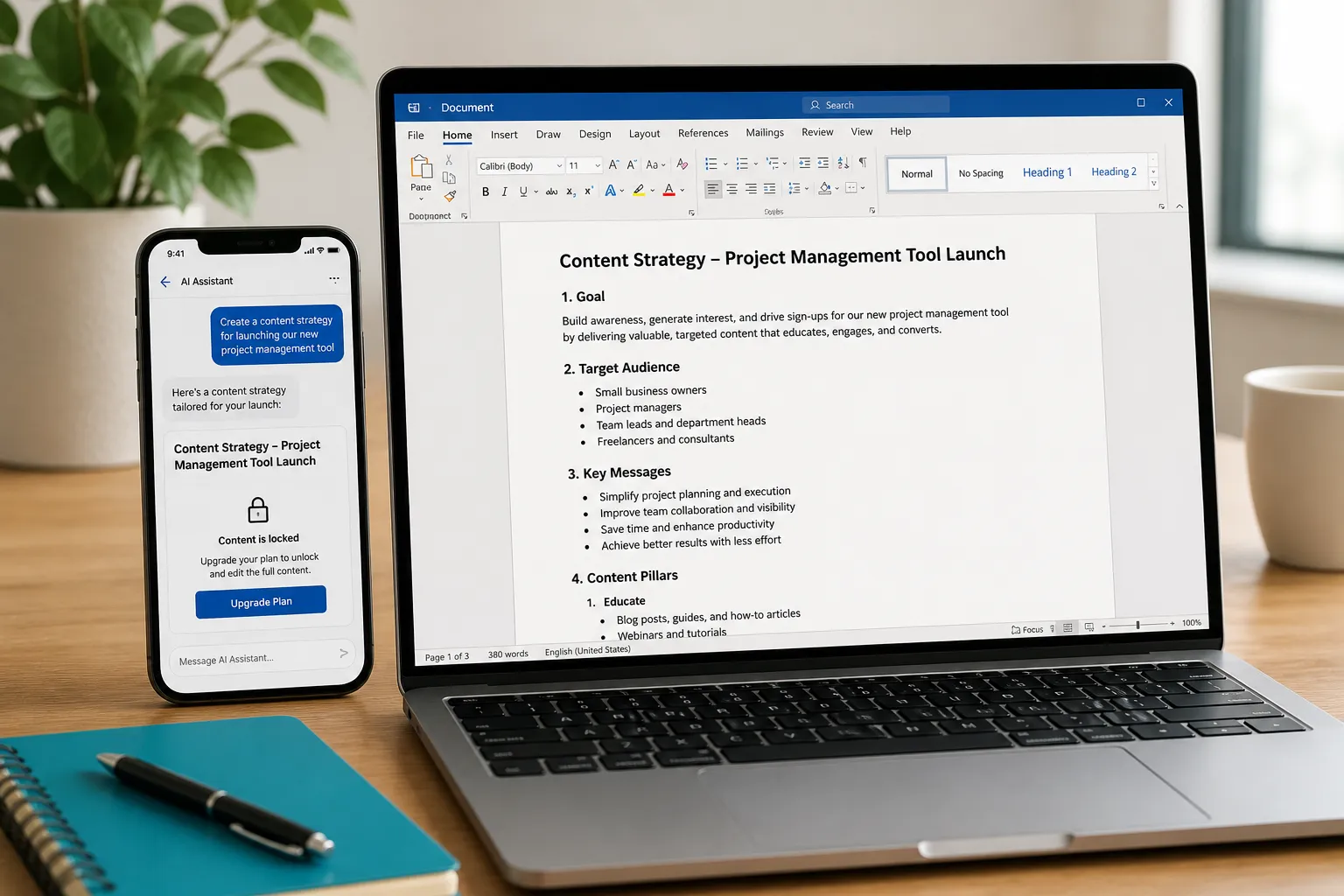
Convert screenshot image to Word document

Screenshots you can’t select

Image to word when the app locks copy — extract text from a PNG or phone screenshot.

Frequently asked questions

Is this JPG to Word converter free?
Insert images mode is free — it puts photos into a Word file with no OCR. Plain text uses 1 credit per image; Keep formatting uses Advanced OCR credits. See pricing for plans.
Can I get an editable Word document from a JPG?
Yes. Plain text and Keep formatting extract text with OCR into an editable .docx. Insert images embeds the photo without making the text selectable.
What is the difference between Insert images, Plain text, and Keep formatting?
Insert images places original photos in Word for free (no OCR). Plain text uses Simple OCR for editable plain text. Keep formatting uses Advanced OCR to preserve headings, lists, and tables.
When should I use Keep formatting?
When the page has structure you want in Word — headings, bullet lists, or tables. For a clean screenshot of a short paragraph, Plain text is usually enough.
Can I convert other image formats to Word, not just JPG?
Yes. JPG to Word is the common name, but the same converter also works with PNG, WEBP, HEIC, and other common image formats — plus photos and screenshots from your phone or computer.
Do you store my images?
Your privacy is protected! No data is transmitted or stored for guest conversions, and guest results are not kept as account history. If you sign in and save Results, you can delete them anytime — you stay in control. Unused Results are also cleared automatically after about 14 days.