
Photo to TextPhoto to Text

Scan to Word Converter

Turn scanned pages and locked PDFs into editable Word — no retyping. Extract plain text or keep headings and lists, then download DOCX.

  • Scanned PDF to Word
  • Editable .docx
  • Online — no install

Drop images or PDF here

or click to browse, paste from clipboard, or drop · JPG PNG WEBP GIF BMP HEIC TIFF PDF

How to convert a scan to Word in 3 steps

From a scanned page to a Word file you can edit and share.
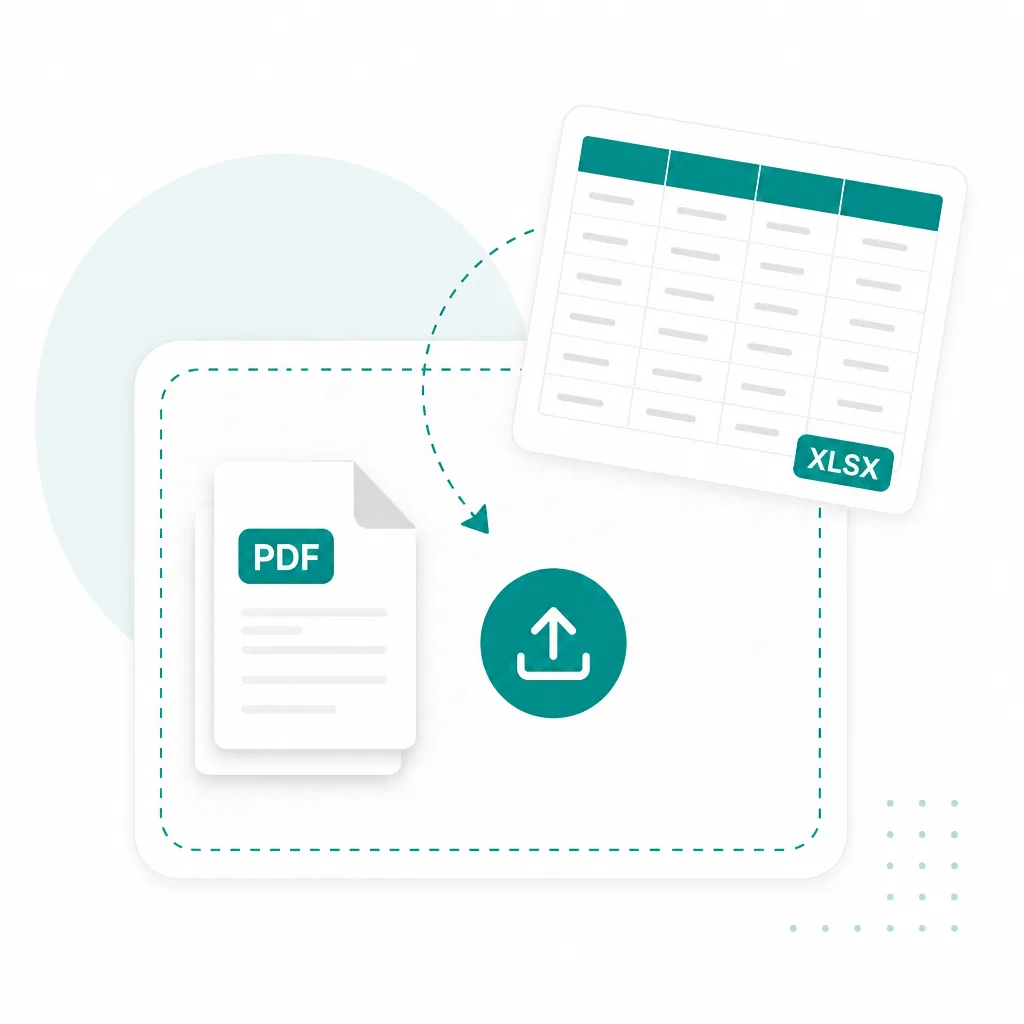
  1. Upload a scanned document to convert to Word
    1

    Upload a scan or PDF

    Drop a scanned page photo or image-only PDF into the converter above.
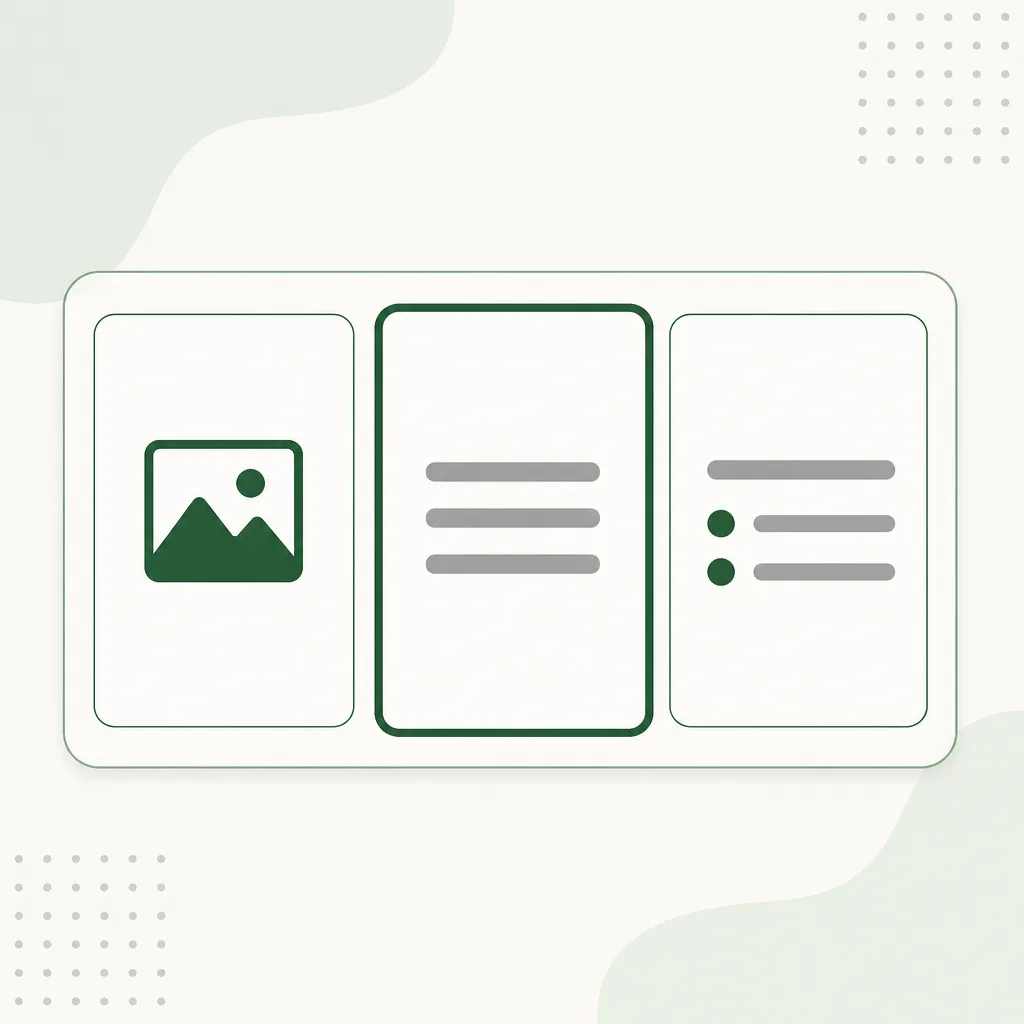
  2. OCR converting a scanned page to editable Word text
    2

    Run OCR

    Extract editable text — pick plain text or keep formatting when layout matters.
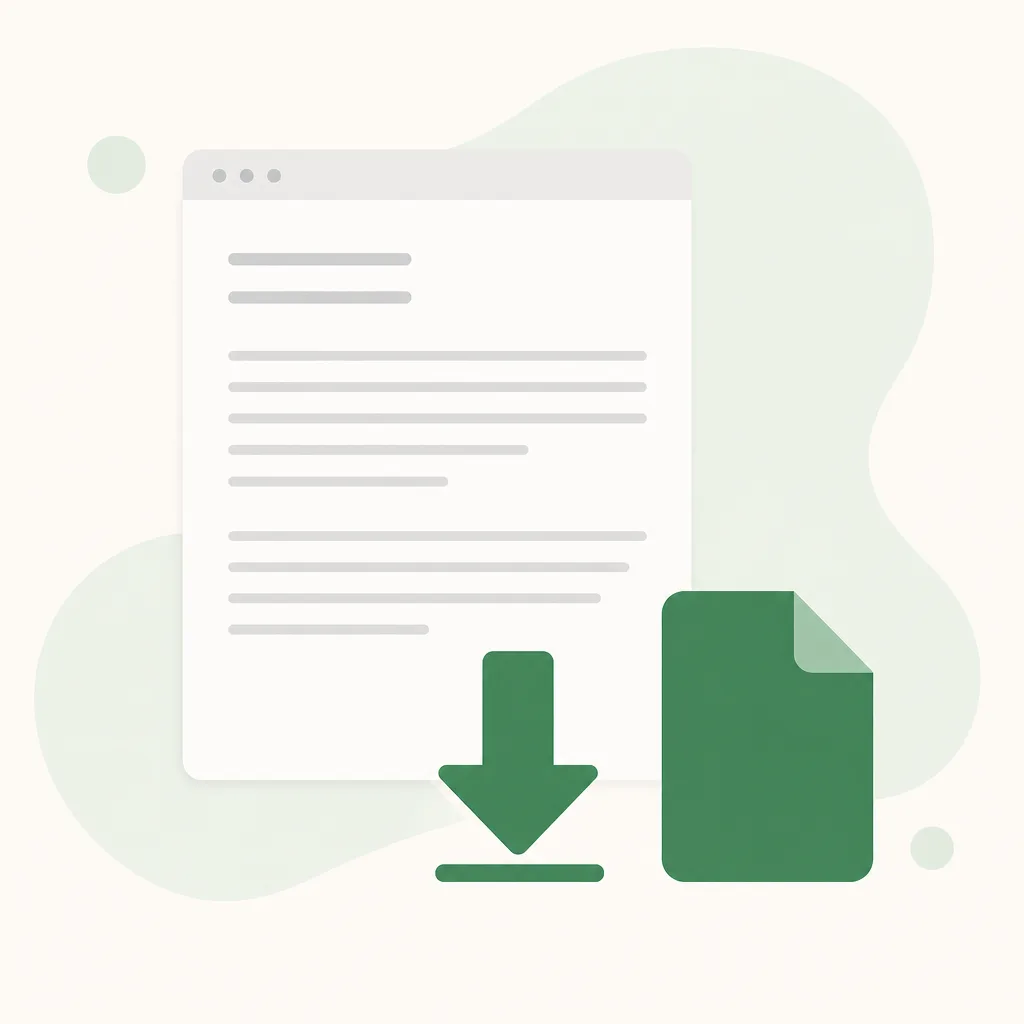
  3. Download scanned document as Word DOCX
    3

    Download Word

    Review the text, then download an editable .docx you can revise and send.

Three ways to turn a PDF into Word

Pick a mode above the uploader — same converter, different Word output.

Insert pages

Rasterizes each PDF page and drops it into a .docx as a picture. Use when you only need the pages inside Word — no text extraction.

Plain text

Runs Simple OCR on each page, then builds an editable Word file from the plain text. Best for clear scans and printed PDFs.

Keep formatting

Uses Advanced OCR, then exports headings, lists, and tables into Word. Pick this when layout matters — contracts, handouts, reports.

Scans and PDFs that convert to Word

Built for scan to Word first. Scanned PDFs, paper photos, and locked exports work when the words live on the page.

  • Scanned PDF to Word

    Image-based PDFs you cannot copy

  • Paper scan photos

    Phone and flatbed scans

  • Locked PDF pages

    Exports without selectable text

  • Editable DOCX

    Download Word you can revise
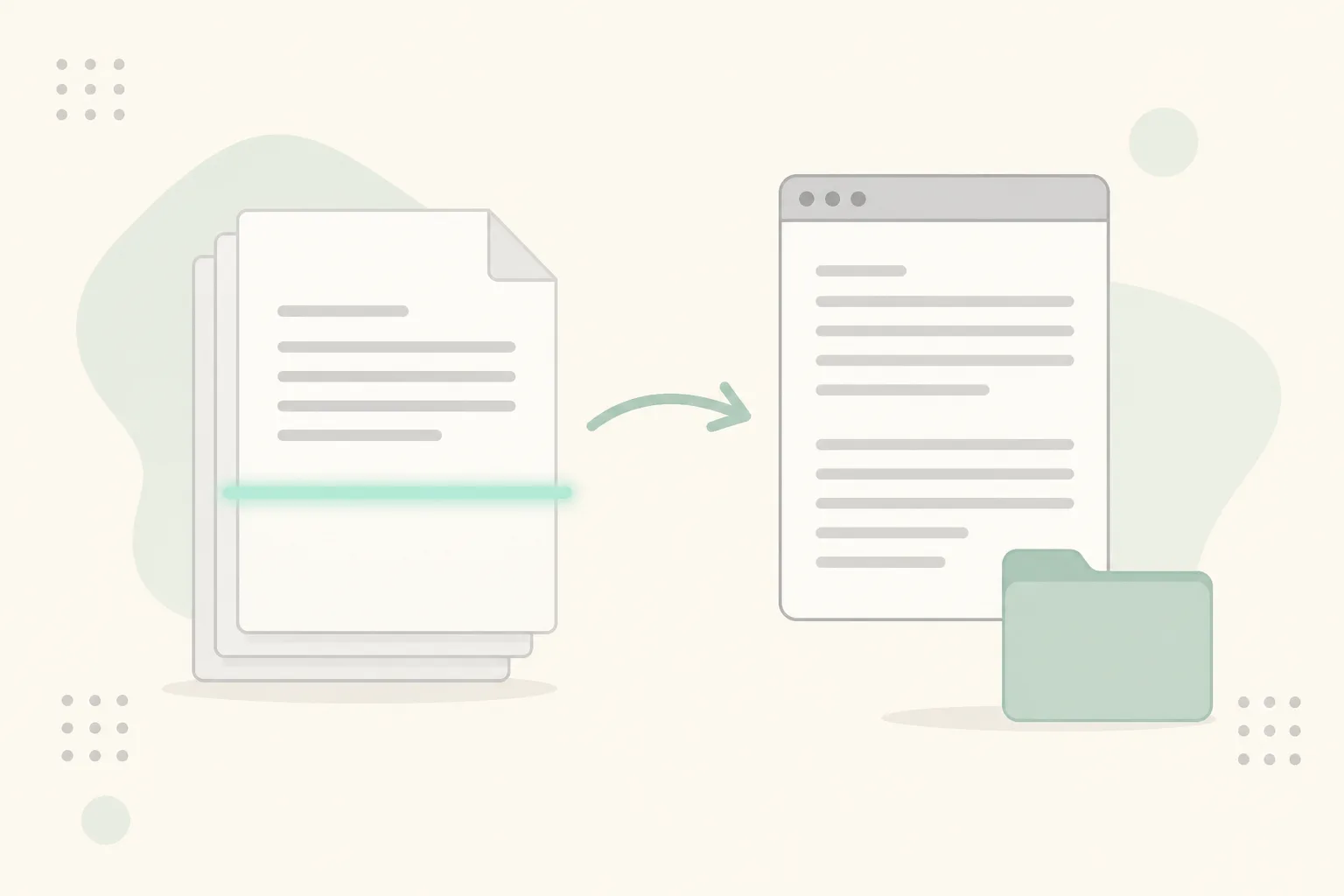
Scanned PDF converting into an editable Word document

Everyday scan to Word workflows

When the PDF will not let you edit, put the words into Word instead of retyping.

Convert scanned letter archive to Word

Scanned letters & archives

Turn filed paper copies and letter scans into Word files you can search and revise.
Convert scanned contract PDF to Word

Contracts & reports

Convert a locked PDF contract or report into Word for comments and redlines.
Convert locked PDF handout to Word

Handouts & locked exports

Pull text from image-only handouts into editable Word for reuse.

Frequently asked questions

Is this scan to Word converter free?
You can open the converter and add files without paying first. OCR modes use credits — see pricing for plans.
Can I convert a scanned PDF to an editable Word document?
Yes. Scan to Word runs OCR on image-based PDFs and page photos so you get editable .docx text when the file has no selectable text.
Is scanned PDF to Word the same as scan to Word?
Yes — same workflow. Scan to Word covers scanned PDFs, paper photos, and locked exports that need OCR before you can edit.
Prefer a general PDF or image converter?
Use PDF to Word or JPG to Word for the format-focused tools.
Do you store my scans?
Your privacy is protected! No data is transmitted or stored for guest conversions, and guest results are not kept as account history. If you sign in and save Results, you can delete them anytime — you stay in control. Unused Results are also cleared automatically after about 14 days.