
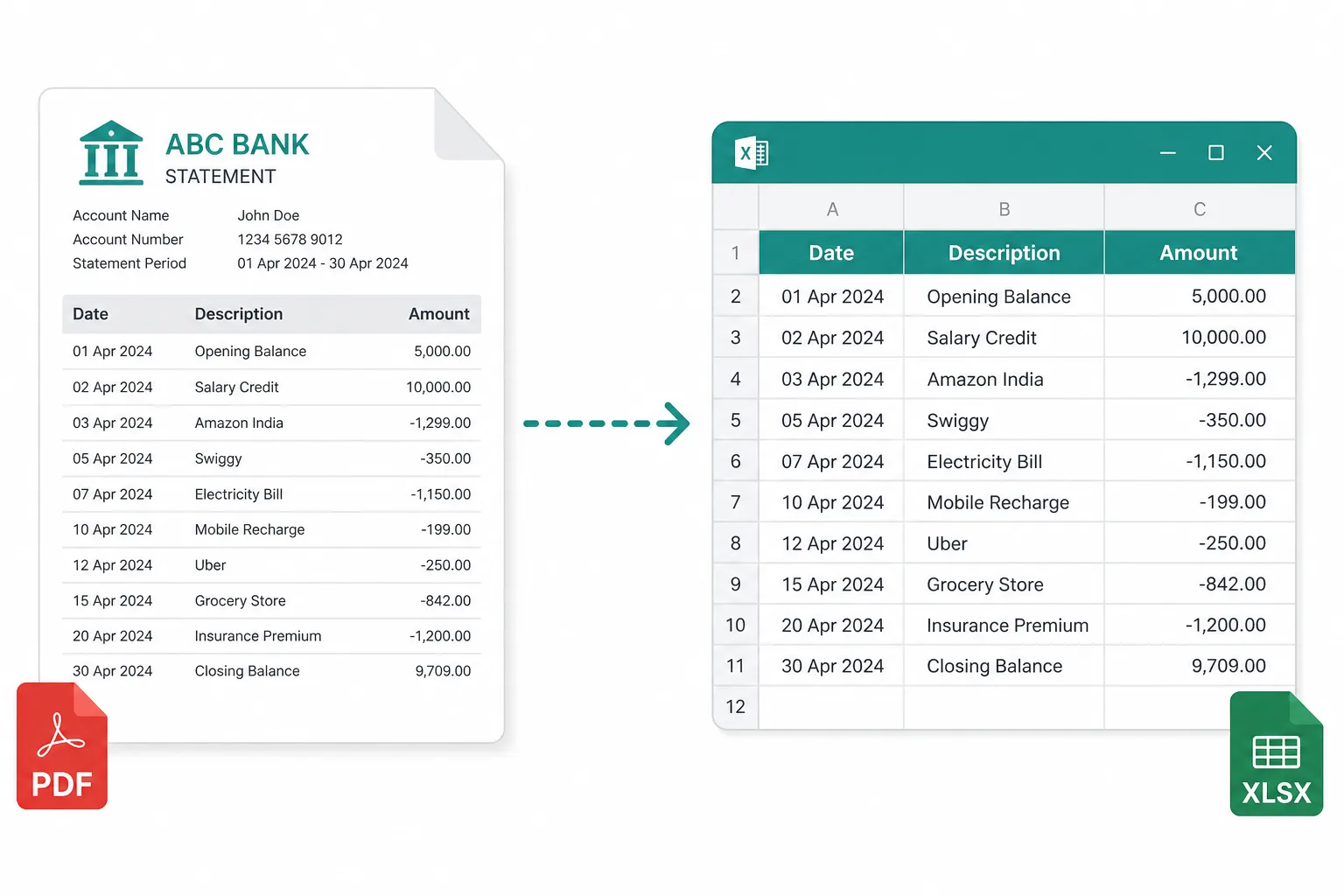
Quarterly statement binder
Merge three months of statements before reconciliation review.
Stack monthly bank PDFs or vendor invoice files into one document for filing — then extract transactions when the pages are not copyable.
Drop statement or invoice PDFs to merge
Files stay in your browser for this tool.
One pack for the folder — without reprinting.
Drop statement months, invoice PDFs, or supporting exhibits in the order you want.
Files are appended in the list order so month-end packs stay chronological.
Save the combined PDF. Continue to Excel OCR if you still need transaction rows.
For filing and handoff — not random flyer mashups.
Monthly statements
Several bank months in one file
Invoice batches
Vendor PDFs for one payment run
Exhibits + cover
Support docs behind a summary PDF
Standard PDF
Output stays PDF for email and DMS
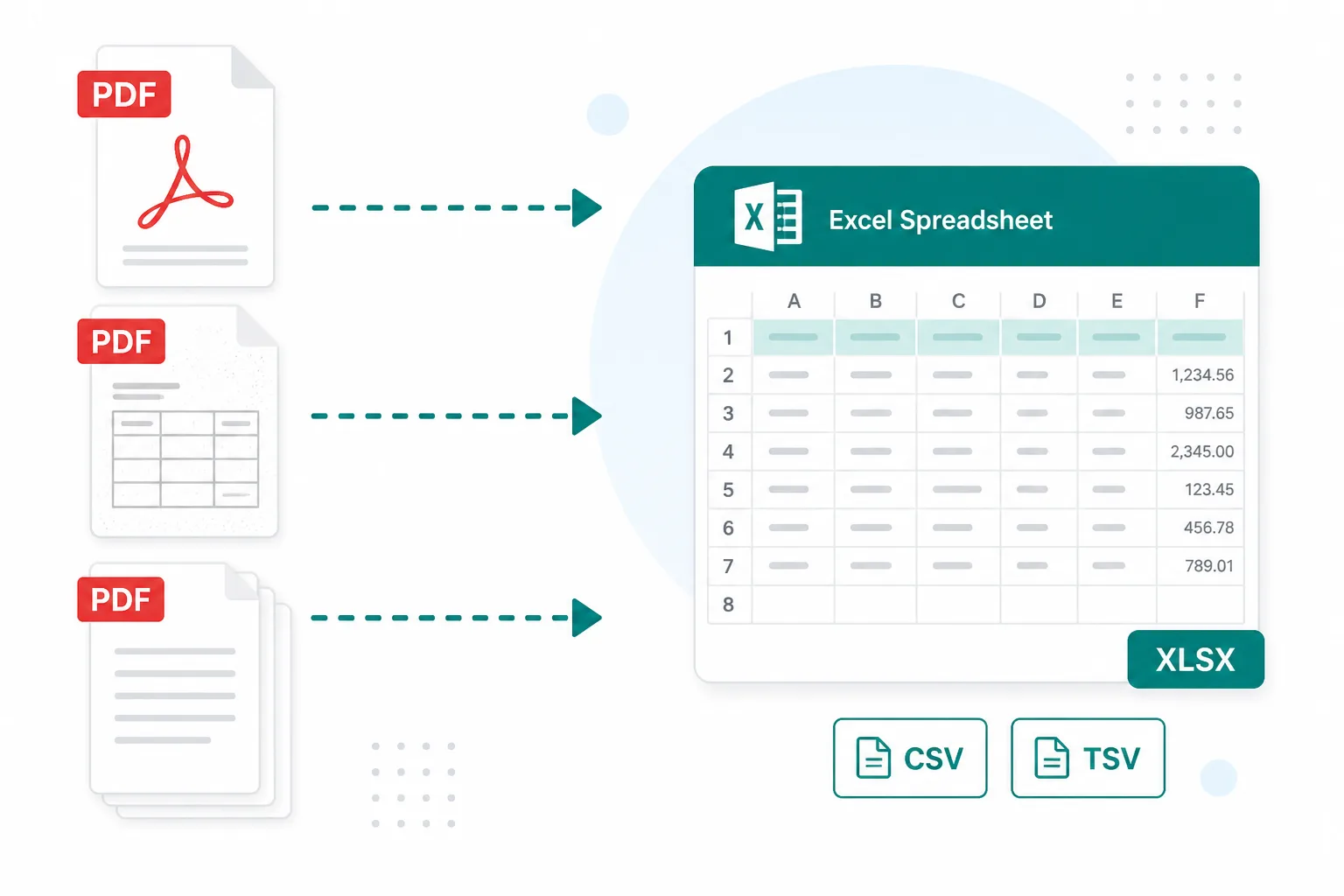
One attachment beats a thread of separate exports.
Merge three months of statements before reconciliation review.
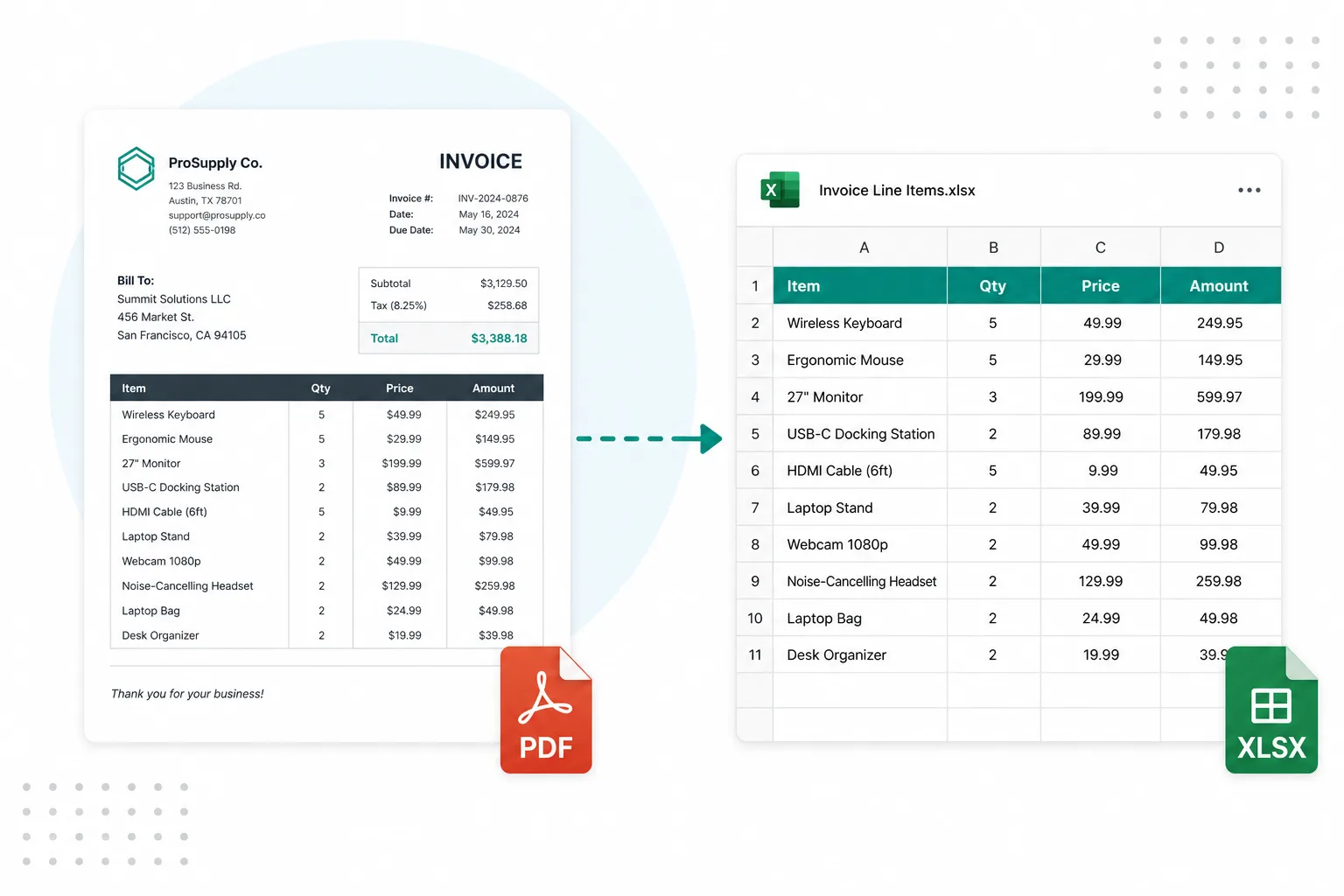
Combine approved invoices into one PDF for the payment run.
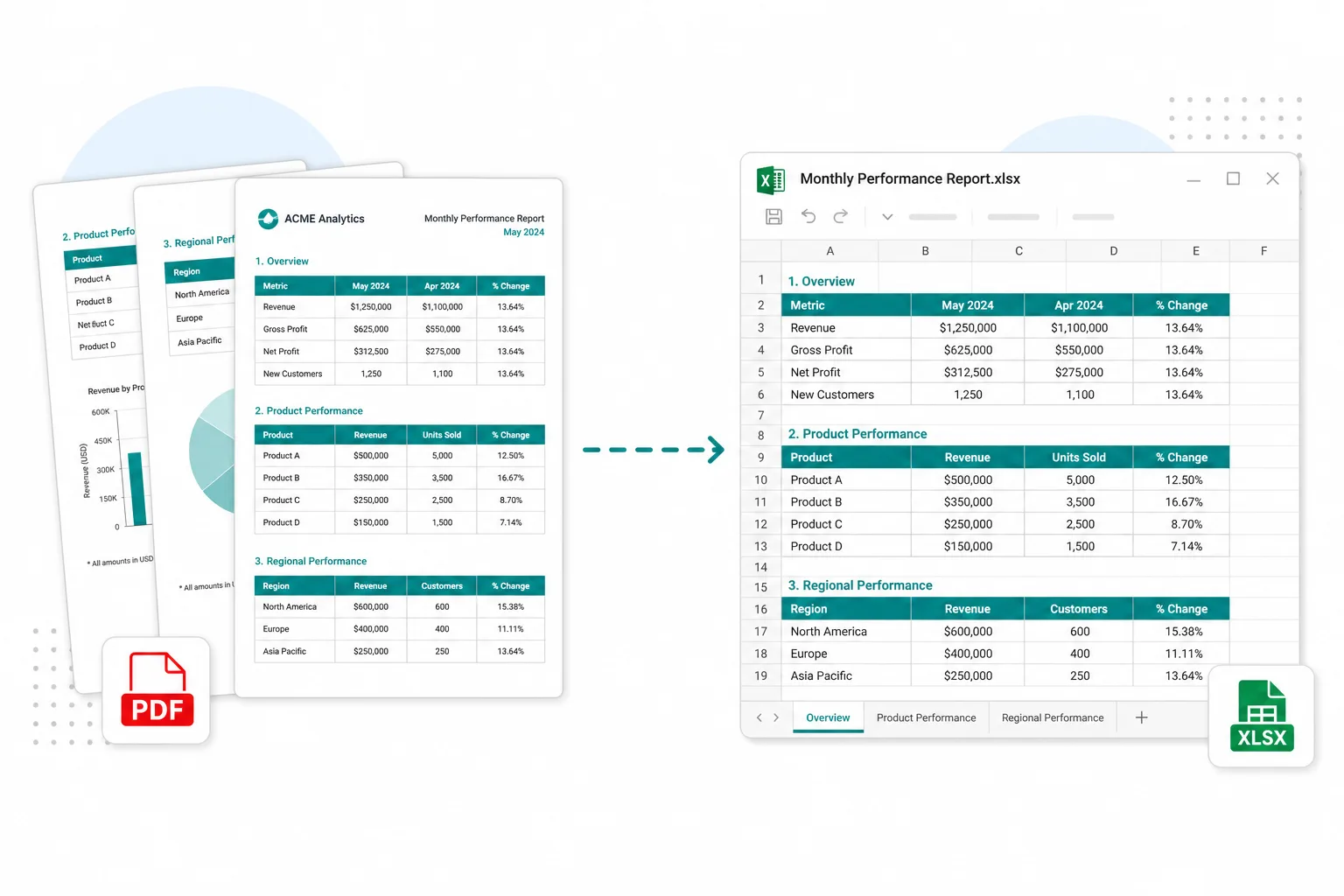
Append supporting PDF tables behind a cover report for stakeholders.
Split what you do not need, or extract rows from the merged pack.
Pull a single month or exhibit back out of a long pack.
Open toolSee which pages in the pack already have copyable text.
Open toolExtract transactions after statements are in one file.
Open toolBuild a PDF from photos first, then merge with other PDFs.
Open toolBrowse the free tools hub.
Open tool