
Month-end statement triage
Sort which bank PDFs are digital exports versus image scans before you start reconciliation.
Drop a statement or invoice PDF to see which pages already have copyable text — and which look like scans that need OCR before you can reconcile.
Drop a statement or invoice PDF
Files stay in your browser for this tool.
Know whether you can copy today — or need OCR next.
Add a bank statement, credit-card export, or invoice PDF. Password files are supported when you know the password.
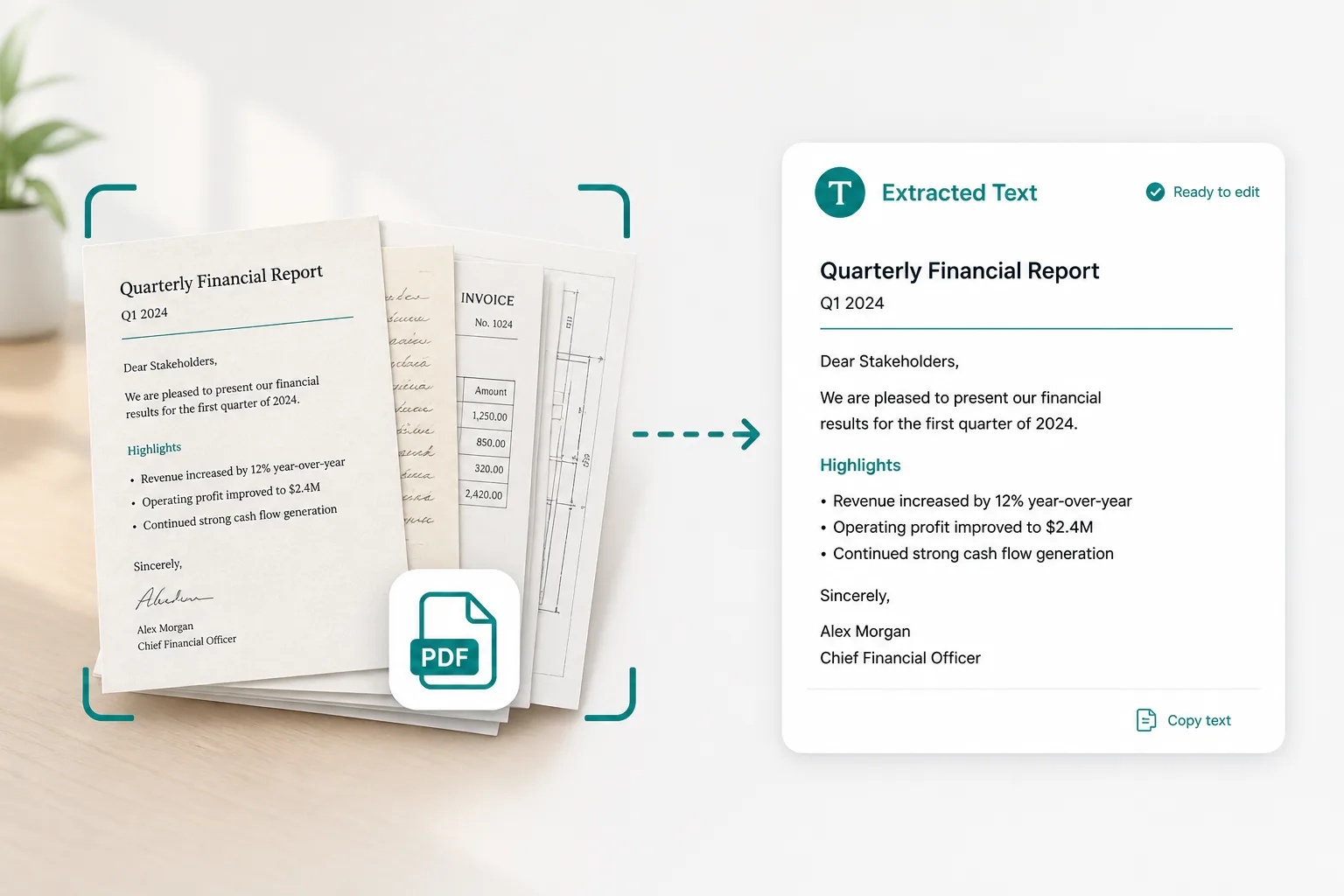
We read the embedded text layer only — no OCR. Pages with characters show as searchable; empty pages flag as likely scans.
Copy or download the text when it exists. If pages are empty, continue to statement or invoice Excel OCR.
Built for finance PDFs where you are unsure if copy-paste will work before month-end close.
Bank statement PDF
Monthly ledgers from online banking
Invoice / PO packs
Vendor PDFs with mixed text and scans
Password PDFs
Unlock with the password you already have
Text download
TXT export when a text layer exists
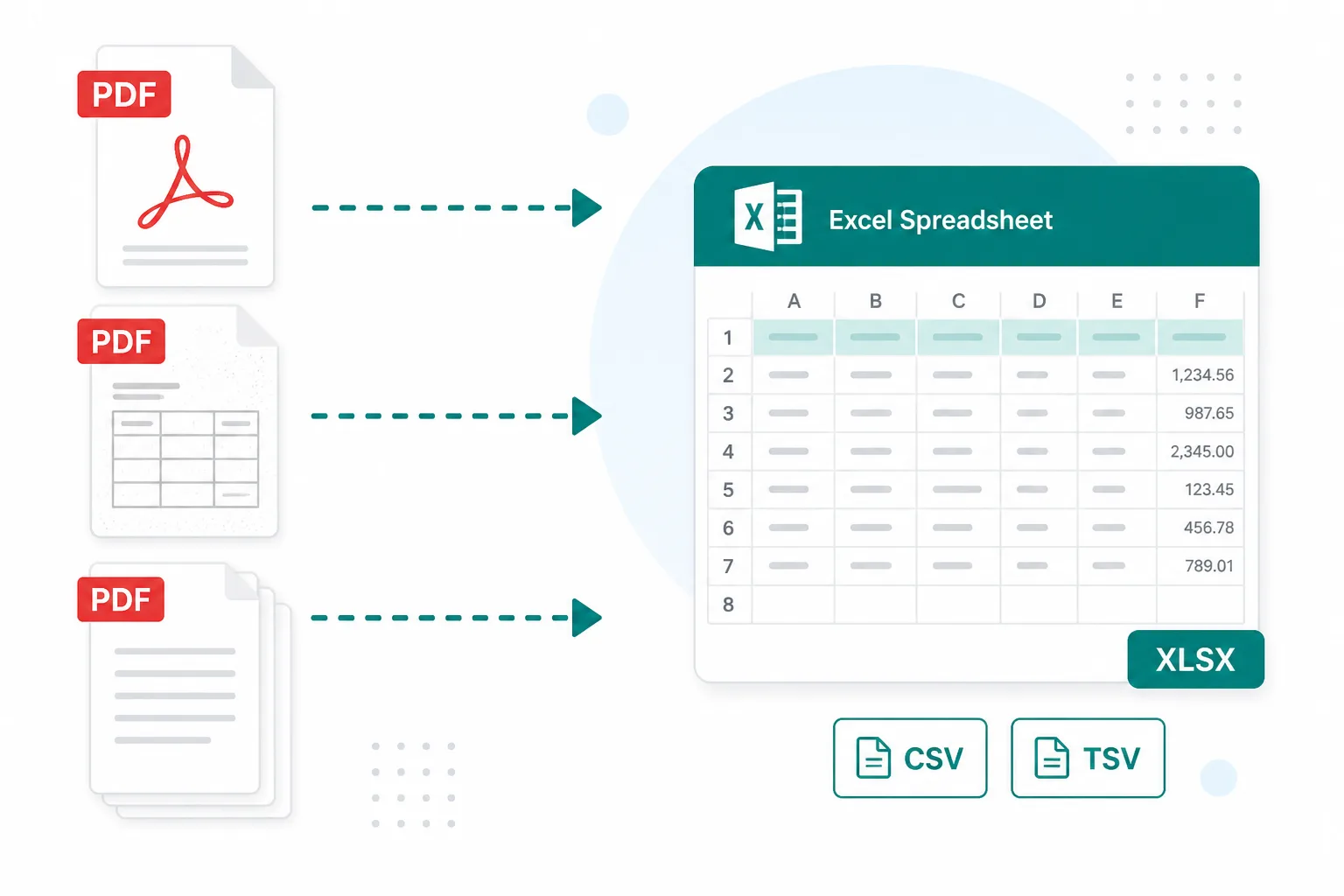
Avoid running OCR on files that already have a selectable layer.
Sort which bank PDFs are digital exports versus image scans before you start reconciliation.
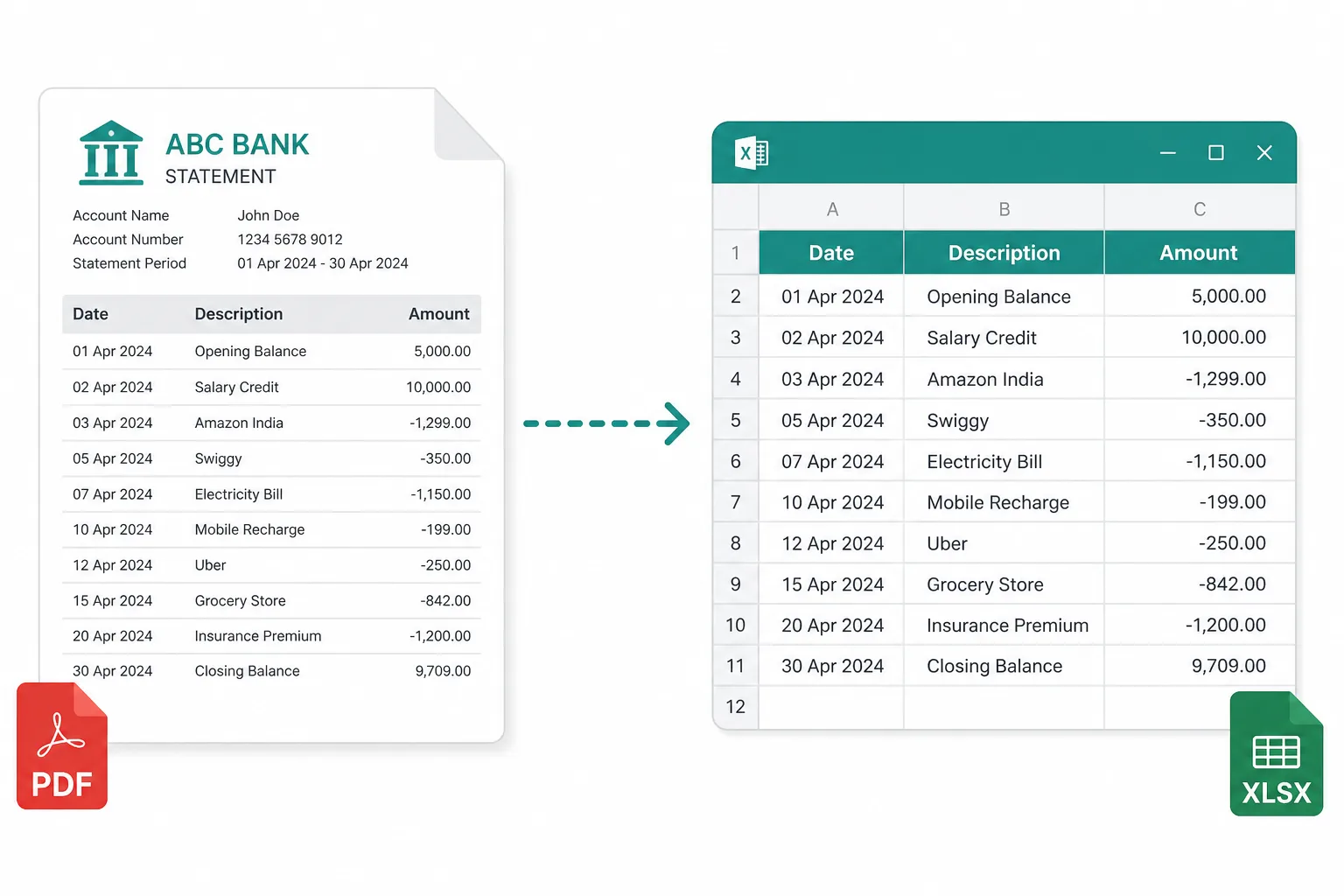
See if a vendor PDF already exposes line-item text, or if accounts payable needs table OCR.
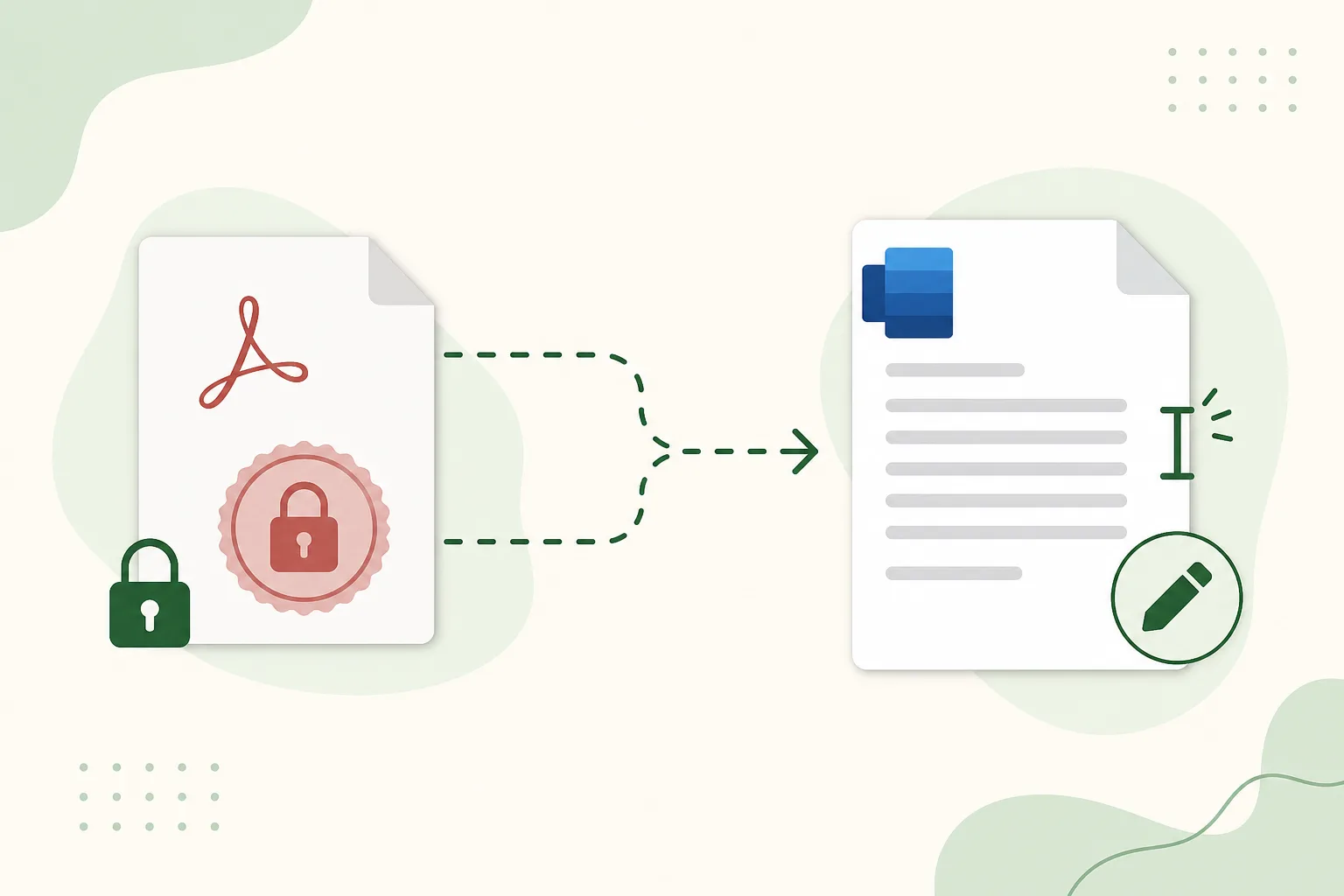
Flag older filed PDFs that look fine on screen but have no text layer for search.
Prep the file, then extract editable data when pages are scans.
Export each page as an image for systems that reject PDF uploads.
Open toolCombine several statement months before you check or convert.
Open toolPull transactions from scanned statement pages into a spreadsheet.
Open toolExtract tables from scanned or image-only PDF reports.
Open toolBrowse the full prep toolkit for statements, invoices, and receipts.
Open tool