
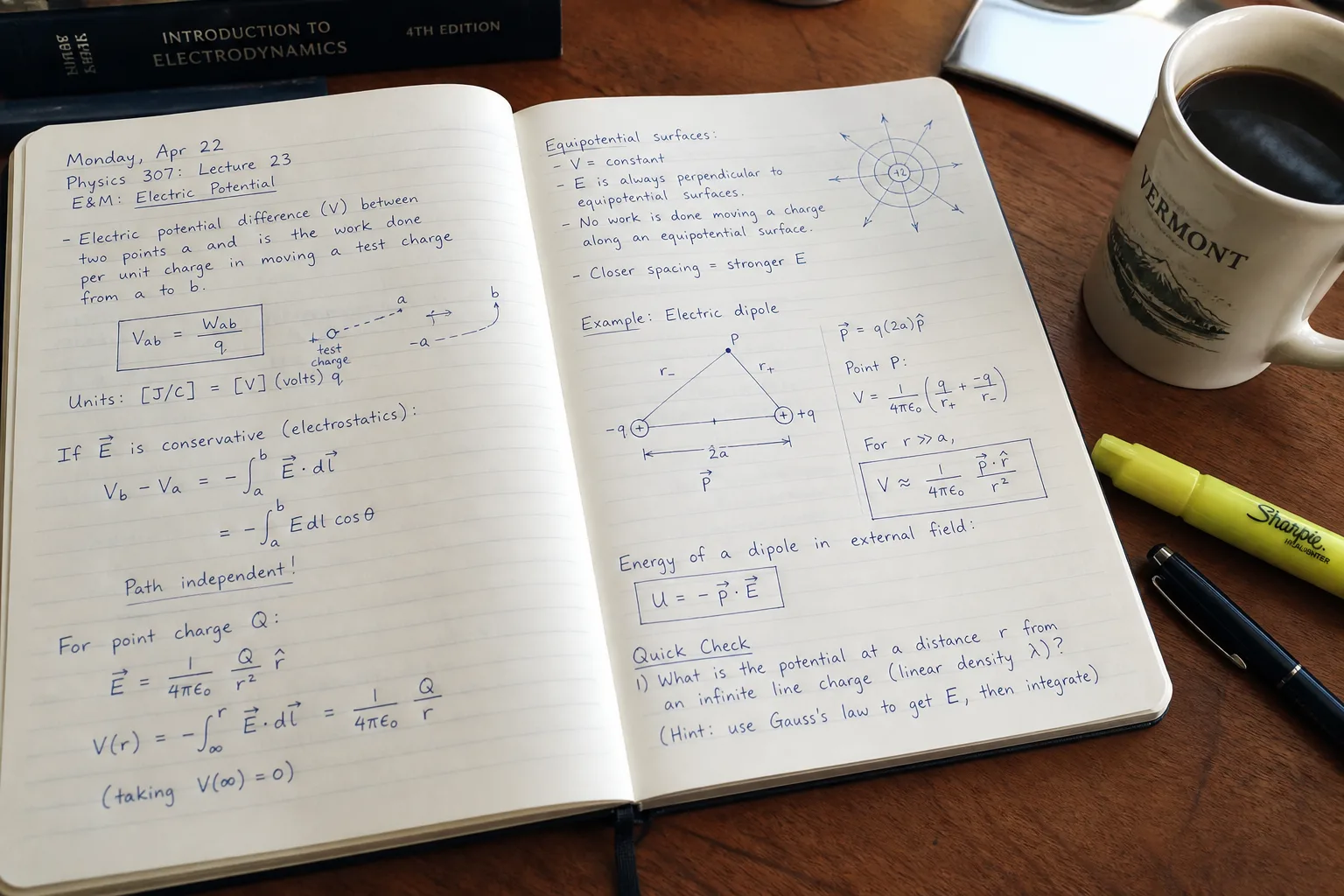
Photo to TextPhoto to Text

Handwriting to Text Converter

Turn handwritten notes and pen-on-paper pages into editable text — then copy, download, or continue to Word.

  • Handwritten notes to text
  • Photos & scans
  • Online — no install

Drop images or PDF here

or click to browse, paste from clipboard, or drop · JPG PNG WEBP GIF BMP HEIC TIFF PDF

How to convert handwriting to text in 3 steps

From pen-on-paper to text you can edit.

  1. Upload handwritten notes photo to convert to text
    1

    Upload a handwriting photo

    Drop a clear photo or scan of handwritten notes or a filled form above.
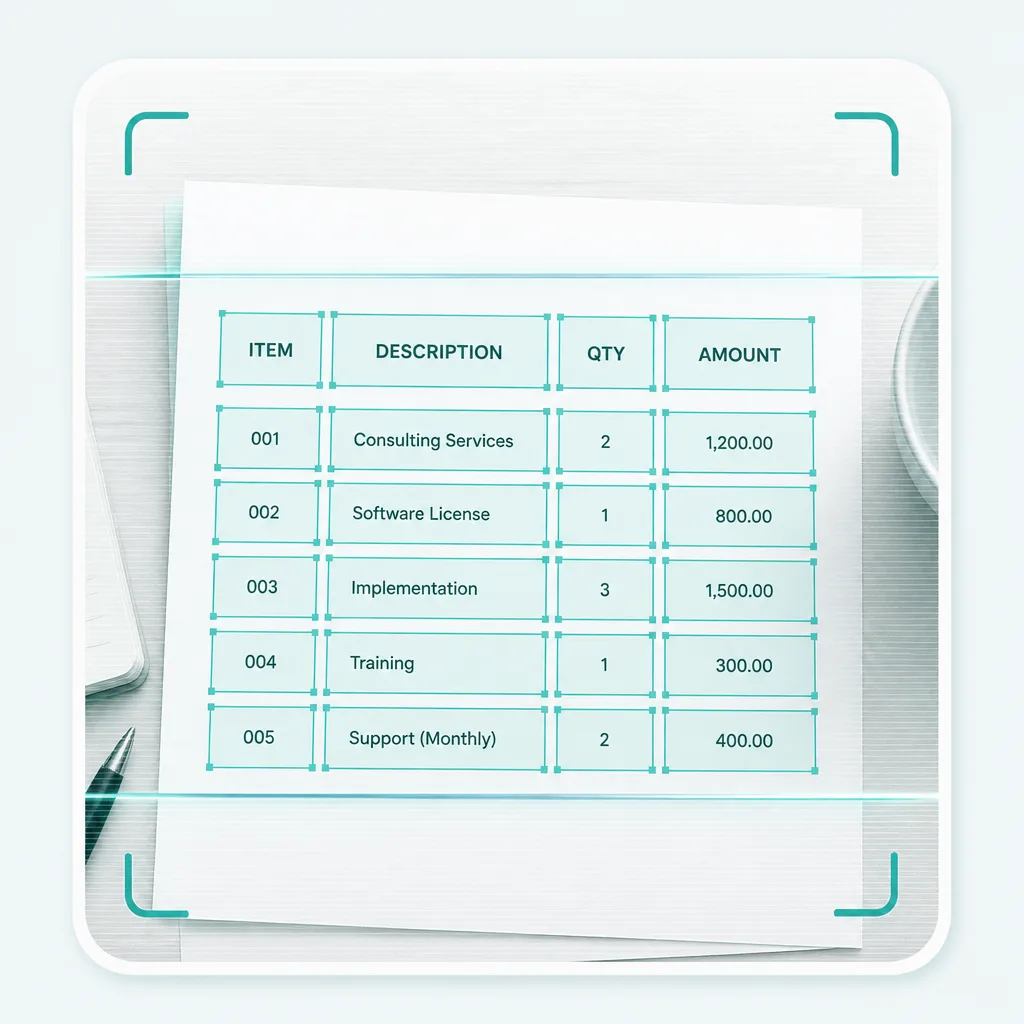
  2. OCR extracting handwritten notes to text
    2

    Extract with Advanced OCR

    Run Advanced OCR for harder handwriting — review the text before you copy or download.
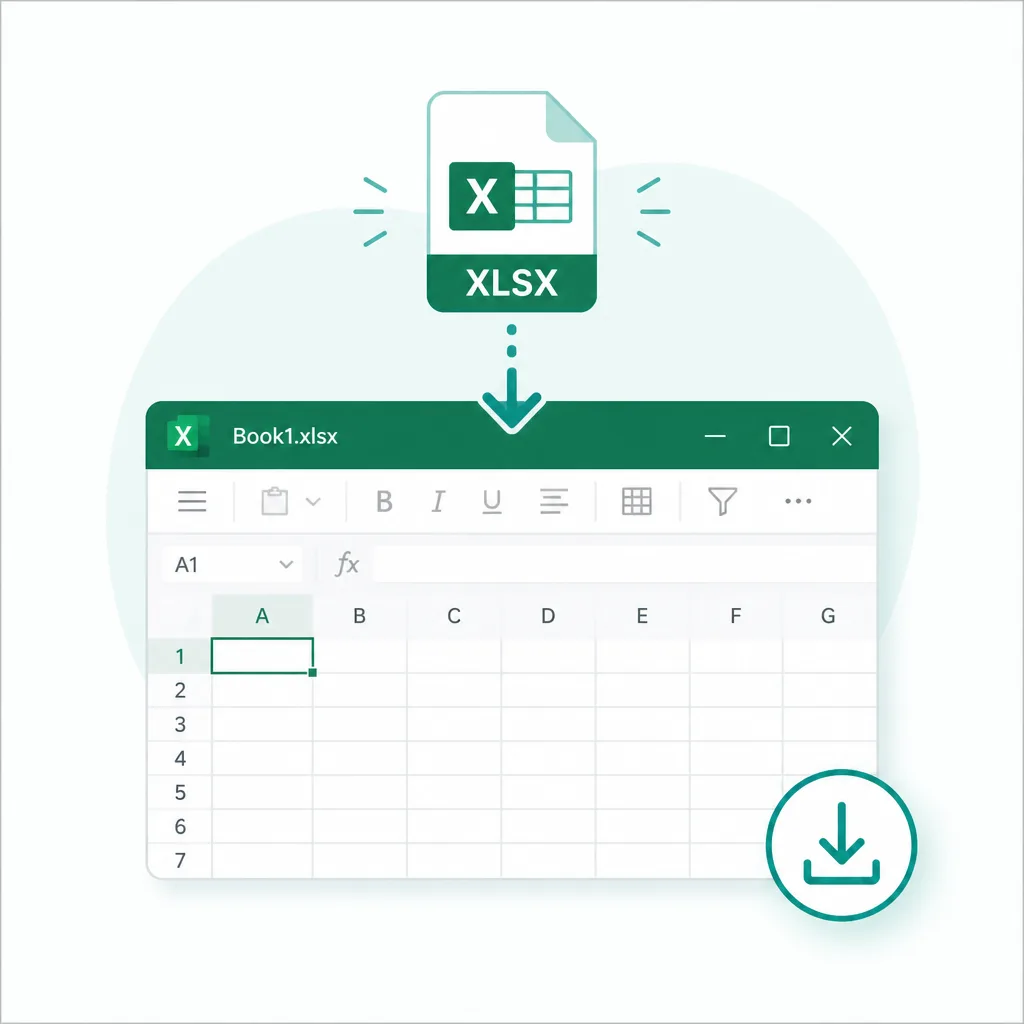
  3. Download or copy handwriting converted to text
    3

    Copy or open in Word

    Copy the text, download TXT, or continue to Word when you need a document.

Handwriting that converts to text

Built for handwriting to text first. Meeting notes, forms, and pen-on-paper pages work best with a clear photo.

  • Handwritten notes

    Meeting and personal notebooks

  • Filled forms

    Pen-on-paper fields

  • Photo or scan

    Phone shots and flatbed scans

  • Copy or Word

    Paste anywhere or open DOCX

Handwritten notes converting into editable text

Everyday handwriting to text workflows

When the words are only in pen, pull them into text you can reuse.

Convert handwritten meeting notes to text

Meeting notes

Capture whiteboard and notebook notes as text you can search and share.

Convert handwritten form to text

Forms & checklists

Extract filled form fields from paper photos without retyping every line.
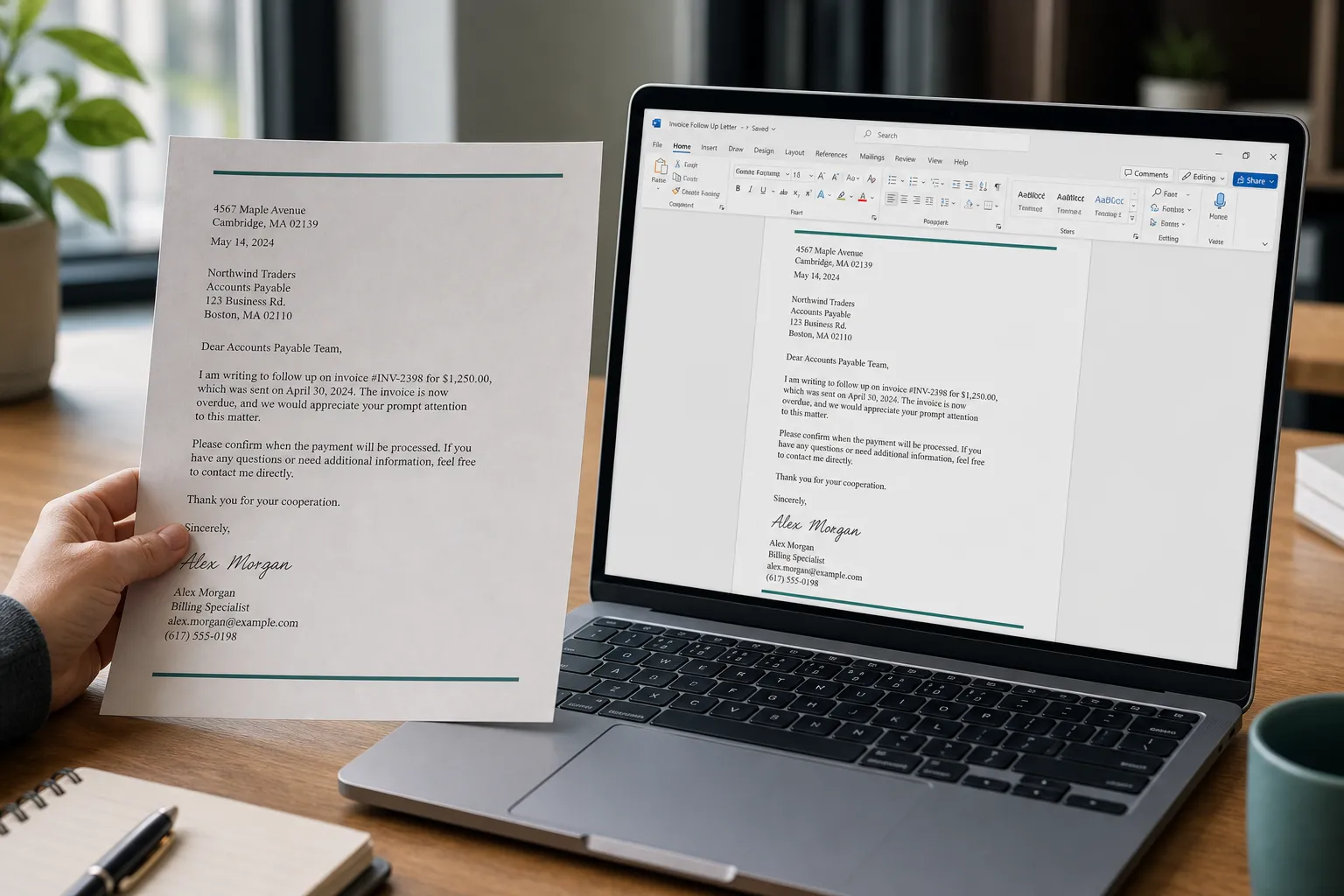
Convert handwriting photo to Word document

Hard pages to Word

When layout and handwriting both matter, continue with a layout-aware Word export.

Frequently asked questions

Is handwriting to text free?
You can open the converter and add photos without paying first. Advanced OCR uses credits — see pricing for plans.
Does handwriting OCR work on messy notes?
Clear, well-lit photos work best. Advanced OCR handles harder pen-on-paper better than Simple mode; results still depend on handwriting clarity.
Need Word with more layout care?
Try JPG to Word or GLM OCR for harder pages, or start from Photo to Text.
Do you store my handwriting photos?
Your privacy is protected! No data is transmitted or stored for guest conversions, and guest results are not kept as account history. If you sign in and save Results, you can delete them anytime — you stay in control. Unused Results are also cleared automatically after about 14 days.