
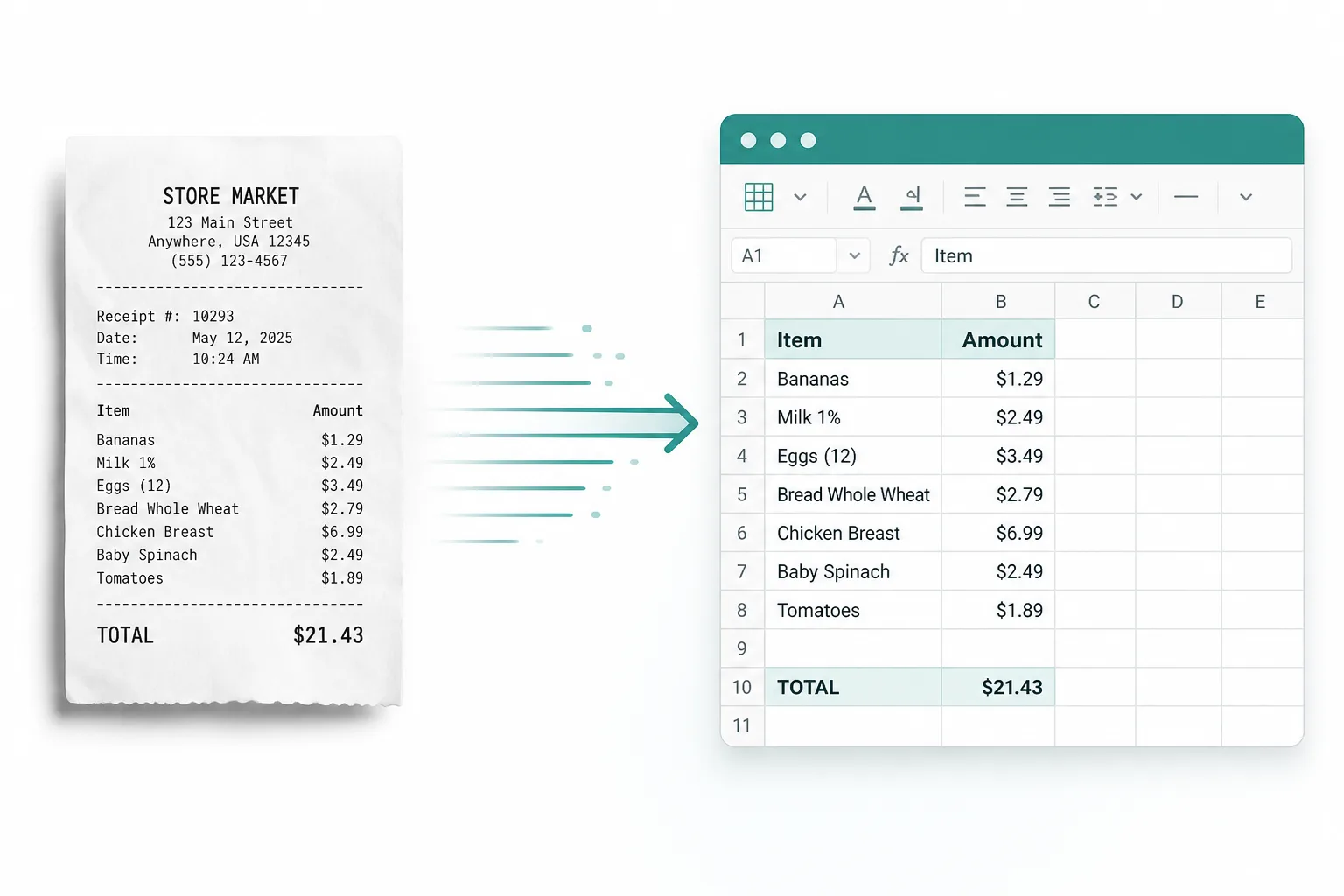
Expense reports
Turn meal, travel, and supply receipts into rows you can categorize and submit.
Receipt converter online — turn receipt photos and scans into Excel rows you can sum and filter. Edit the sheet, then download XLSX or CSV.
Drop images or PDFs here
JPG, PNG, WEBP, HEIC, PDF
From a receipt photo to a spreadsheet you can reconcile.
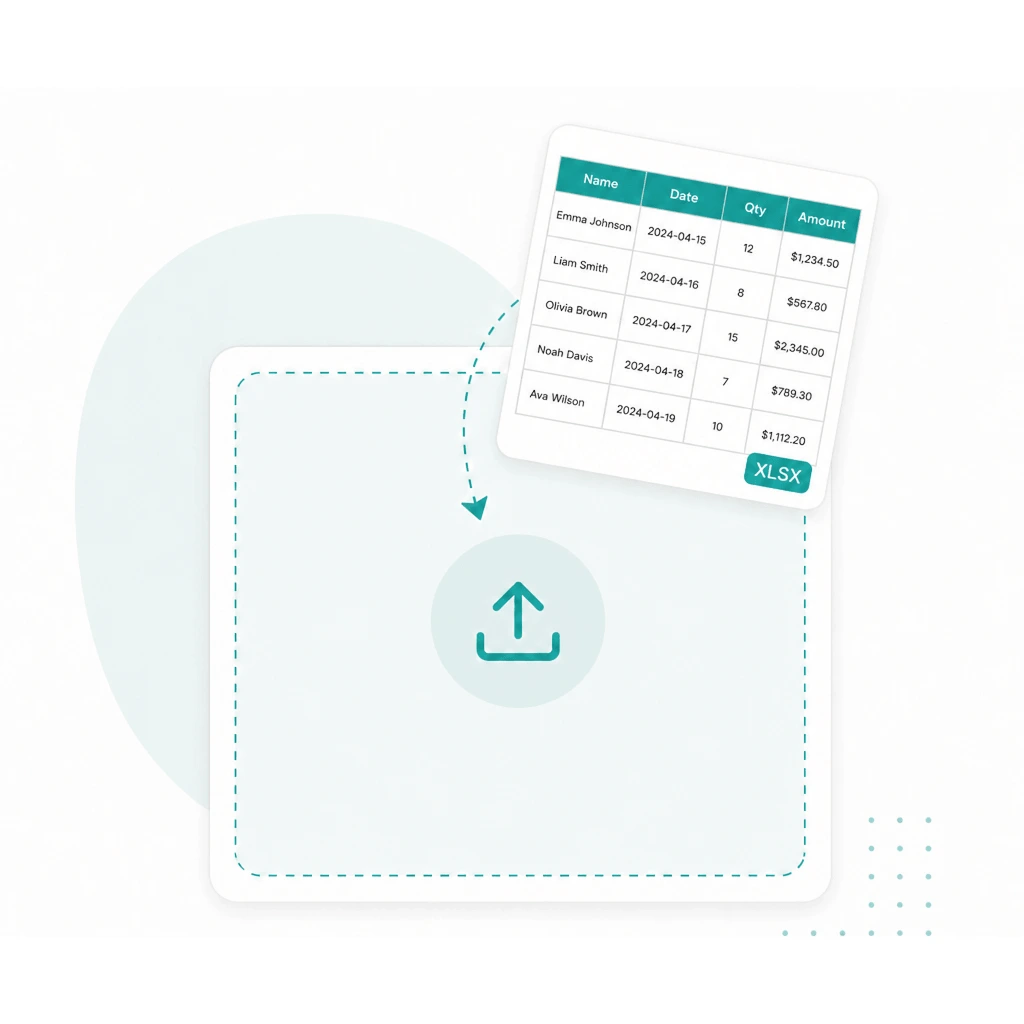
Drop a JPG, PNG, or scanned receipt into the converter above — paper slips and phone shots are fine.
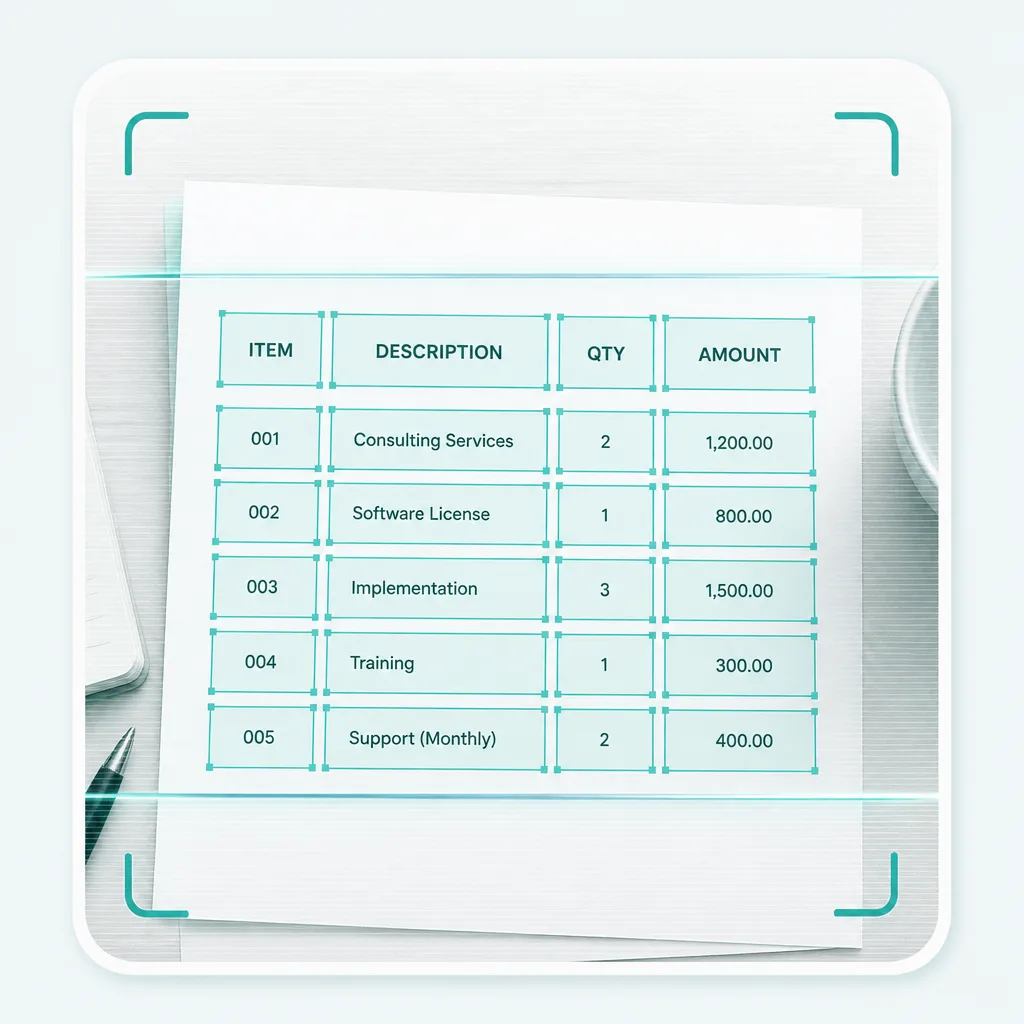
Run Advanced OCR to pull merchant, dates, amounts, and line items into an editable sheet.
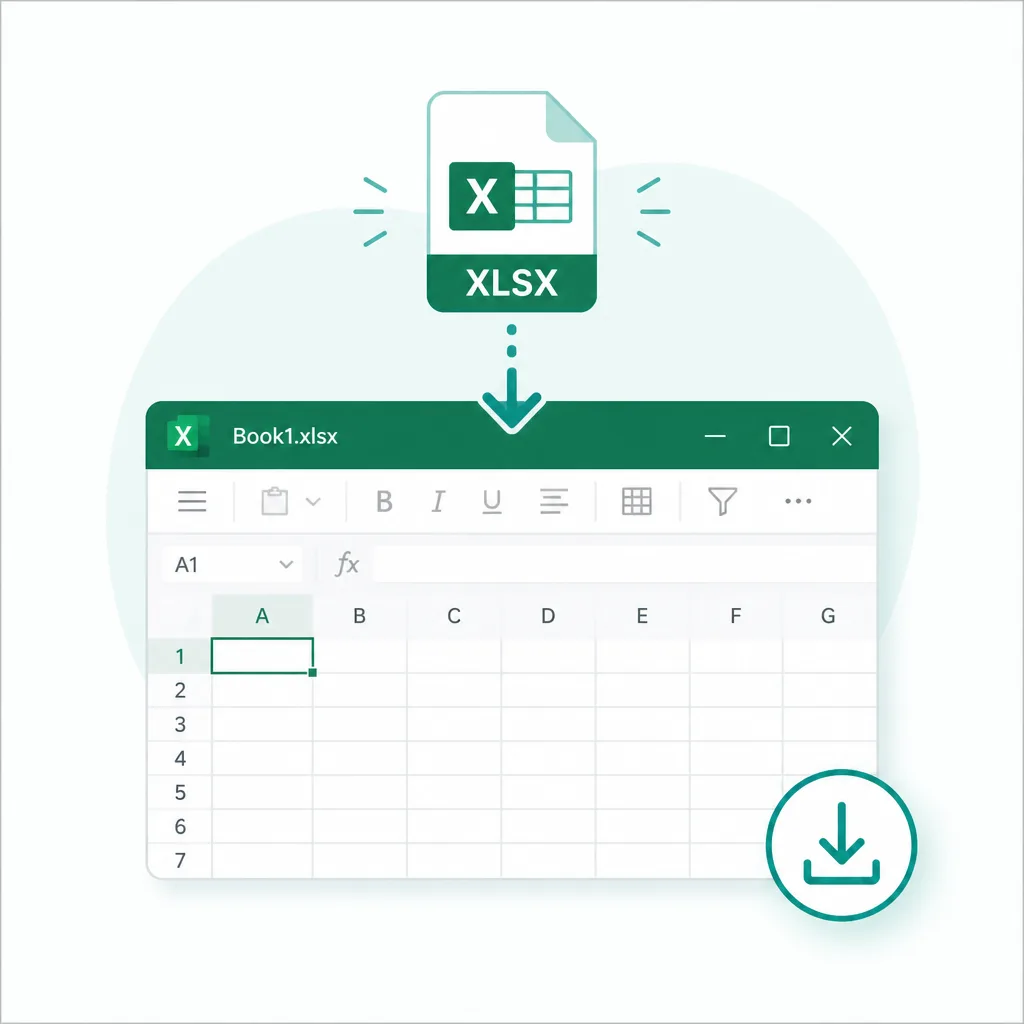
Fix cells if needed, then download XLSX — or export CSV when you prefer plain data.
Built for receipt to Excel first. Photos, scans, and receipt PDFs work when the totals live on the page.
Receipt photo to Excel
Phone shots and saved JPGs
Scanned receipt
Paper slips and flatbed scans
Receipt PDF
Emailed or exported receipt PDFs
Receipt to CSV
Plain data when you skip XLSX
When the numbers sit on a slip you cannot copy, pull them into a spreadsheet instead of retyping.
Turn meal, travel, and supply receipts into rows you can categorize and submit.
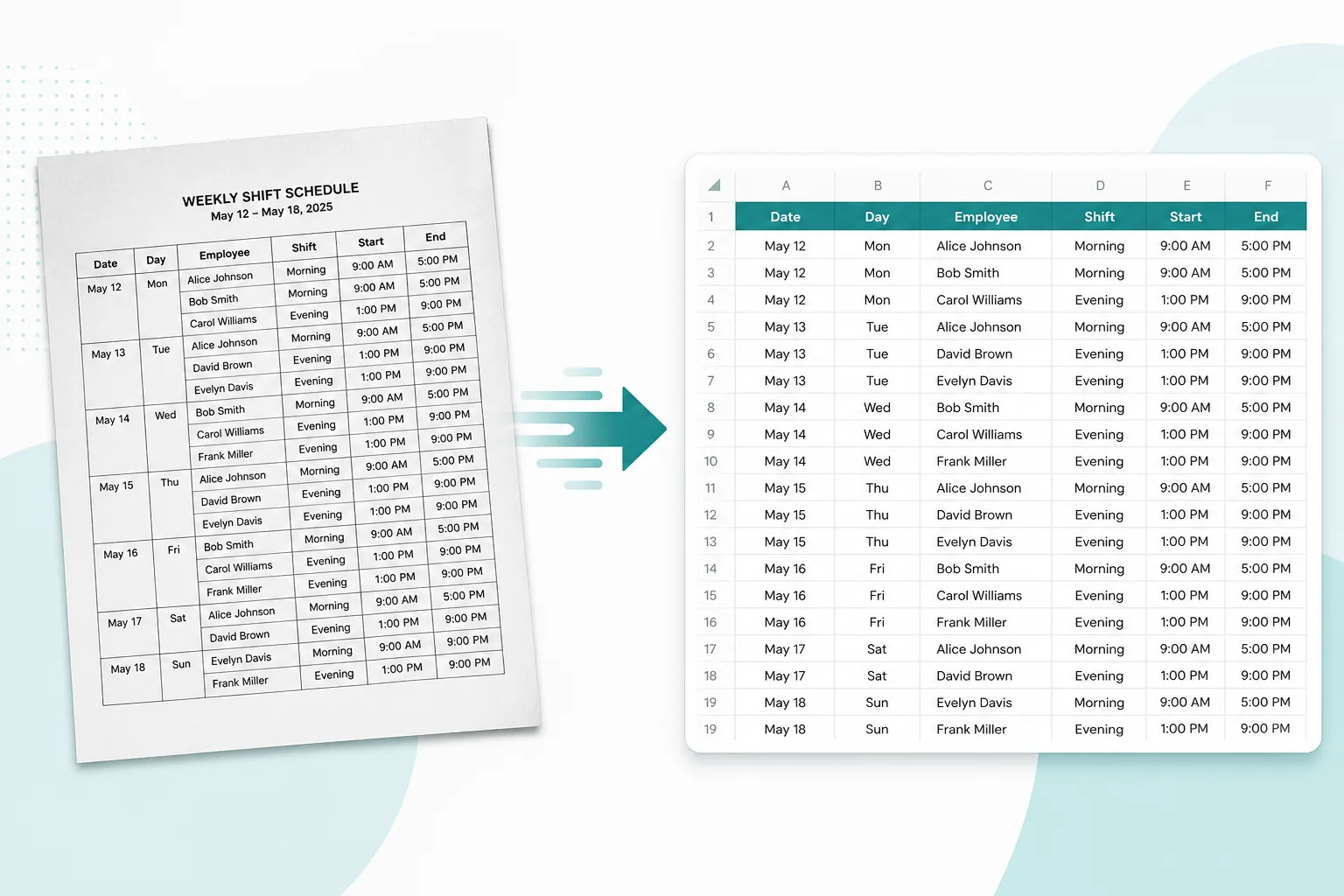
Log daily till slips and vendor receipts without typing every line by hand.
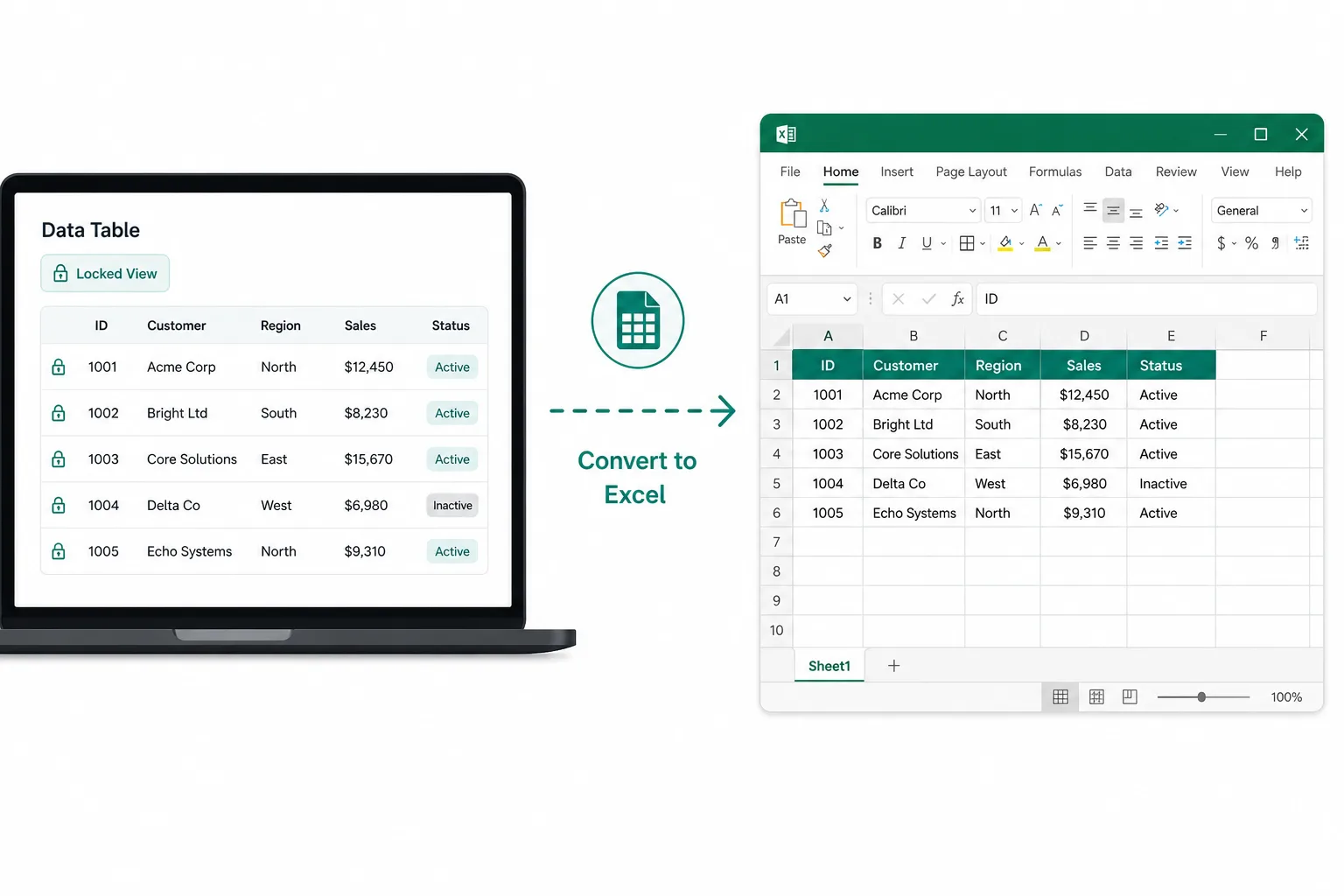
Upload several receipts in one run, extract each page, then download a workbook.