
Insert pages
Rasterizes each PDF page and drops it into a .docx as a picture. Use when you only need the pages inside Word — no text extraction.
Free online pdf to word — turn PDFs and scanned pages into a Word document: insert pages as-is, extract plain text, or keep formatting.
Drop images or PDFs here
JPG, PNG, WEBP, HEIC, PDF
From a PDF or scanned file to a downloadable .docx — choose the mode that fits.
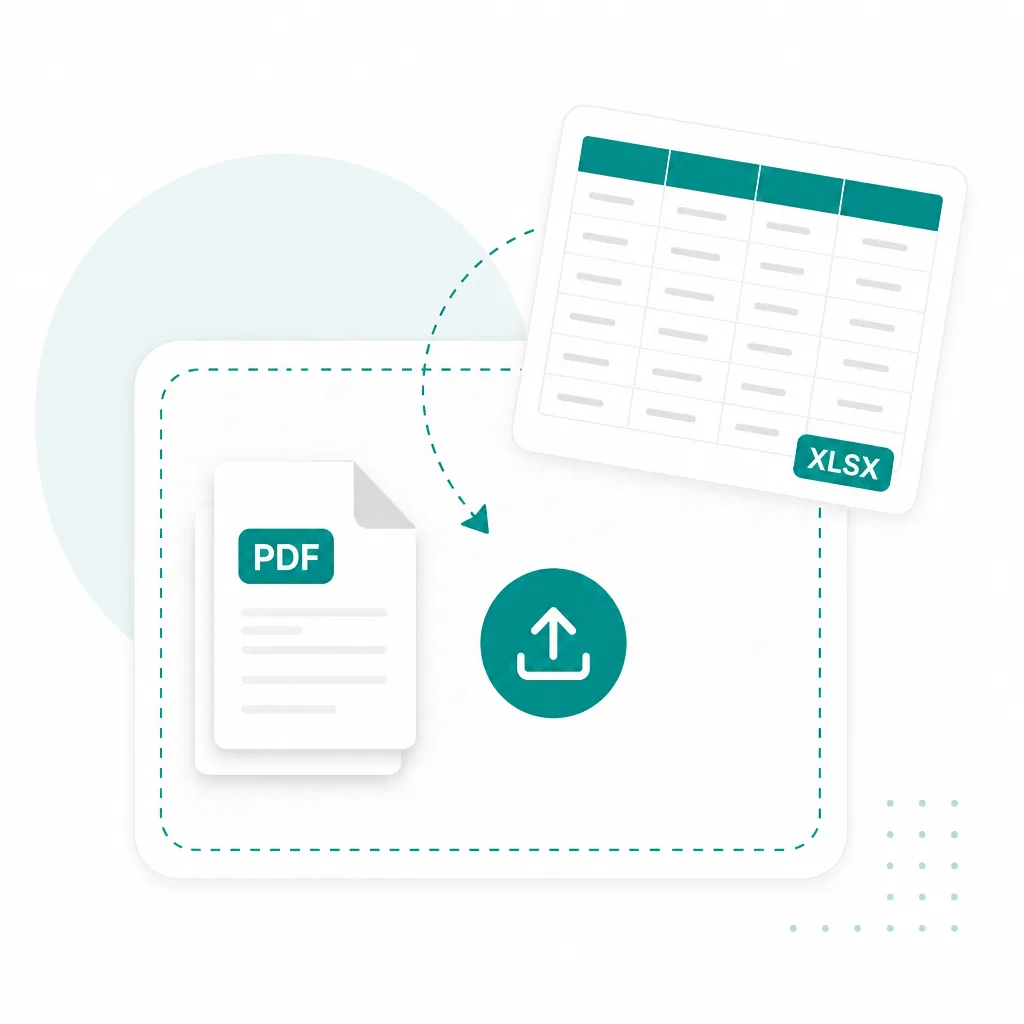
Drop a PDF — text-based or scanned — into the converter above. Multi-page files become one job per page.

Insert pages (free), Plain text (Simple OCR), or Keep formatting (Advanced OCR).
Get a .docx you can open in Word or Docs — editable text when you used an OCR mode.
Pick a mode above the uploader — same converter, different Word output.
Rasterizes each PDF page and drops it into a .docx as a picture. Use when you only need the pages inside Word — no text extraction.
Runs Simple OCR on each page, then builds an editable Word file from the plain text. Best for clear scans and printed PDFs.
Uses Advanced OCR, then exports headings, lists, and tables into Word. Pick this when layout matters — contracts, handouts, reports.
Built for pdf to word first. Scanned PDFs, image-only exports, and multi-page handouts work when the words live on the page.
PDF to Word
Reports, handouts, and exports
Scanned PDF to Word
Phone scans and flatbed copies
Image PDF to DOCX
Pages locked as pictures
PDF to DOC
Download an editable .docx
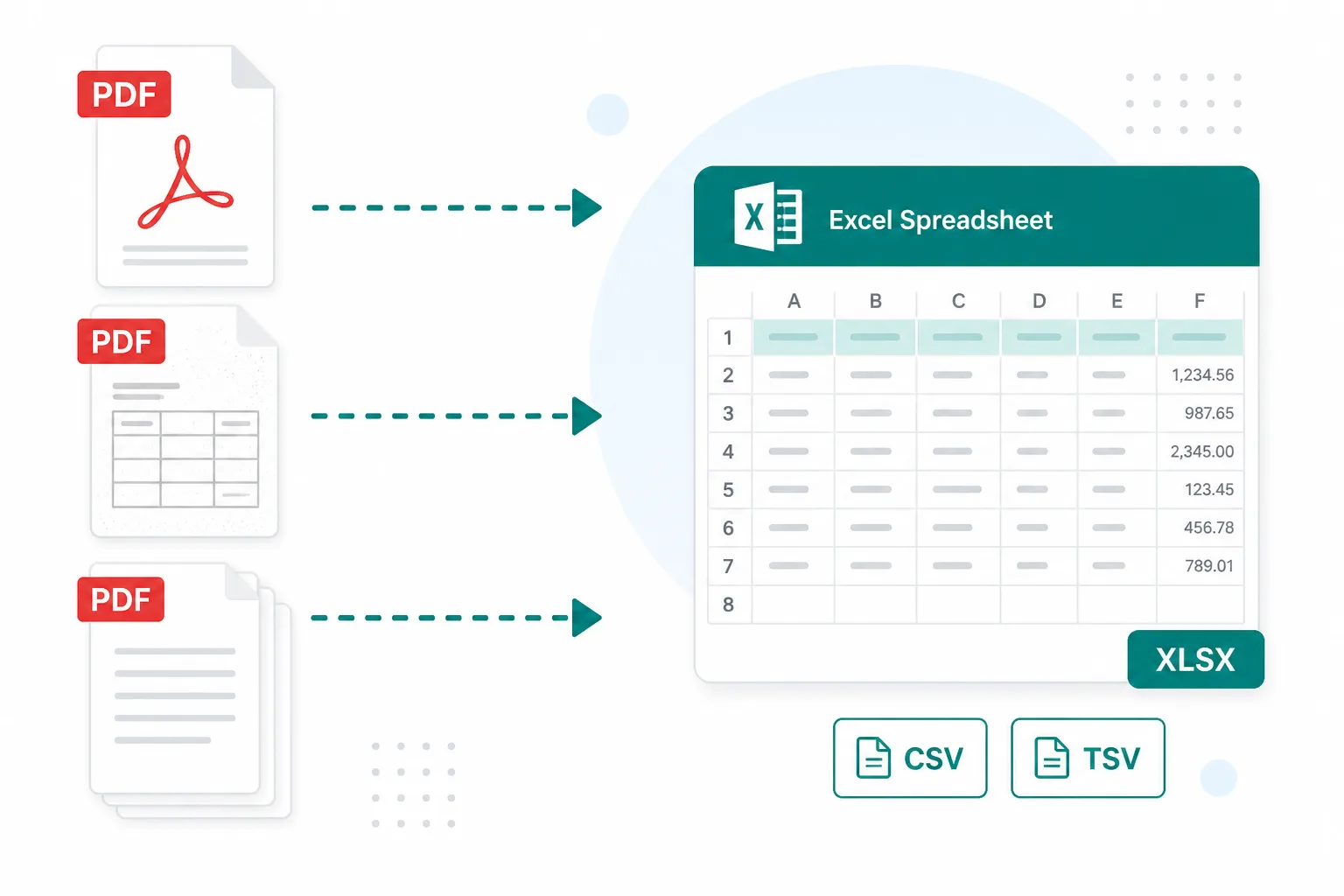
When the PDF won’t let you edit, put the words into Word instead of retyping.
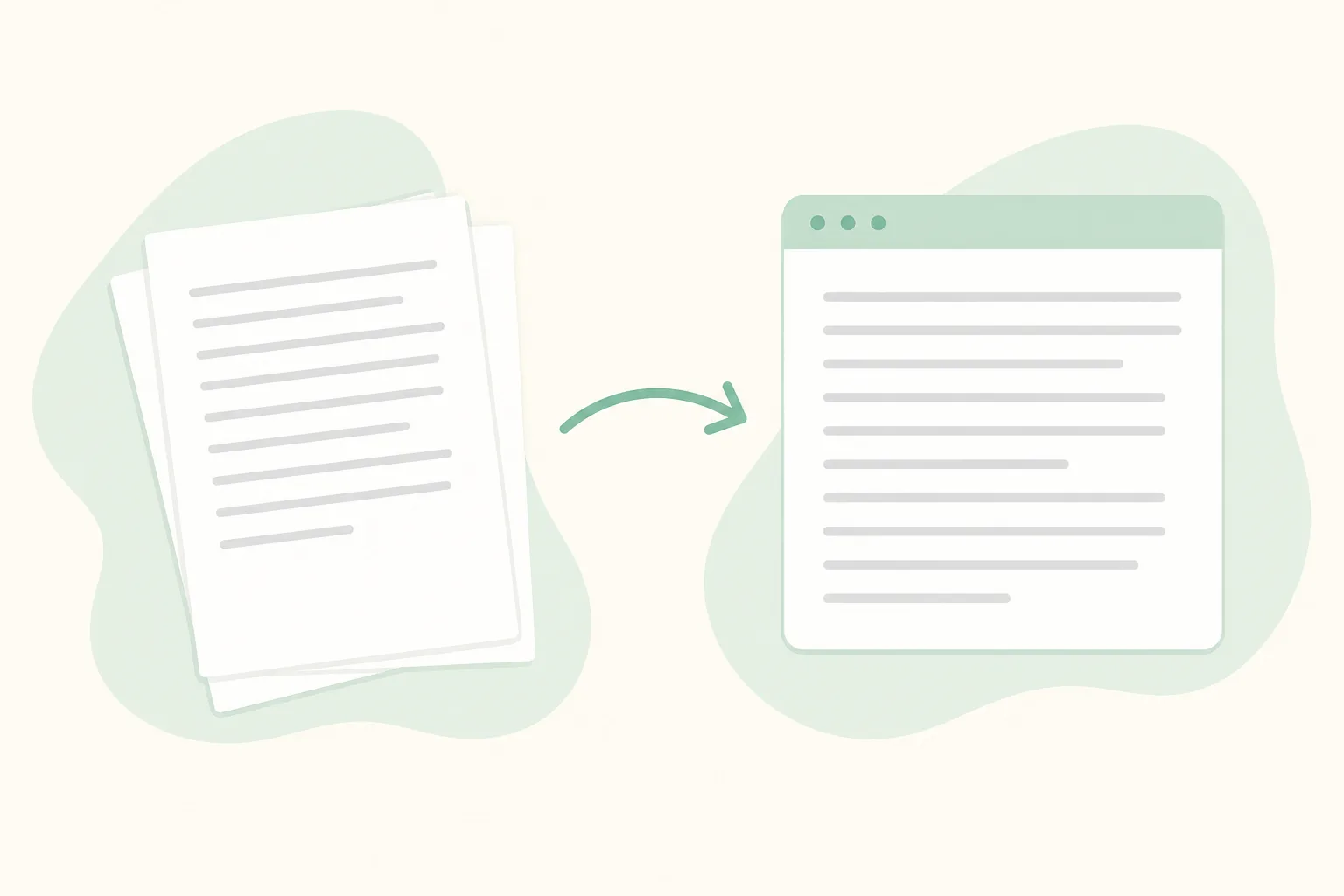
Convert a locked PDF handout or image-only export into editable Word for edits, comments, and reuse.
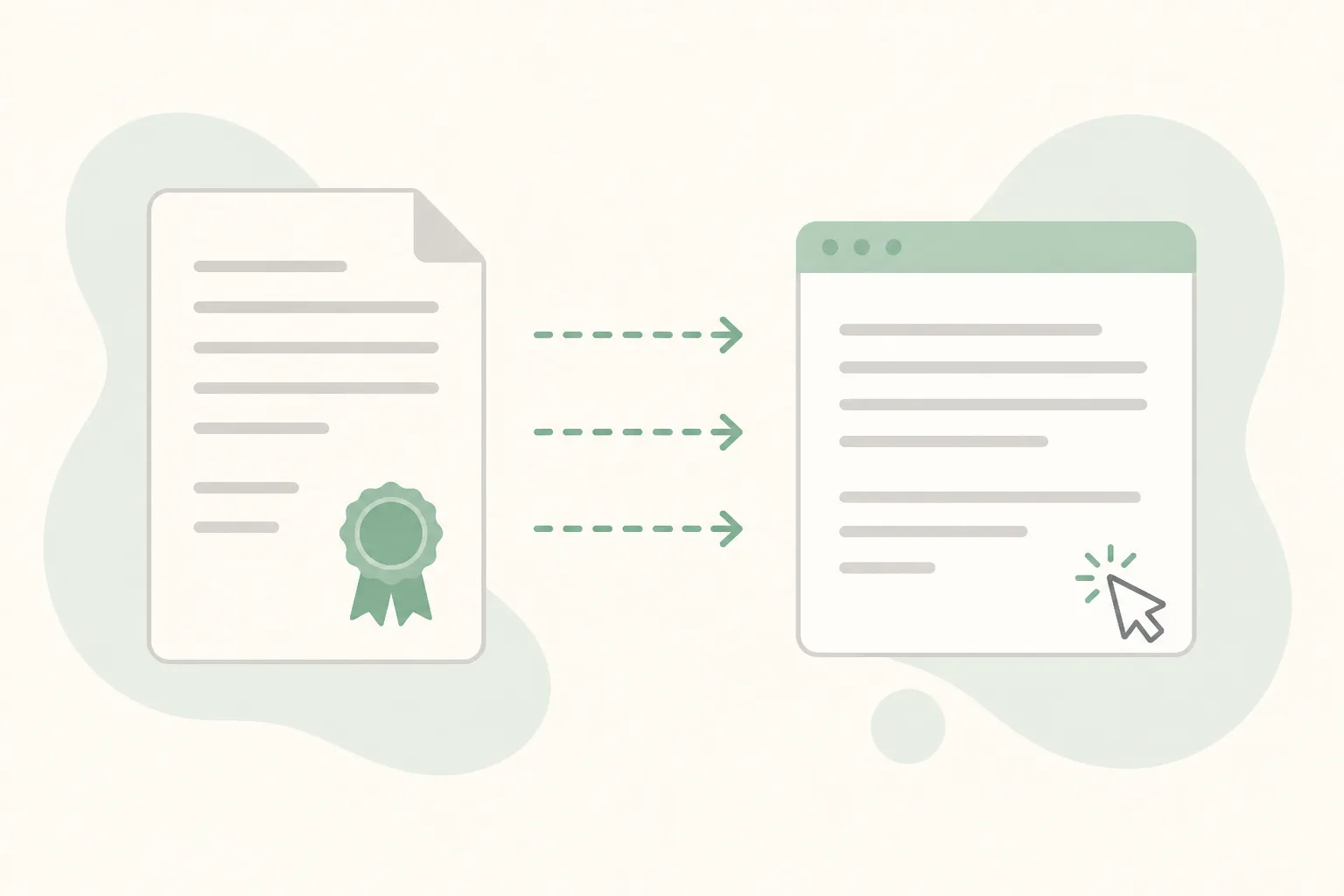
Turn a locked PDF contract or report into a Word file you can revise, comment on, and send back.
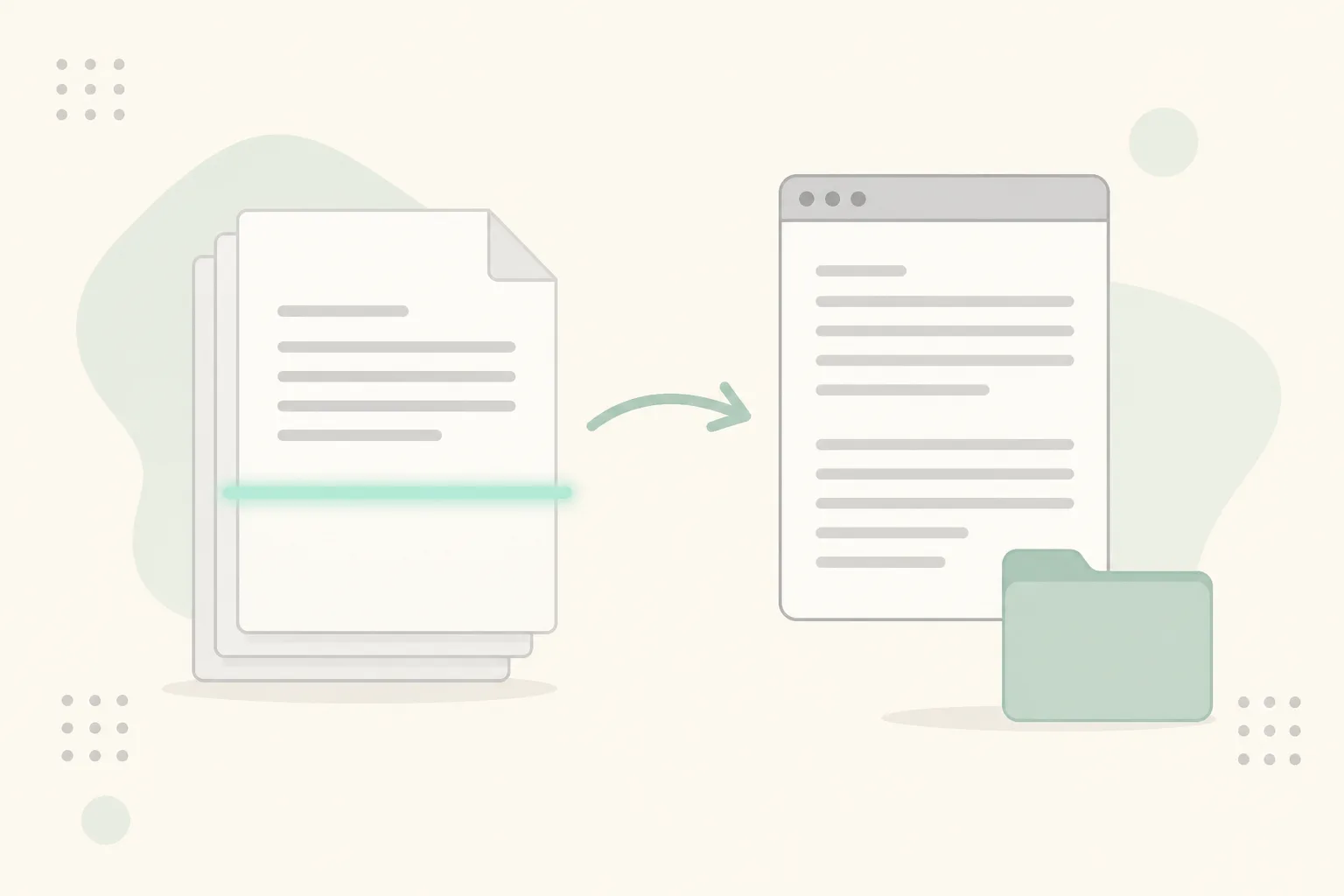
Scanned pdf to word when paper letters and filed copies only exist as image PDFs.