
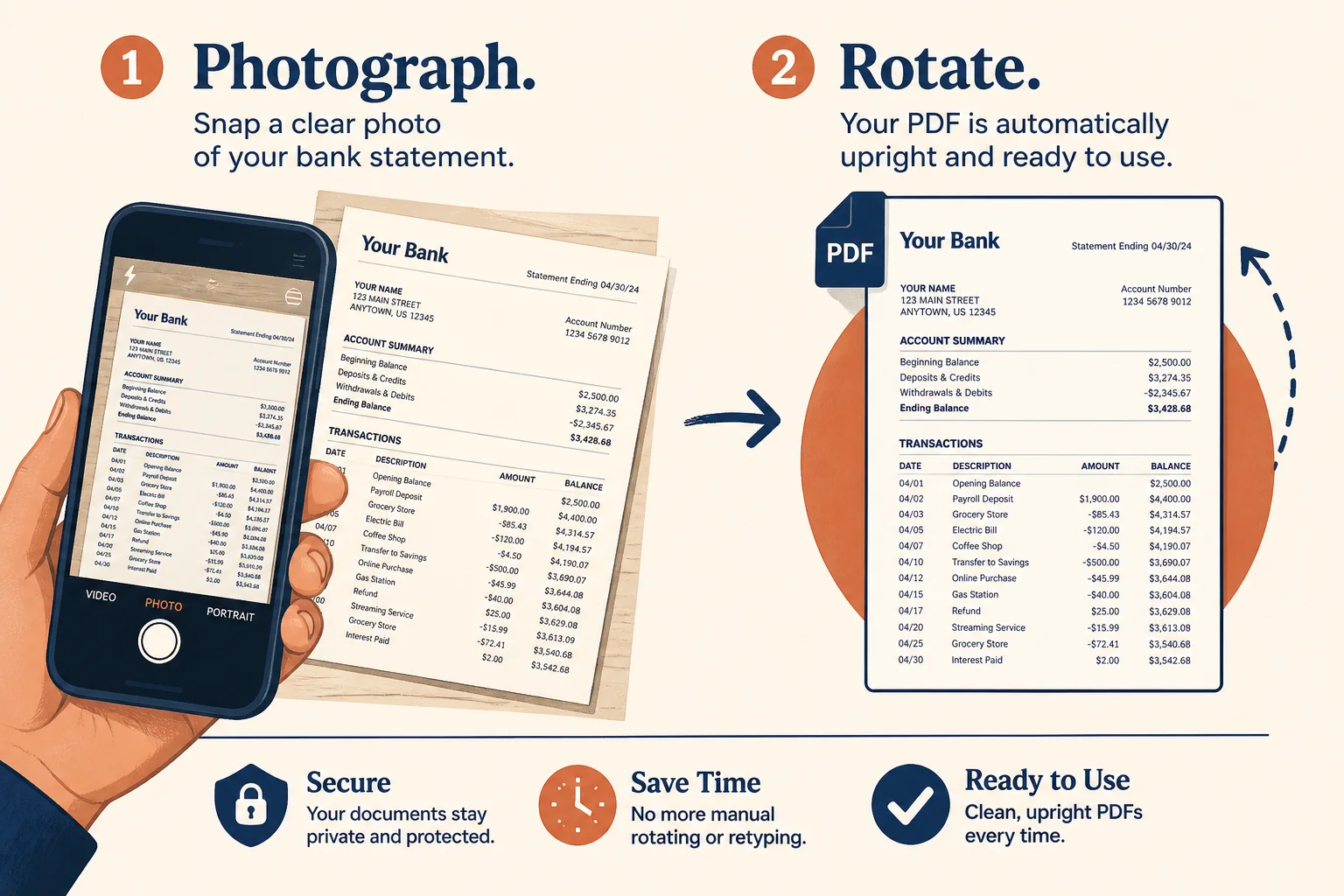
Phone statement photos
Rotate a camera-captured PDF before uploading to expense software.
Fix sideways or upside-down statement and invoice scans before you file them or run OCR.
Drop a sideways statement or invoice PDF
Files stay in your browser for this tool.
Straight pages read faster — for you and for OCR.
Drop a scan that landed sideways from a phone or feeder.
Rotate clockwise by 90°, 180°, or 270° for every page.
Save the upright file, then extract rows if you still need Excel.
Phone photos and ADF feeders often land wrong.
Sideways scans
Landscape capture of a portrait statement
Upside-down pages
Feeder flipped a stack mid-scan
Mixed packs
Rotate the whole file after merge
OCR prep
Upright pages improve table reading
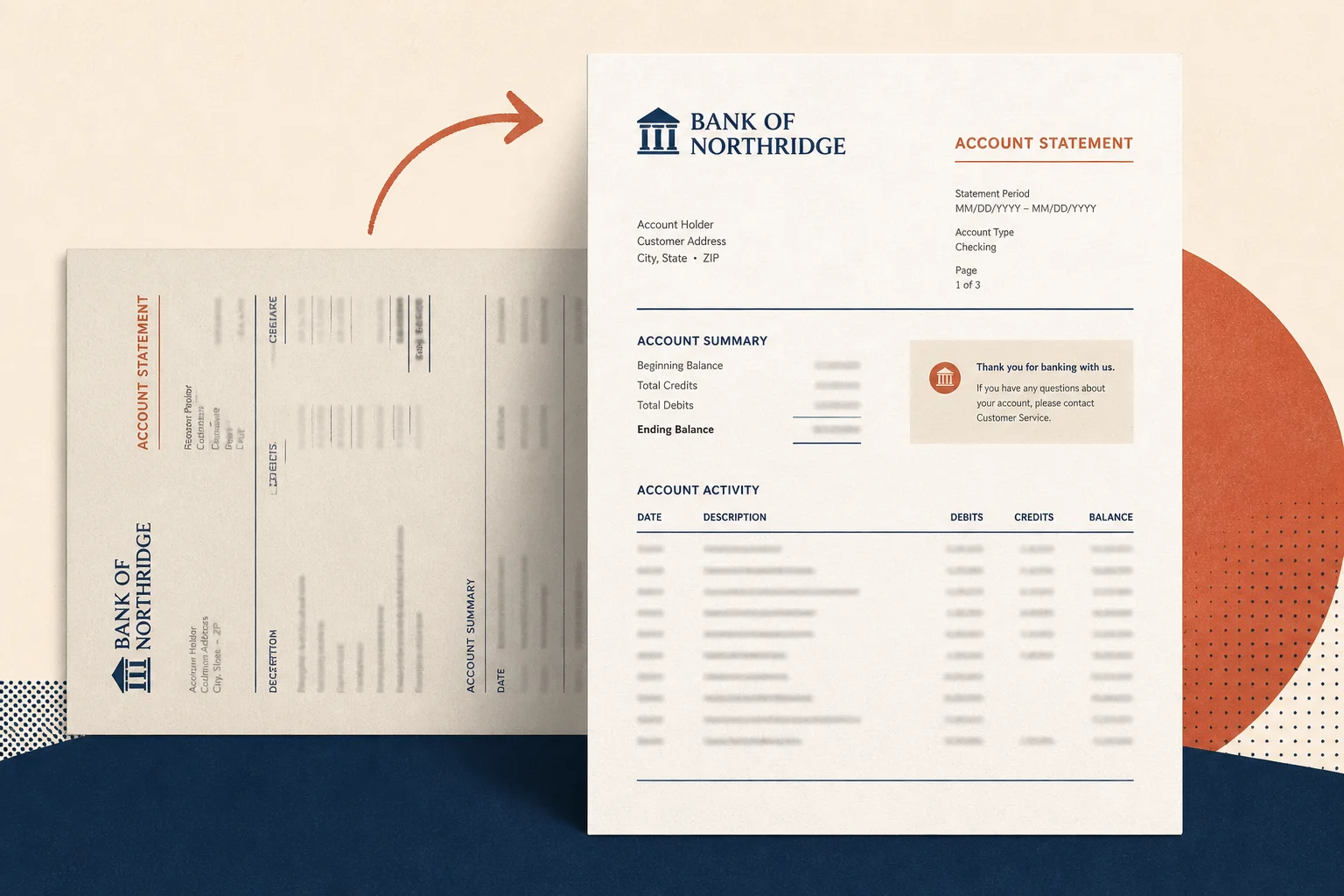
Straighten first — convert second.
Rotate a camera-captured PDF before uploading to expense software.
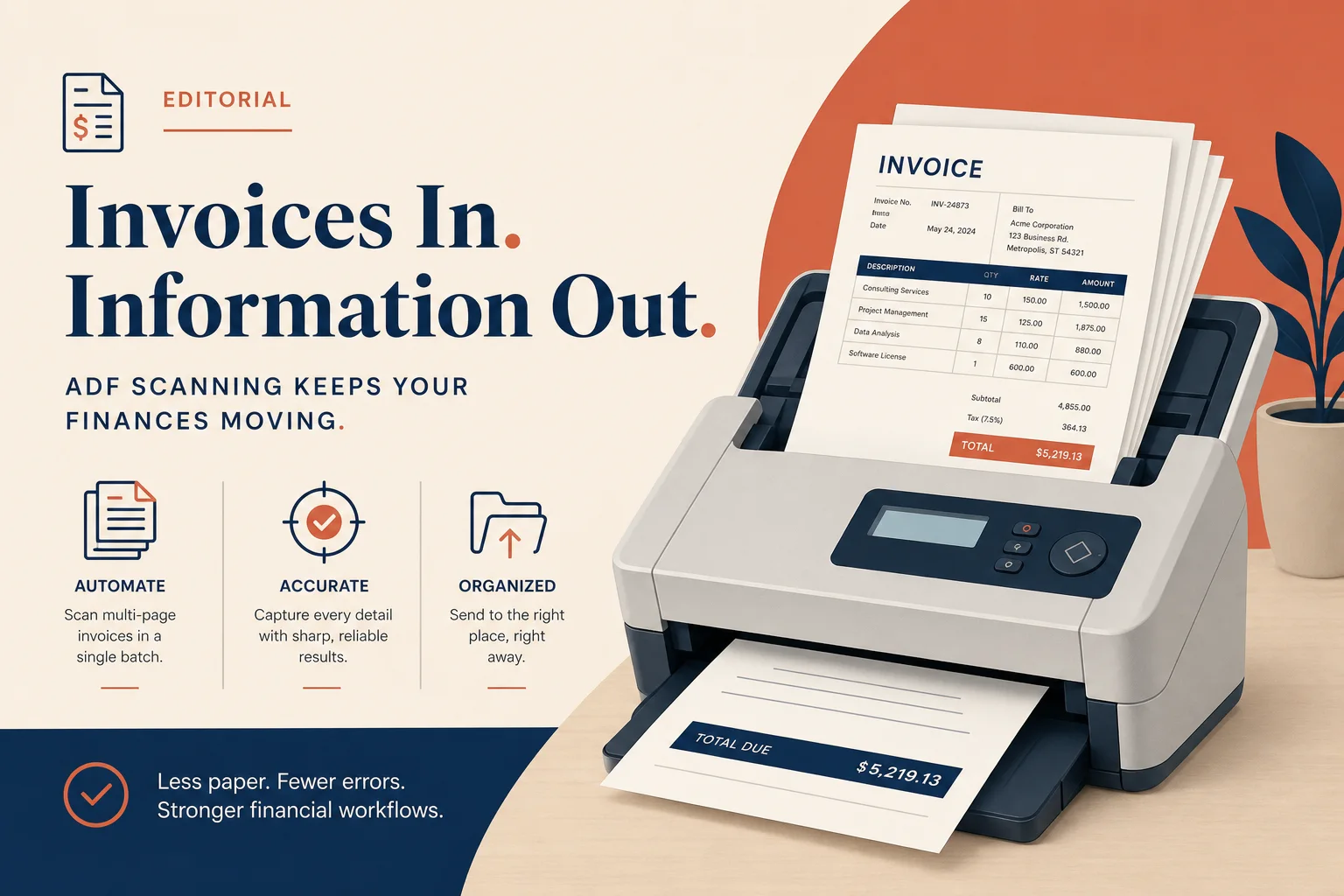
Correct a feeder that rotated every other invoice page.
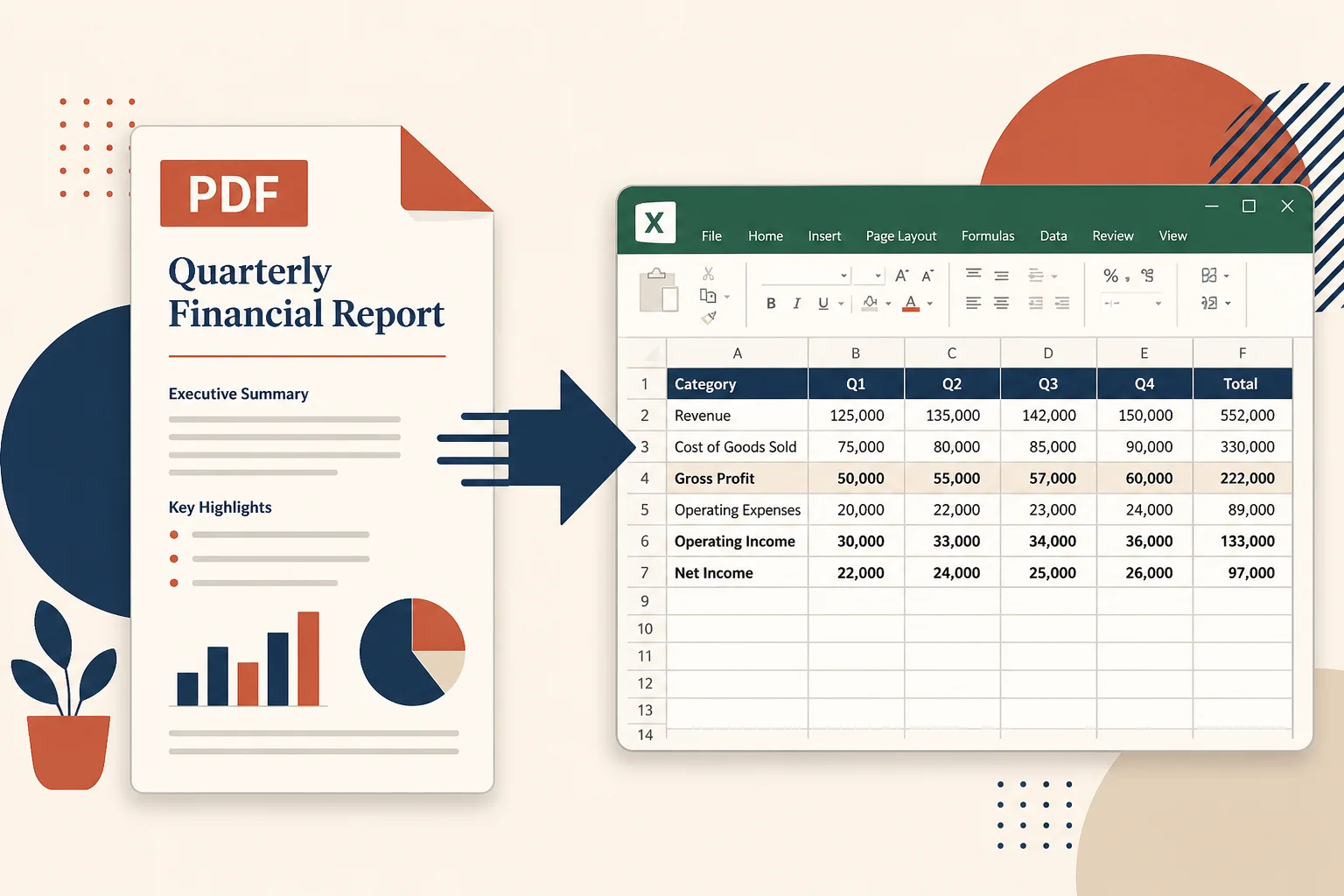
Upright tables parse more cleanly when you need transaction rows.
Keep organizing, then extract when ready.
Reorder pages after they face the right way.
Open toolBrighten dim scans next.
Open toolExtract transactions when pages are scans.
Open toolPull tables into a spreadsheet after you prep the file.
Open toolBrowse the free tools hub.
Open tool