
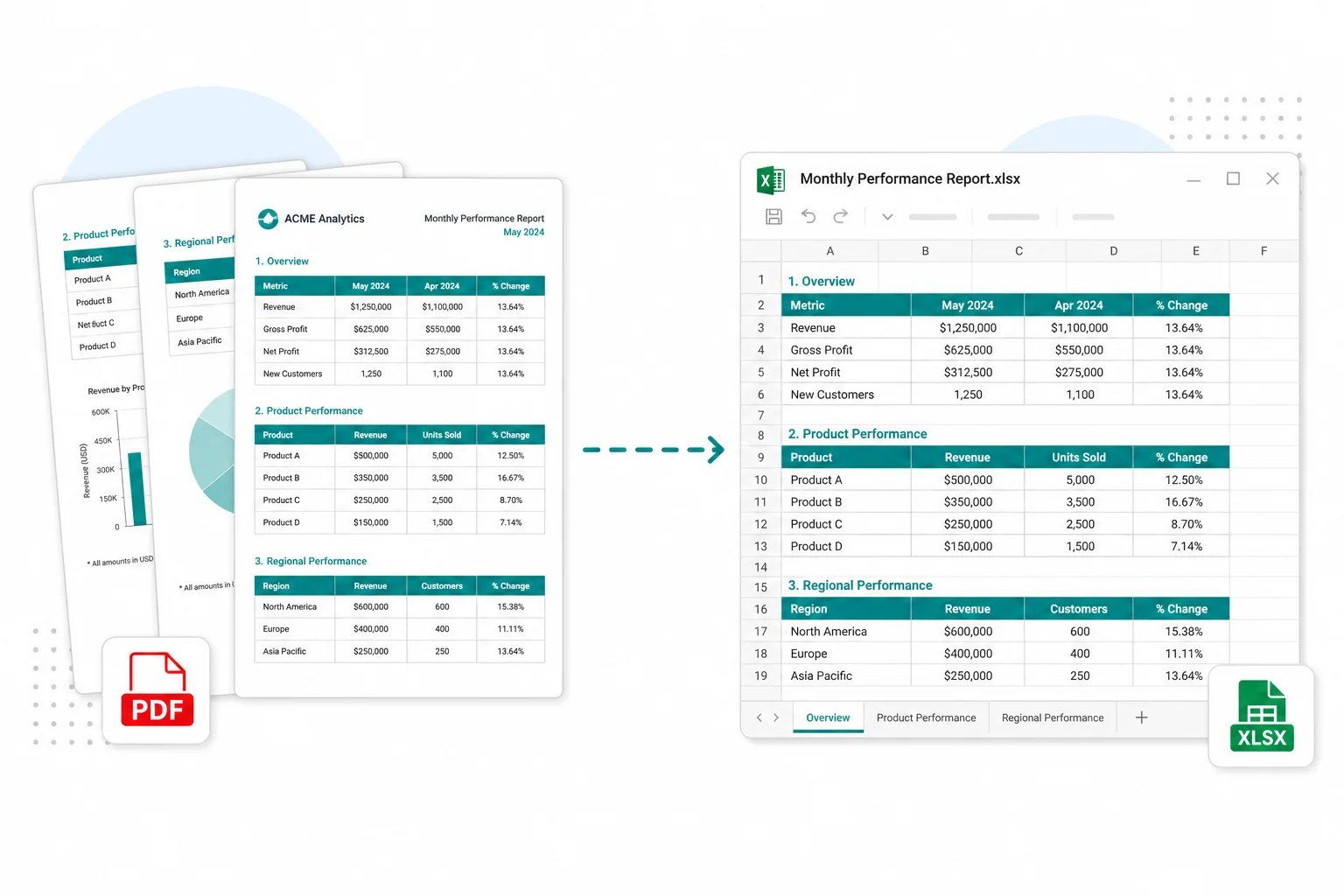
Expense systems that block PDF
Export statement pages to JPG when the portal only allows image attachments.
Some portals and chat threads only accept images. Render each statement or invoice page to JPG — then extract tables when you still need spreadsheet rows.
Drop a statement or invoice PDF
Files stay in your browser for this tool.
From a multi-page export to images your tools accept.
Add a statement, invoice pack, or report PDF. Use the password if the file is locked.
Each page becomes a clear JPG preview — useful when PDF upload is blocked.
Save a single page or the full set. Need transactions? Continue to Excel OCR.
Made for pages you must attach as images, not as PDF.
Statement PDFs
Bank and card ledgers page by page
Invoice packs
Multi-page vendor PDFs
Scanned PDFs
Image-based pages render the same way
JPG / ZIP
Single file or batch archive
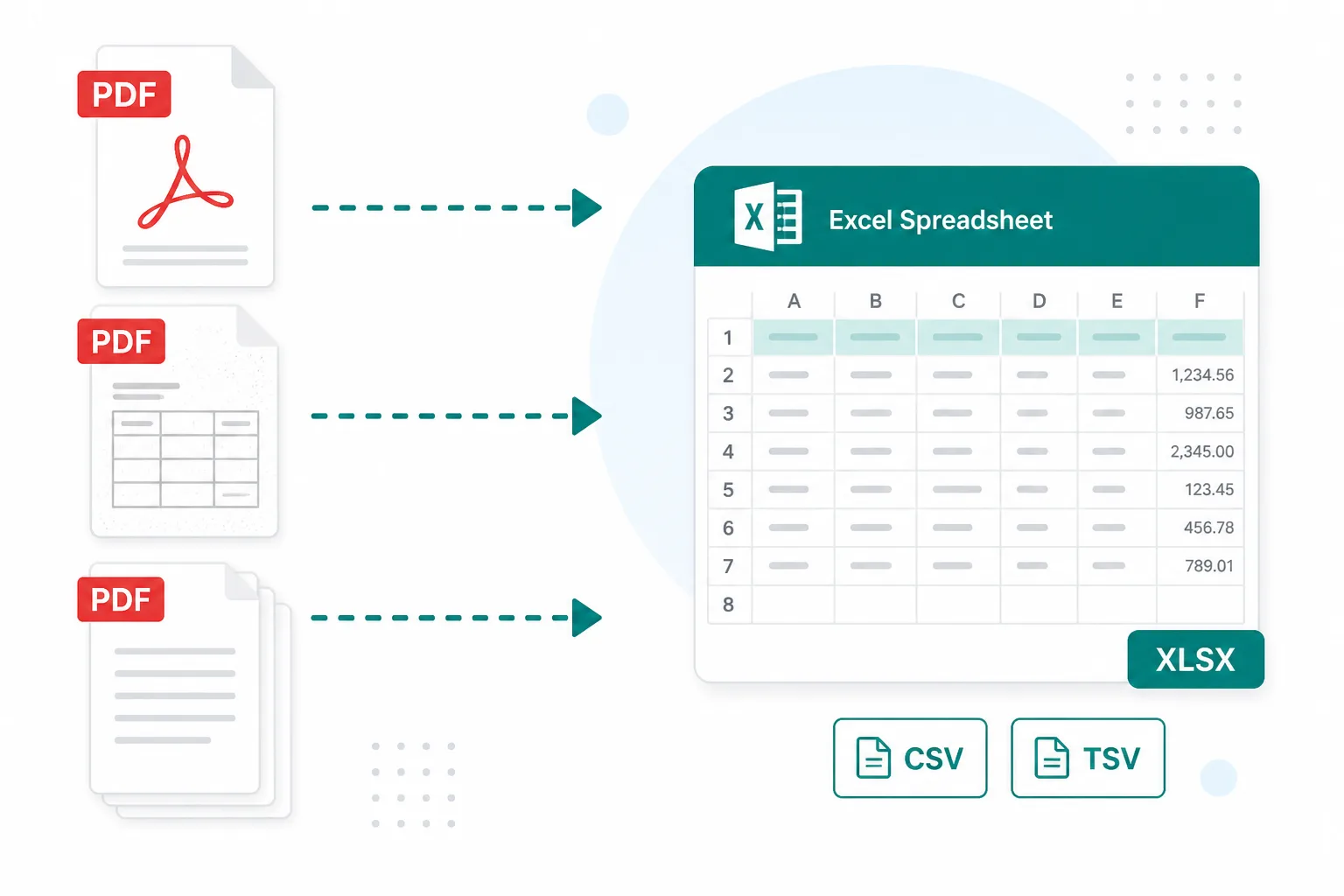
Image requirements should not force a full retype.
Export statement pages to JPG when the portal only allows image attachments.
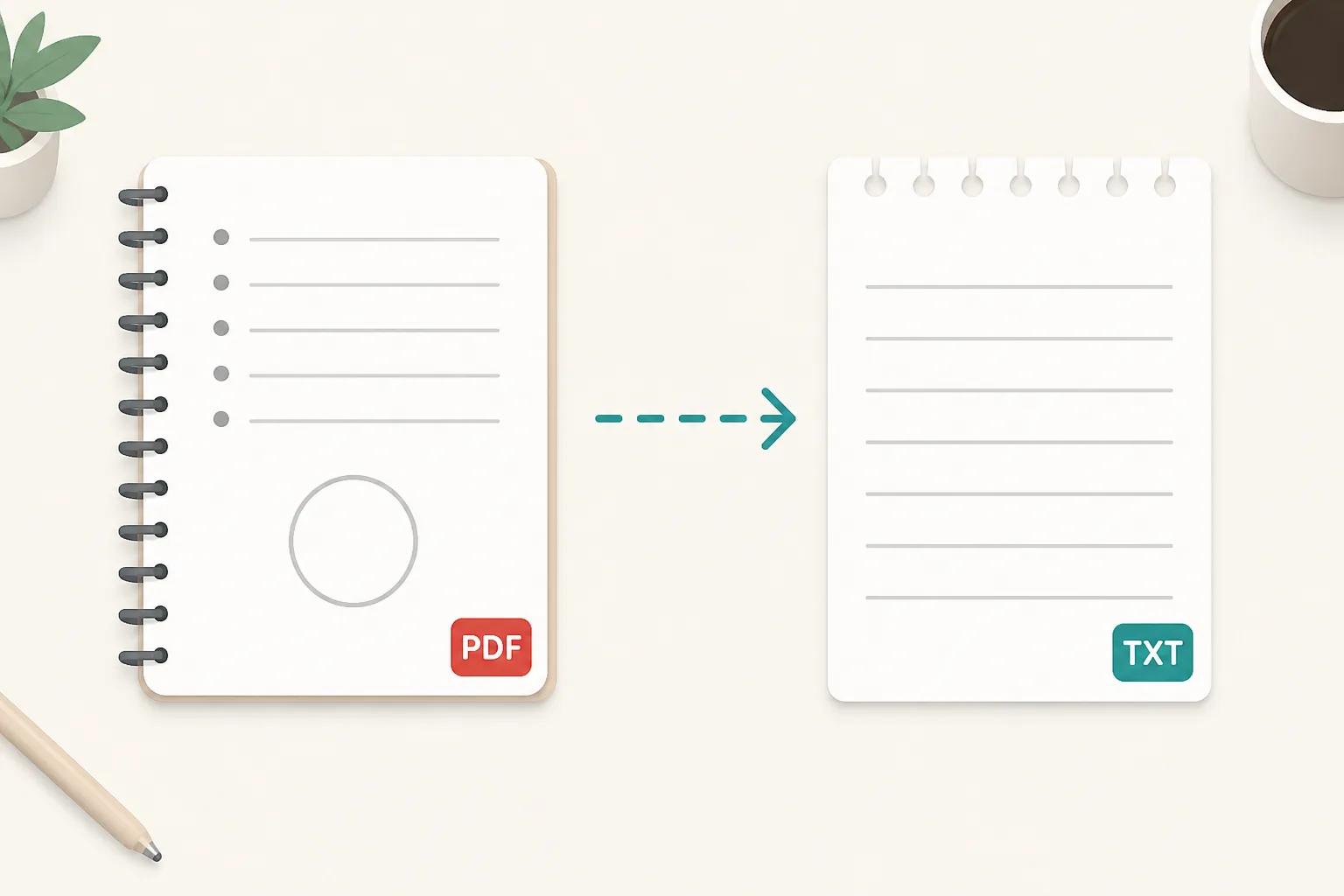
Send a single invoice page as JPG without forwarding the whole pack.
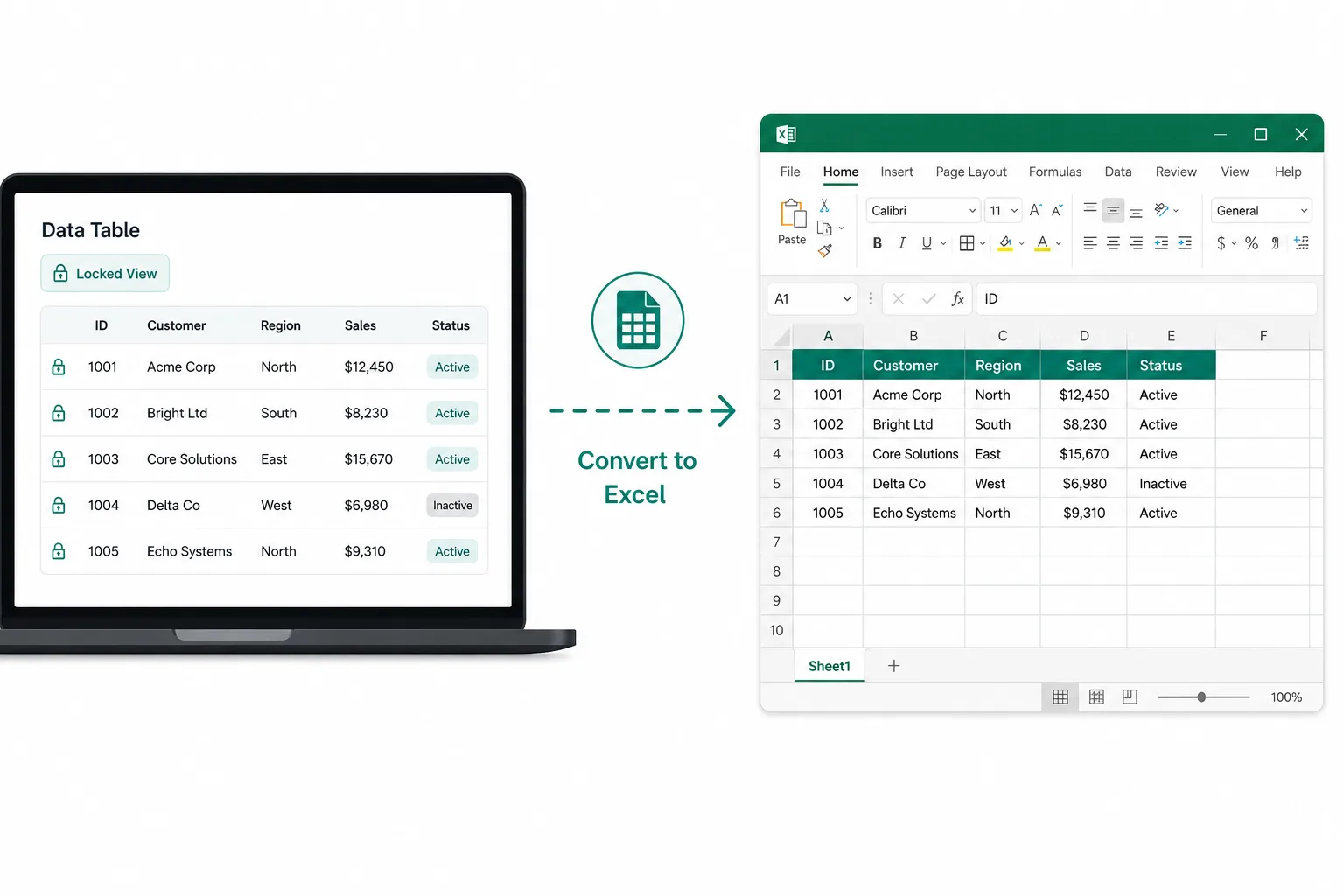
Rasterize a stubborn page, then run Image or PDF to Excel when you need rows.
Check text first, or extract rows when JPG is not enough.
See if the PDF already has copyable text before you rasterize.
Open toolPull only the pages you need, then convert those to JPG.
Open toolExtract line items when you need a spreadsheet, not just images.
Open toolTurn PDF tables into editable XLSX or CSV.
Open toolBrowse every free prep tool in one place.
Open tool