
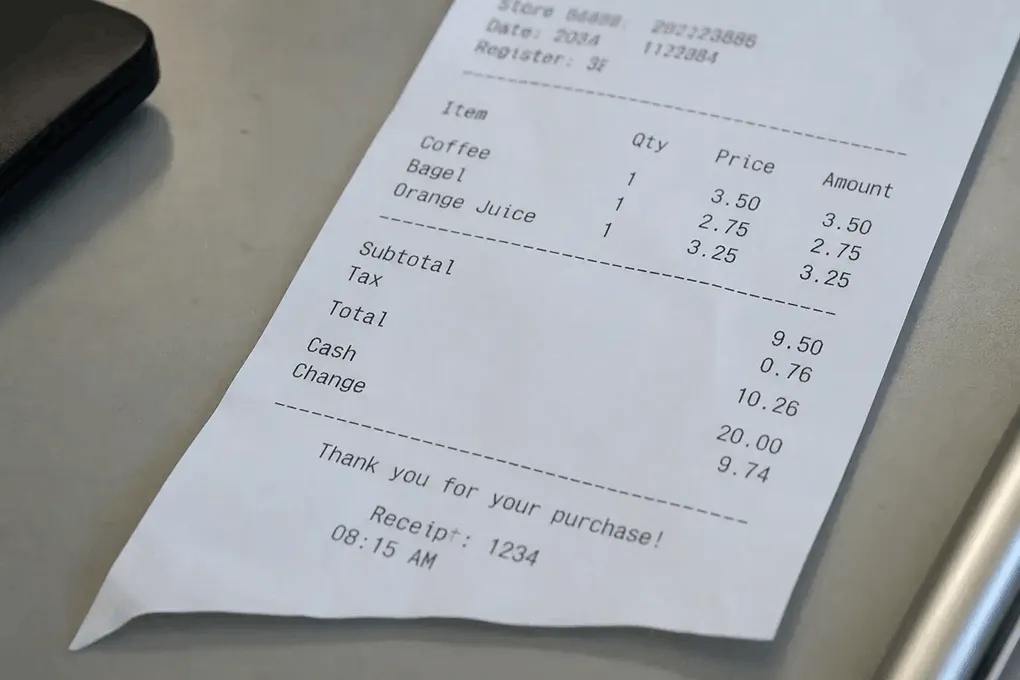
Expense report attachments
Convert meal and travel HEIC shots so the expense tool accepts the file.
iPhone saves receipts as HEIC — many expense and AP portals still want JPG. Convert here, then upload or pull line items into Excel.
Drop iPhone HEIC receipt photos
Files stay in your browser for this tool.
From Camera Roll to a file your books will accept.
Drop one or more HEIC or HEIF shots of receipts, till slips, or paper invoices.
Each photo becomes a JPG without installing desktop software.
Save JPGs for your expense system, or continue to Receipt to Excel for editable line items.
Aimed at finance uploads that reject HEIC attachments.
HEIC
Default iPhone photo format
HEIF
Same family, different extension
JPG output
Widely accepted by portals
Batch convert
Several receipts in one run
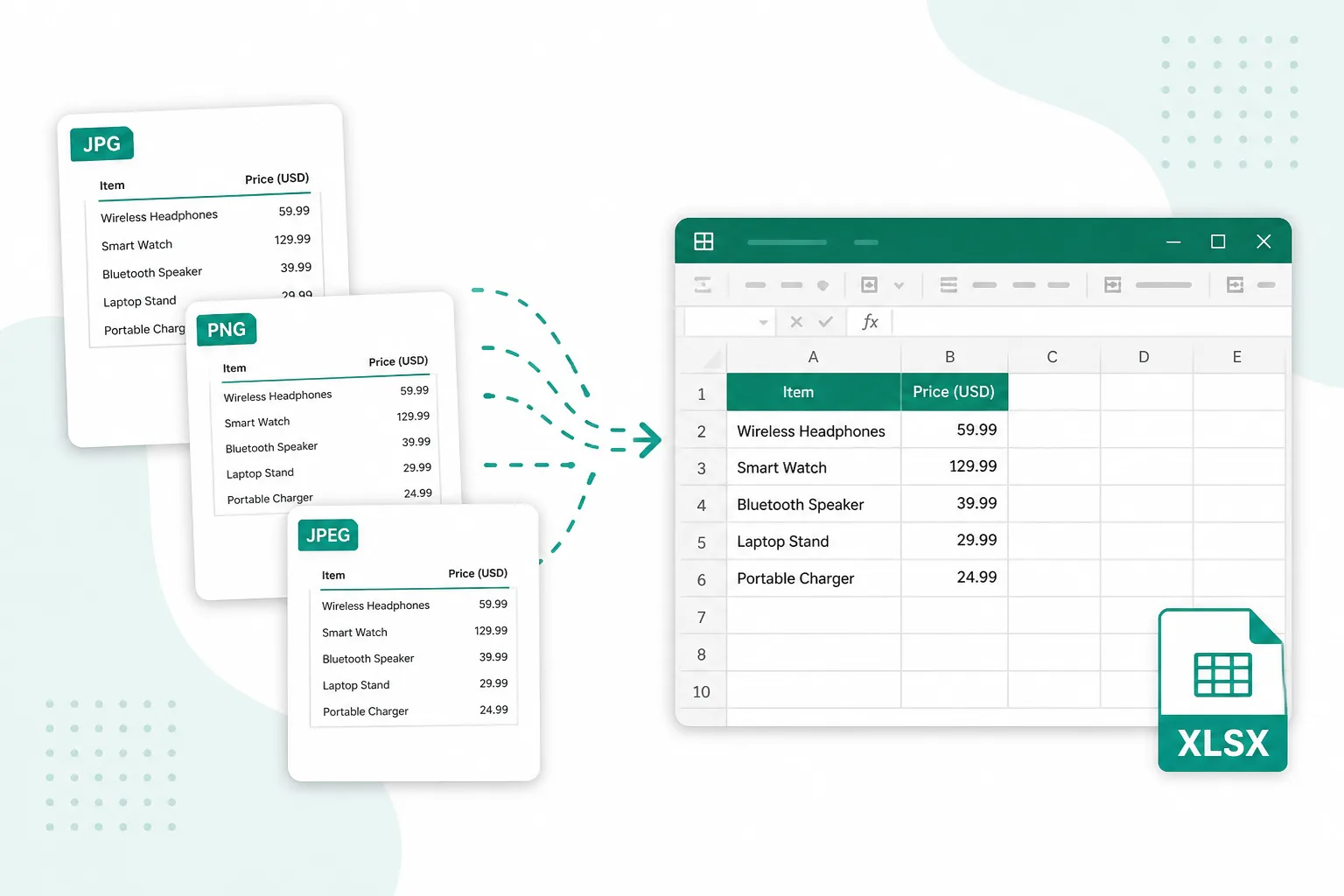
When the phone shot is fine — the format is the blocker.
Convert meal and travel HEIC shots so the expense tool accepts the file.
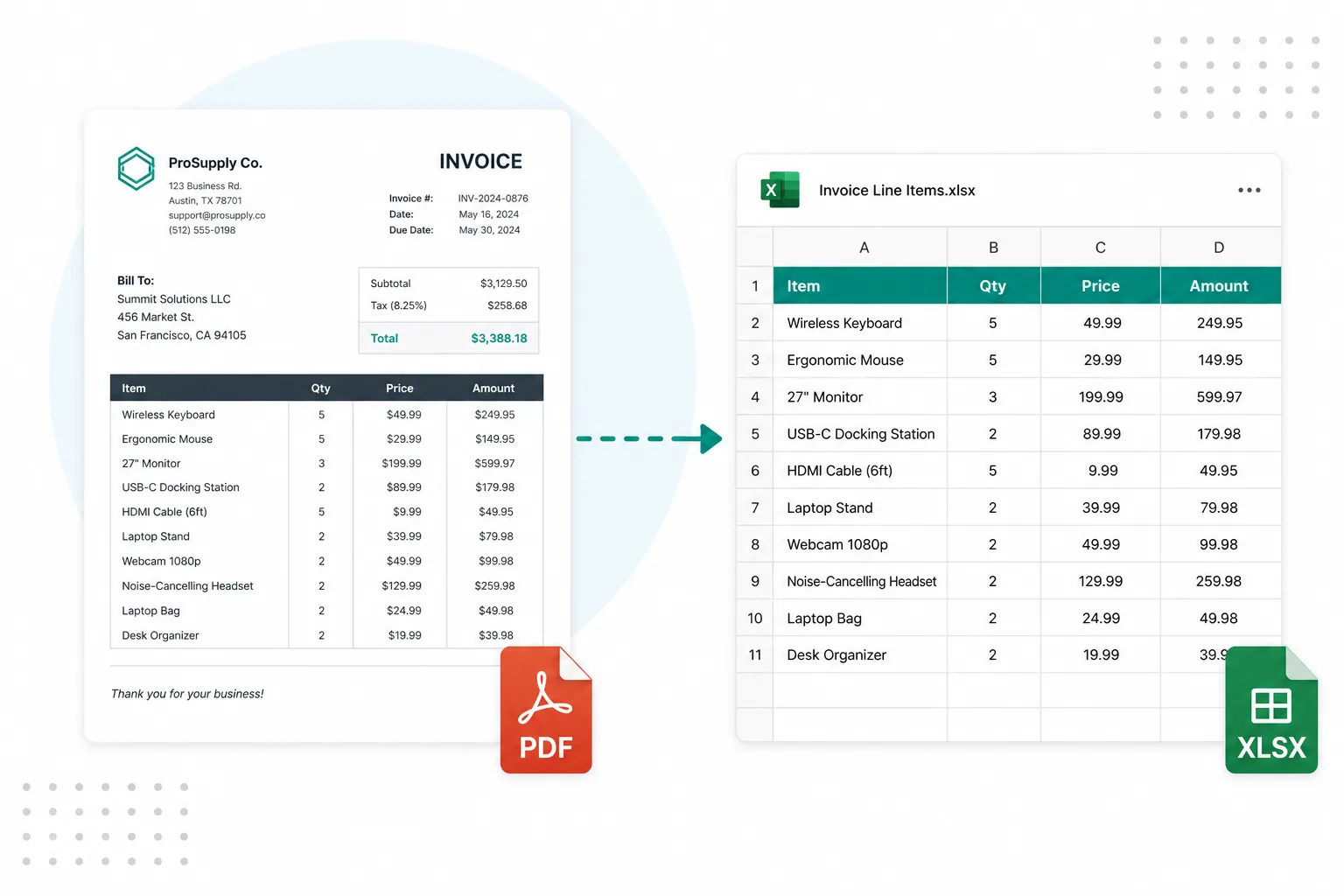
Turn paper invoice photos from the field into JPG before AP review.
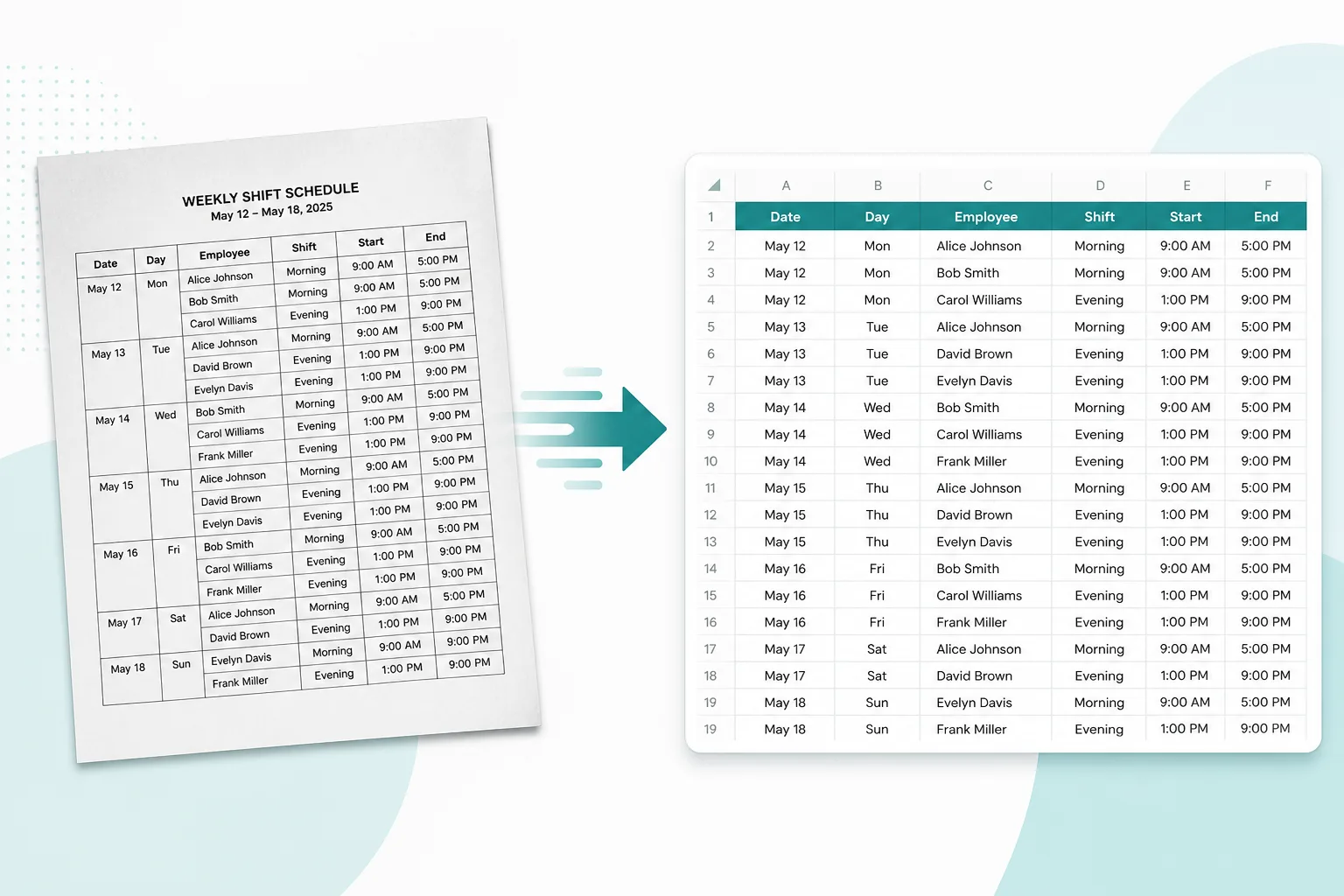
Convert a day’s HEIC till photos, then extract amounts into a sheet when needed.
After JPG is ready, pack pages or extract spreadsheet rows.
Combine converted receipt JPGs into one PDF pack for your accountant.
Open toolPull merchant, dates, and amounts from receipt photos into XLSX.
Open toolExtract vendor line items when the photo is an invoice, not a slip.
Open toolConvert any table photo into an editable spreadsheet.
Open toolSee every browser prep tool for finance documents.
Open tool