
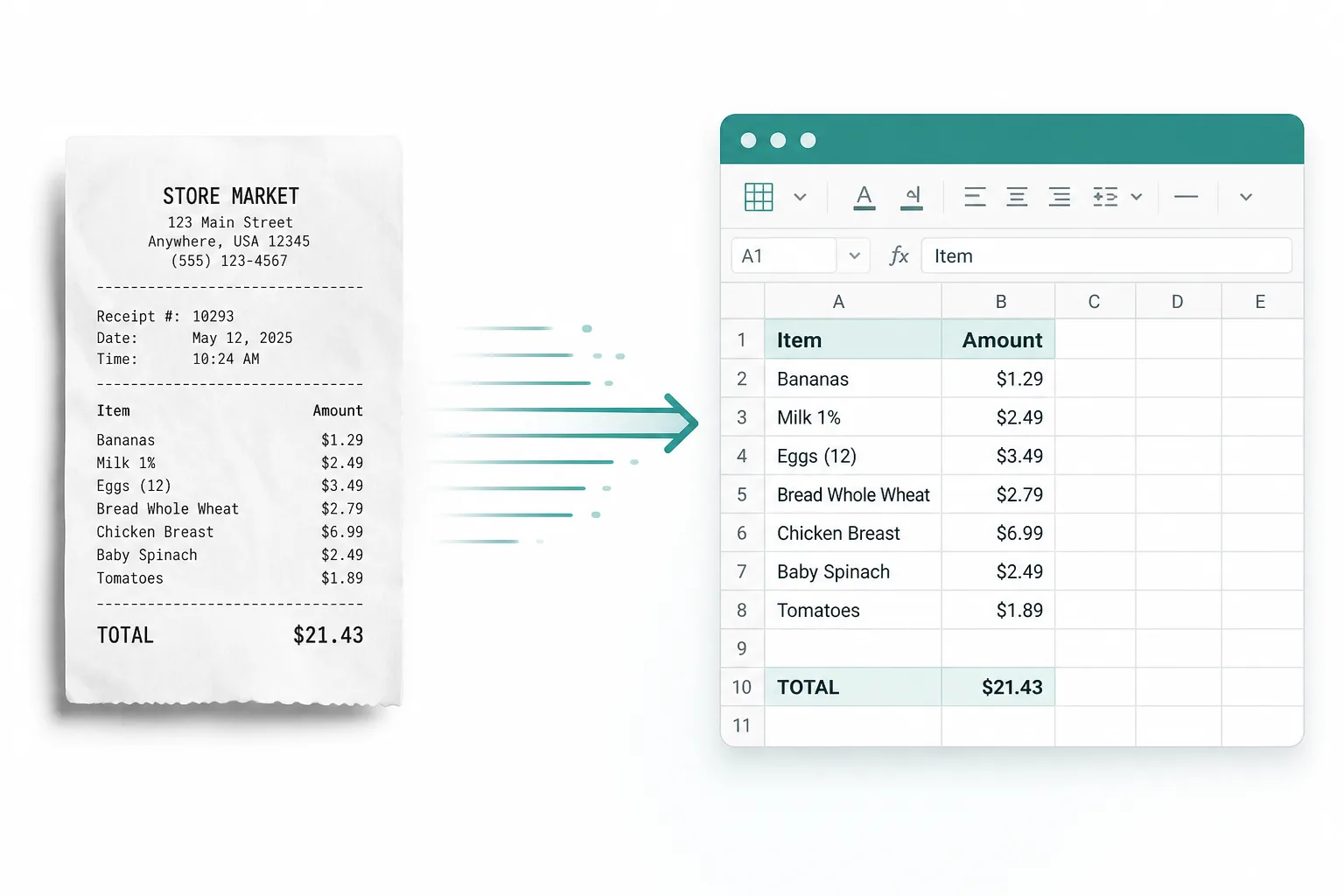
Weekly receipt pack
Combine a week of expense photos into one PDF for reimbursement.
Stack phone photos of receipts, invoices, or contract pages into one PDF your accountant can file — with paper size, orientation, and margin controls.
Drop receipt or invoice photos
Files stay in your browser for this tool.
From a Camera Roll stack to a single attachment.
Drop JPG, PNG, or WEBP shots in the order you want them filed.
Pick A4 or Letter, portrait or landscape, and a margin preset. Each image fits inside the page without stretching.
Save the pack, or continue to OCR when you need editable text or Excel rows.
Built for filing packs — not classroom homework submissions.
Receipt photos
Meal, travel, and supply slips
Invoice photos
Paper invoices shot on a phone
Contract pages
Multi-page paper scans as images
JPG / PNG / WEBP
Common phone and screenshot formats
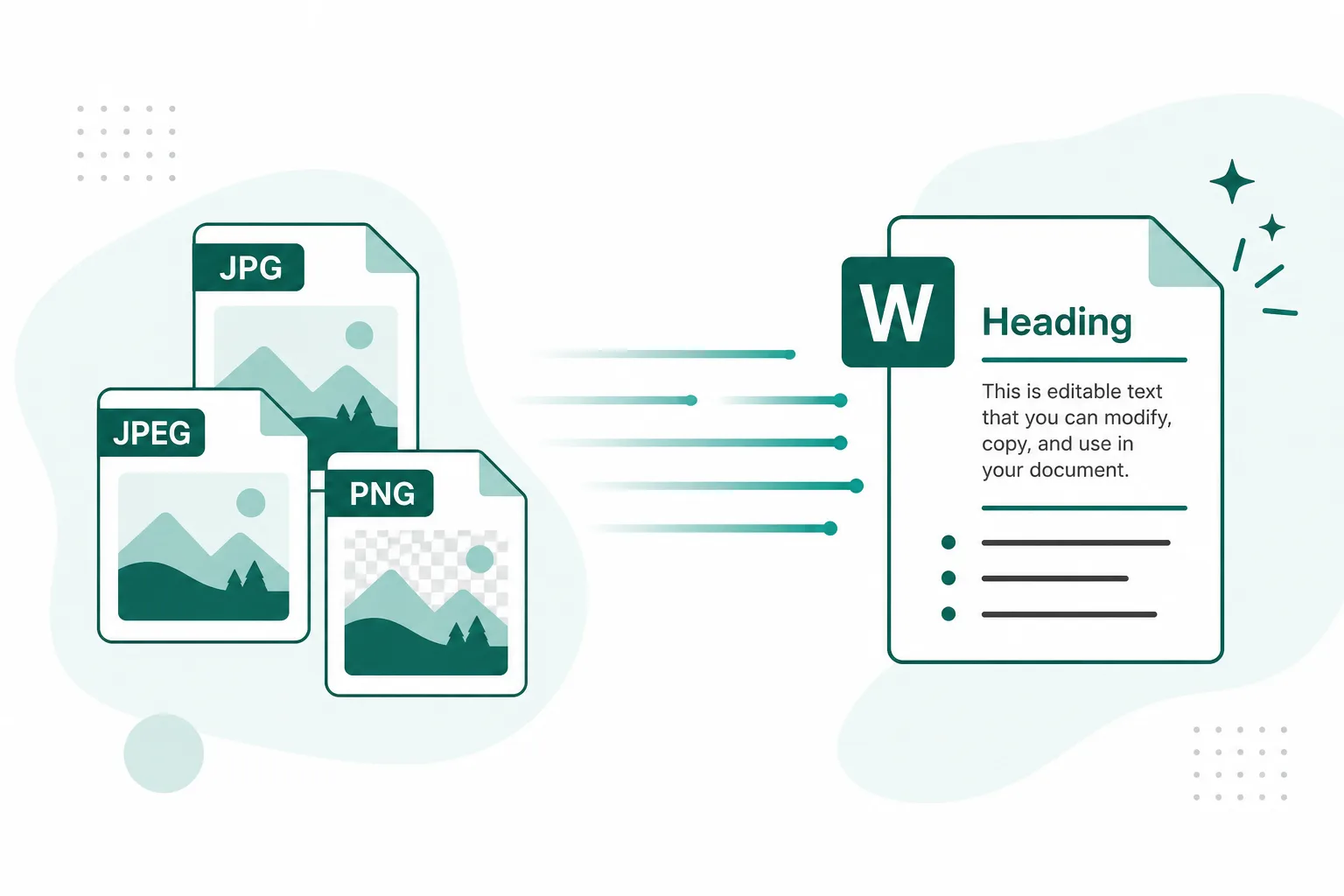
When the accountant asks for one PDF, not a ZIP of photos.
Combine a week of expense photos into one PDF for reimbursement.
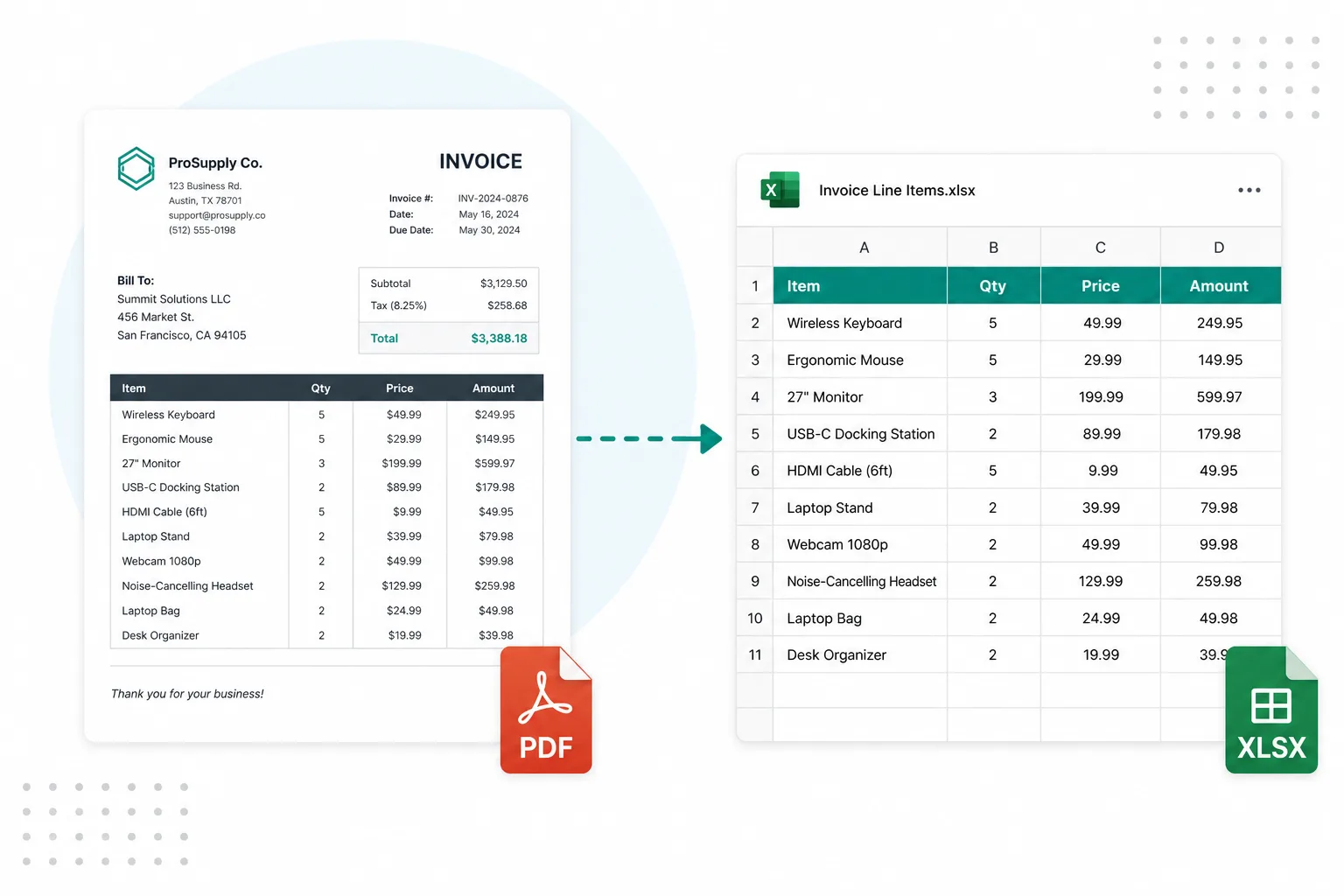
Turn several invoice photos into a single AP attachment.

File phone photos of each contract page as one PDF before redlines in Word.
Convert HEIC first, merge more PDFs, or extract editable text next.
Convert iPhone HEIC shots before you build the PDF pack.
Open toolAppend this pack to other statement or invoice PDFs.
Open toolExtract editable contract text after pages are in a PDF.
Open toolPull line items from receipt photos into a spreadsheet.
Open toolOpen the full free tools hub.
Open tool