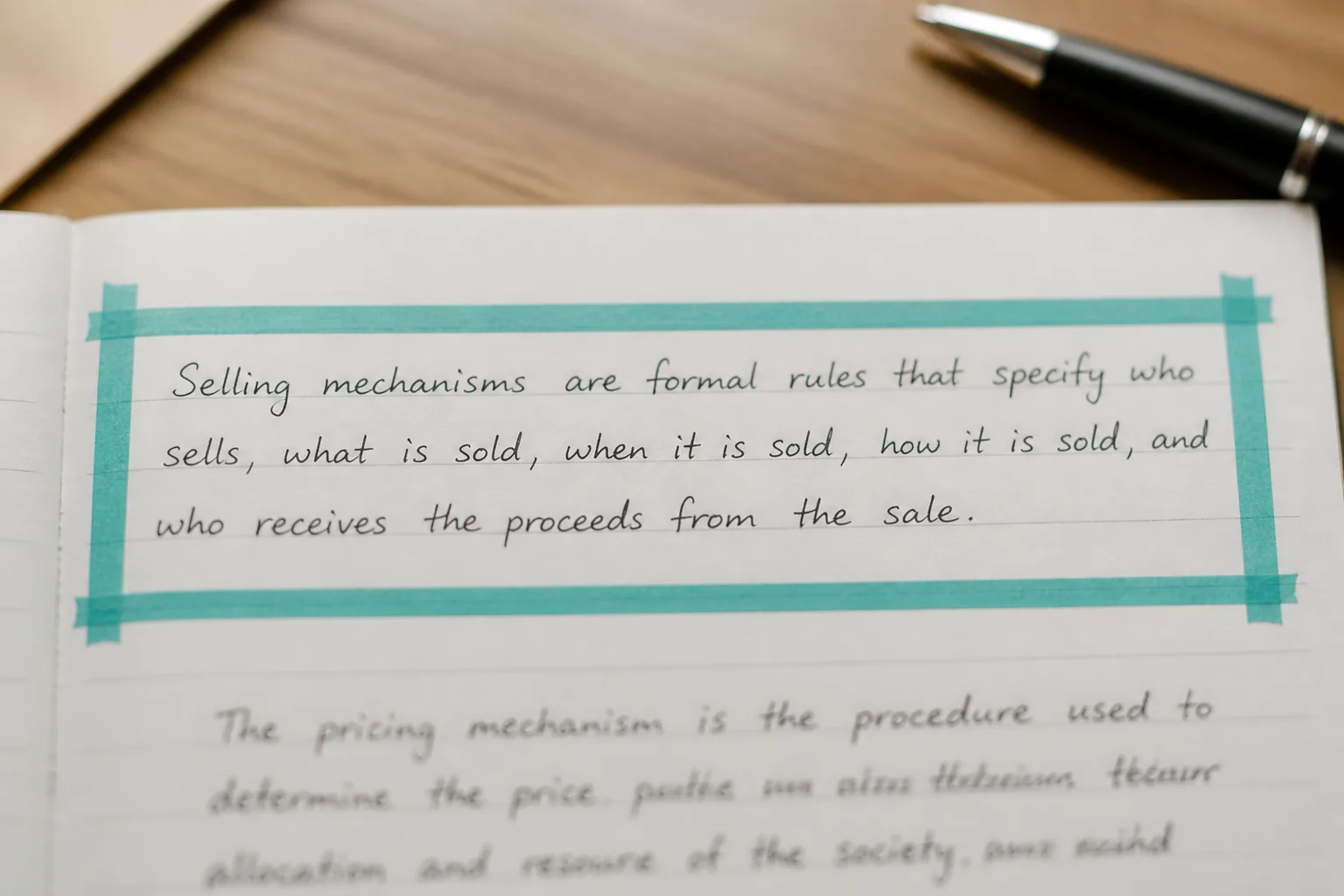
Cropped handwritten notebook page ready for OCR

Photo to Text vs ImgOCR

Crop and enhance a photo, or continue into Excel, PDF, and document workflows.

Try Photo to Text

Updated August 19, 2026

The short version

Choose Photo to Text if

Photo to Text is the better pick when the text has to become a spreadsheet, a Word file, or a multi-page PDF job.

Choose ImgOCR if

ImgOCR still fits if you want to crop, rotate, and sharpen a photo before OCR, especially on a dedicated handwriting page.

Visit imgocr.com

At a glance

How Photo to Text and ImgOCR handle the jobs people actually compare.

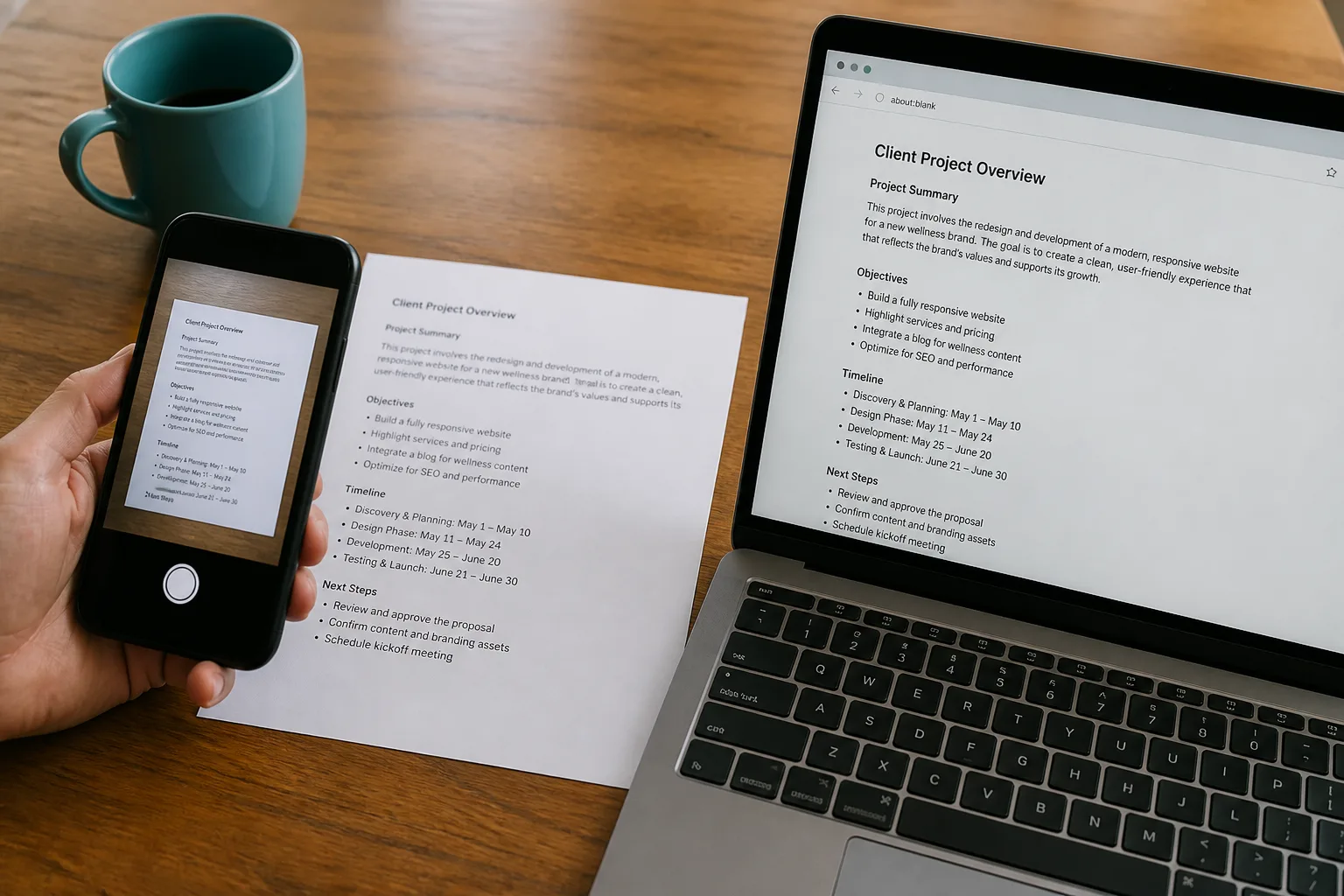
Two documents side by side for an OCR comparison
Feature comparison of Photo to Text and ImgOCR
Feature Photo to TextImgOCR
Text outputCopy, TXT, or Markdown. Keep going to Word or Excel when you need a file.Copy or save TXT. Guest bulk up to 3 images. Pro queues up to 30.
Word and ExcelJPG to Word and JPG to Excel with an in-browser editor before download.Separate JPEG to Word that embeds images without OCR. No Excel grid.
PDFPDF to text, Word, and Excel, plus free PDF tools.Image-first OCR. Not a PDF to Excel / Word suite.
HandwritingDedicated handwriting to text page.Dedicated handwriting to text workspace with crop and contrast tools.
BatchUp to 10 pages per run on free. Up to 100 when you pay.Guests: 3 images. Pro: 30 per queue.
PricingFree to start. Plans from $9.99/month, or buy credit packs.Free guest mode with no login. Pro unlocks larger queues.
PrivacyGuest conversions are not kept as account history.Claims encryption in the queue and automatic deletion.
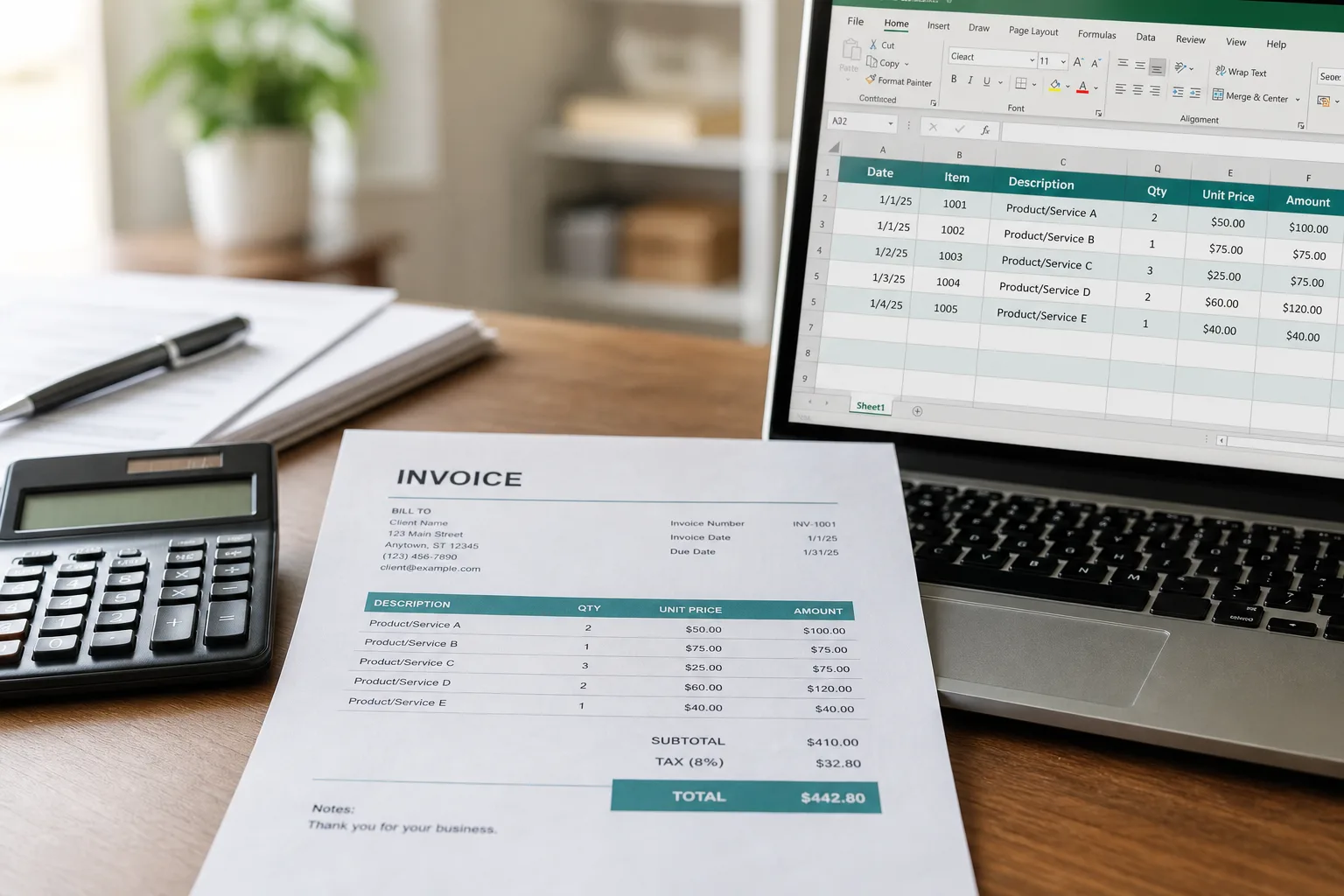
Invoice photo converted into an Excel table

Features

ImgOCR. ImgOCR’s difference is preparation. It encrypts a queue, lets you crop, rotate, and flip, and says it boosts contrast on blurry shots before OCR. Handwriting gets its own single-file workspace. A separate JPEG to Word tool wraps images in a DOCX without running OCR. Guests process 3 images; Pro queues 30.

Photo to Text. Photo to Text also has handwriting to text, plus the document types ImgOCR does not build around: Excel tables, invoices, bank statements, and PDF to Word / Excel. You prepare fewer pixels and spend more time in the result editor.

Use ImgOCR when cropping the region is the whole trick. Use Photo to Text when the next file is Excel or a scanned PDF.
Pricing

ImgOCR. Guest mode needs no login. Volume is the gate: 3 images vs 30 on Pro. The site leans on “no credit card, no watermark” rather than a public credit table.

Photo to Text. Free runs go to 10 pages. Credits price Simple vs Advanced clearly. Word and Excel share the Advanced rate.

ImgOCR is simpler if you only ever need TXT from a cropped photo. Photo to Text is clearer if you buy OCR by the page.

Ease of use

ImgOCR. The crop-first flow is extra clicks when the photo is already a tight screenshot. It is the right extra clicks for a receipt buried in a table photo or a whiteboard full of junk.

Photo to Text. Drop and convert, then edit. Use the handwriting page when the ink is the point. PDF tools sit one click away.

Stay on ImgOCR to pre-edit the pixels. Switch when the bottleneck is the output format, not the crop.

Photo to Text is built for

  • Invoices, receipts, or bank statements need to land in Excel
  • You convert PDFs as often as camera photos
  • Ten pages per free run is closer to your stack than three
  • You want Word with real extracted text, not images pasted into DOCX

ImgOCR still fits if

  • You always crop or rotate before OCR
  • Blurry photos are the default, and you want a sharpening pass
  • Their handwriting workspace is already your habit
  • TXT is enough and 30 Pro images cover the queue
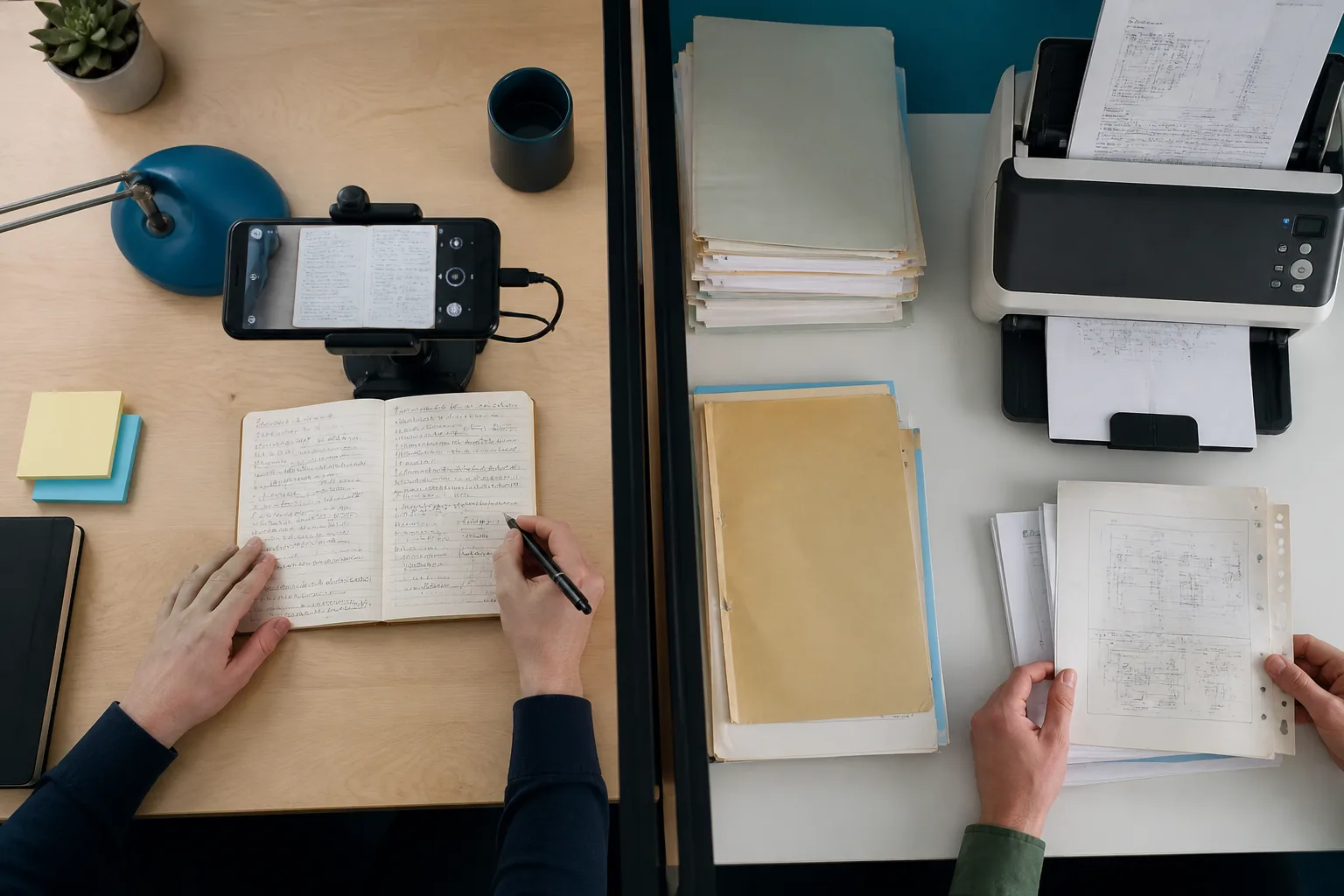
A phone scanning notes beside a stack of archive documents

Copy TXT from ImgOCR after you crop. Re-run the same image on Photo to Text if you need Excel, PDF, or a Word file of the text rather than an image wrapper.

Questions people ask

Is Photo to Text a good ImgOCR alternative?
Yes, if you need Excel, PDF converters, or more than 3 guest images. ImgOCR is the better alternative when crop, rotate, and a handwriting pre-process are the features you use.
Does Photo to Text extract handwritten text?
Yes. Use the handwriting to text page. ImgOCR also has a dedicated handwriting workspace with crop and contrast controls.
Can ImgOCR convert a photo to Excel?
ImgOCR is built for TXT (and a non-OCR JPEG to Word wrap). Photo to Text has JPG to Excel, plus receipt and invoice pages that rebuild tables.
Which guest batch is larger?
ImgOCR guests can queue 3 images. Photo to Text free runs allow up to 10 pages.