
Layout parsing that keeps document structure
GLM OCR reads headings, lists, tables, and multi-column pages so the result stays readable. Use it online on scans, screenshots, and PDF pages — then export with Keep formatting on JPG to Word.
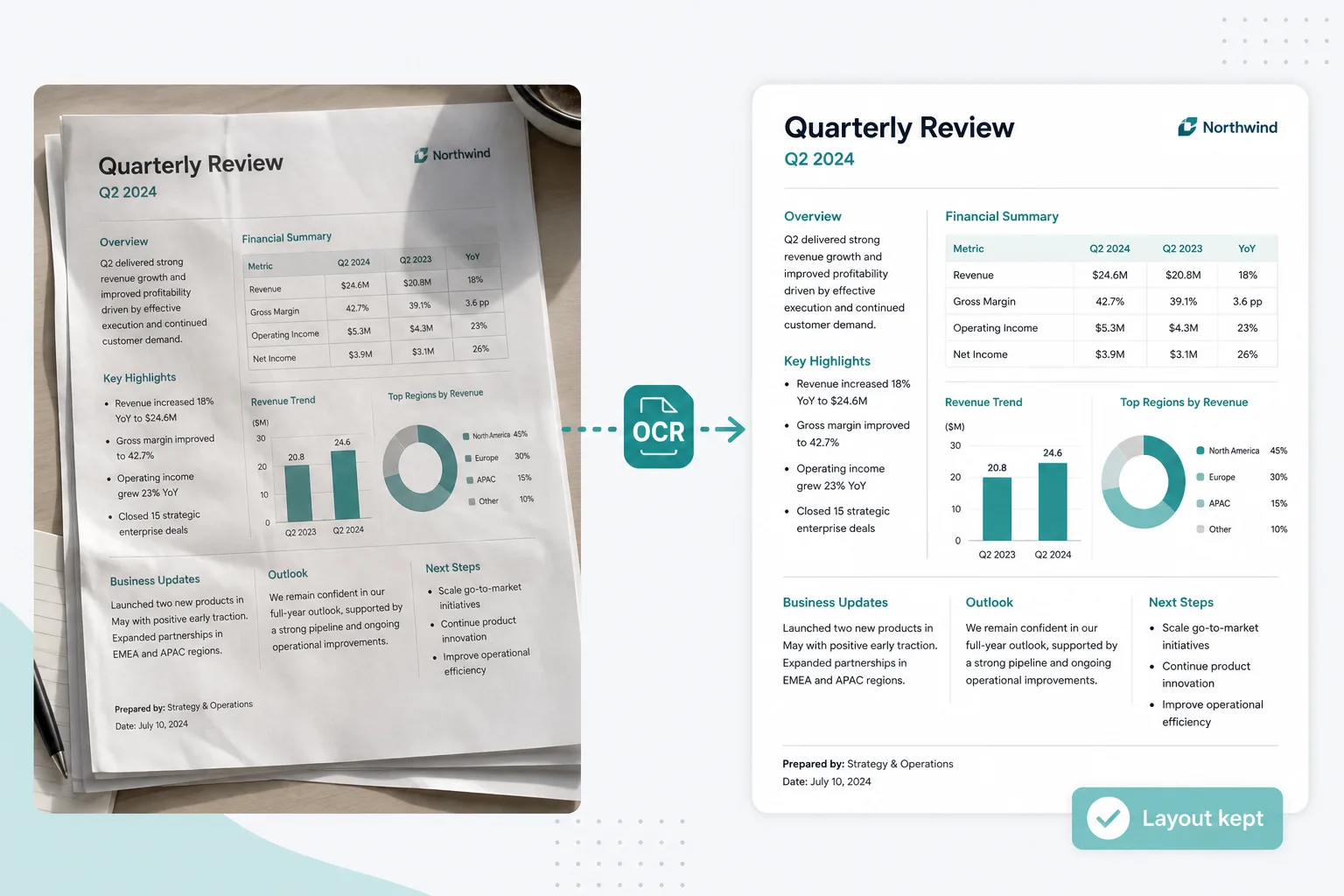
When everyday photo to text garbles tables and layout, use GLM OCR online — layout parsing for crowded pages, then export an editable Word file.
Drop images or PDFs here
JPG, PNG, WEBP, HEIC, PDF
The glm-ocr model is built for real paperwork — structure you can edit, not a wall of plain text.
GLM OCR reads headings, lists, tables, and multi-column pages so the result stays readable. Use it online on scans, screenshots, and PDF pages — then export with Keep formatting on JPG to Word.
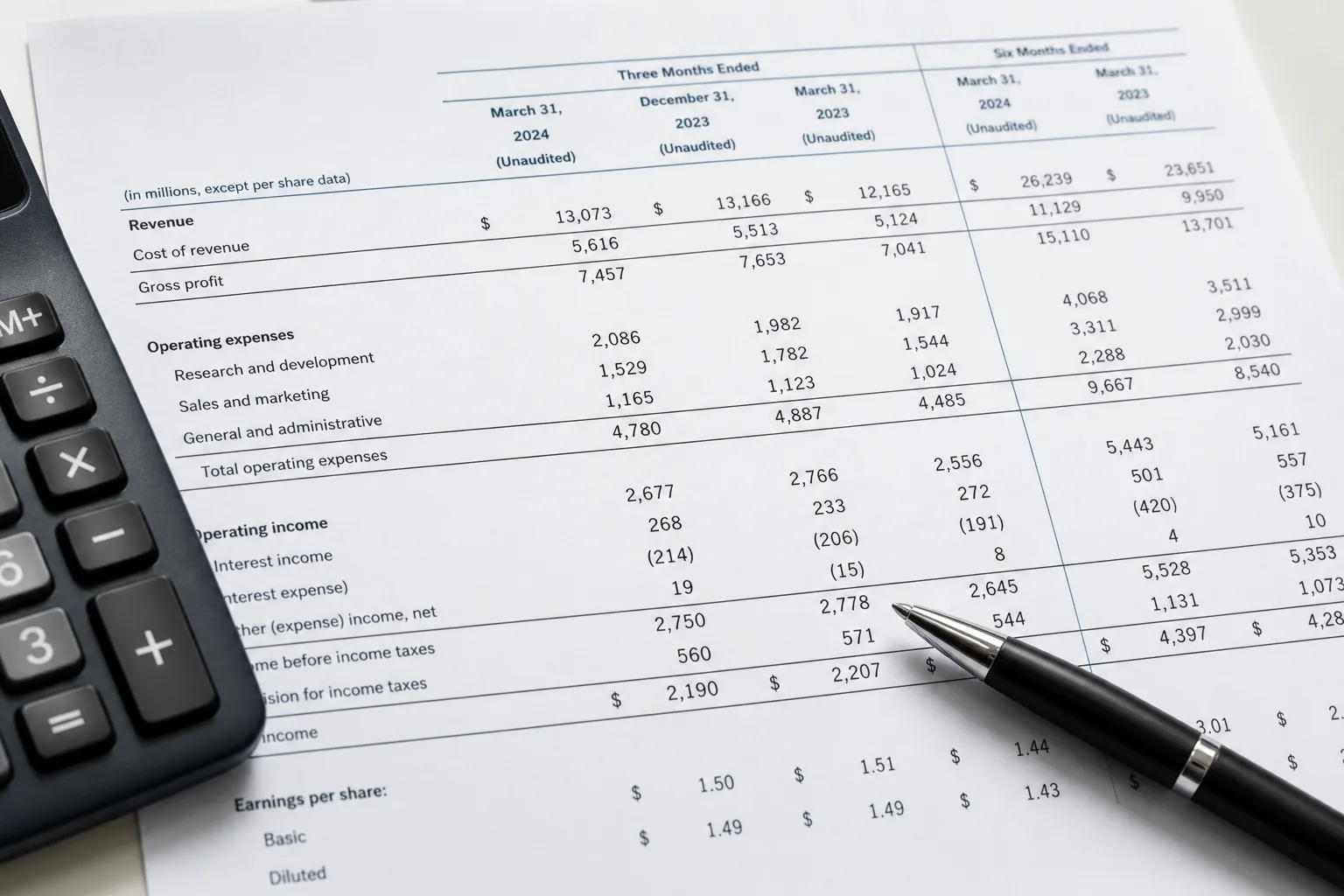
Merged cells and multi-level headers are common failure points for everyday OCR. GLM OCR is stronger on report grids and form-style tables — when you need editable cells, continue to a spreadsheet.
Open JPG to Excel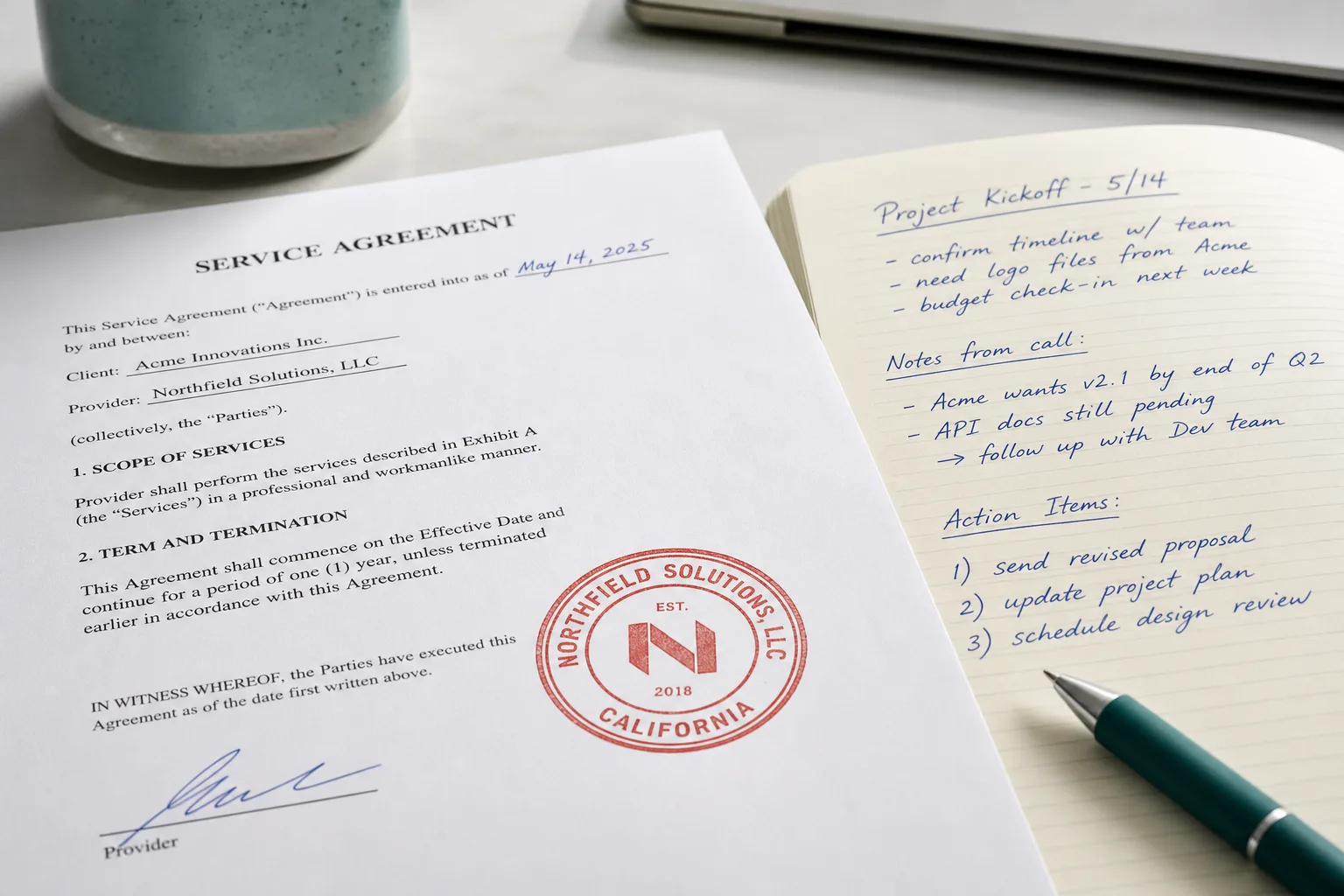
Built for harder shots: handwritten notes, sealed contracts, multilingual pages, and mixed layouts — when clear screenshots are not what you have.
From a hard photo or PDF page to Word — no install.
Drop a JPG, PNG, PDF page, or phone photo into the converter above.
Advanced OCR uses GLM OCR for layout-aware extraction — tables, headings, and body text.
Keep formatting and export a .docx you can edit in Word or Docs.
Use Simple OCR for clear shots. Reach for GLM OCR when the page is crowded, stamped, handwritten, or full of tables.
Screenshots and clean printed pages often work with everyday photo to text on the homepage — fast when the text is already easy to read.
Photo to text (Simple)Crowded layouts, complex tables, handwriting, stamps, and multilingual scans — this is where the glm-ocr model earns its keep. Convert online above, then download Word.
See Advanced OCR pricingReal GLM OCR use cases — paperwork that is painful to retype and too messy for everyday OCR.
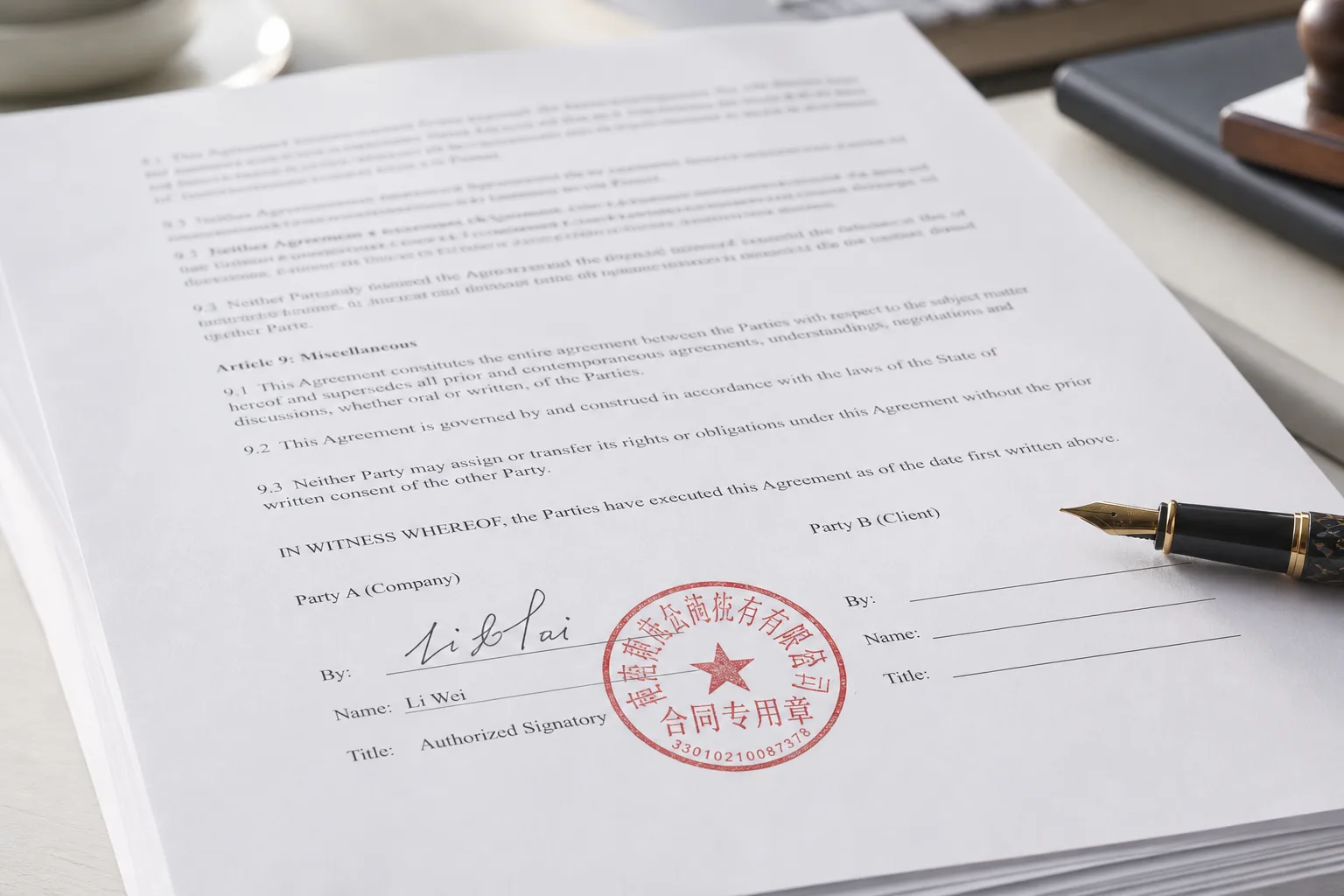
Pull readable text from sealed agreements and office scans, keep structure, then download Word. Prefer a general JPG to Word flow?
Open JPG to WordExtract grids from statements and reports when plain OCR turns columns into a jumble. Need a real spreadsheet?
Open JPG to Excel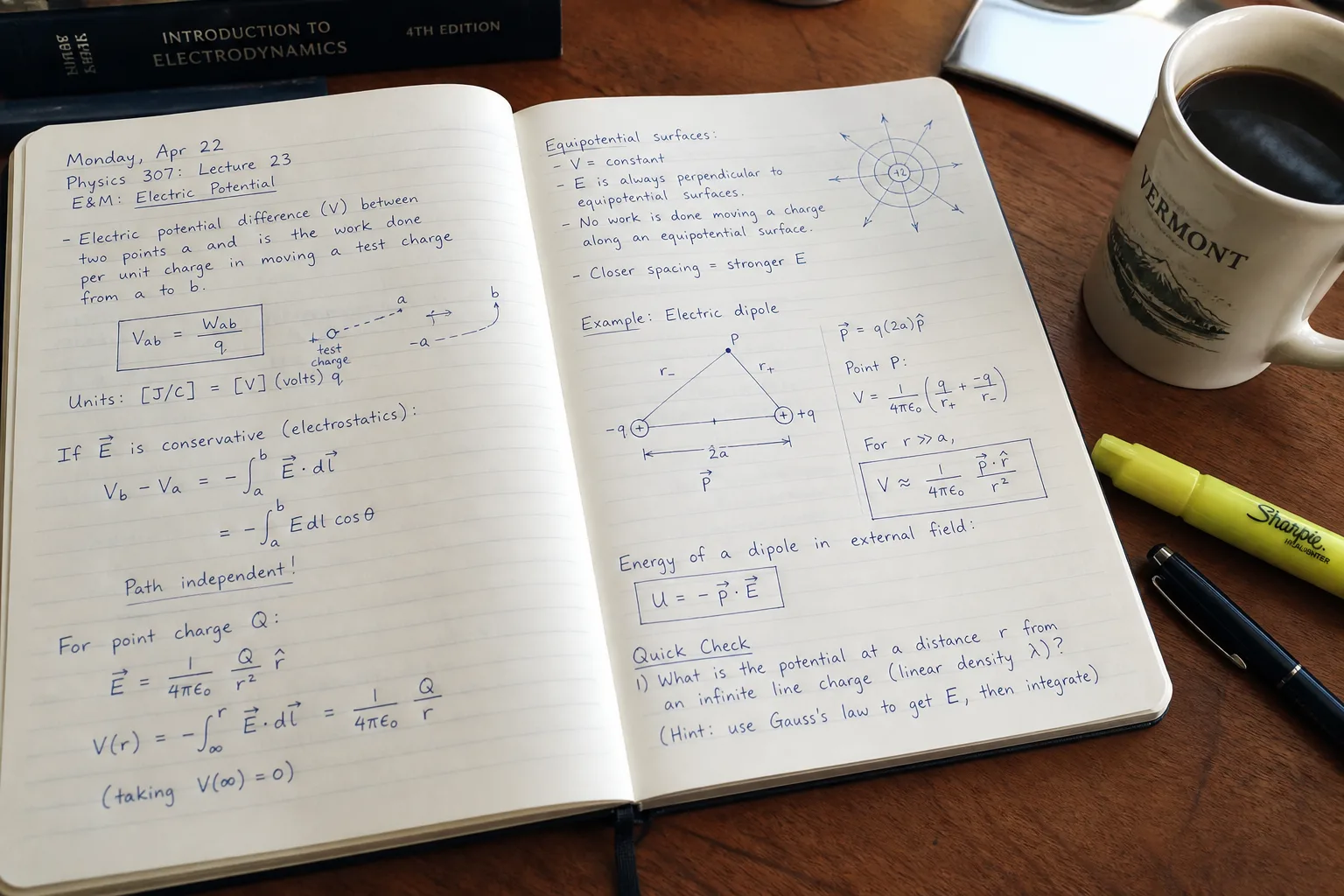
Capture meeting notes, filled forms, and pen-on-paper pages you cannot copy-select.
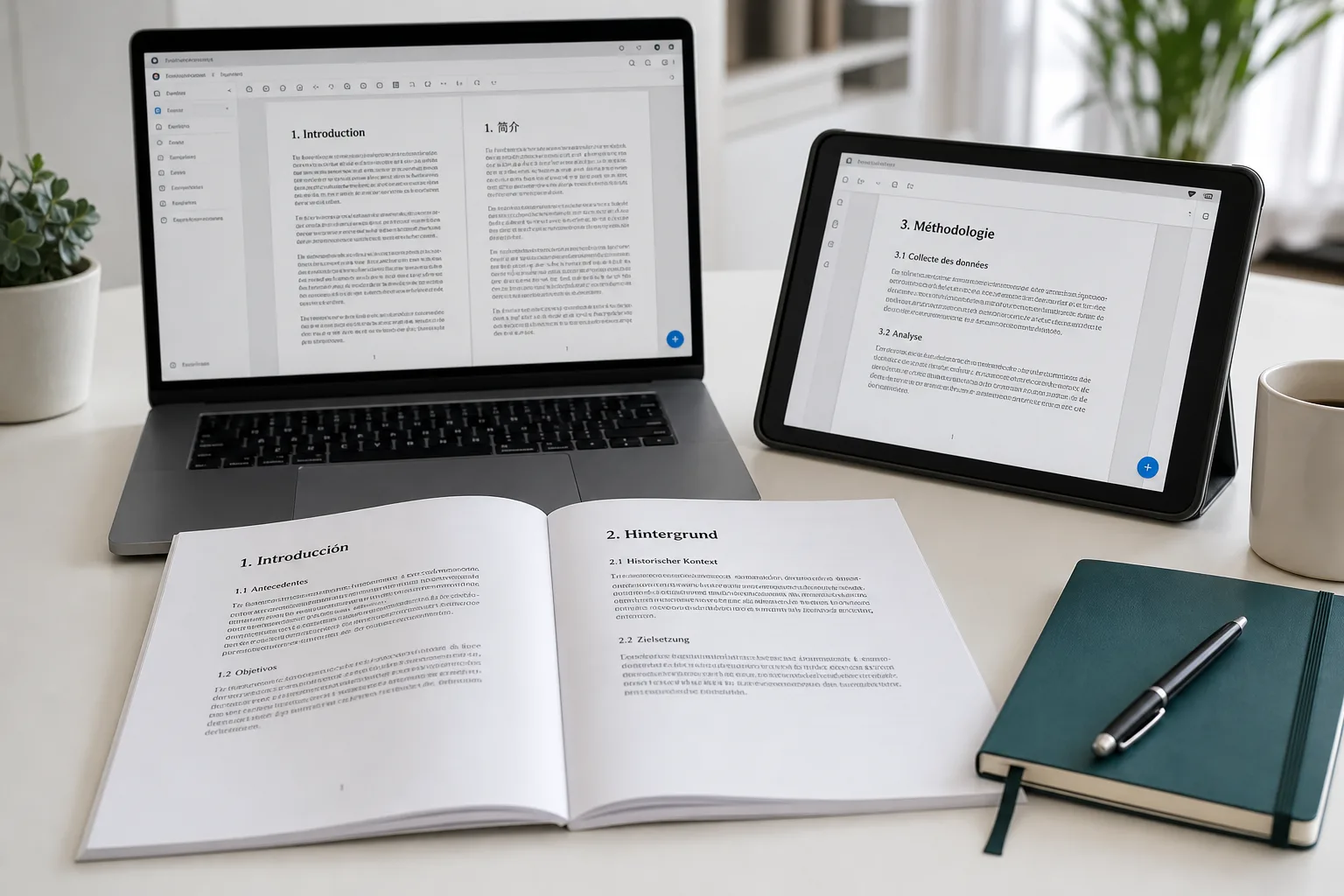
Work across languages and scanned PDF pages while keeping headings and lists readable.
Jump back to the converter — upload a hard scan or PDF page and export Word.