
Photo to TextPhoto to Text

Invoice to Excel Converter

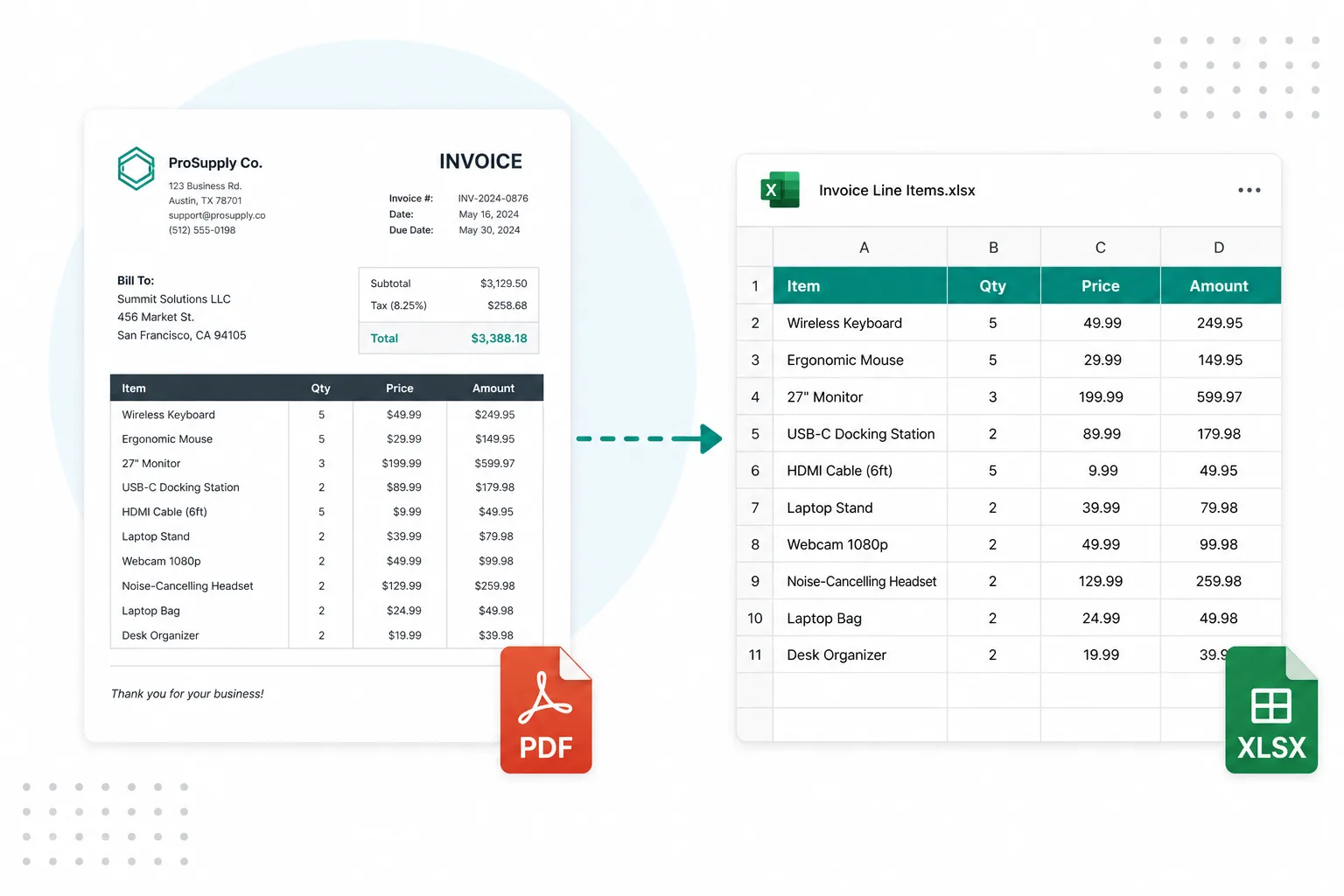
Invoice converter online — turn invoice PDFs and photos into Excel rows you can filter and sum. Edit the sheet, then download XLSX or CSV.

  • Invoice PDF to Excel
  • Keep line-item rows
  • XLSX / CSV download

Drop images or PDF here

or click to browse, paste from clipboard, or drop · JPG PNG WEBP GIF BMP HEIC TIFF PDF

How to convert an invoice to Excel in 3 steps

From an invoice PDF or photo to a spreadsheet you can post.
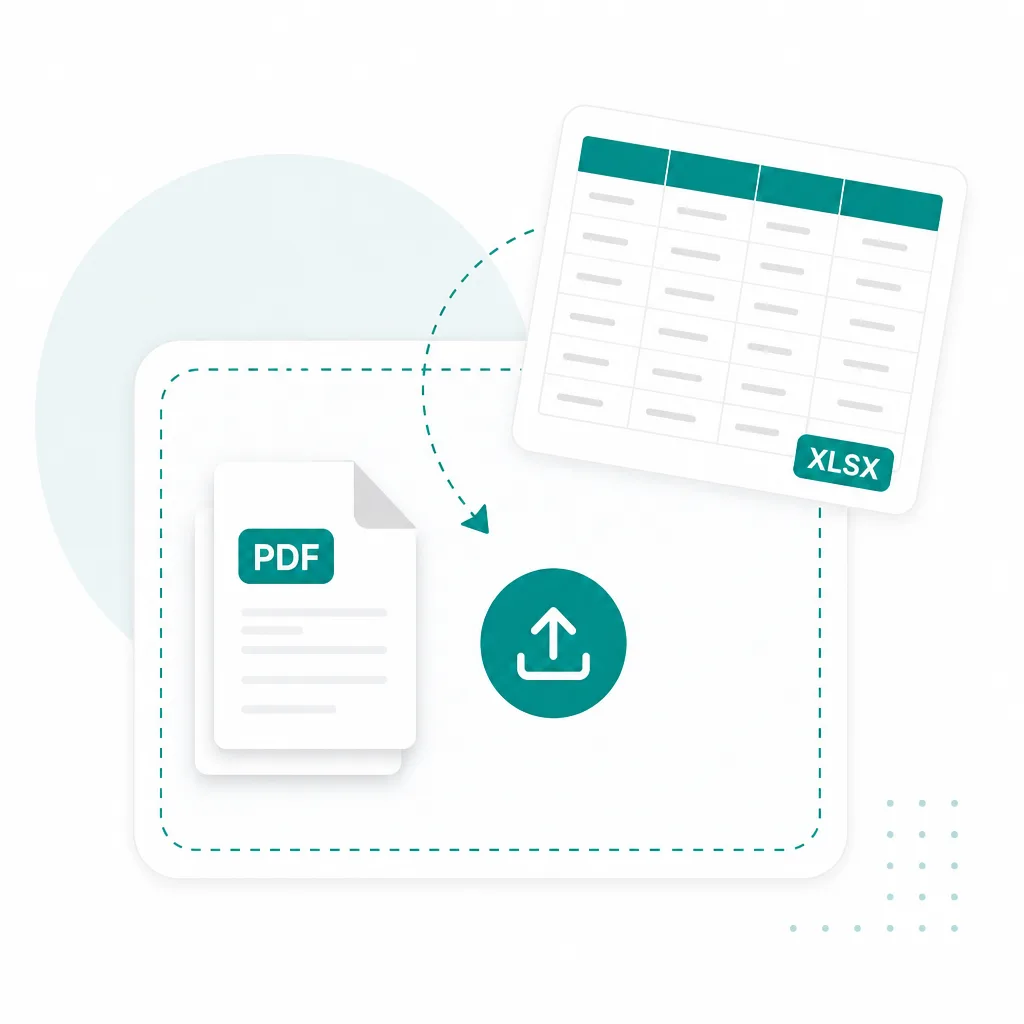
  1. Upload an invoice PDF to convert to Excel
    1

    Upload your invoice

    Drop an invoice PDF or photo above — scanned pages and multi-line vendor invoices are fine.
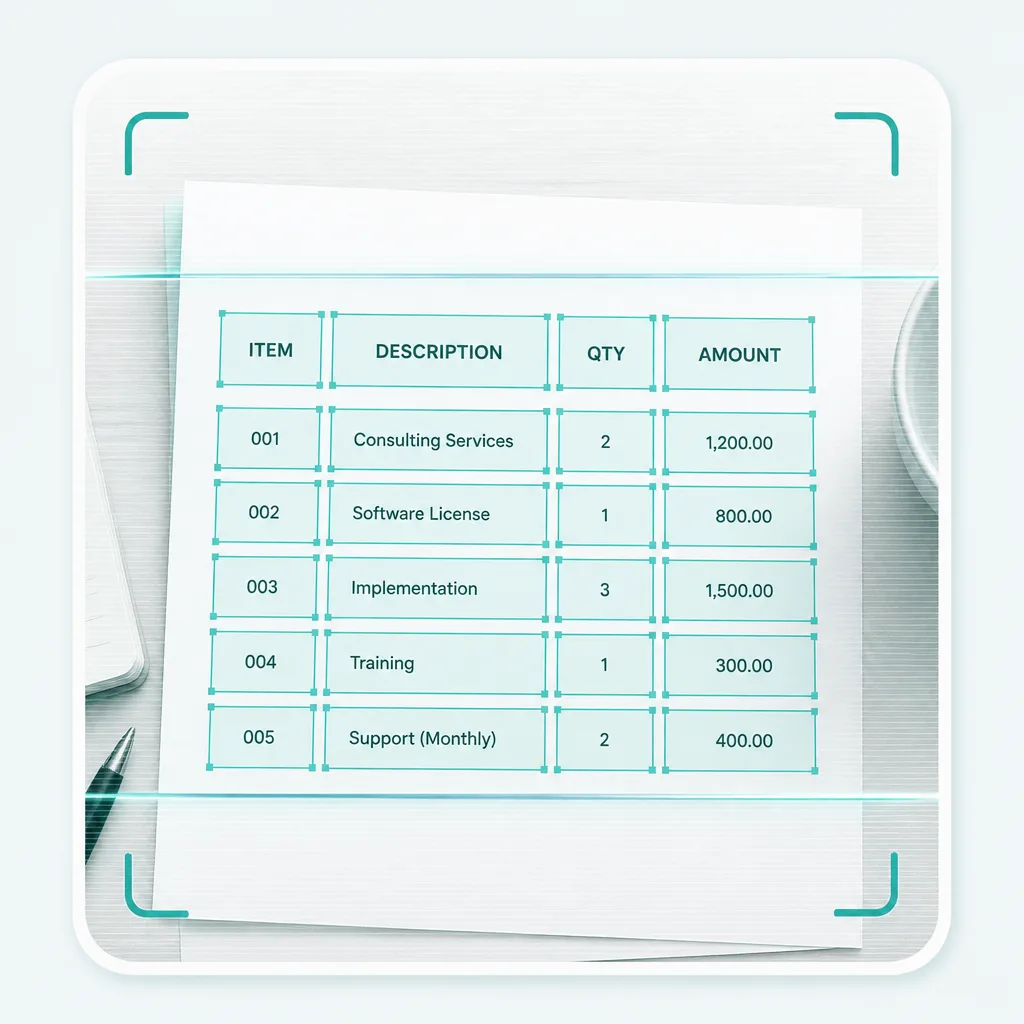
  2. OCR extracting invoice line items into Excel
    2

    Extract line items with OCR

    Run Advanced OCR to pull quantities, descriptions, and amounts into an editable sheet.
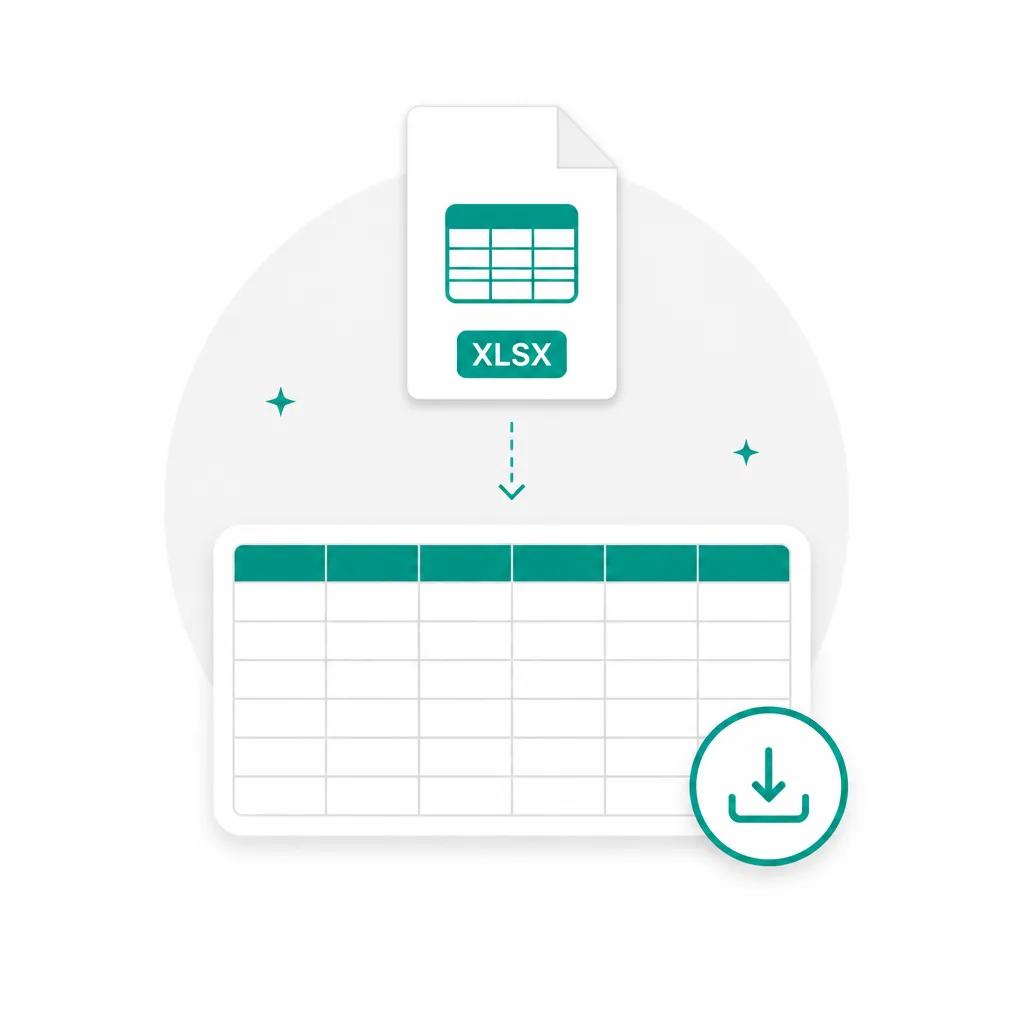
  3. Download invoice data as Excel XLSX
    3

    Download Excel

    Fix cells if needed, then download XLSX — or export CSV / TSV for accounting tools.

Invoice formats that convert to Excel

Built for invoice to Excel first. PDF invoices, scans, and purchase orders work when the line items live on the page.

  • Invoice PDF to Excel

    Vendor and customer invoices

  • Scanned invoice

    Image PDFs you cannot copy

  • Invoice photo

    Phone shots of paper invoices

  • Invoice to CSV

    Plain data when you skip XLSX

Invoice PDF converting into an Excel spreadsheet

Everyday invoice to Excel workflows

When line items sit in a PDF you cannot copy, pull them into a spreadsheet instead of retyping.

Convert vendor invoice PDF to Excel

Vendor invoices & POs

Extract line items from invoice and purchase-order PDFs into editable spreadsheet rows.
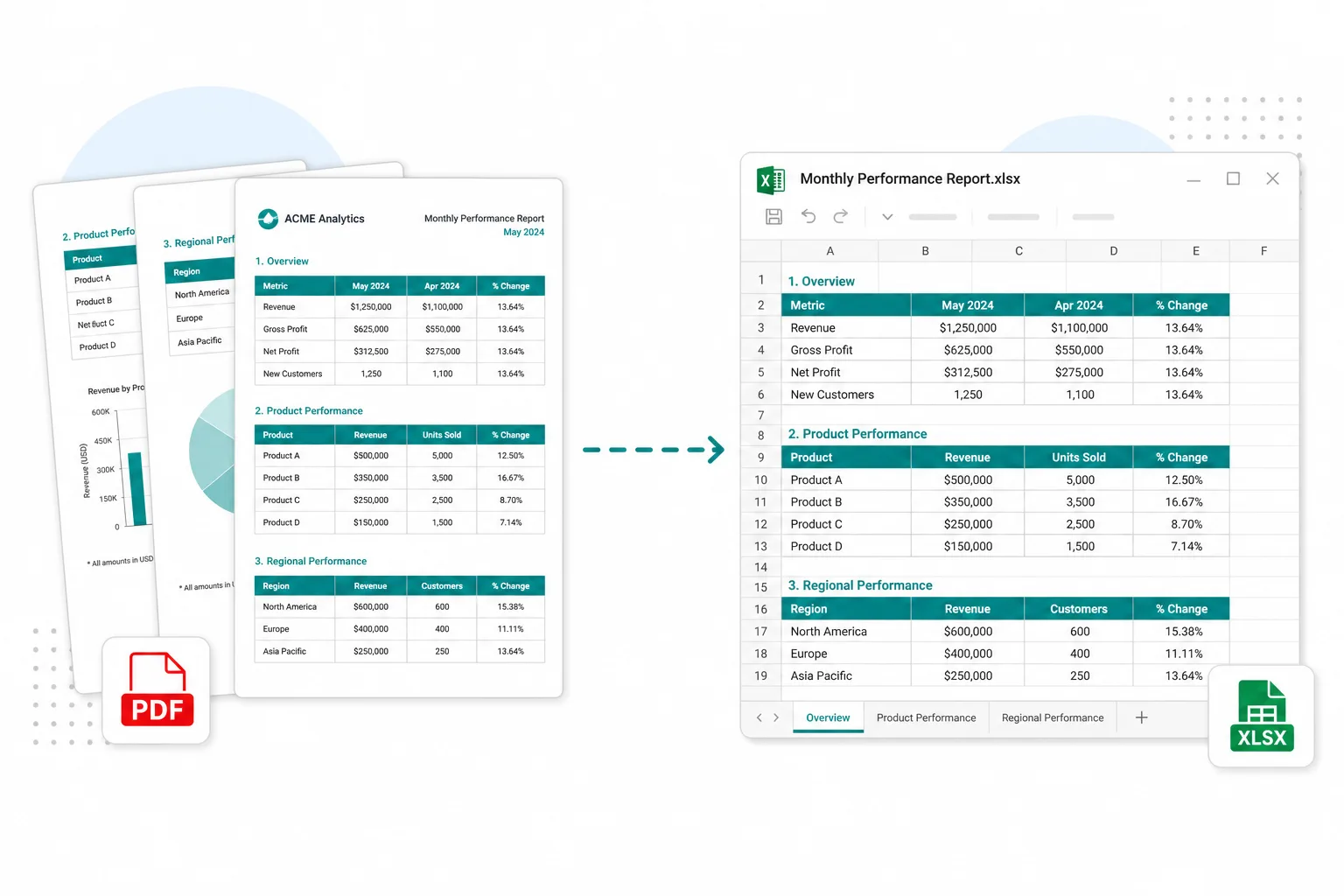
Convert AP invoices to Excel for entry

Accounts payable entry

Move invoice totals and lines into Excel before you post them to your books.
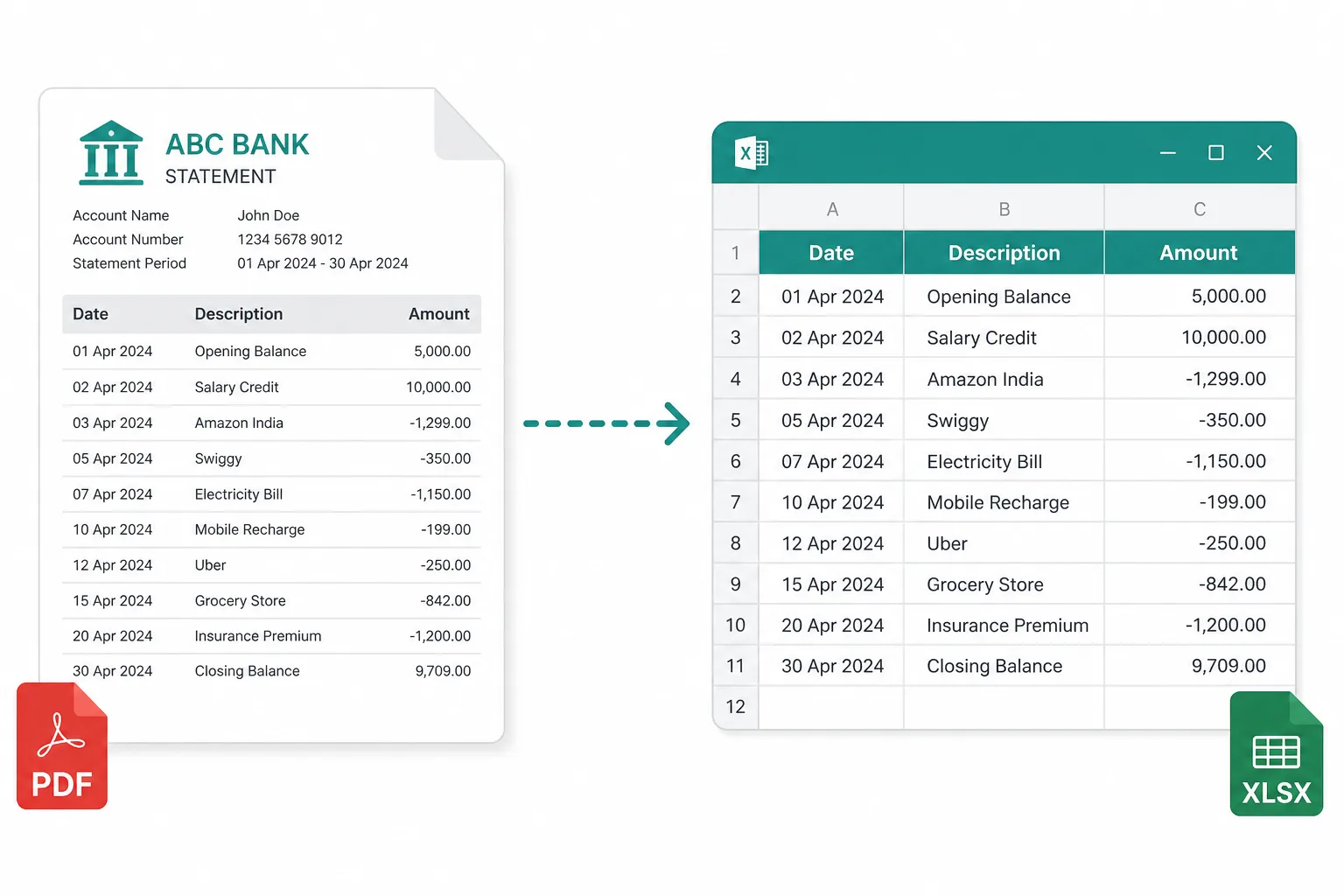
Convert multi-page invoice tables to Excel

Multi-page invoice packs

Pull tables from multi-page invoice PDFs without rebuilding the grid by hand.

Frequently asked questions

Is this invoice to Excel converter free?
You can open the invoice converter and add files without paying first. Advanced table OCR uses credits — see pricing for plans. Sign in when you are ready to convert.
Can I convert a scanned invoice PDF to Excel?
Yes. Invoice to Excel runs Advanced OCR on scanned and image-based PDFs so you get editable line items when copy-paste is blocked.
Does invoice OCR keep quantities and amounts?
Advanced OCR aims to reconstruct line-item rows so you can edit before download. Dense or stamped layouts may still need a quick review.
Need a receipt or bank statement instead?
Use Receipt to Excel or Bank Statement to Excel. For any PDF table, try PDF to Excel.
Do you store my invoices?
Your privacy is protected! No data is transmitted or stored for guest conversions, and guest results are not kept as account history. If you sign in and save Results, you can delete them anytime — you stay in control. Unused Results are also cleared automatically after about 14 days.