
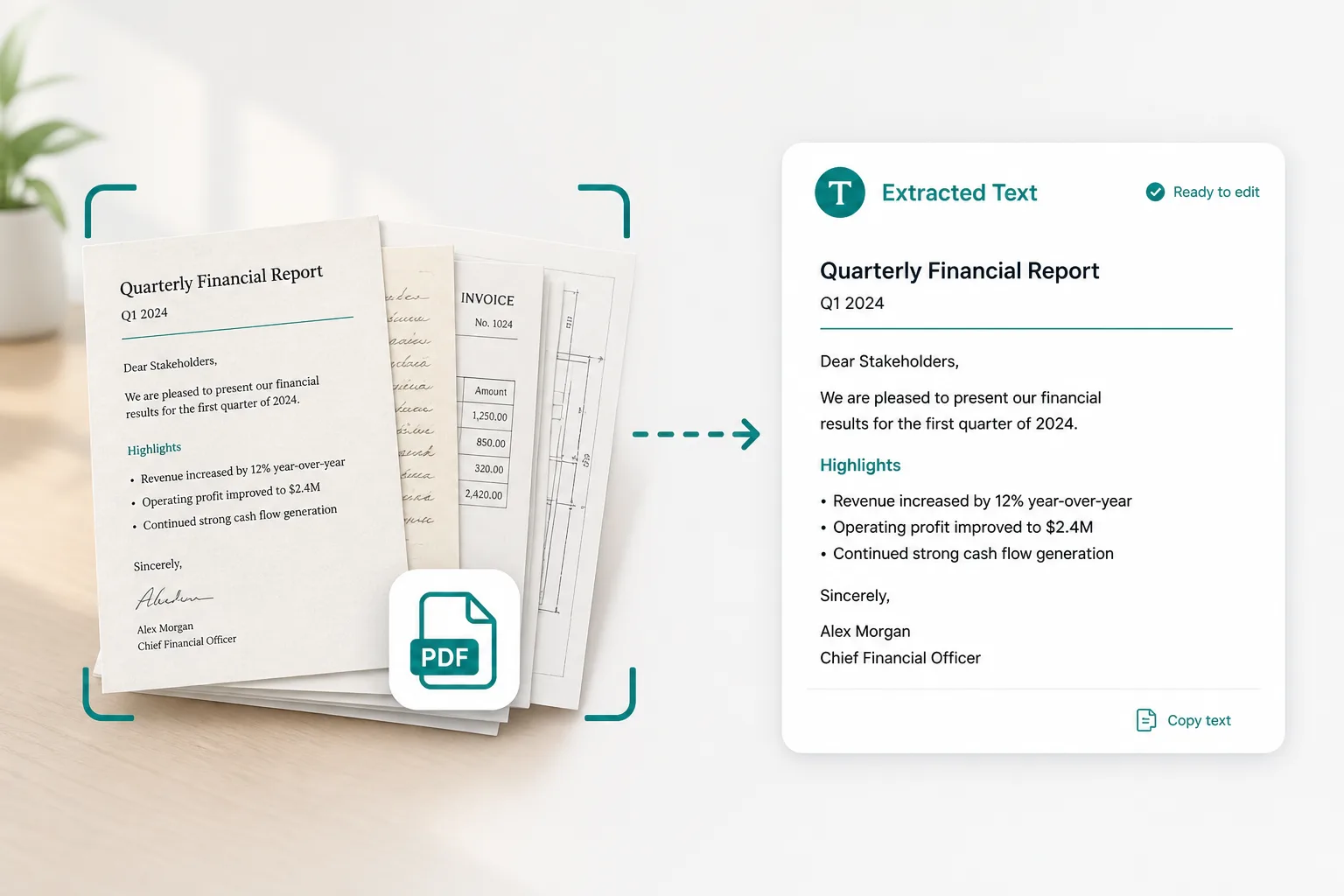
One month from a YTD export
Banks sometimes export year-to-date. Split out the month you are reconciling.
Pull one statement period, invoice, or exhibit out of a long PDF — then file it alone or extract Excel rows from just those pages.
Drop a long statement or invoice PDF
Files stay in your browser for this tool.
Keep only the pages you need for this close.
Add the long statement pack or invoice bundle you want to trim.
Enter the first and last page to keep. Page count is detected after upload.
Save the smaller PDF, convert pages to JPG, or run Excel OCR on the extract.
When the portal dump includes more than this month’s work.
Multi-month statements
Keep only the active period
Invoice bundles
Separate one vendor invoice
Report + exhibits
Isolate an appendix table
Page-range PDF
Output stays a normal PDF file
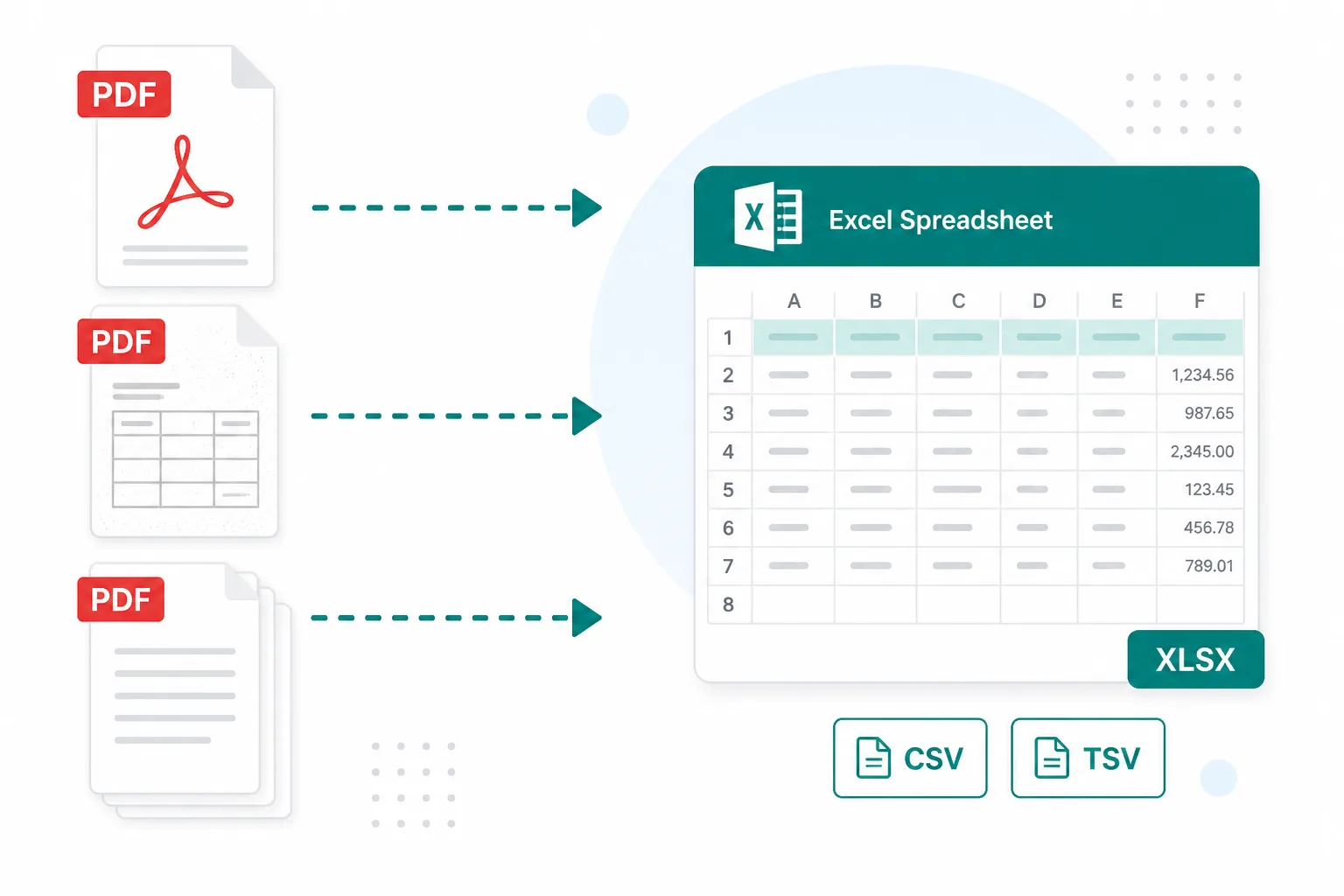
Send reviewers only what they need to sign off.
Banks sometimes export year-to-date. Split out the month you are reconciling.
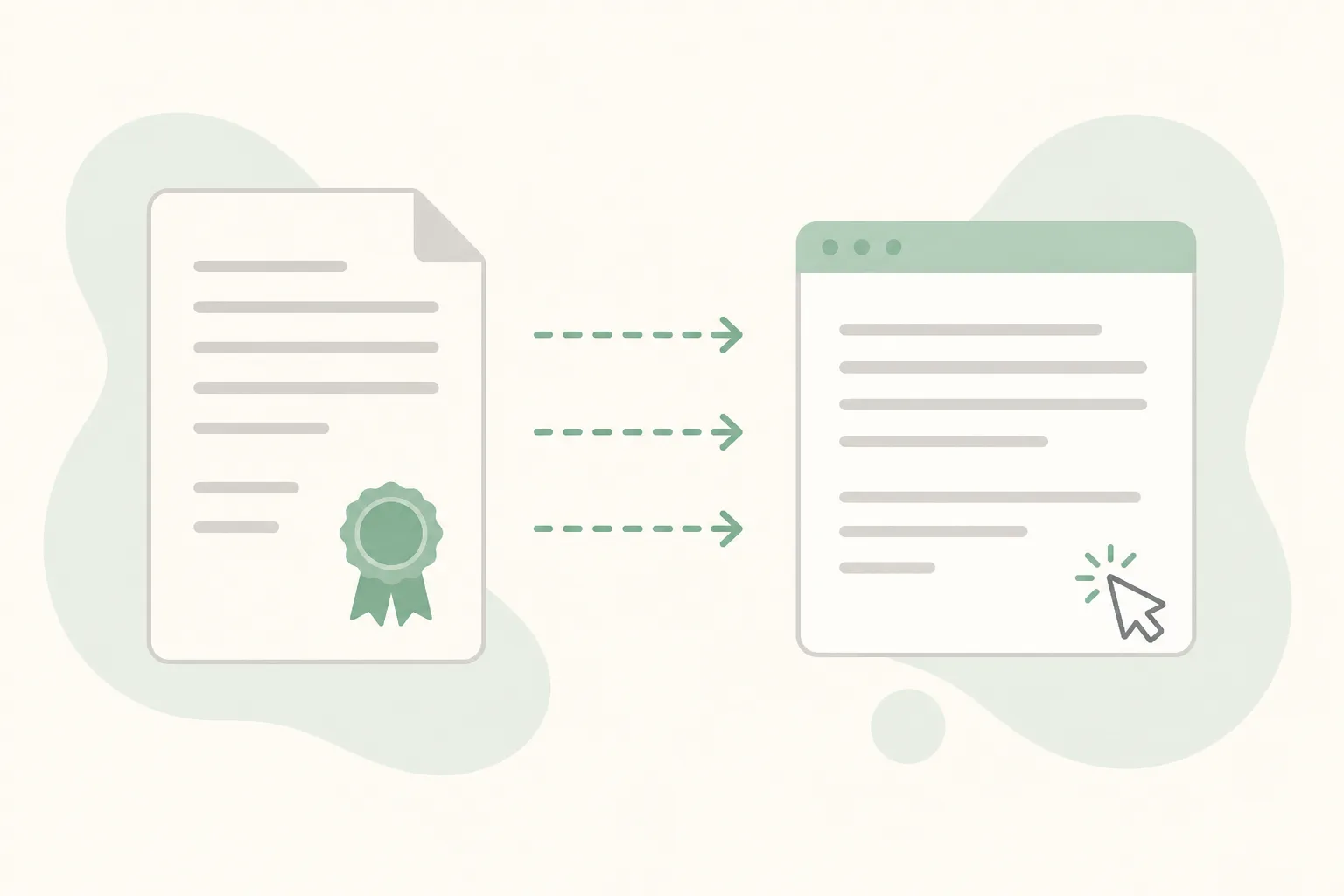
Extract the signature or schedule pages before Scan to Word.
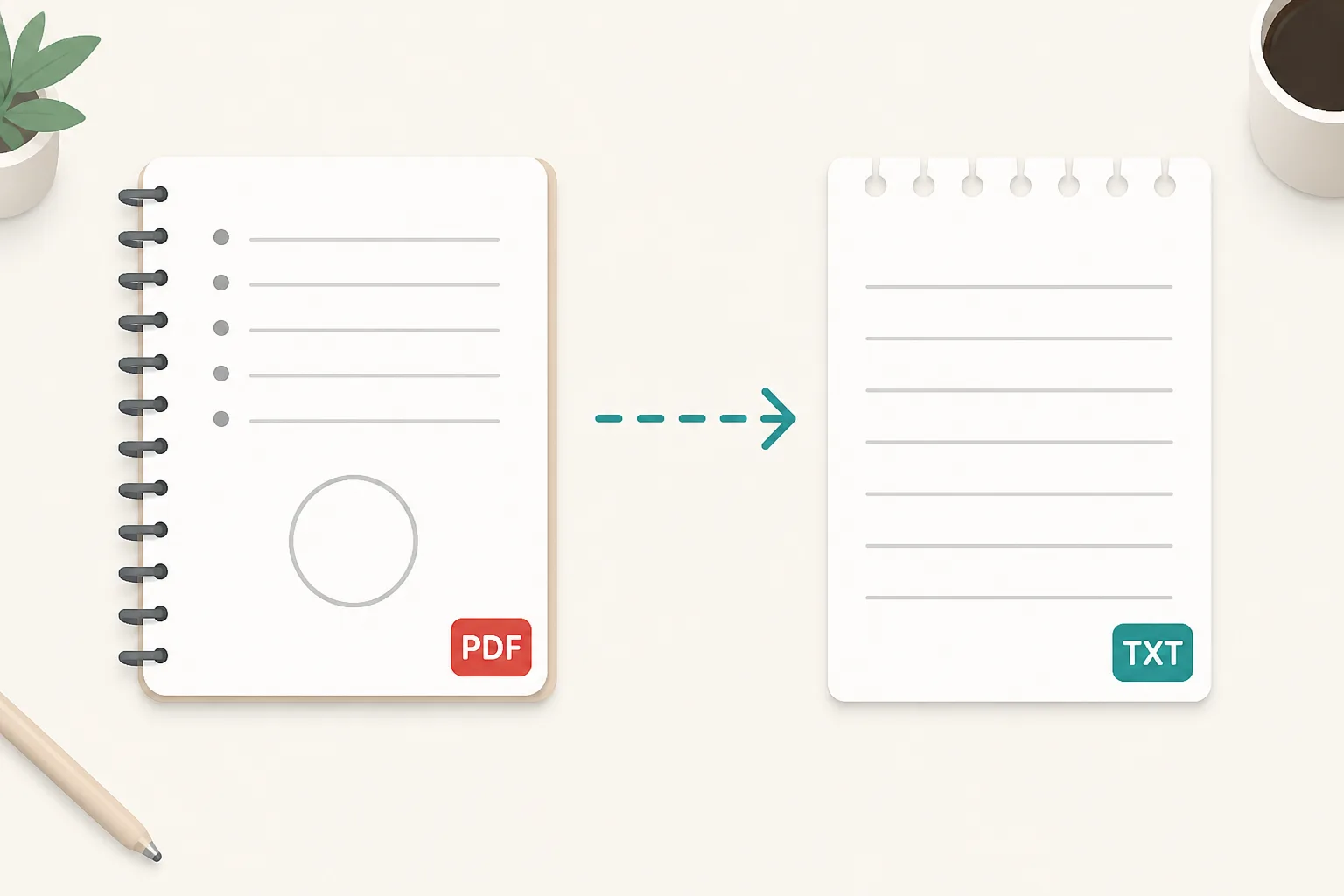
Split first so PDF to JPG only renders the pages you will attach.
Merge packs back together, rasterize pages, or extract rows.
Combine other months or invoices after you finish splitting.
Open toolTurn the extracted pages into images for portals that need JPG.
Open toolCheck whether the extracted pages already have a text layer.
Open toolConvert scanned extract pages into editable Word.
Open toolSee the full free tools list.
Open tool