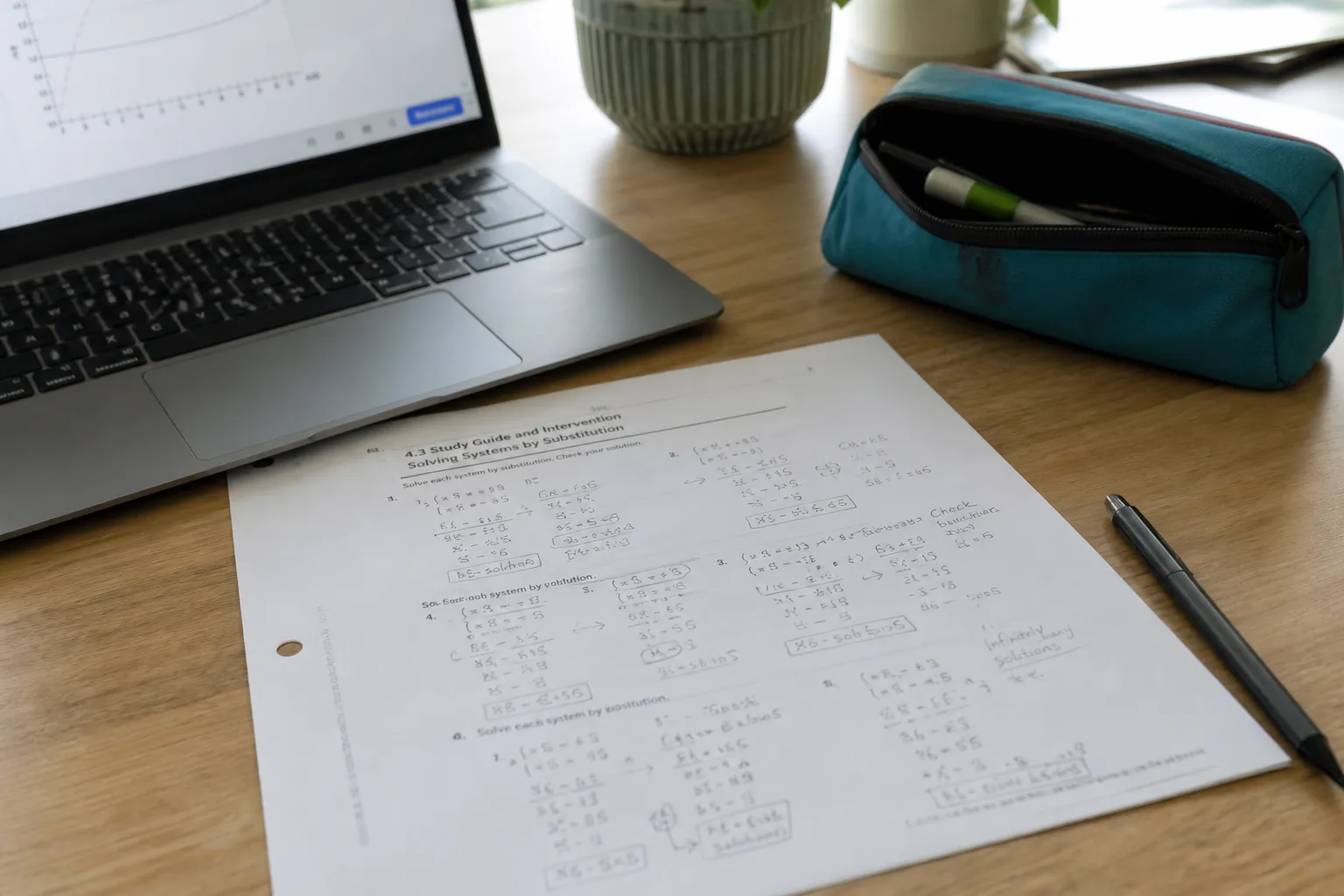
Printed worksheet with math notes beside a laptop

Photo to Text vs Picture to Text

Premium batches of 100 images, or OCR that continues into Word and Excel.

Try Photo to Text

Updated August 19, 2026

The short version

Choose Photo to Text if

Photo to Text is the better pick when “100% accurate” marketing is less useful than an Excel grid you can correct.

Choose Picture to Text if

Picture to Text still fits if you want a free-to-start extractor with URL upload, math-expression claims, and 100-image premium batches.

Visit picturetotext.org

At a glance

How Photo to Text and Picture to Text handle the jobs people actually compare.

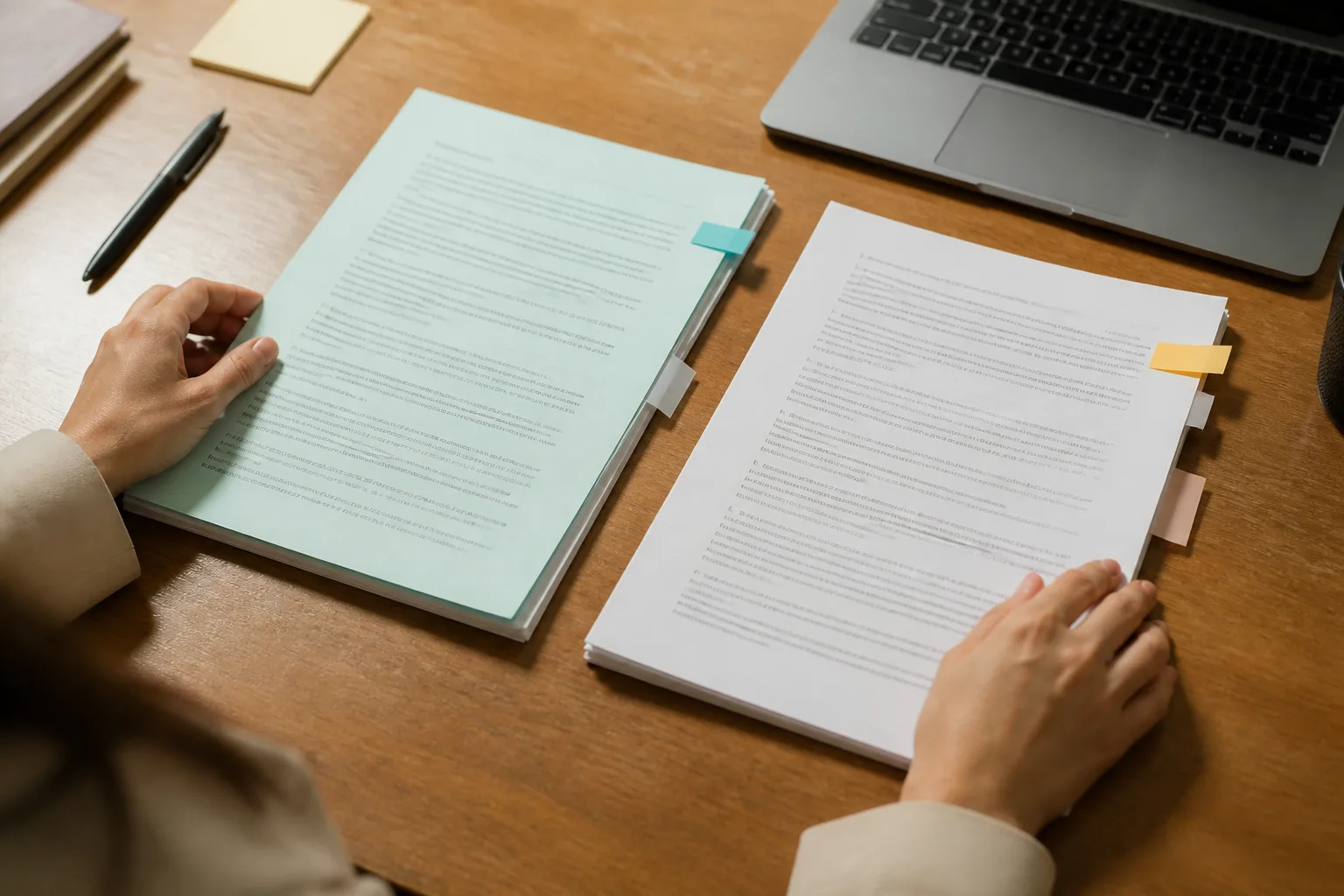
Two documents side by side for an OCR comparison
Feature comparison of Photo to Text and Picture to Text
Feature Photo to TextPicture to Text
Text outputCopy, TXT, or Markdown. Keep going to Word or Excel when you need a file.Copy or download text from PDF, JPG, PNG, GIF, TIFF, WEBP, BMP, and HEIC.
Word and ExcelJPG to Word and JPG to Excel with an in-browser editor before download.Text extractor. Spreadsheet work is not the homepage product.
PDFPDF to text, Word, and Excel, plus free PDF tools.PDF is listed among supported formats.
HandwritingDedicated handwriting to text page.Copy mentions handwritten notes alongside screenshots.
BatchUp to 10 pages per run on free. Up to 100 when you pay.Multiple images. Premium users can upload up to 100.
PricingFree to start. Plans from $9.99/month, or buy credit packs.Limited free version, no signup required. Premium for large batches.
PrivacyGuest conversions are not kept as account history.Generic “safe documents” positioning. Check their policy for storage details.
Locked screenshot converted into selectable text

Features

Picture to Text. picturetotext.org matches the tool-farm pattern: three steps, many formats, language switchers, and claims of advanced OCR, math expressions, and 100-image premium batches. The page says results are incredibly accurate. That is a marketing line, not something we can verify here.

Photo to Text. Photo to Text does not claim perfect accuracy. It gives you Simple vs Advanced OCR, then lets you fix Word or Excel before download. Batch caps are 10 free and 100 paid, in the same neighborhood as their premium 100, with a spreadsheet editor on top.

Use Picture to Text for a familiar free extractor. Use Photo to Text when you need to correct a table or a document, not only trust a accuracy claim.

Pricing

Picture to Text. A limited free version without signup. Premium is what unlocks 100-image batches. Other limits are not spelled out as credits on the homepage.

Photo to Text. Credits make Simple and Advanced predictable. Paid runs also top out at 100 pages, plus Word and Excel at the Advanced rate.

Similar ceiling on a big batch. Photo to Text is clearer about what a page costs once you leave the free tier.

Ease of use

Picture to Text. Upload, convert, copy. URL paste is there. The rest of the page is long feature prose and use-case icons, typical of this family of sites.

Photo to Text. Shorter path from photo to editor. Related jobs (scan to Word, screenshot to text) are real pages instead of icon rows.

Stay if picturetotext.org already feels like home. Switch if you keep exporting text only to rebuild it in Excel by hand.

Photo to Text is built for

  • You regularly rebuild tables in Excel after OCR
  • You want Advanced OCR on hard photos without a perfect-accuracy slogan
  • Scans should become Word files you can edit
  • You use free PDF tools on the same site

Picture to Text still fits if

  • You like their URL upload and language copies
  • Math expressions in pictures are a weekly extract
  • A 100-image premium batch is the feature you pay for
  • TXT on the clipboard is enough
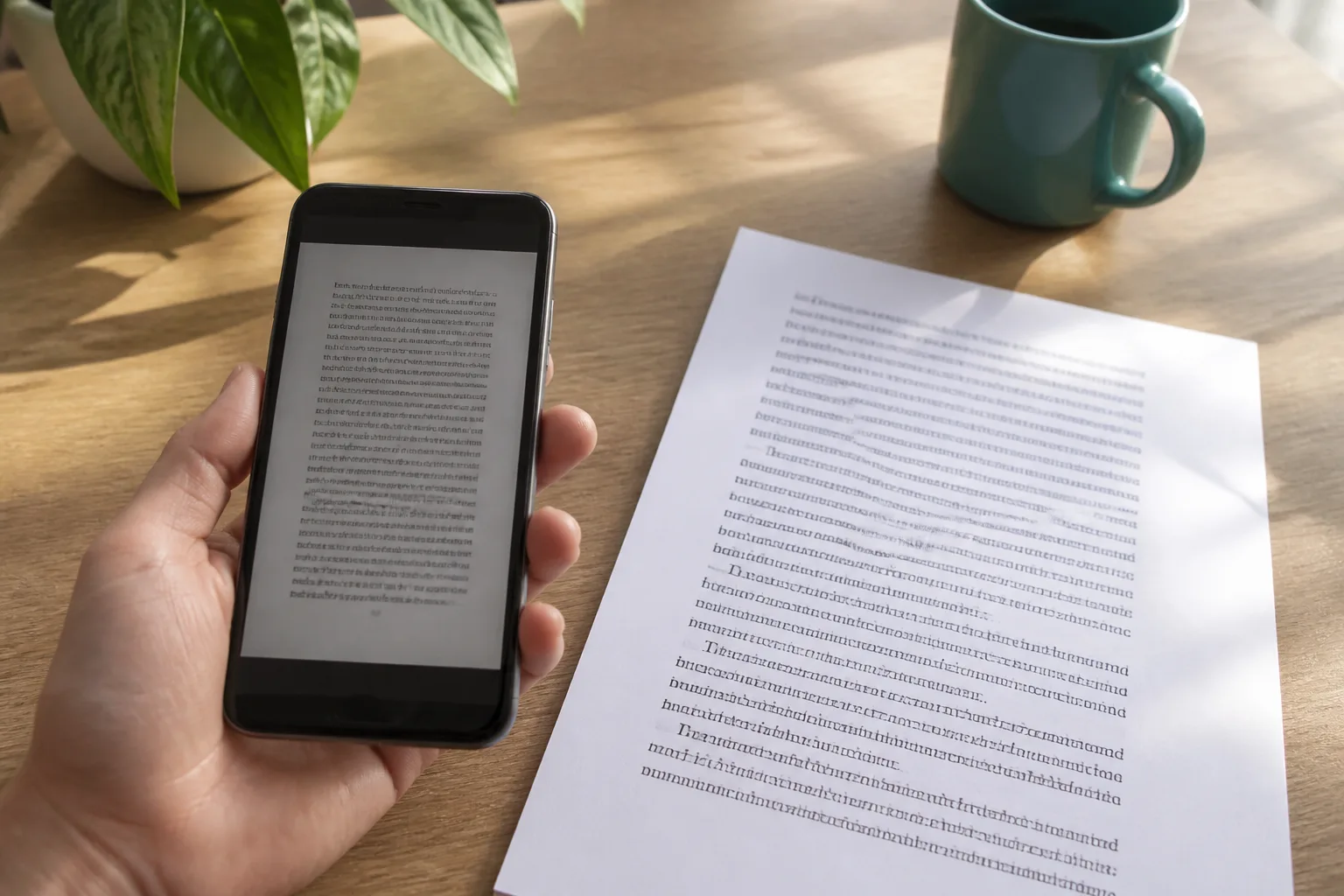
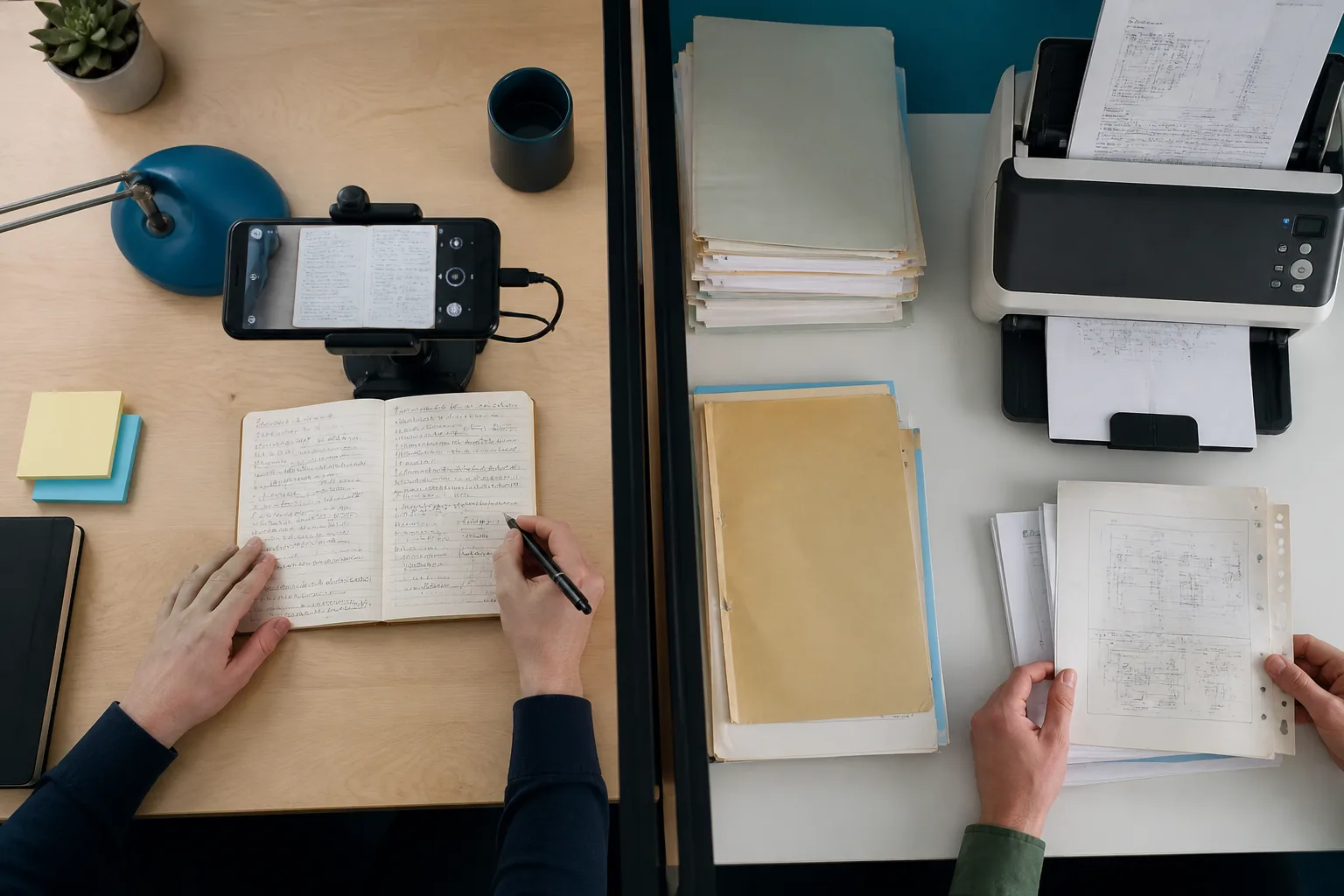
A phone scanning notes beside a stack of archive documents

Copy the text from picturetotext.org, then drop the same pictures into Photo to Text when you need Excel, Word, or Advanced OCR on a hard photo.

Questions people ask

Is Photo to Text a good picturetotext.org alternative?
Yes, if you need Word, Excel, or more honest limits. picturetotext.org is still a fair alternative for free URL upload and large premium batches of images as text.
Does Picture to Text really get 100% accurate results?
That is their marketing copy. OCR quality depends on the photo. Photo to Text does not claim 100% accuracy. You can edit Word and Excel output when the first pass is wrong.
Who handles 100 images at once?
picturetotext.org advertises up to 100 images for premium users. Photo to Text allows up to 100 pages on a paid run.
Can I convert HEIC on both?
picturetotext.org lists HEIC. Photo to Text accepts HEIC on the converter and offers a HEIC to JPG tool.