
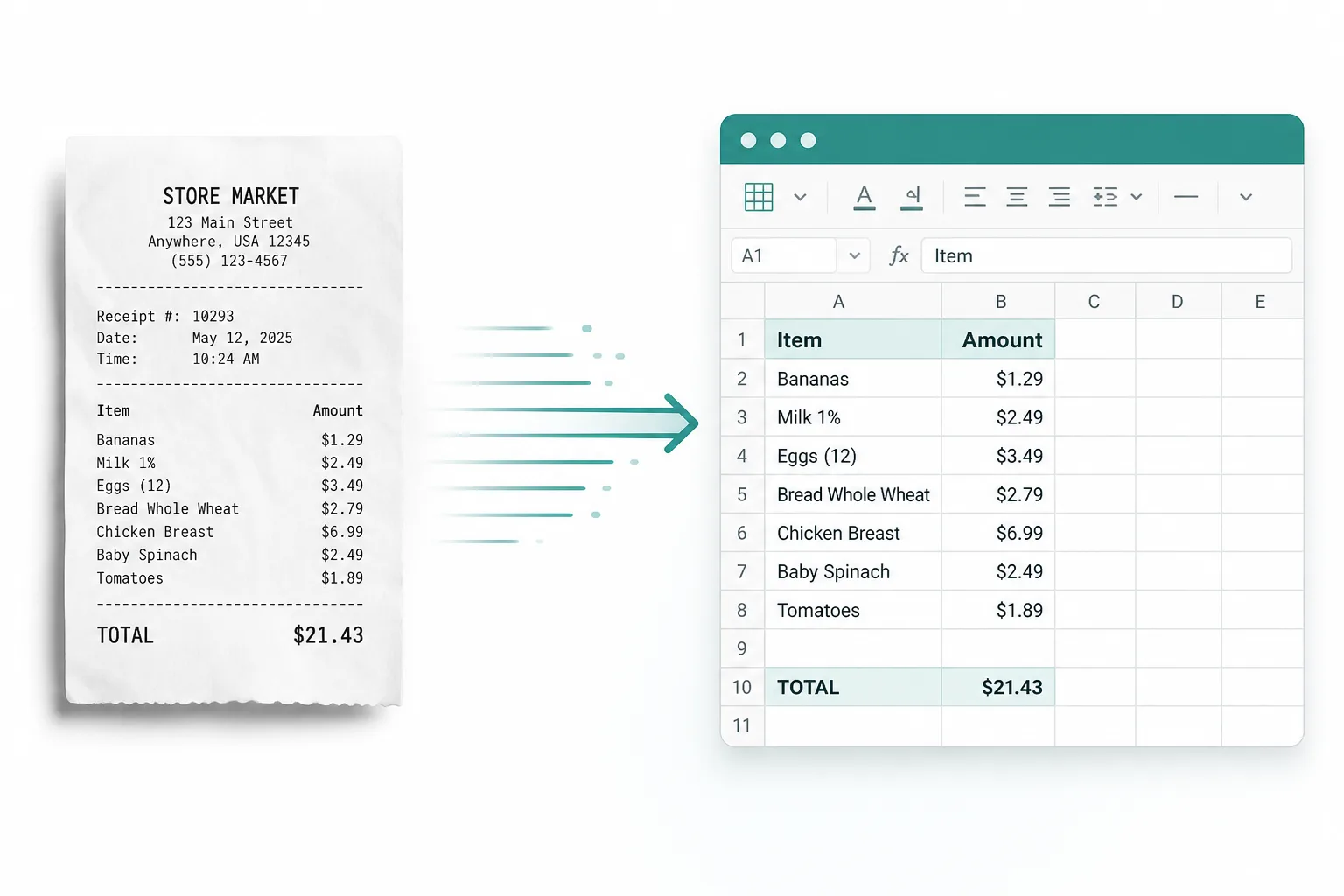
Receipts & invoices
Turn a JPG of a receipt or invoice into rows you can sum and filter in Excel.
Convert JPG (and PNG or photo) images into Excel tables with Advanced OCR — edit the spreadsheet, then download XLSX, CSV, or TSV.
Drop images or PDFs here
JPG, PNG, WEBP, HEIC, PDF
From a photo or scan of a table to a spreadsheet you can edit.
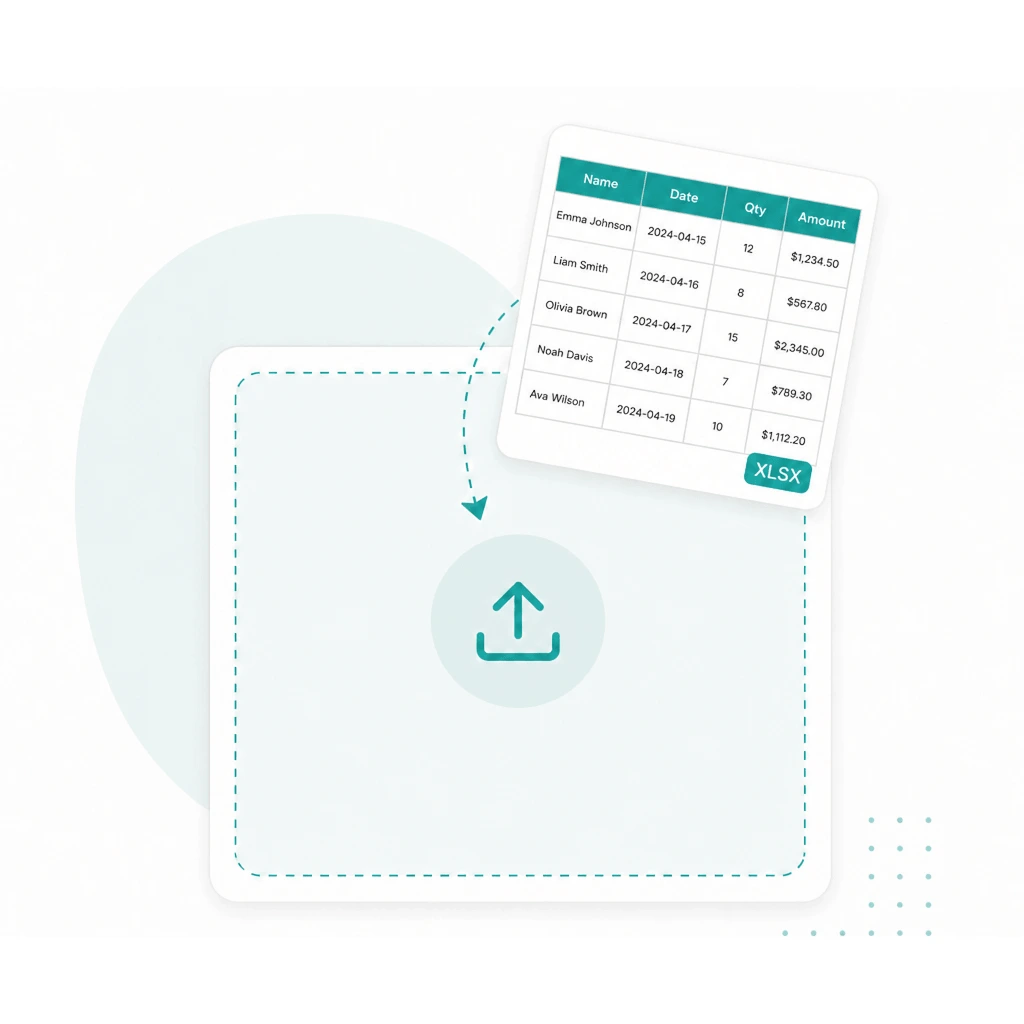
Drop a JPG, PNG, JPEG, or photo of a table into the converter above.
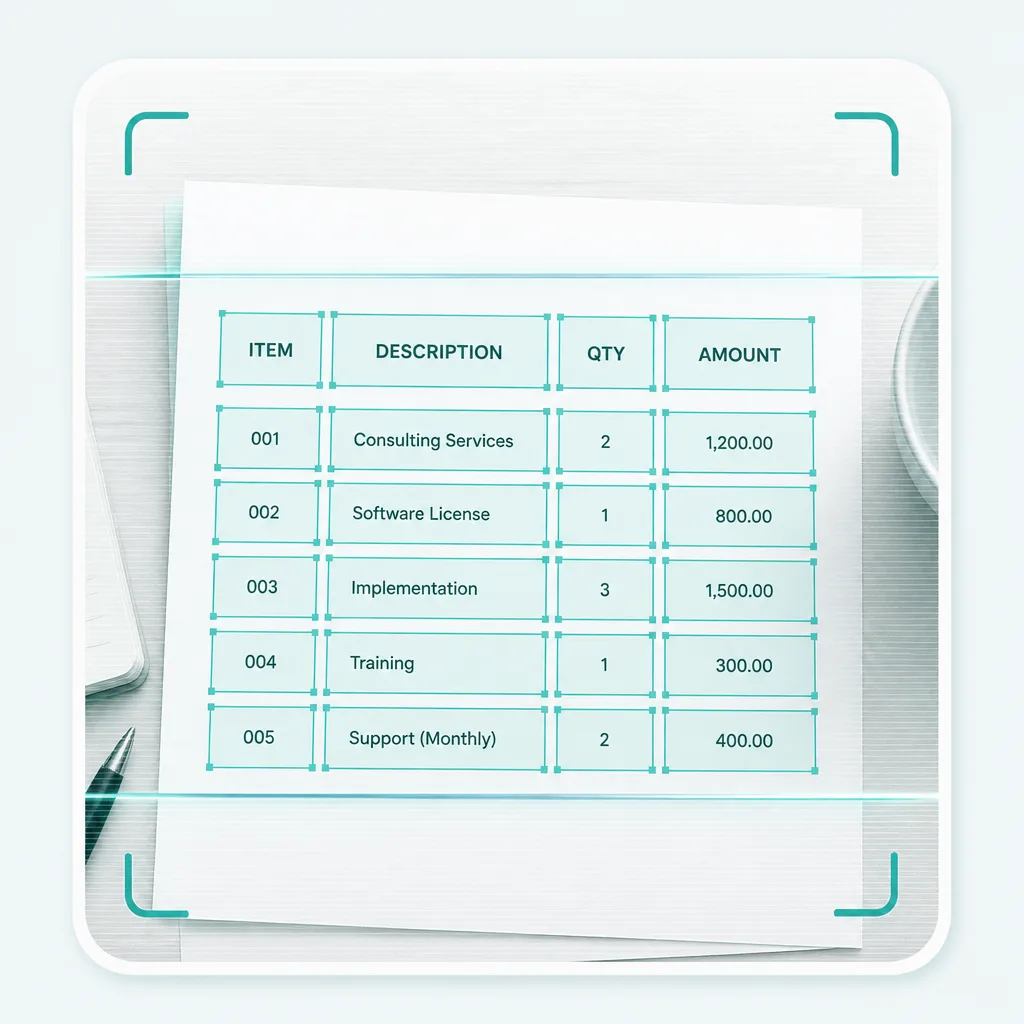
Run Advanced OCR to pull rows and columns from the image into an editable sheet.
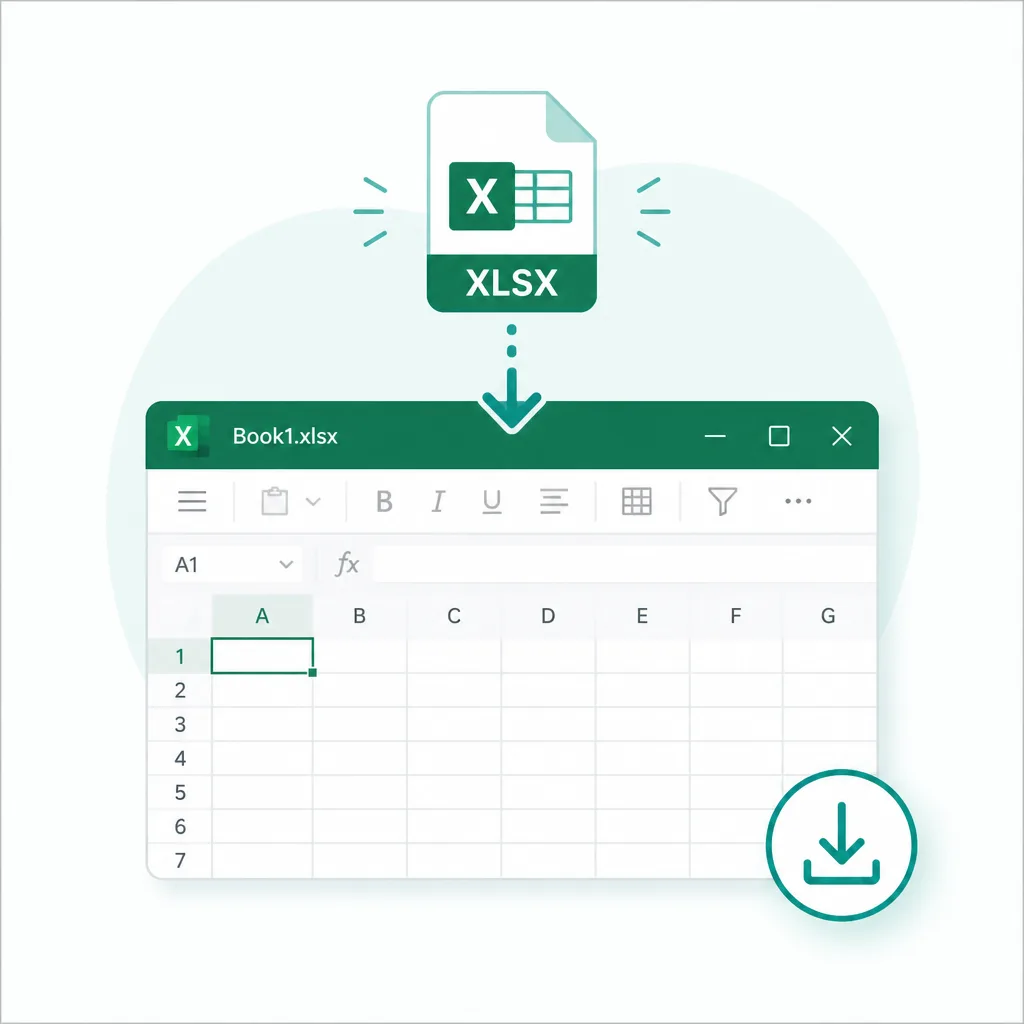
Fix cells if needed, then download XLSX — or export CSV / TSV when you prefer plain data.
Built for JPG to Excel first. PNG, JPEG, and everyday photo tables work the same way when the data lives in a picture.
JPG to Excel
Camera shots and saved photos
PNG to Excel
Screenshots and crisp graphics
JPEG / photo to Excel
Phone albums and scans
Image to table
Download XLSX, CSV, or TSV
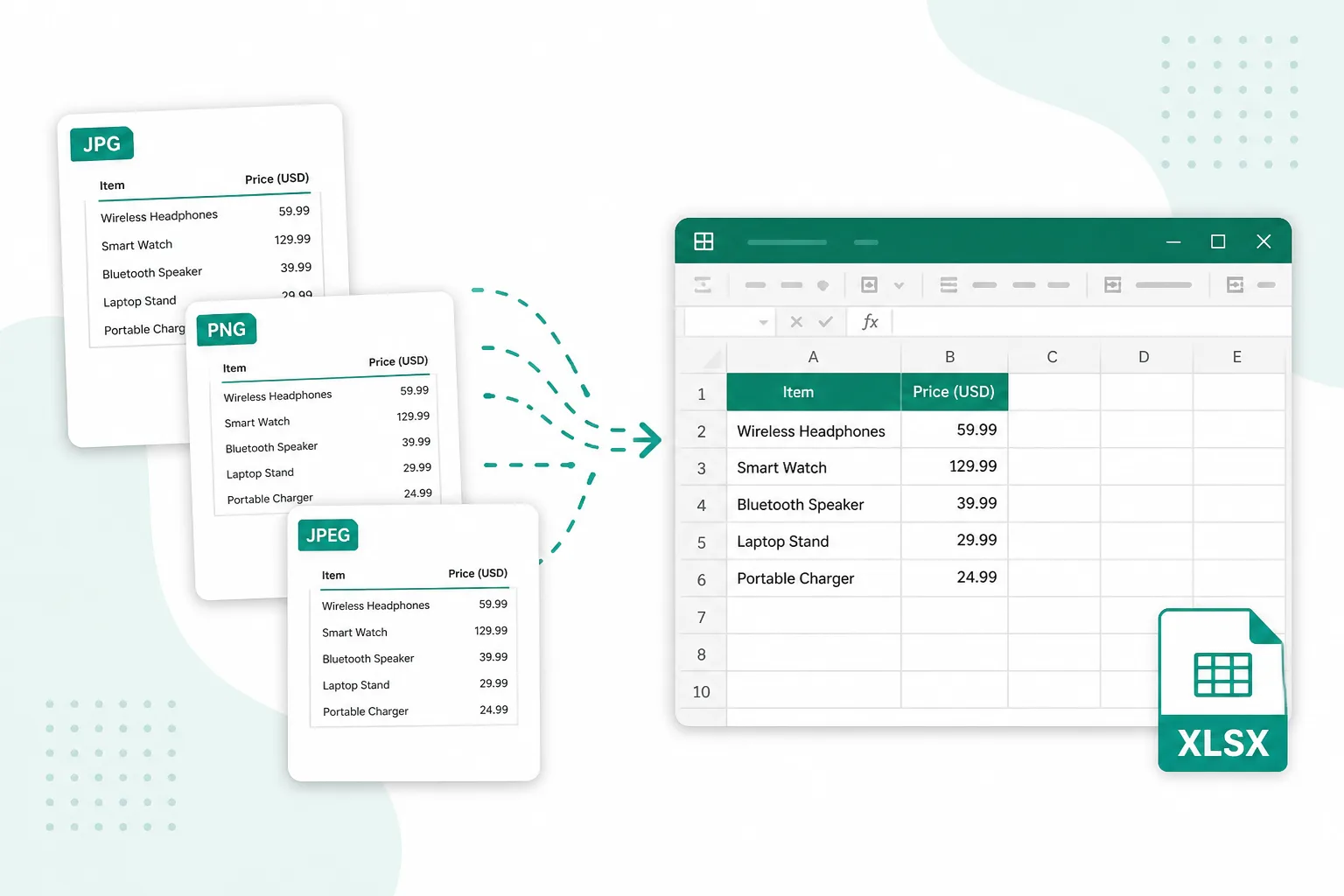
When the numbers sit in a picture, pull them into a spreadsheet instead of retyping.
Turn a JPG of a receipt or invoice into rows you can sum and filter in Excel.
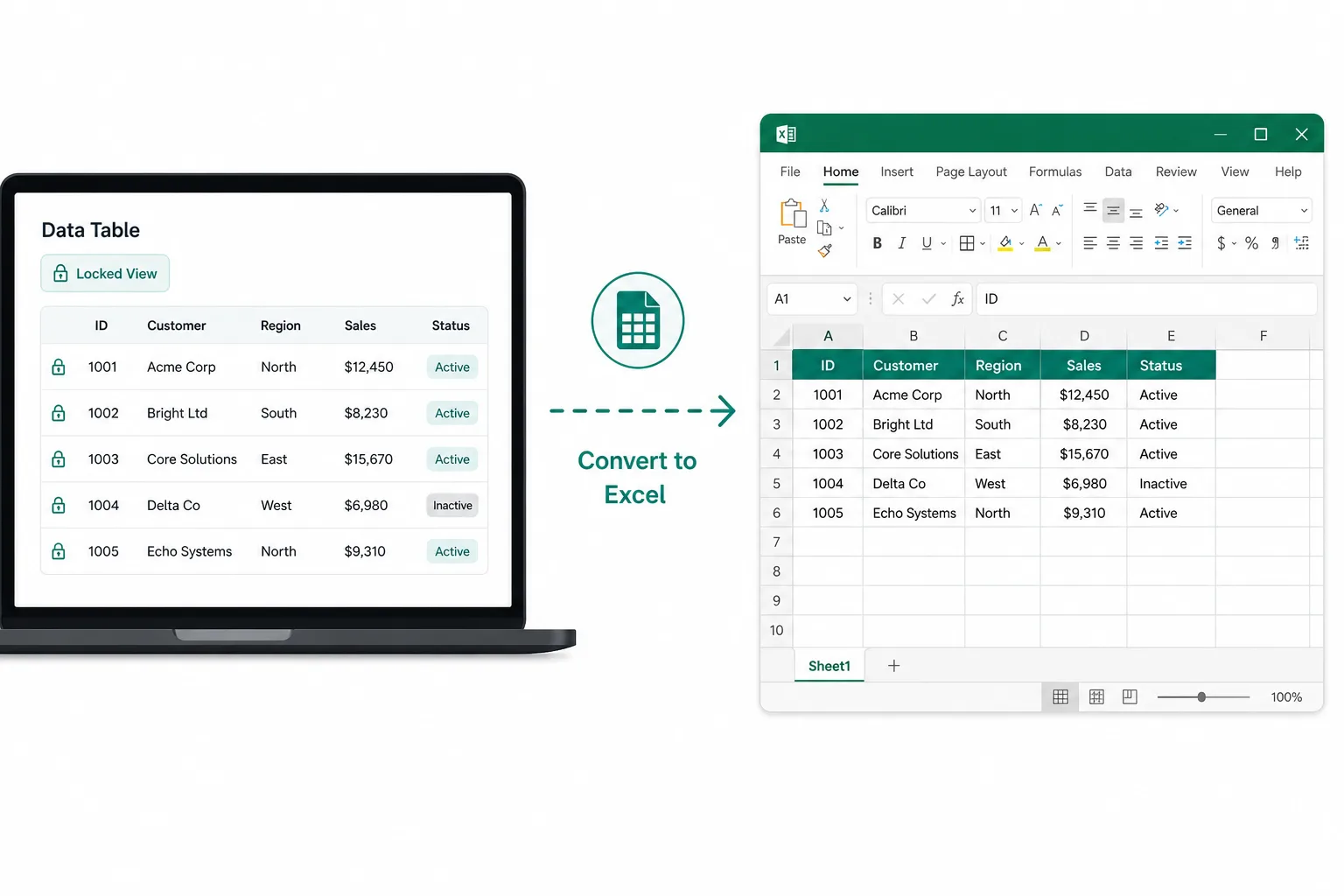
Image to Excel when the app locks copy — extract the grid from a PNG or photo.
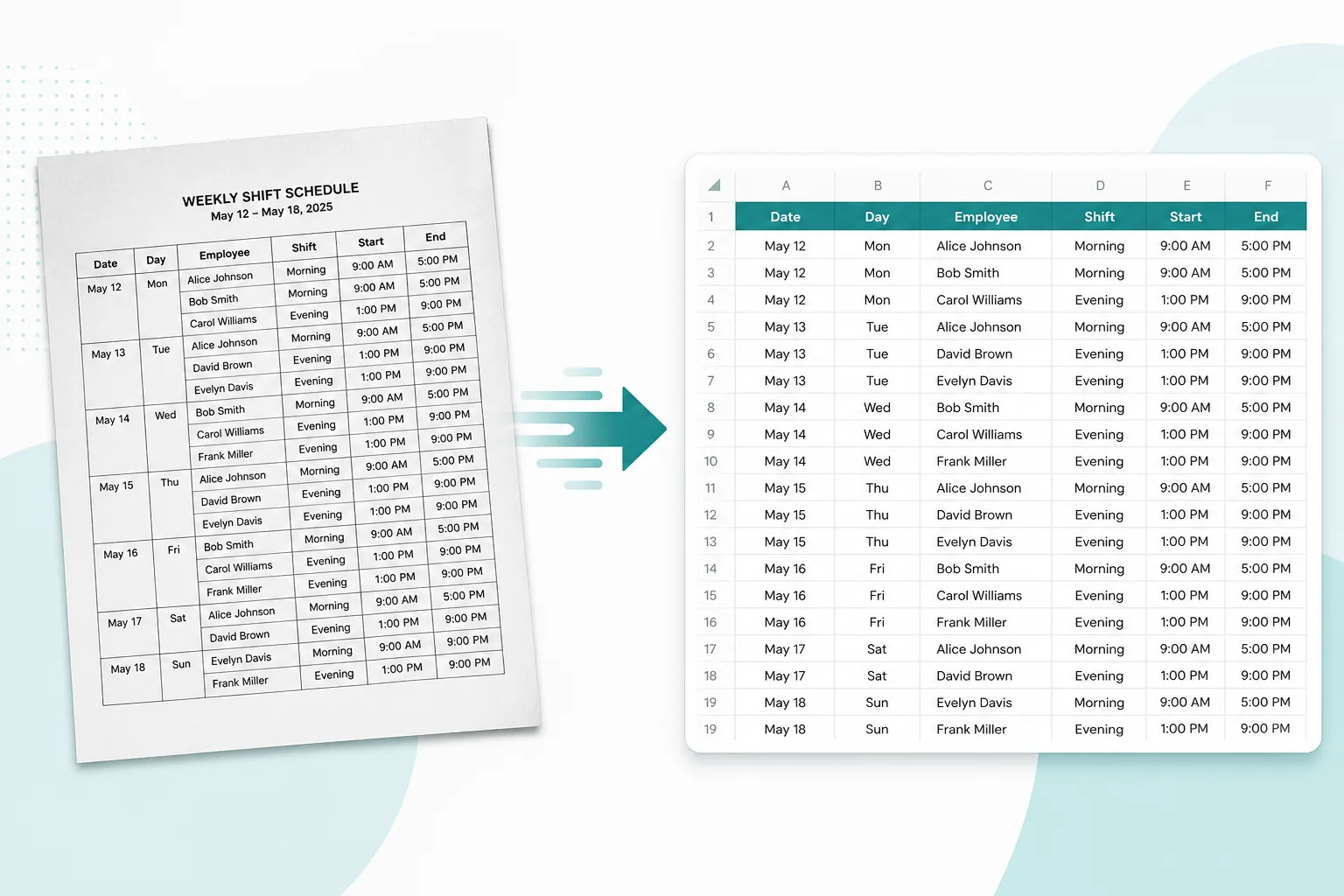
Photo to Excel for paper tables and printed schedules you only have as a scan.