

Quarterly binder for review
Shrink three months of statements before sending to your accountant.
Shrink scanned statements and invoice packs by recompressing embedded images — text stays selectable when the file has a real text layer.
Drop a large statement or invoice PDF
Files stay in your browser for this tool.
Smaller attachments without reprinting.
Drop a statement, invoice pack, or receipt PDF that is too large to email.
Low keeps more detail; High shrinks nested images more aggressively.
Compare sizes, then continue to Excel OCR if you still need transaction rows.
Image-heavy scans shrink; pure text exports may barely change.
Scanned statements
Photo or scanner pages with large JPEGs inside
Invoice packs
Multi-page vendor PDFs with logos and stamps
Email limits
Fit under common 10–25 MB attachment caps
Metadata cleaned
Author and software tags stripped for a cleaner file
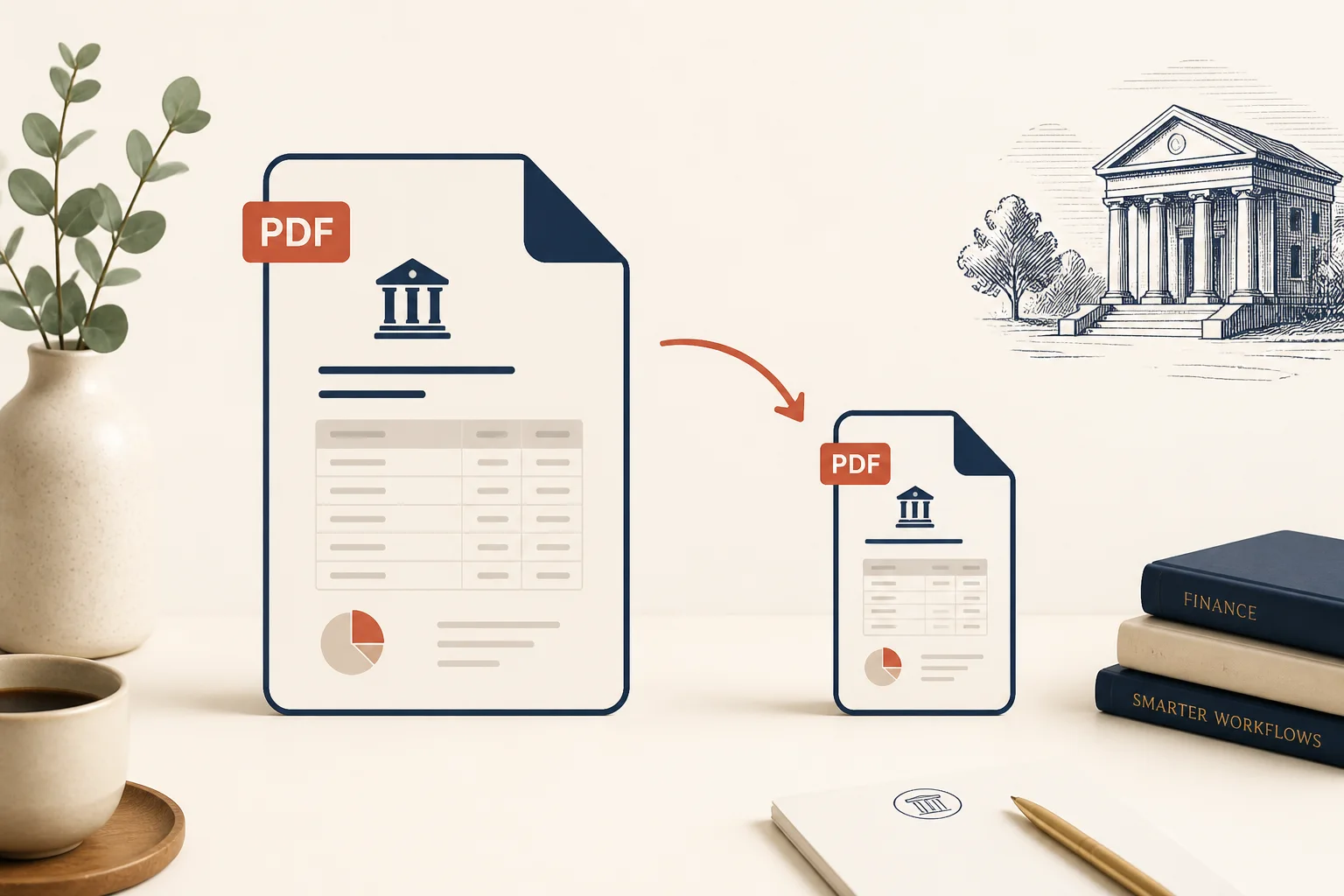
Share packs without bouncing off mail servers.
Shrink three months of statements before sending to your accountant.
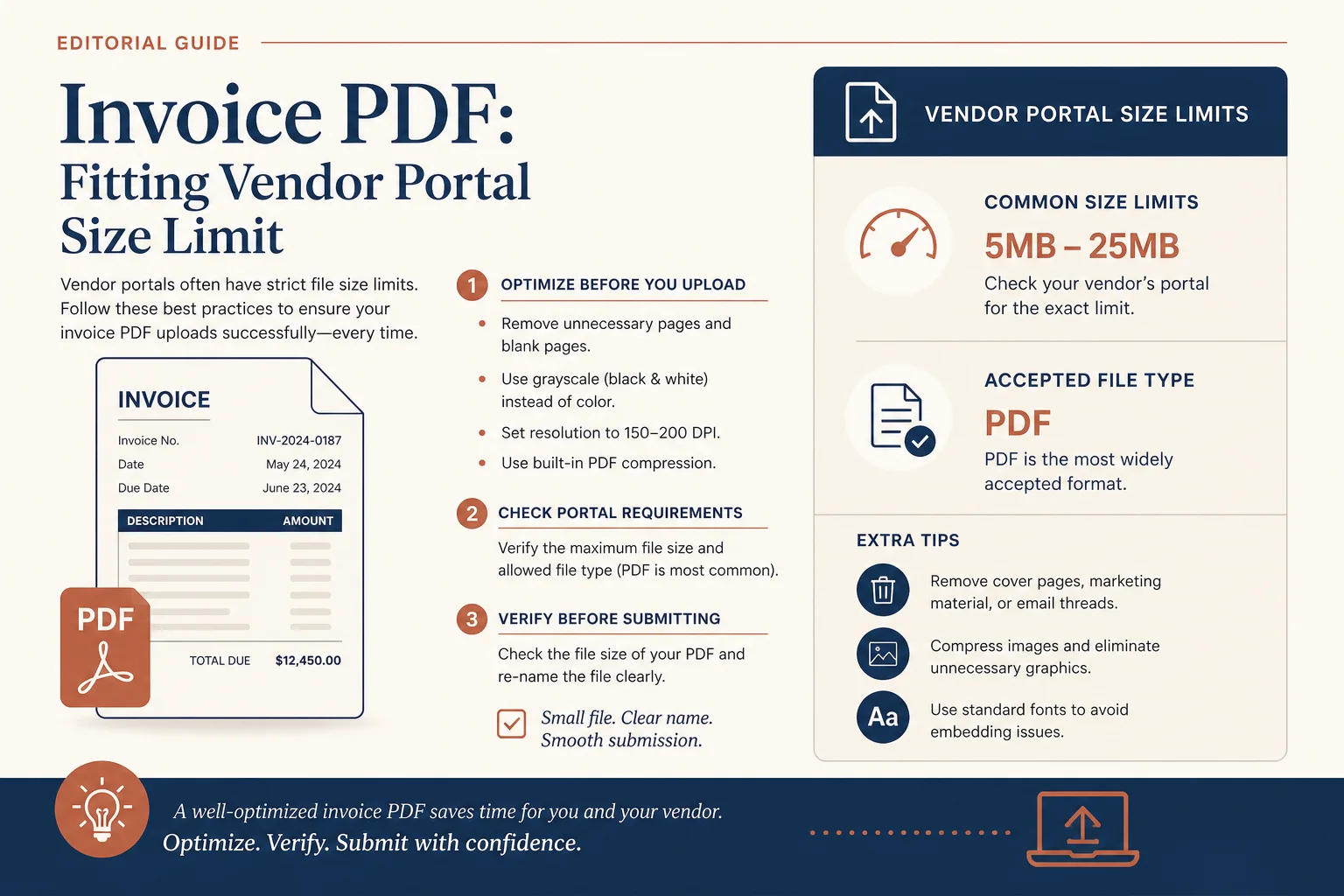
Meet portal size limits while keeping invoice text readable.
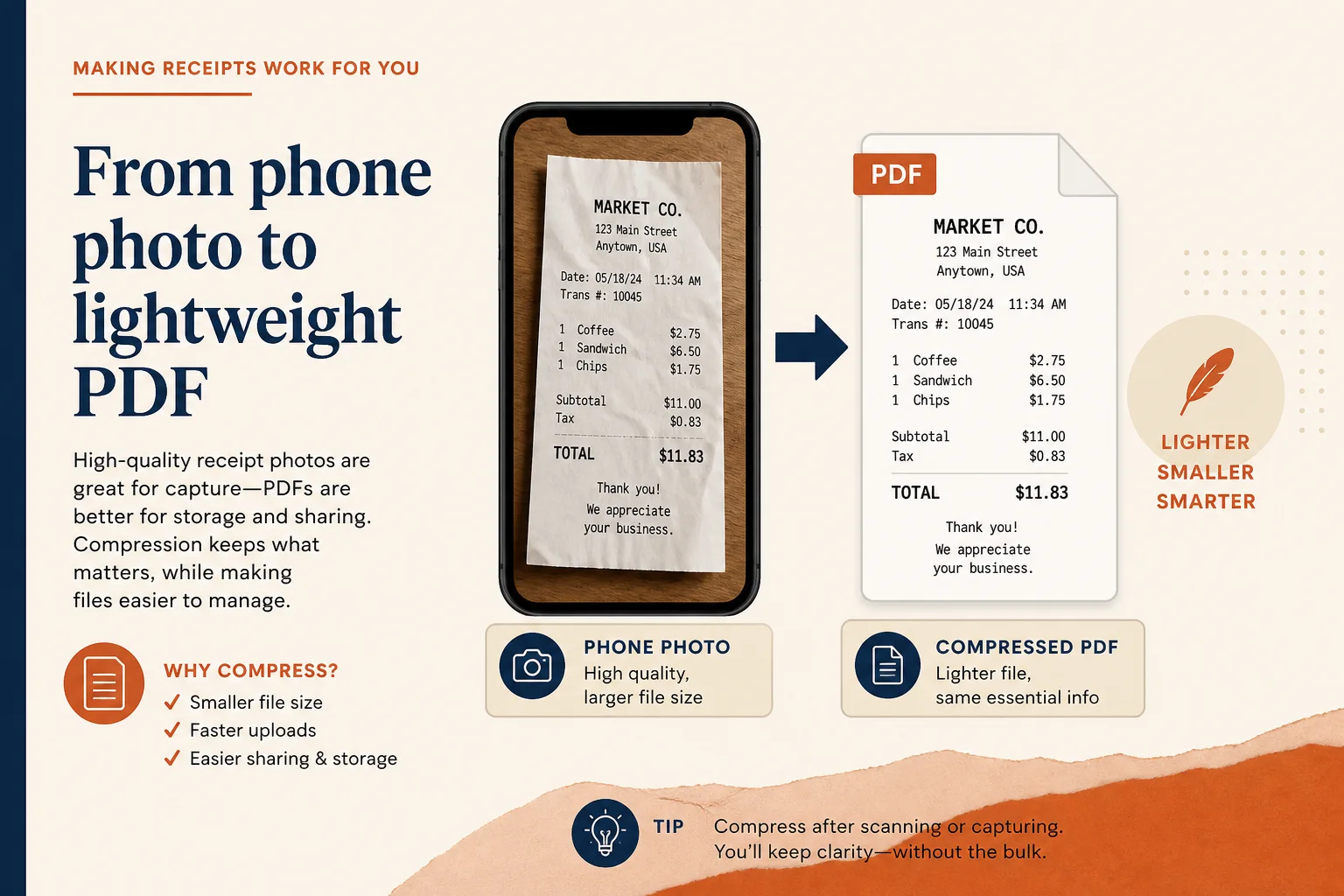
Phone-captured receipts often carry heavy images — compress before filing.
Prep pages, then extract rows when needed.
Combine months first, then compress the pack.
Open toolExport pages as images when a system rejects PDF.
Open toolExtract transactions when pages are scans.
Open toolPull tables into a spreadsheet after you prep the file.
Open toolBrowse the free tools hub.
Open tool