

Month-end binder
Put statement periods in calendar order before reconciliation.
Move statement months, covers, and exhibits into the sequence you need before filing or extracting Excel.
Drop a multi-page statement or invoice PDF
Files stay in your browser for this tool.
Chronological packs are easier to review.
Drop a multi-page statement or mixed invoice file.
Use up/down controls to set the final order.
Save the reordered pack, then split or OCR as needed.
Scanners and portals rarely keep your preferred order.
Out-of-order months
Put January ahead of March again
Cover then exhibits
Move summary pages to the front
Merged leftovers
Fix order after a quick merge
Drop a page
Remove a page by skipping it in the keep list
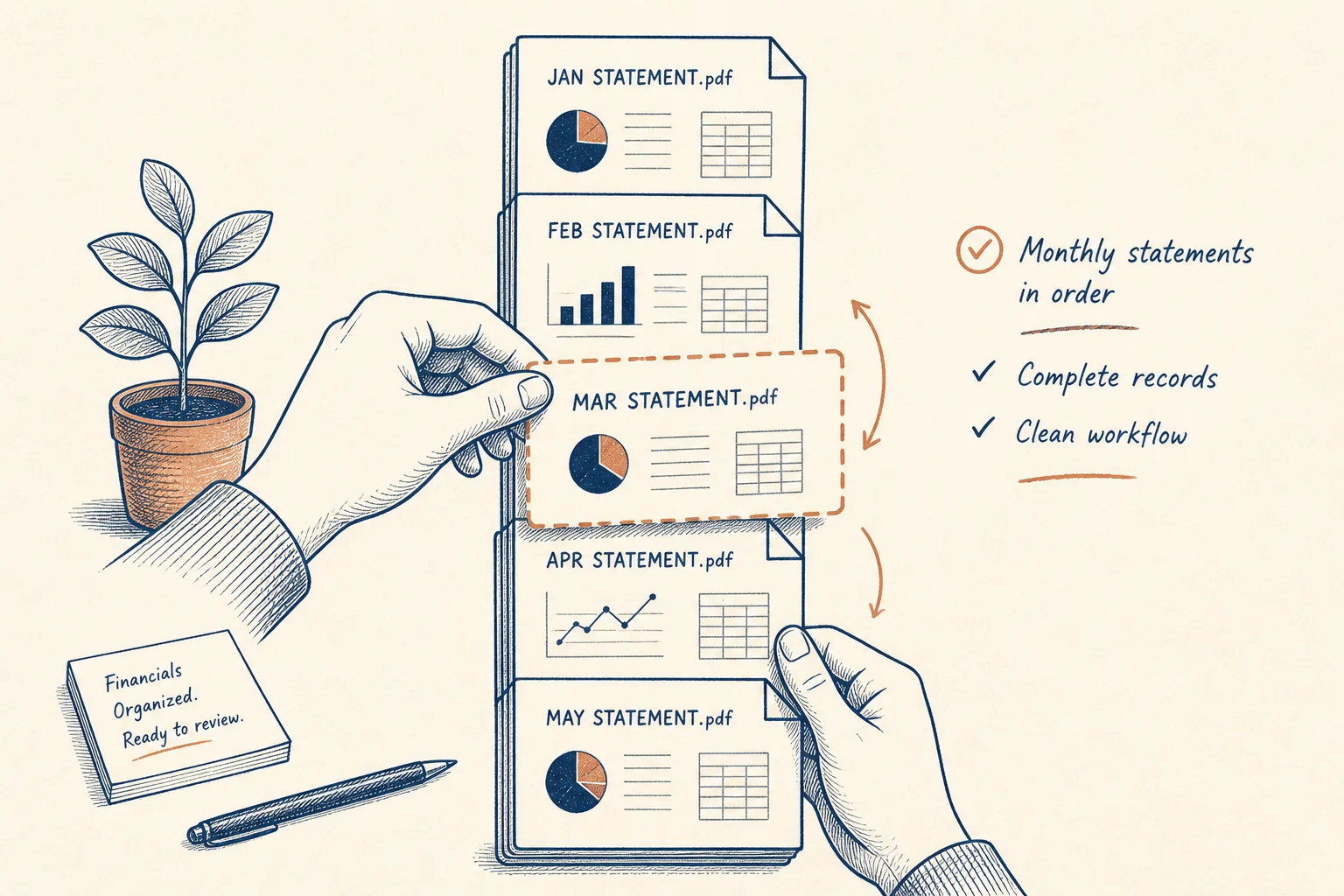
Reviewers should not hunt for the right month.
Put statement periods in calendar order before reconciliation.

Lead with the approval cover, then invoices behind it.

Skip empty pages while rebuilding order — or use Remove blank pages.
Split, extract, or convert after the order is right.
Pull only the pages you need into a new file.
Open toolStrip empty scans automatically.
Open toolExtract transactions when pages are scans.
Open toolPull tables into a spreadsheet after you prep the file.
Open toolBrowse the free tools hub.
Open tool