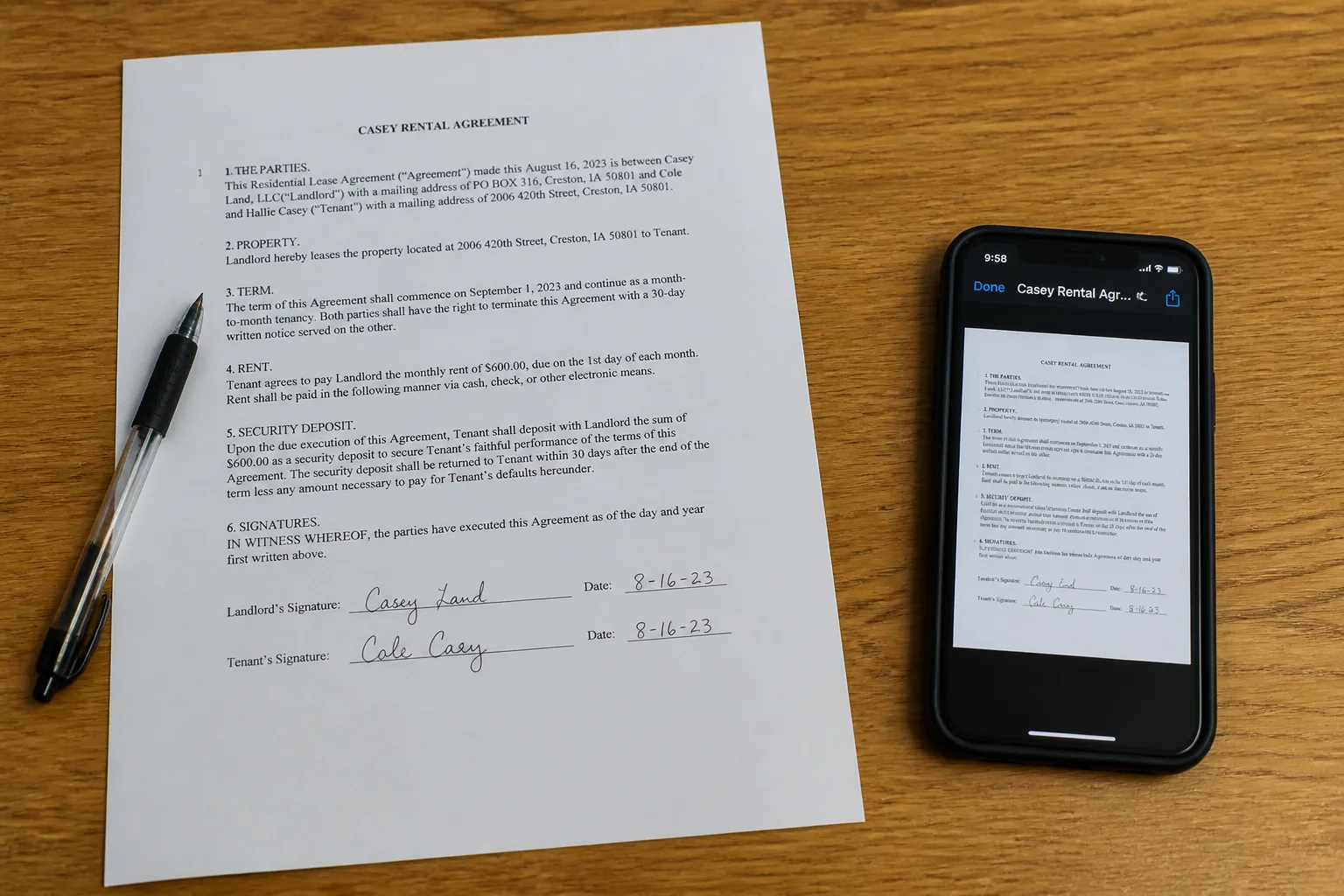
Contract with a pen beside a phone screenshot of a document

Photo to Text vs Smallpdf

Credits for photos and tables, or a Swiss PDF suite with OCR and signatures.

Open PDF to text

Updated August 19, 2026

The short version

Choose Photo to Text if

Photo to Text is the better pick when you start from a photo or screenshot and need text, Word, or Excel, with a page cap you can read on the pricing page.

Choose Smallpdf if

Smallpdf still fits if you compress, edit, sign, and OCR PDFs in one account, and you are fine unlocking unlimited OCR with Pro.

Visit smallpdf.com

At a glance

How Photo to Text and Smallpdf handle the jobs people actually compare.

Two documents side by side for an OCR comparison
Feature comparison of Photo to Text and Smallpdf
Feature Photo to TextSmallpdf
Text outputCopy, TXT, or Markdown. Keep going to Word or Excel when you need a file.Searchable PDF via PDF OCR, plus convert, compress, edit, and e-sign.
Word and ExcelJPG to Word and JPG to Excel with an in-browser editor before download.PDF to Word and PDF to Excel in the suite. Not a photo-to-Excel editor.
PDFPDF to text, Word, and Excel, plus free PDF tools.Full Swiss toolbox: compress, merge, edit, sign, OCR, converter, mobile app.
HandwritingDedicated handwriting to text page.OCR on scanned PDFs. Not a dedicated handwriting to text page.
BatchUp to 10 pages per run on free. Up to 100 when you pay.Free tools with download limits. Pro unlocks unlimited OCR and the rest of the suite.
PricingFree to start. Plans from $9.99/month, or buy credit packs.Free with limits. Pro and Teams unlock the full toolbox including OCR.
PrivacyGuest conversions are not kept as account history.Established Swiss PDF company with published security and processing terms.
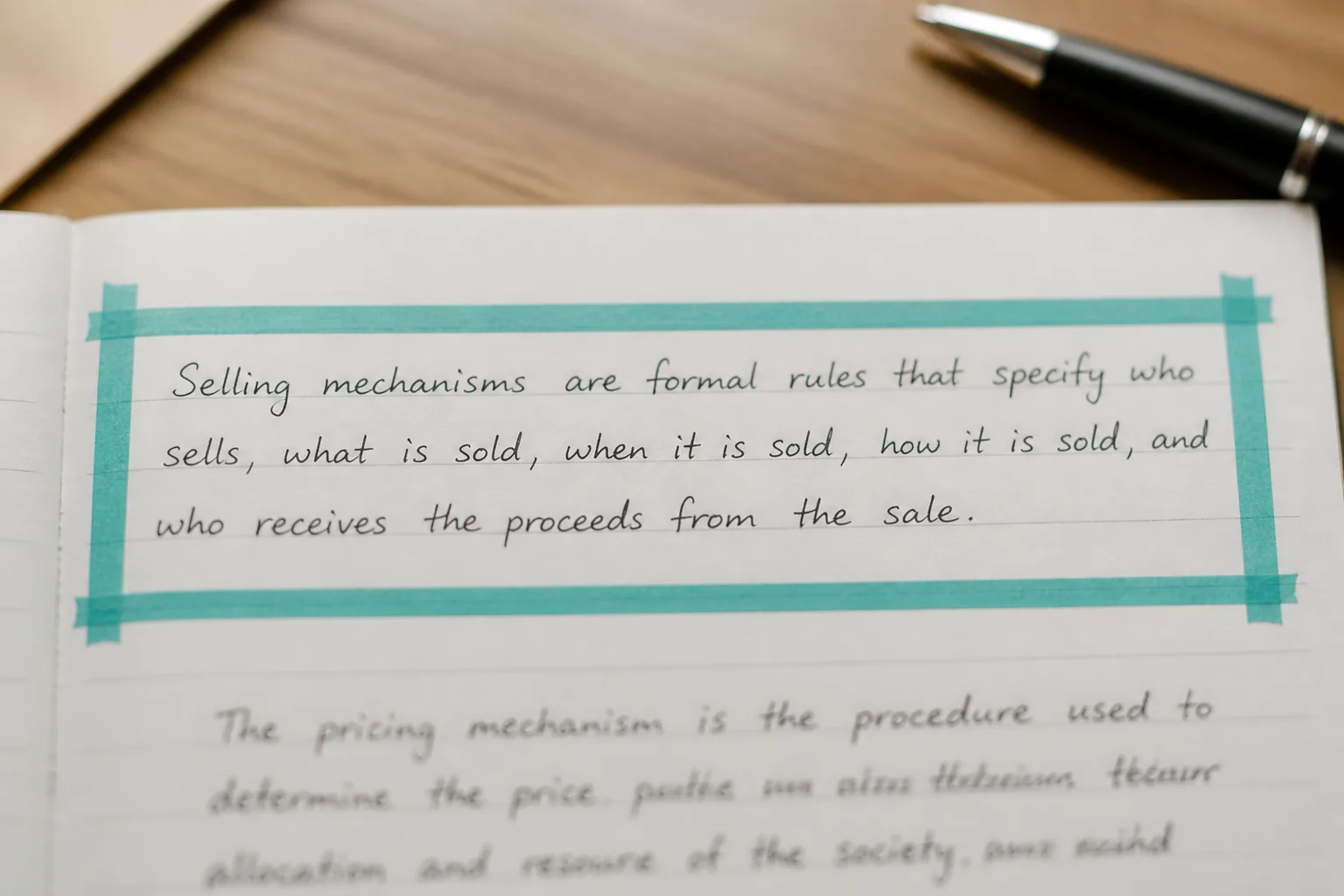
Laptop showing selectable text taken from a screenshot

Features

Smallpdf. Smallpdf is compress, convert, merge, edit, sign, and PDF OCR in one brand, plus a mobile app. PDF OCR makes scanned PDFs searchable and selectable. The product story is “work on PDFs,” not “turn this receipt photo into Excel.”

Photo to Text. Photo to Text is extraction-first: photo to text, scan to Word, JPG to Excel, bank statement to Excel. Free PDF tools exist, but e-sign and a full editor are not the pitch.

Smallpdf if the PDF is the object. Photo to Text if the content inside the photo is the object.
Pricing

Smallpdf. You can run PDF OCR free, with download limits that push you toward Pro. Pro is a suite subscription, not a credit pack for a single conversion type.

Photo to Text. Credits: 1 per Simple page, 10 for Advanced, Word, or Excel. Subscriptions from $9.99/month, or packs that do not expire. Free runs stop at 10 pages.

Smallpdf Pro is worth it if you already sign and compress. Photo to Text is worth it if extraction is most of the bill.

Ease of use

Smallpdf. Each Smallpdf tool has a dropzone. OCR is one destination among many. Easy if you already know you want a searchable PDF.

Photo to Text. Shorter path from a phone photo to copy or Excel. You will still leave this site if you needed to e-sign a contract.

Keep Smallpdf for PDF chores. Use Photo to Text when the chore is reading the page.

Photo to Text is built for

  • You convert screenshots, receipts, and handwriting, not only PDFs
  • You want an Excel grid you can correct
  • Per-page credits are easier to reason about than a suite download cap
  • You do not need Smallpdf e-sign this week

Smallpdf still fits if

  • Smallpdf is already where you compress and sign
  • The job is making a scanned PDF searchable
  • You want one Pro login for the whole PDF toolbox
  • A mobile PDF app matters more than a handwriting page
A phone scanning notes beside a stack of archive documents

Use Smallpdf to compress or sign. Bring the same scan to Photo to Text when you need the words in Word or the table in Excel.

Questions people ask

Is Photo to Text a Smallpdf alternative?
For OCR extraction, it can be. For e-sign, compress, and PDF edit, Smallpdf remains the suite. Photo to Text is the alternative when the file is a photo that should become text or Excel.
Is Smallpdf OCR free?
Smallpdf lets you run PDF OCR in the browser for free, with download limits. Pro removes those limits. Photo to Text starts free with a 10-page run cap and credits for Advanced, Word, and Excel.
Which handles photos better?
Photo to Text is built around JPG, PNG, HEIC, and screenshots. Smallpdf OCR is framed around scanned PDFs becoming searchable.
Can both convert PDF to Excel?
Yes. Smallpdf has PDF to Excel in the converter set. Photo to Text has PDF to Excel plus photo and bank-statement Excel pages.