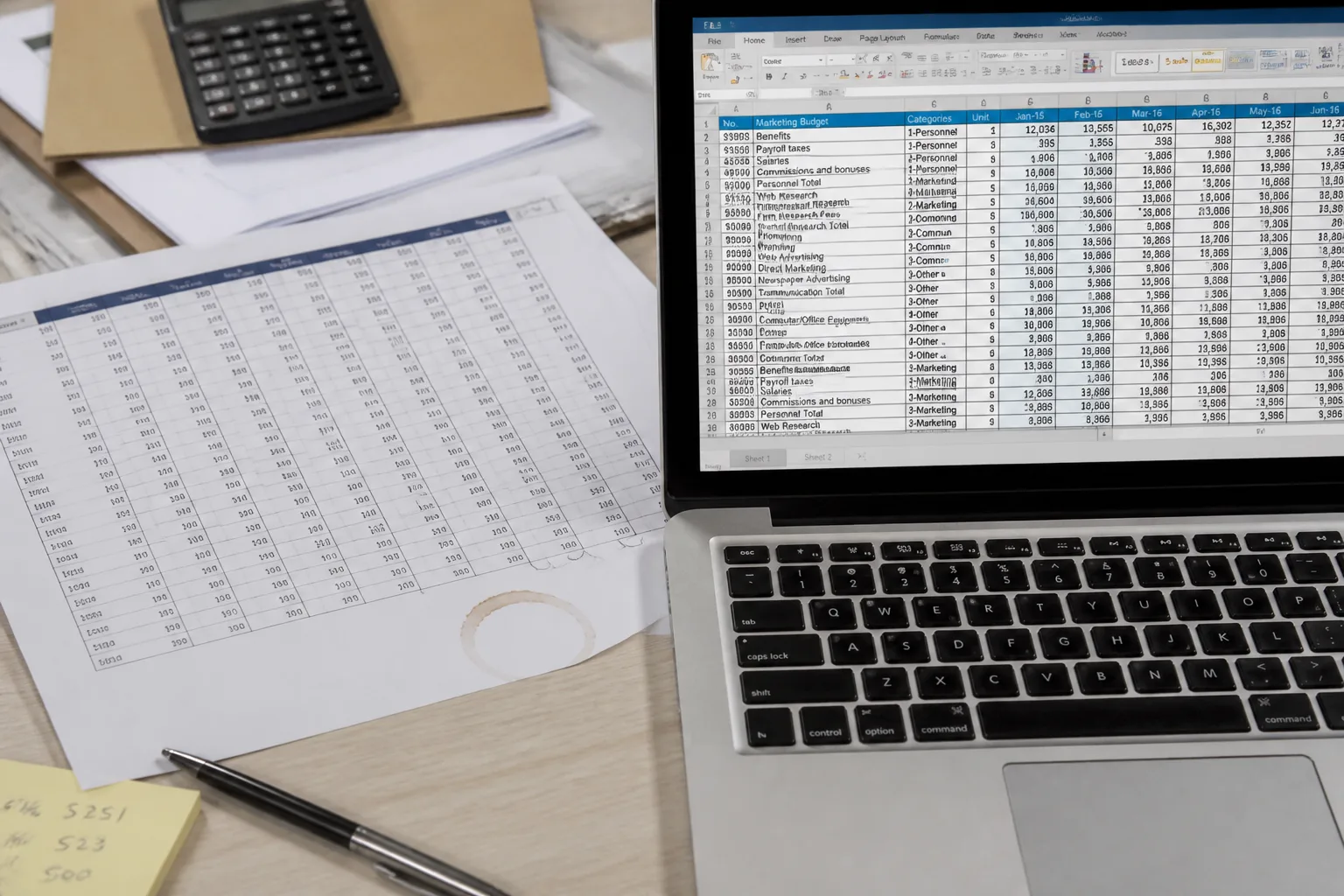
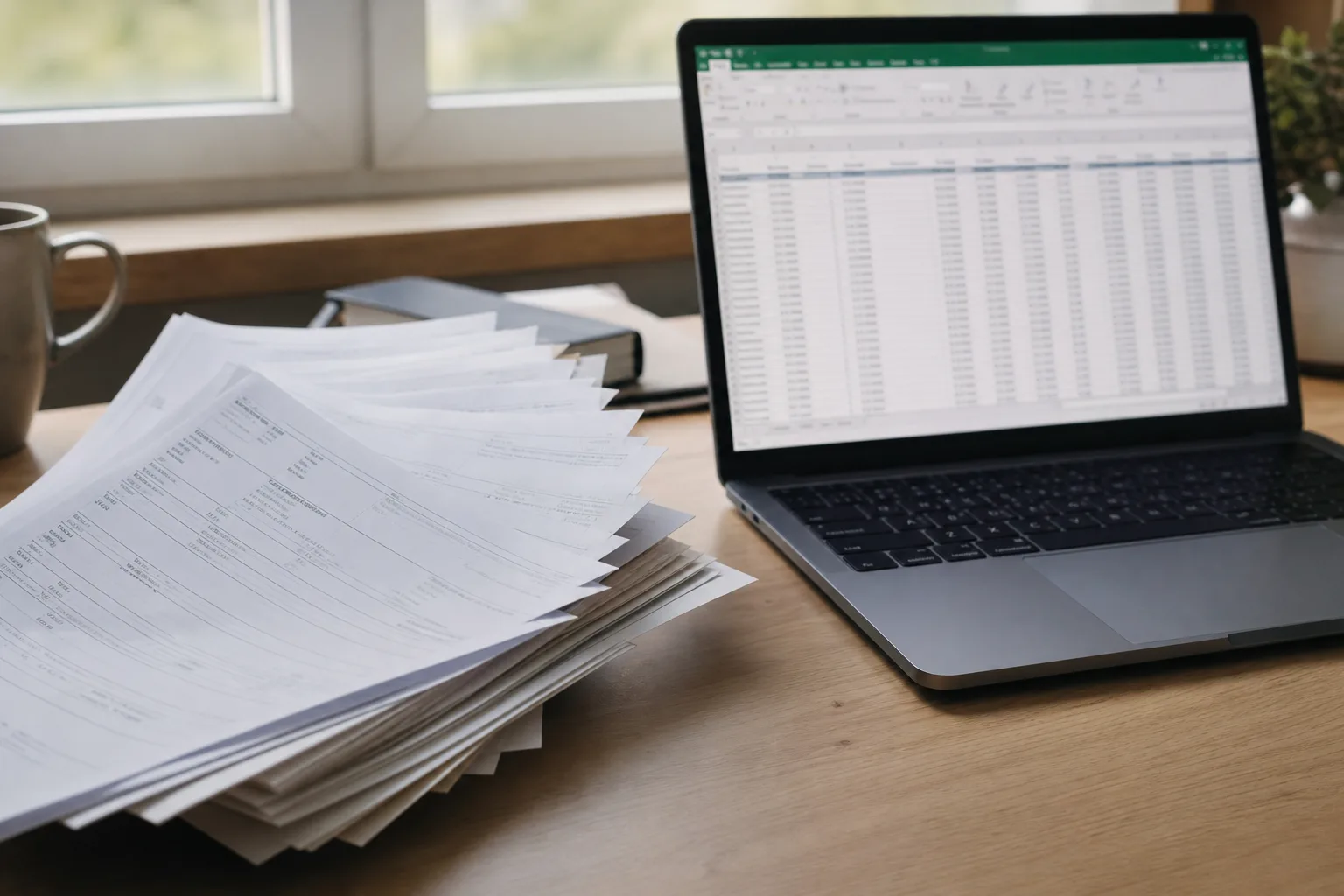
Printed PDF table beside an open spreadsheet on a laptop

Photo to Text vs pdftoexcel.com

Photos and PDFs into an editable grid, or a site that only writes XLSX from PDF.

Open PDF to Excel

Updated August 19, 2026

The short version

Choose Photo to Text if

Photo to Text is the better pick when tables also arrive as photos, receipts, or bank statements, and you want to edit cells before download.

Choose PDF to Excel if

pdftoexcel.com still fits a single PDF to XLSX with no email, Drive or Dropbox import, and files deleted after about 6 hours.

Visit pdftoexcel.com

At a glance

How Photo to Text and PDF to Excel handle the jobs people actually compare.

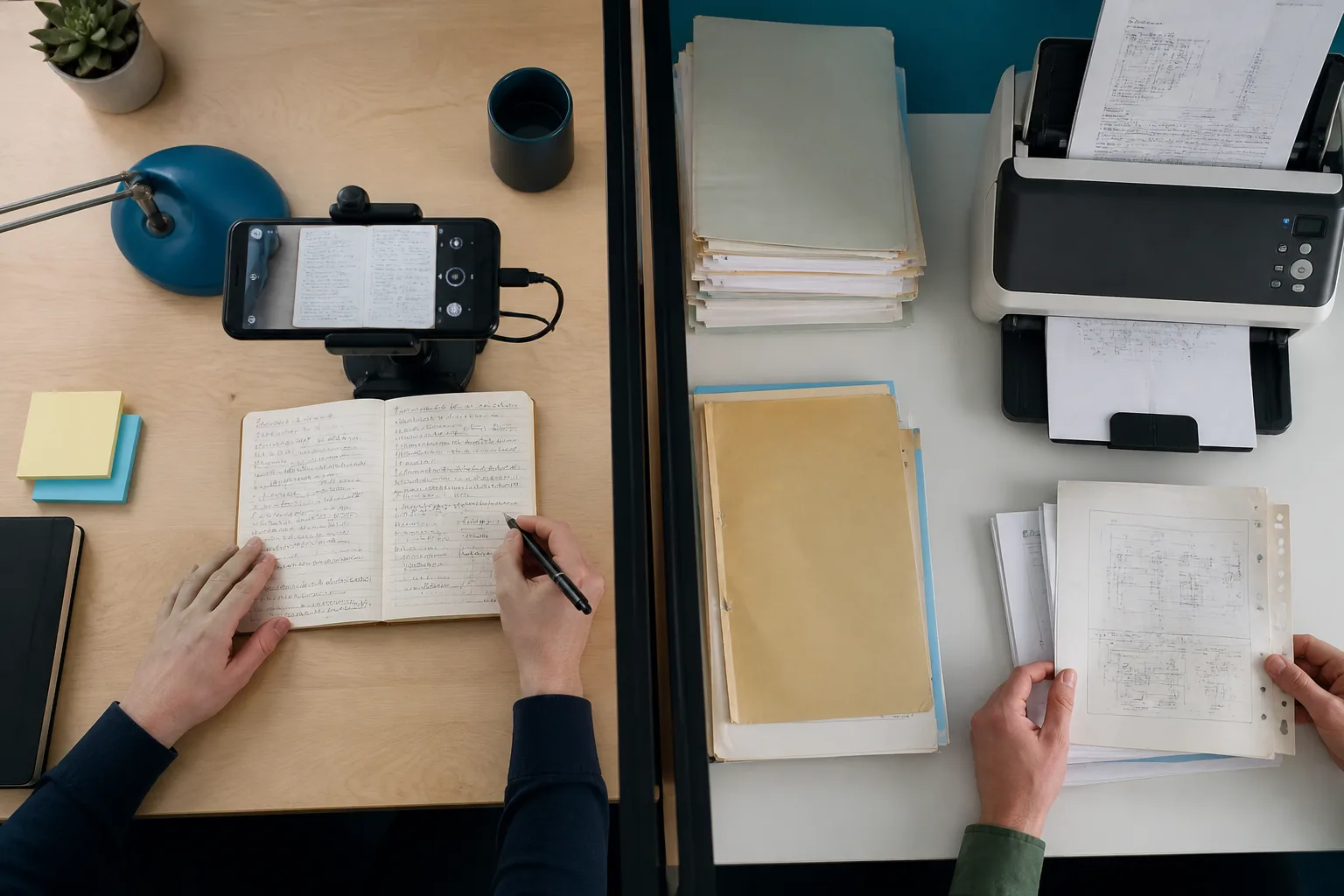
Two documents side by side for an OCR comparison
Feature comparison of Photo to Text and PDF to Excel
Feature Photo to TextPDF to Excel
Text outputCopy, TXT, or Markdown. Keep going to Word or Excel when you need a file.Excel .xlsx from regular or scanned PDFs.
Word and ExcelJPG to Word and JPG to Excel with an in-browser editor before download.Excel only. No Word or copyable text product on the same site.
PDFPDF to text, Word, and Excel, plus free PDF tools.PDF in, XLSX out. Import from Google Drive, Dropbox, or OneDrive.
HandwritingDedicated handwriting to text page.OCR for scanned tables. Not a handwriting to text workspace.
BatchUp to 10 pages per run on free. Up to 100 when you pay.One PDF per day on free. Premium is required for unlimited and batch.
PricingFree to start. Plans from $9.99/month, or buy credit packs.Free daily conversion. Premium for unlimited, faster, and batch jobs.
PrivacyGuest conversions are not kept as account history.No email required. Files deleted after 6 hours max, according to the site.
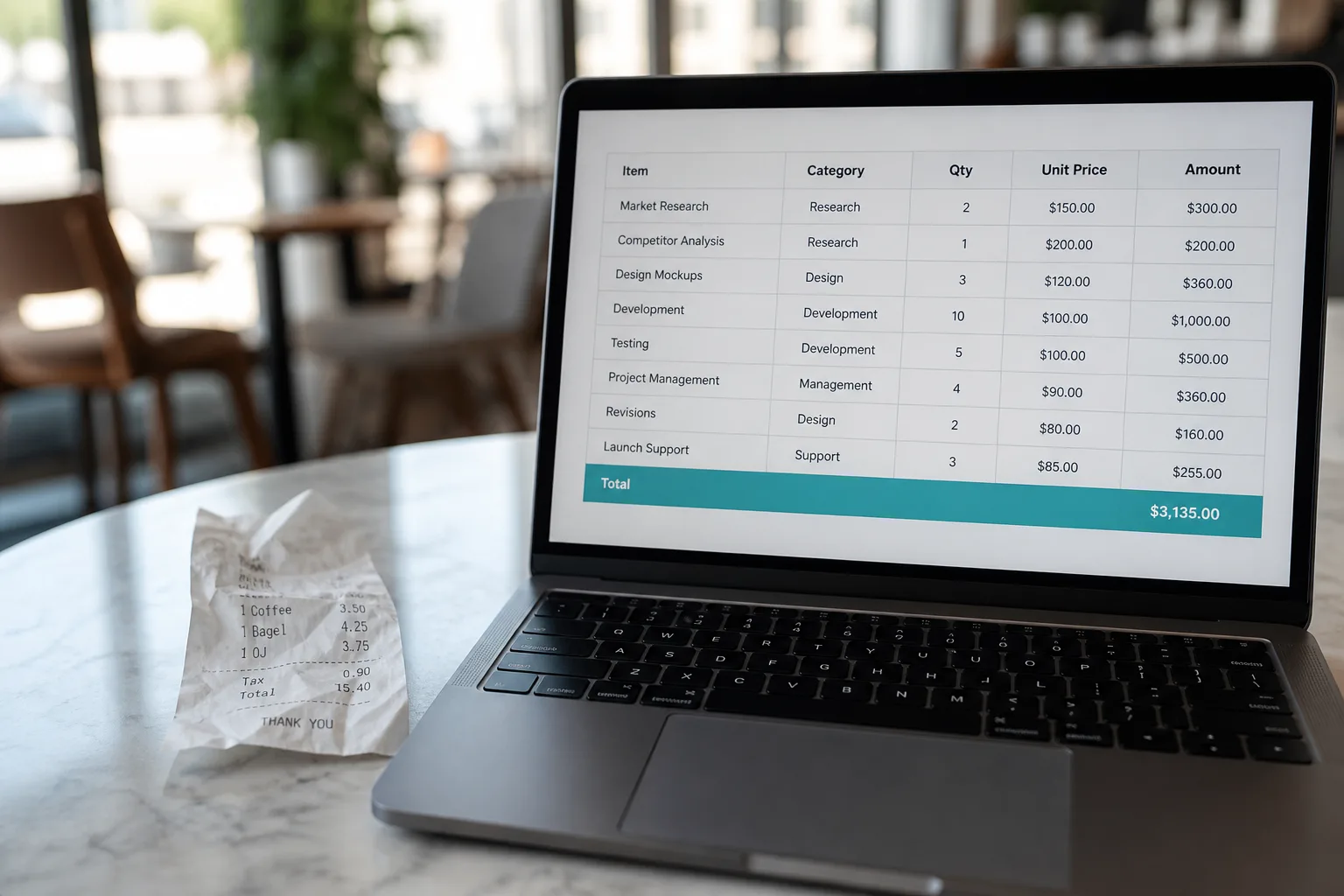
Scanned PDF pages converted into an Excel workbook

Features

PDF to Excel. pdftoexcel.com does one conversion: any PDF, including scans, to .xlsx. Upload starts automatically. Cloud import is first-class. There is no parallel photo-to-text or Word path.

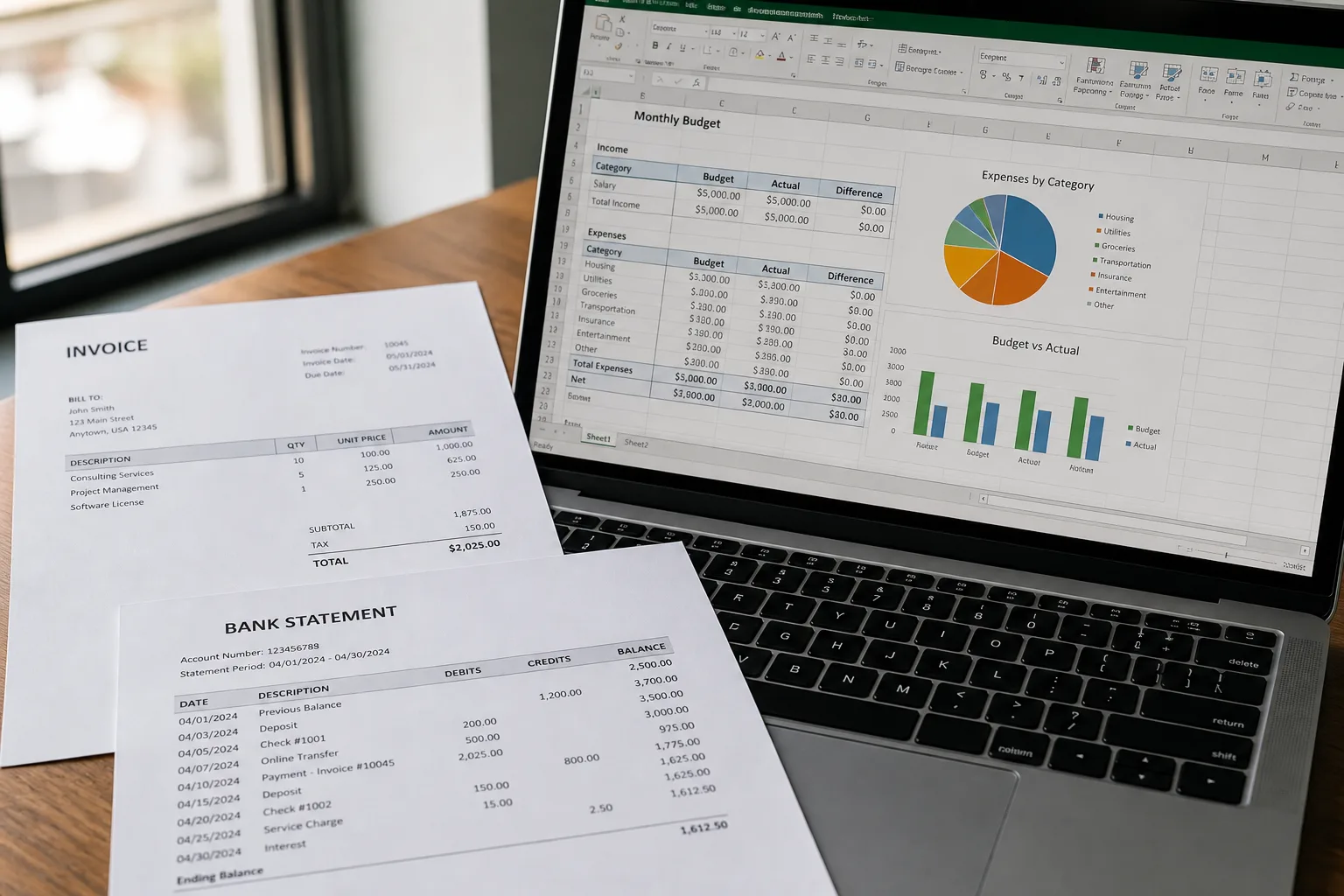
Photo to Text. Photo to Text includes PDF to Excel with an editable grid, plus JPG to Excel, invoice, receipt, and bank statement pages. The same account still does photo to text and JPG to Word.

Stay on pdftoexcel.com for PDF-only days. Use Photo to Text when Excel is one output among several.
Pricing

PDF to Excel. One free PDF per day. Premium (on a separate signup host) is how you get unlimited, faster, and batch conversions. Guest use really is no-email.

Photo to Text. Excel extraction uses Advanced OCR at 10 credits per page. Free runs cap at 10 pages. Plans start at $9.99/month, or buy packs that do not expire.

pdftoexcel.com can be cheaper for one PDF a day. Photo to Text is simpler if photos and PDFs share the week.

Ease of use

PDF to Excel. Upload or connect Drive, wait, download XLSX. Almost no UI beyond that. You leave if you later need the same page as text.

Photo to Text. After OCR you can fix cells, then download XLSX, CSV, or TSV. Extra steps if all you wanted was a blind XLSX.

Use pdftoexcel.com when the download is the whole job. Use Photo to Text when you want to see the grid first.

Photo to Text is built for

  • Tables arrive as photos as often as PDFs
  • You want CSV or TSV as well as XLSX
  • Bank statements and invoices share the same week
  • You would rather keep one account for text, Word, and Excel

PDF to Excel still fits if

  • Every file is already a PDF and Excel is the only output
  • You refuse to leave an email
  • Drive, Dropbox, or OneDrive import is the main input
  • One free file per day is enough
A phone scanning notes beside a stack of archive documents

Download the XLSX from pdftoexcel.com, or re-run the PDF on Photo to Text PDF to Excel if you want to edit cells, export CSV, or keep a text copy.

Questions people ask

Is Photo to Text a pdftoexcel.com alternative?
Yes if you also convert photos, want an editor, or need Word and text. pdftoexcel.com remains a fair alternative for one anonymous PDF to XLSX per day.
Does pdftoexcel.com need an email?
No. The site says you do not leave an email, and files are deleted after 6 hours. Photo to Text lets guests convert too; results are not kept as account history unless you sign in.
Can both read scanned PDFs?
Yes. pdftoexcel.com markets OCR for scanned tables. Photo to Text also runs OCR on scanned PDFs for Excel, Word, or text.
What is the free limit?
pdftoexcel.com: one PDF per day. Photo to Text: up to 10 pages per free run, with credits for Excel at the Advanced rate.