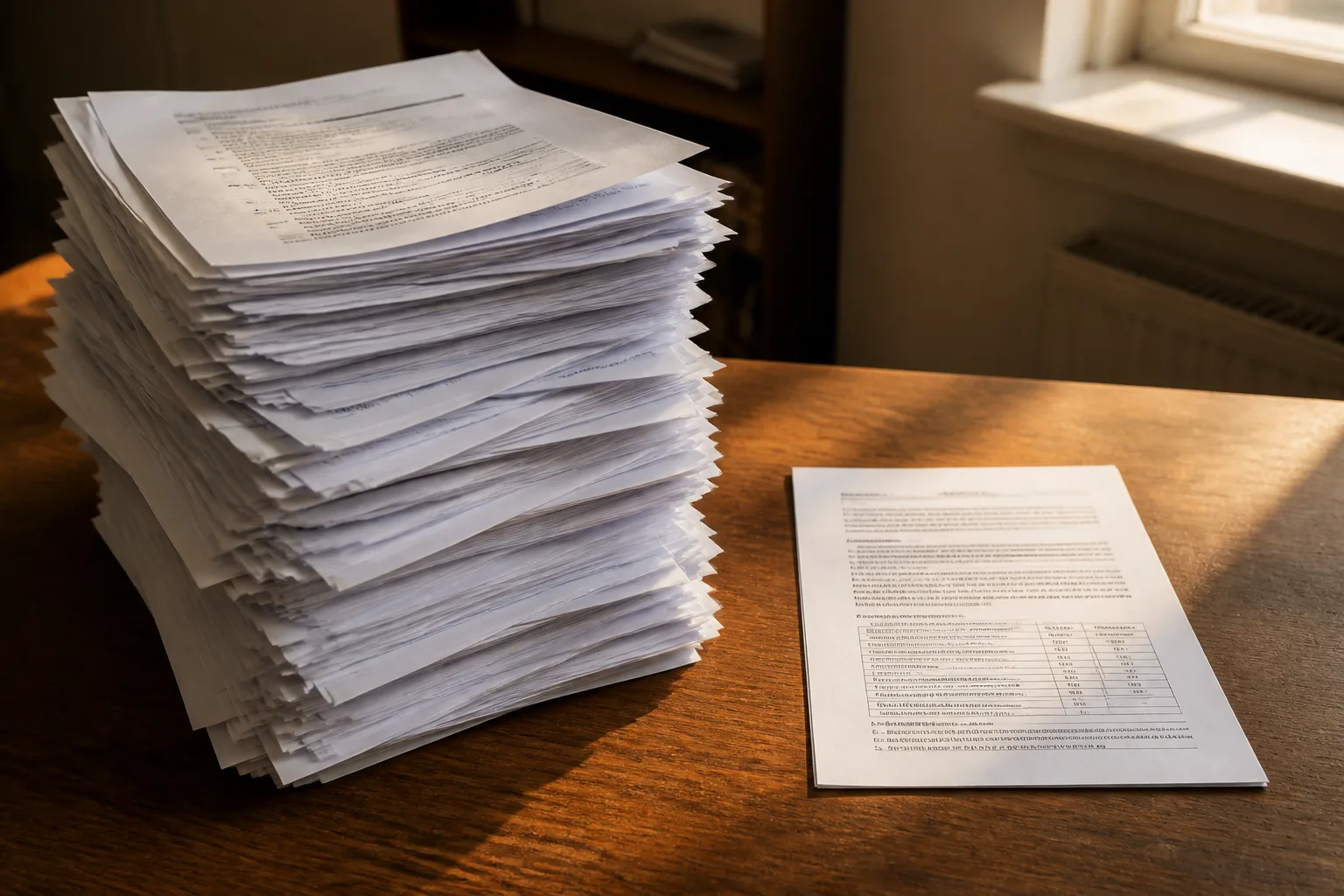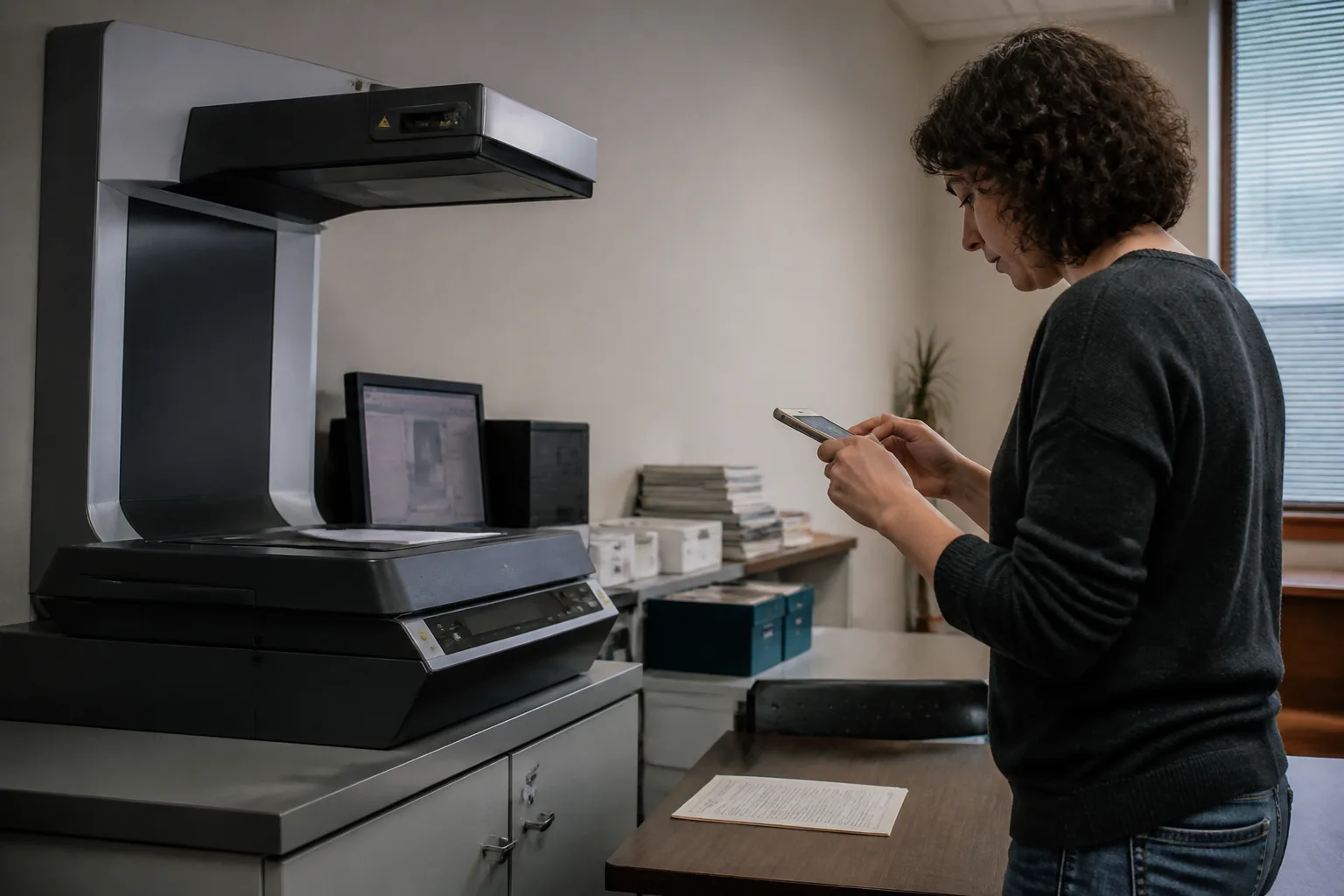

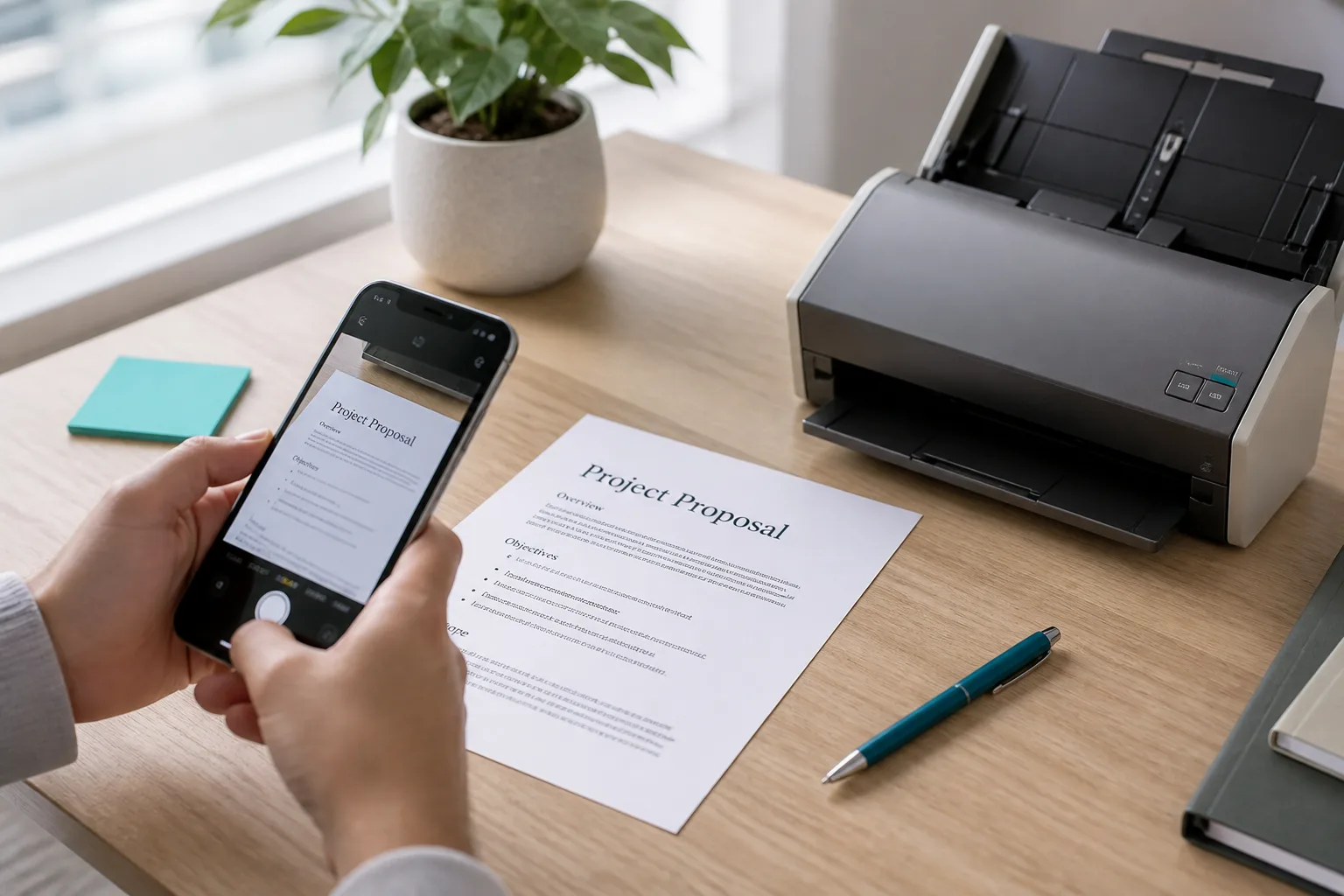
Office document scanners beside a phone photographing a page

Photo to Text vs ABBYY

Open a photo in the browser, or buy enterprise capture software.

Try Photo to Text

Updated August 19, 2026

The short version

Choose Photo to Text if

Photo to Text is the better pick when you want OCR in the browser, then copy, Word, or Excel, without a sales call.

Choose ABBYY if

ABBYY still fits organizations that need FineReader on the desktop, Vantage for intelligent document processing, or an OCR SDK in their own product.

Visit abbyy.com

At a glance

How Photo to Text and ABBYY handle the jobs people actually compare.

Two documents side by side for an OCR comparison
Feature comparison of Photo to Text and ABBYY
Feature Photo to TextABBYY
Text outputCopy, TXT, or Markdown. Keep going to Word or Excel when you need a file.FineReader documents, IDP fields, and SDK/Cloud OCR results.
Word and ExcelJPG to Word and JPG to Excel with an in-browser editor before download.FineReader exports Office formats. Vantage feeds enterprise systems.
PDFPDF to text, Word, and Excel, plus free PDF tools.Deep scanned-PDF and FineReader PDF workflows, plus IDP for mixed mailrooms.
HandwritingDedicated handwriting to text page.Enterprise capture can include handwriting; sold as software, not a hobby page.
BatchUp to 10 pages per run on free. Up to 100 when you pay.Desktop, server, and cloud volumes. Not a 10-page web run.
PricingFree to start. Plans from $9.99/month, or buy credit packs.Sales-led FineReader, Vantage, and SDK licenses. Not a $9.99 consumer plan.
PrivacyGuest conversions are not kept as account history.Enterprise security and compliance programs aimed at regulated buyers.
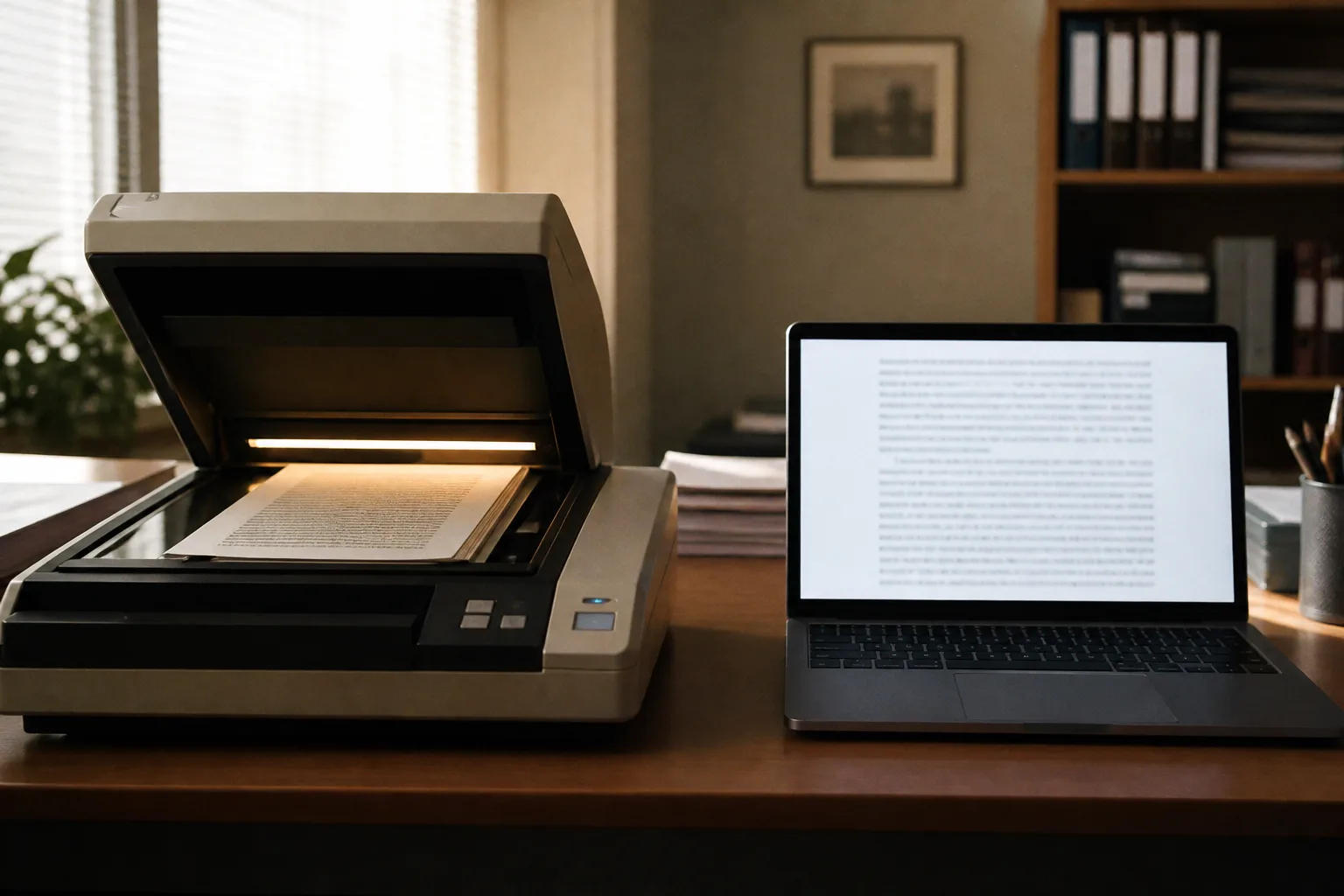
Desktop OCR workstation next to a laptop with extracted text

Features

ABBYY. ABBYY is a long-running OCR vendor. FineReader PDF is the desktop suite. Vantage is intelligent document processing for invoices and similar classes. Cloud OCR SDK and FineReader Engine exist for developers. This is capture infrastructure, not a single dropzone.

Photo to Text. Photo to Text is one website: photos and PDFs in, text, Word, or Excel out. There is no FineReader license, no Vantage skill, and no SDK to embed.

ABBYY is for companies that already buy document software. Photo to Text is for a person with a file.
Pricing

ABBYY. You request FineReader, Vantage, or SDK pricing. That is normal for this category and a poor fit if you wanted to convert three photos tonight.

Photo to Text. Free to start, then credits. Subscriptions from $9.99/month. Paid runs still cap at 100 pages. No volume IDP quote.

Different markets. Do not treat Photo to Text as a FineReader replacement.

Ease of use

ABBYY. FineReader is a desktop app. Vantage is a platform. Both assume training and IT. Accuracy and layout tools are the reason teams pay.

Photo to Text. Browser dropzone, Simple or Advanced OCR, then copy or edit. You give up mailroom automation to get that speed.

Keep ABBYY if capture is a department. Use Photo to Text if capture is you.

Photo to Text is built for

  • You need text from a phone photo before a meeting
  • Word or Excel in the browser is the whole job
  • You will not go through procurement for OCR
  • Receipts, invoices, and handwriting show up in the same week

ABBYY still fits if

  • You already run FineReader or are evaluating Vantage
  • You need an OCR SDK inside software you ship
  • Compliance, support contracts, and desktop deployment matter
  • Mailroom-scale document classes are the workload
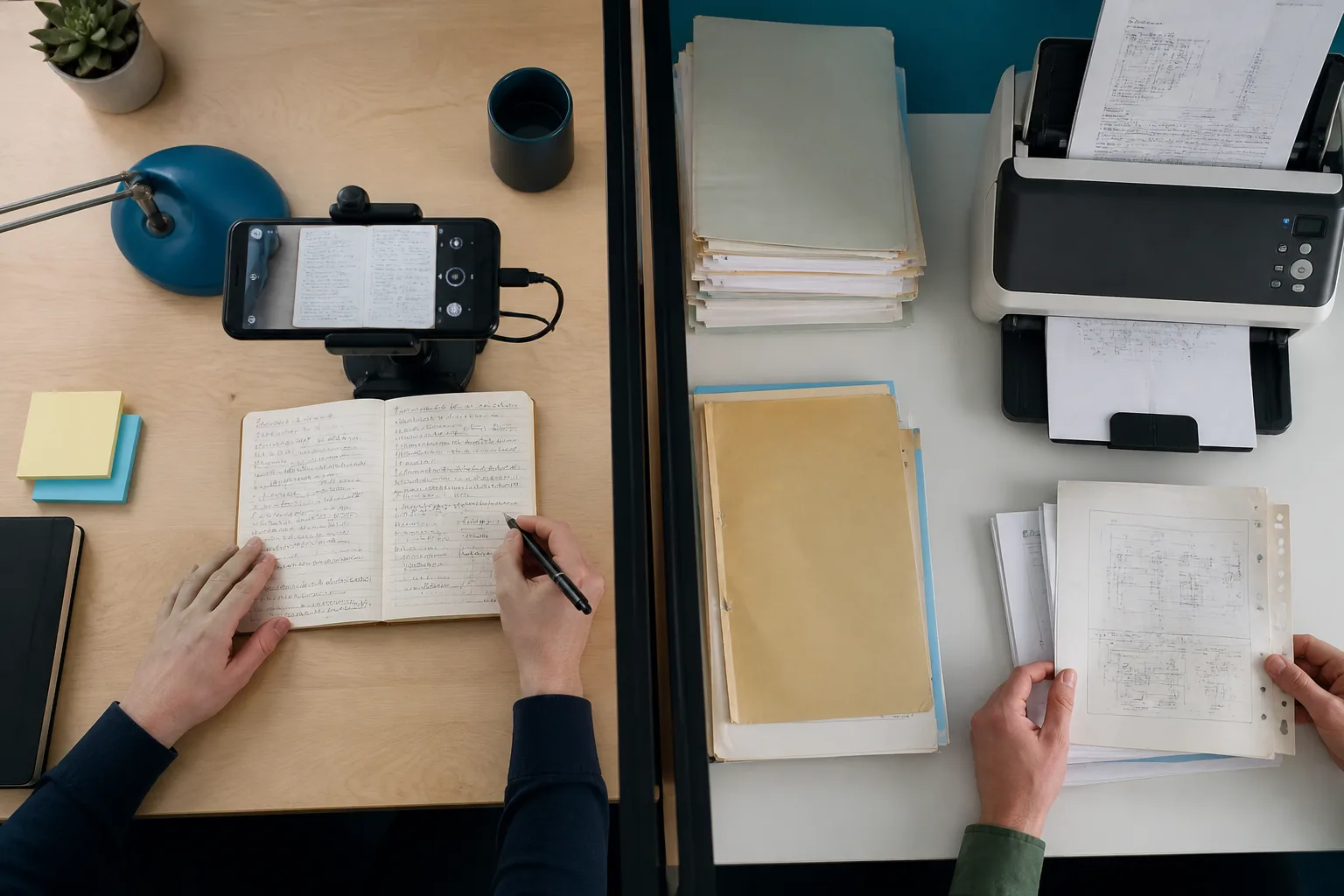
A phone scanning notes beside a stack of archive documents

Leave ABBYY on the production scanners. For a phone photo that is not going through Vantage, drop it into Photo to Text.

Questions people ask

Is Photo to Text an ABBYY alternative?
Not for enterprise IDP. Photo to Text is a consumer converter. ABBYY is FineReader, Vantage, and OCR SDKs. Use Photo to Text when you only need a file from a photo.
Does Photo to Text replace FineReader PDF?
No. FineReader is a desktop PDF and OCR suite. Photo to Text offers PDF to text, Word, and Excel in the browser, plus a small set of free PDF tools.
Which is cheaper?
Photo to Text starts free and publishes plans from $9.99/month. ABBYY pricing is license and sales based. Cheap is the wrong question if you need Vantage.
Can both read scanned PDFs?
Yes. ABBYY is built for production scans. Photo to Text handles scanned PDFs when you want reusable text or a spreadsheet, not a capture platform.