Features
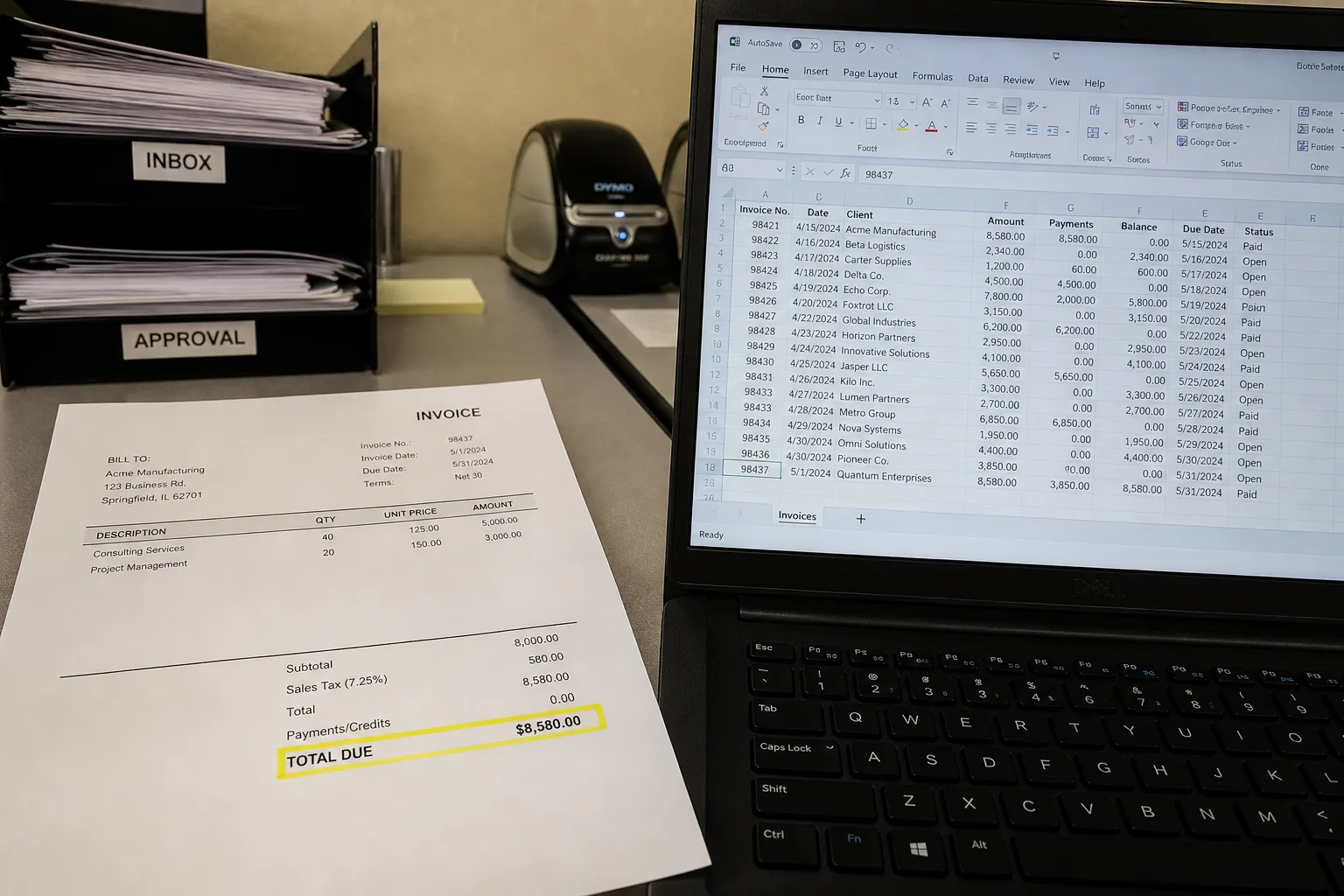
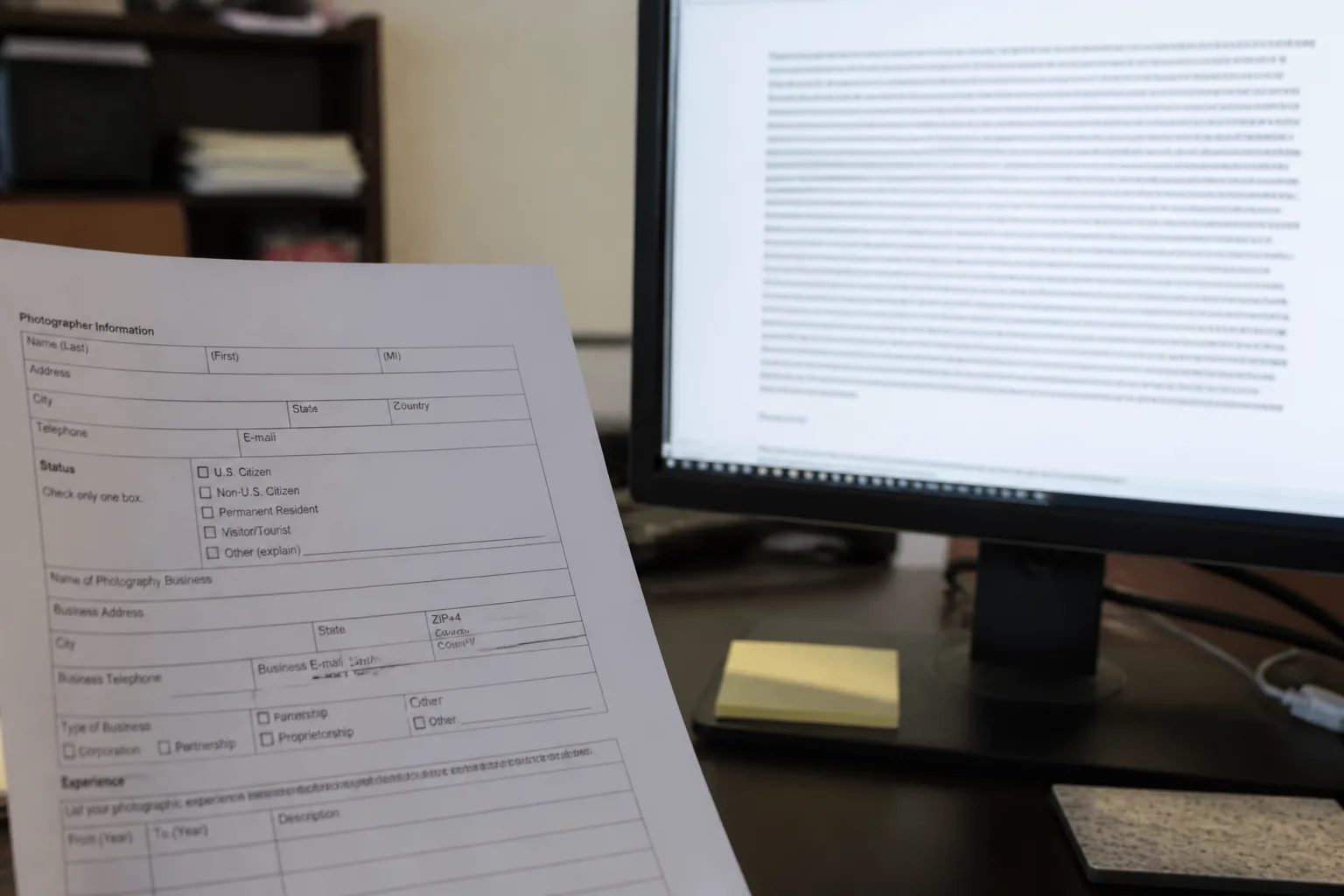
Docparser. Docparser is a document parser: upload, email, Dropbox, or API in; zonal OCR, table rules, barcodes, and checkboxes; Excel, Sheets, JSON, or Zapier out. Templates cover invoices, purchase orders, bank statements, and HR forms. DocparserAI is their add-on engine. Reviews often say the rule wizard takes time.
Photo to Text. Photo to Text does not ask you to draw rectangles. You run OCR and copy, or open Invoice to Excel and fix cells. There is no email inbox, no Zapier, and no rule versioning.
Docparser is automation for repeating layouts. Photo to Text is conversion for the file in your hand.
Pricing
Docparser. Plans are sold around parsing volume, integrations, and retention. Some customers pay extra for setup help because rules are the hard part. Exact list prices were behind a cookie wall at research time, so we do not invent a number.
Photo to Text. Published credits and $9.99/month starting plans. Free runs cap at 10 pages. You are not buying a parser with webhooks.
Docparser costs make sense at hundreds of similar PDFs. Photo to Text costs make sense at a handful of photos.
Ease of use
Docparser. Three steps on the homepage: import, define rules, export. Defining rules is the work. Once they hold, a month of supplier invoices can flow to a sheet with little clicking.
Photo to Text. No training step. Quality depends on the photo. You may edit the Excel grid. You will not get a Zapier push when the next invoice lands.
Invest in Docparser if next month looks like this month. Skip it if this invoice is a one-off.