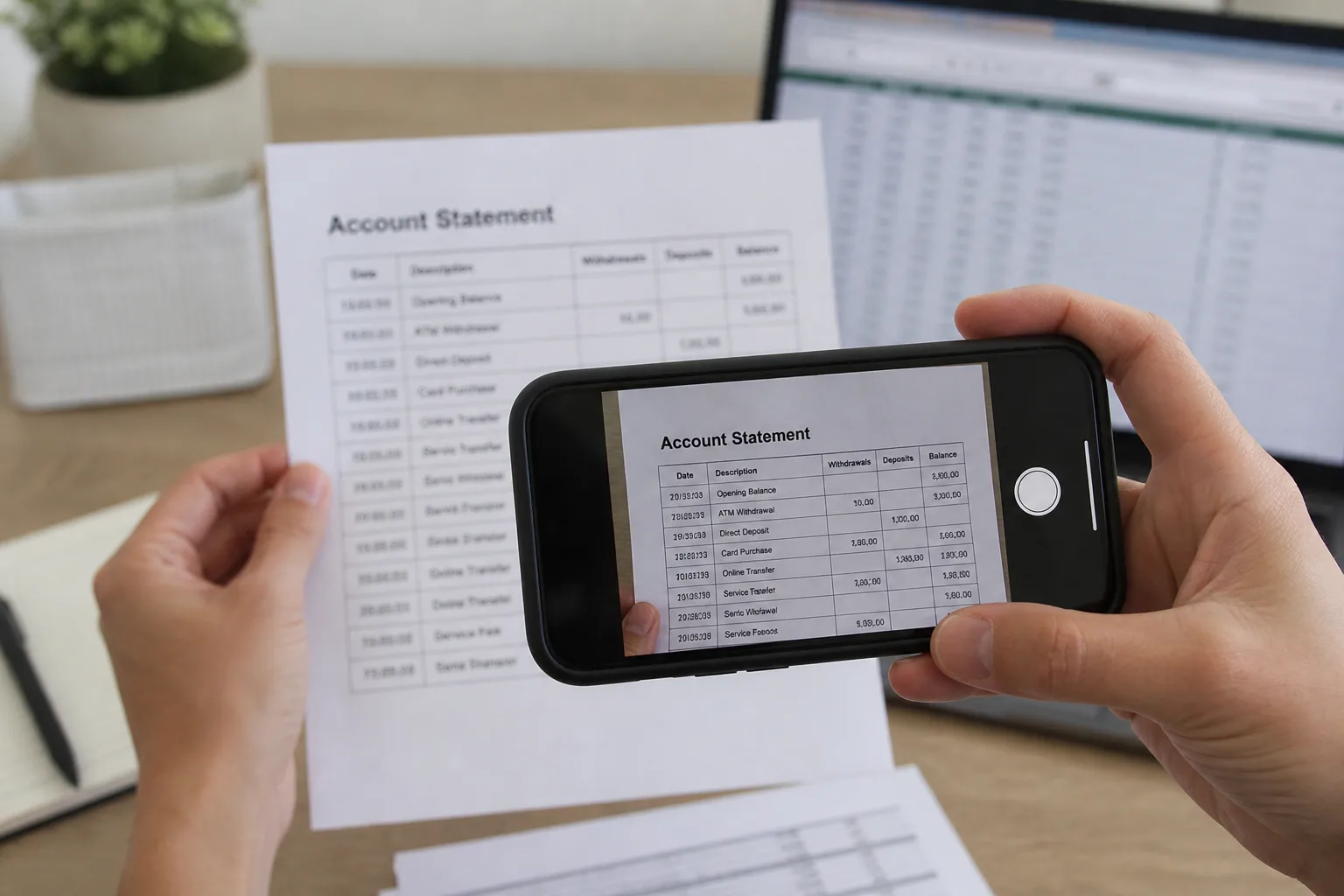
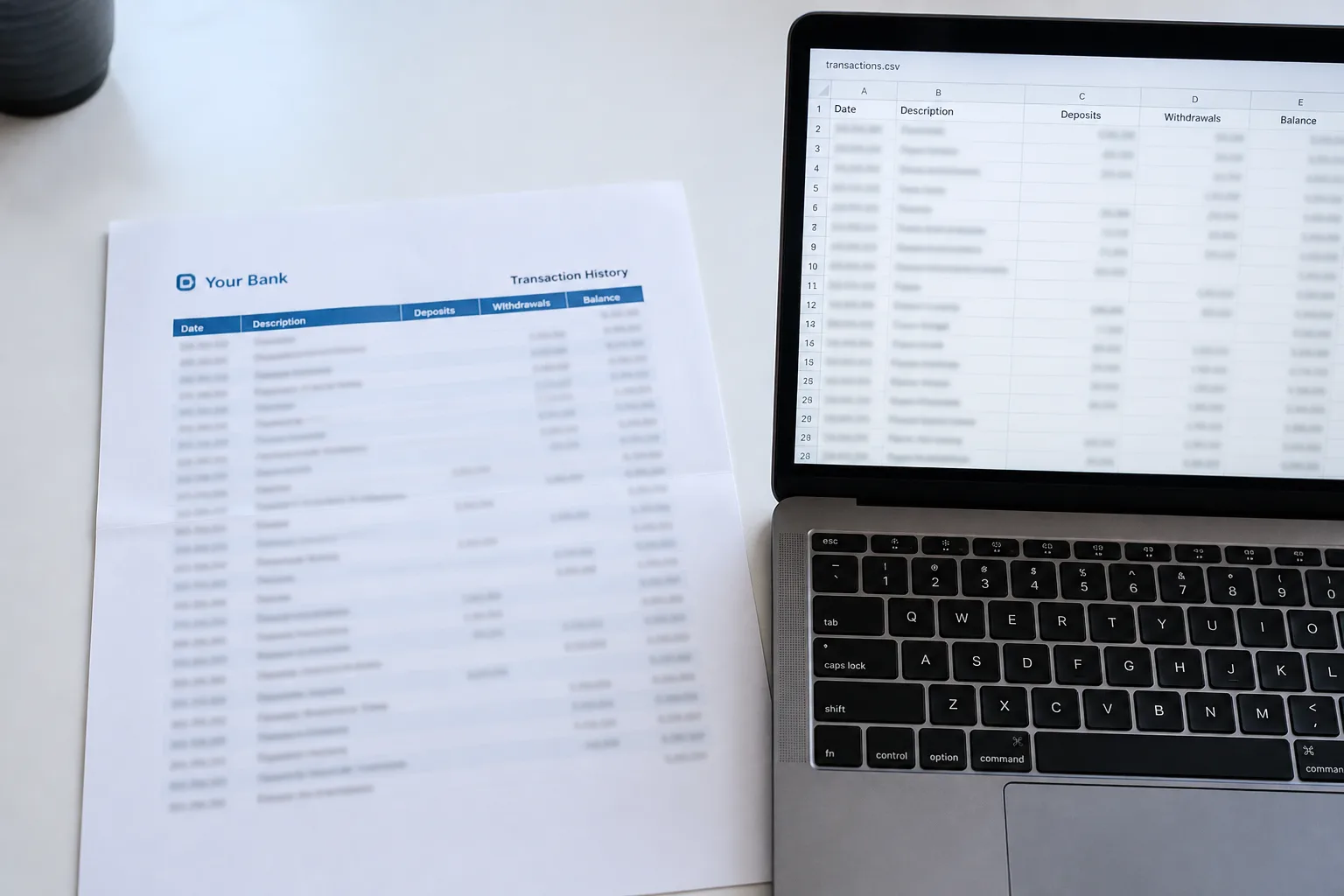
Paper bank statement beside an Excel sheet of transactions

Photo to Text vs Bank Statement Converter

A specialist for PDF statements, or a converter that also handles photos, invoices, and receipts.

Open Bank Statement to Excel

Updated August 19, 2026

The short version

Choose Photo to Text if

Photo to Text is the better pick when statements arrive as photos or scans you want to edit in a grid, and you also convert invoices or receipts on the same site.

Choose Bank Statement Converter if

Bank Statement Converter still fits firms that feed PDF statements from thousands of banks into Excel or CSV, with an API and an institutional pitch.

Visit bankstatementconverter.com

At a glance

How Photo to Text and Bank Statement Converter handle the jobs people actually compare.

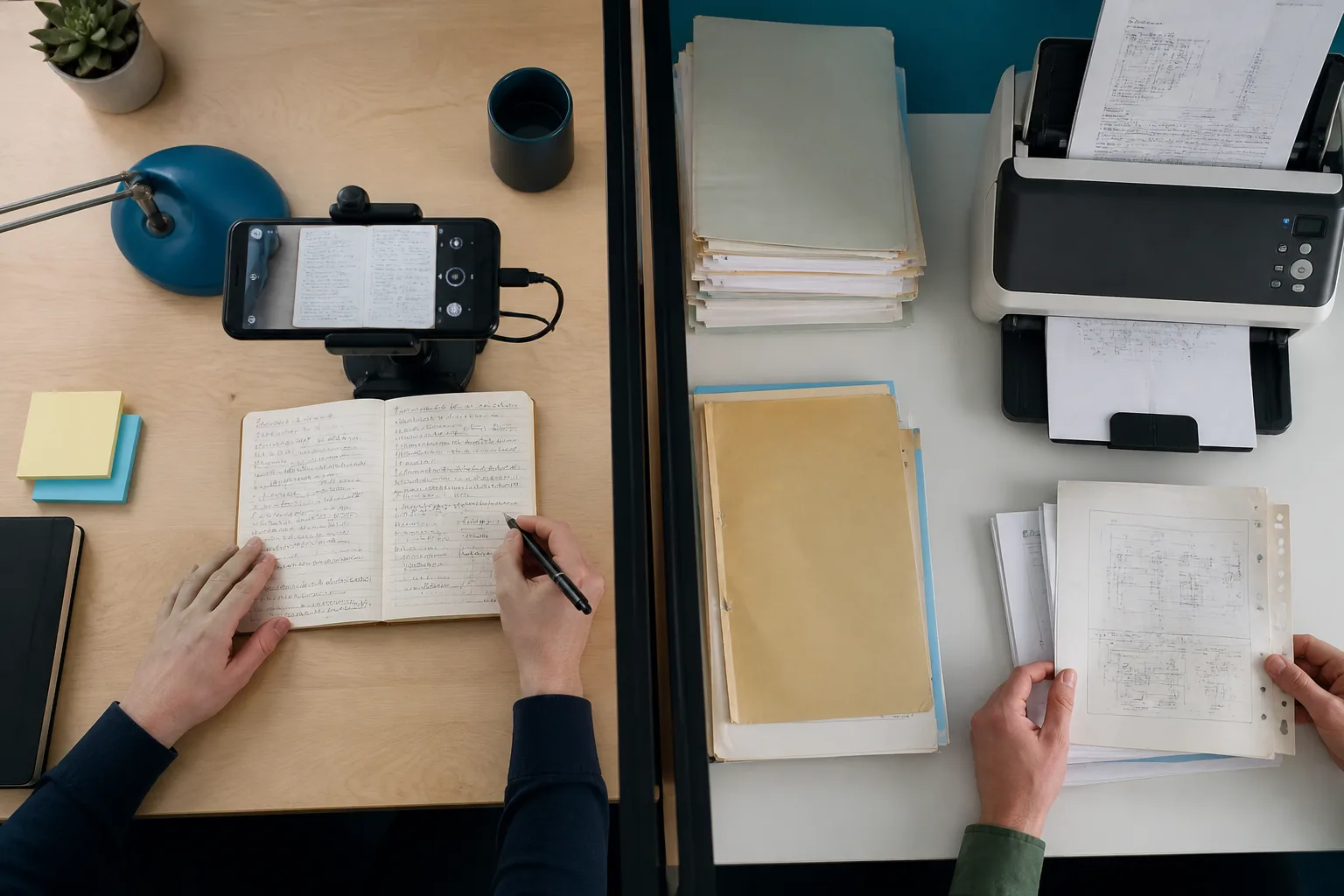
Two documents side by side for an OCR comparison
Feature comparison of Photo to Text and Bank Statement Converter
Feature Photo to TextBank Statement Converter
Text outputCopy, TXT, or Markdown. Keep going to Word or Excel when you need a file.Excel (XLS) and CSV from PDF bank statements.
Word and ExcelJPG to Word and JPG to Excel with an in-browser editor before download.Excel and CSV for statements. Not Word, not a general photo editor.
PDFPDF to text, Word, and Excel, plus free PDF tools.PDF bank statements as the primary input.
HandwritingDedicated handwriting to text page.Not a handwriting product.
BatchUp to 10 pages per run on free. Up to 100 when you pay.Anonymous free: about one page per 24 hours. Registered free raises the daily page cap. Subscribe for volume.
PricingFree to start. Plans from $9.99/month, or buy credit packs.Anonymous and registered free tiers, then a paid subscribe path and bespoke processing.
PrivacyGuest conversions are not kept as account history.Positions itself around banking-grade handling for accounting and legal firms.
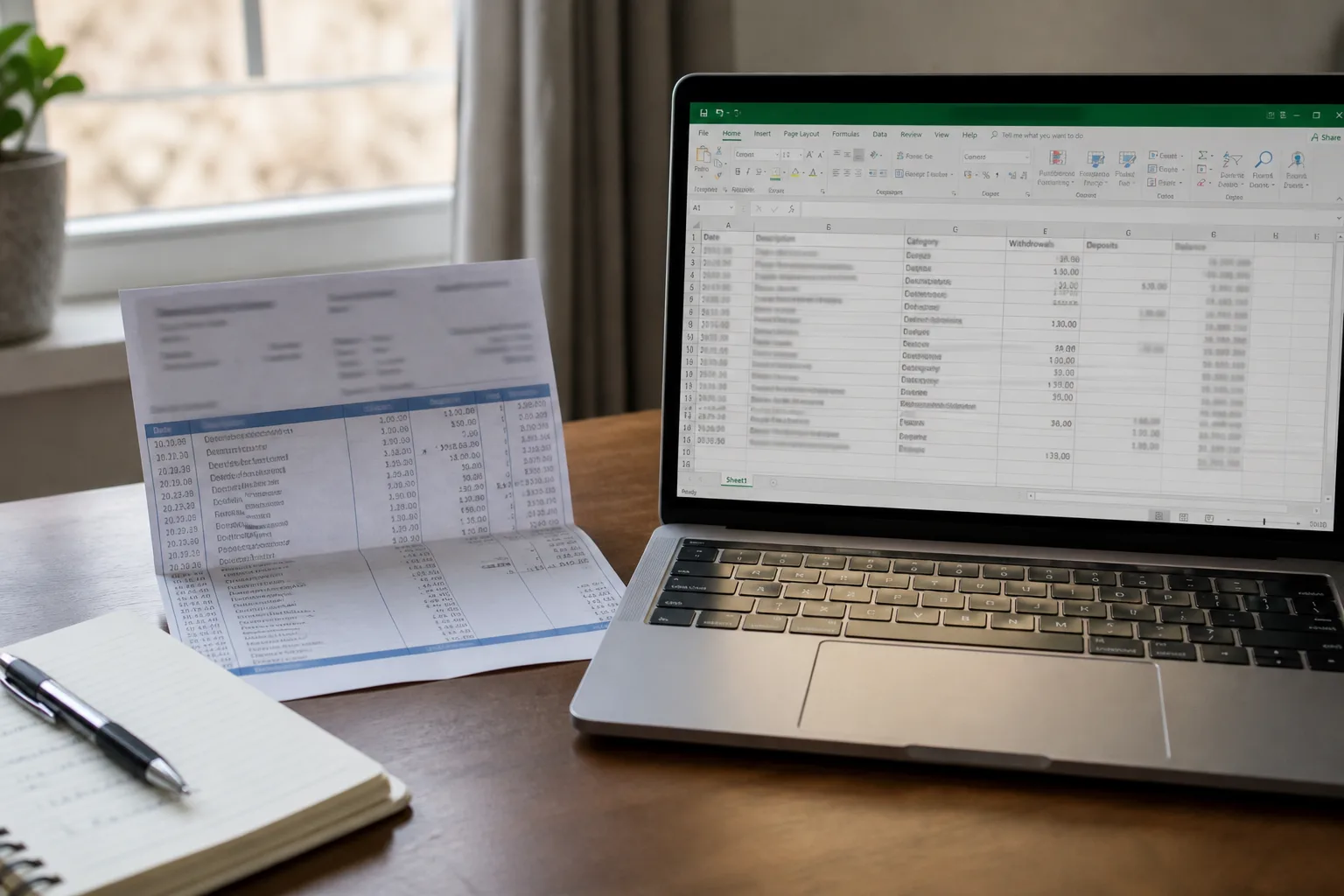
Phone photo of a statement next to a laptop spreadsheet

Features

Bank Statement Converter. Bank Statement Converter is a specialist: PDF statements from a large bank list into clean Excel. Anonymous conversion exists. There is an API. They offer custom work for other document types. The site is not a general OCR suite.

Photo to Text. Photo to Text has a Bank Statement to Excel page plus invoice, receipt, photo to text, and PDF to Excel. You can fix cells in the browser. There is no bank-by-bank converter brand, and no public statement API.

Use them for statement PDFs at firm volume. Use Photo to Text when the statement is a photo or one of several document types.
Pricing

Bank Statement Converter. Free anonymous use is tiny (the homepage shows a page every 24 hours). Registration is free and raises the daily cap. Subscribe when you need more. Exact paid rates sit behind signup, so we do not invent them.

Photo to Text. Excel uses Advanced OCR at 10 credits per page. Free runs cap at 10 pages, paid at 100. Plans from $9.99/month. Clearer for mixed personal conversions, weaker for a bookkeeping factory.

Their free daily cap is stricter. Our credits cover mixed files, not only statements.

Ease of use

Bank Statement Converter. Upload a PDF statement, get Excel. No account required for the smallest free path. Fine when every file is already a bank PDF.

Photo to Text. Same dropzone pattern, then an editable grid. Extra value if the statement is a camera photo. Extra clicks if you only ever wanted CSV from a digital PDF.

Specialist vs generalist. Pick based on what else you convert this week.

Photo to Text is built for

  • Statements sometimes arrive as photos or scans
  • You also extract invoices and receipts
  • You want to edit rows before downloading Excel
  • A 10-page run is enough for personal or small-office use

Bank Statement Converter still fits if

  • You process PDF statements from many banks every week
  • Accounting or legal firms are the buyer
  • You need their API or a bespoke format
  • You can live with a one-page anonymous daily cap until you subscribe
A phone scanning notes beside a stack of archive documents

Keep Bank Statement Converter for high-volume PDF statements. Drop a photo or a mixed batch into Photo to Text Bank Statement to Excel when you need an editable grid.

Questions people ask

Is Photo to Text a Bank Statement Converter alternative?
For occasional statements, especially photos, yes. For institutional PDF statement volume and an API, Bank Statement Converter is still the specialist.
How much is free?
Bank Statement Converter advertises anonymous conversion at about one page per 24 hours, with a higher free cap after you register. Photo to Text allows up to 10 pages per free run, with Excel at 10 credits per page.
Can Photo to Text do invoices too?
Yes. Invoice to Excel and Receipt to Excel live on the same site. Bank Statement Converter is focused on statements, with bespoke work for other formats on request.
Does Photo to Text have a statement API?
No. Bank Statement Converter documents an API. Photo to Text is browser-only.