
Stack of PDF printouts beside a single photo of a document

Photo to Text vs iLovePDF

A photo-first converter with Excel, or a PDF workbench with OCR as one tile.

Open PDF to Excel

Updated August 19, 2026

The short version

Choose Photo to Text if

Photo to Text is the better pick when the file is a photo or table and you want copyable text, Word, or an Excel grid you can edit first.

Choose iLovePDF if

iLovePDF still fits if you live in merge, compress, split, OCR PDF, and PDF to Word or Excel as a daily toolbox.

Visit ilovepdf.com

At a glance

How Photo to Text and iLovePDF handle the jobs people actually compare.

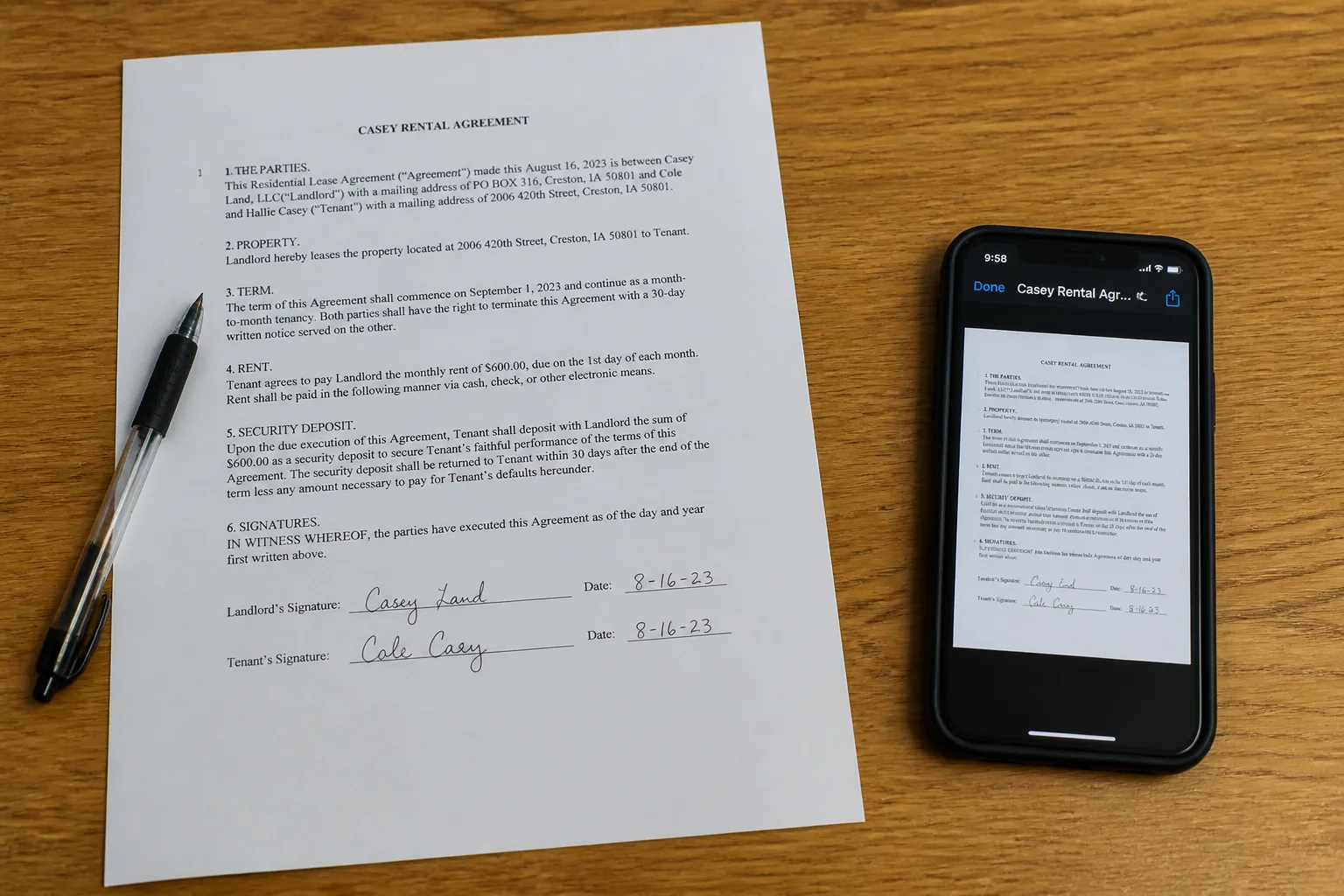
Two documents side by side for an OCR comparison
Feature comparison of Photo to Text and iLovePDF
Feature Photo to TextiLovePDF
Text outputCopy, TXT, or Markdown. Keep going to Word or Excel when you need a file.Searchable PDF via OCR, plus PDF to Word, Excel, JPG, and 30+ other tools.
Word and ExcelJPG to Word and JPG to Excel with an in-browser editor before download.PDF to Word and PDF to Excel downloads. No in-browser spreadsheet editor.
PDFPDF to text, Word, and Excel, plus free PDF tools.Merge, split, compress, repair, OCR, convert, and desktop or mobile apps.
HandwritingDedicated handwriting to text page.OCR PDF for scans. Not positioned as a handwriting workspace.
BatchUp to 10 pages per run on free. Up to 100 when you pay.Free daily limits. Premium and Teams raise conversion volume.
PricingFree to start. Plans from $9.99/month, or buy credit packs.Free tools with caps. Premium and Teams unlock more conversions and desktop use.
PrivacyGuest conversions are not kept as account history.Published processing and deletion policies on a high-traffic PDF suite.
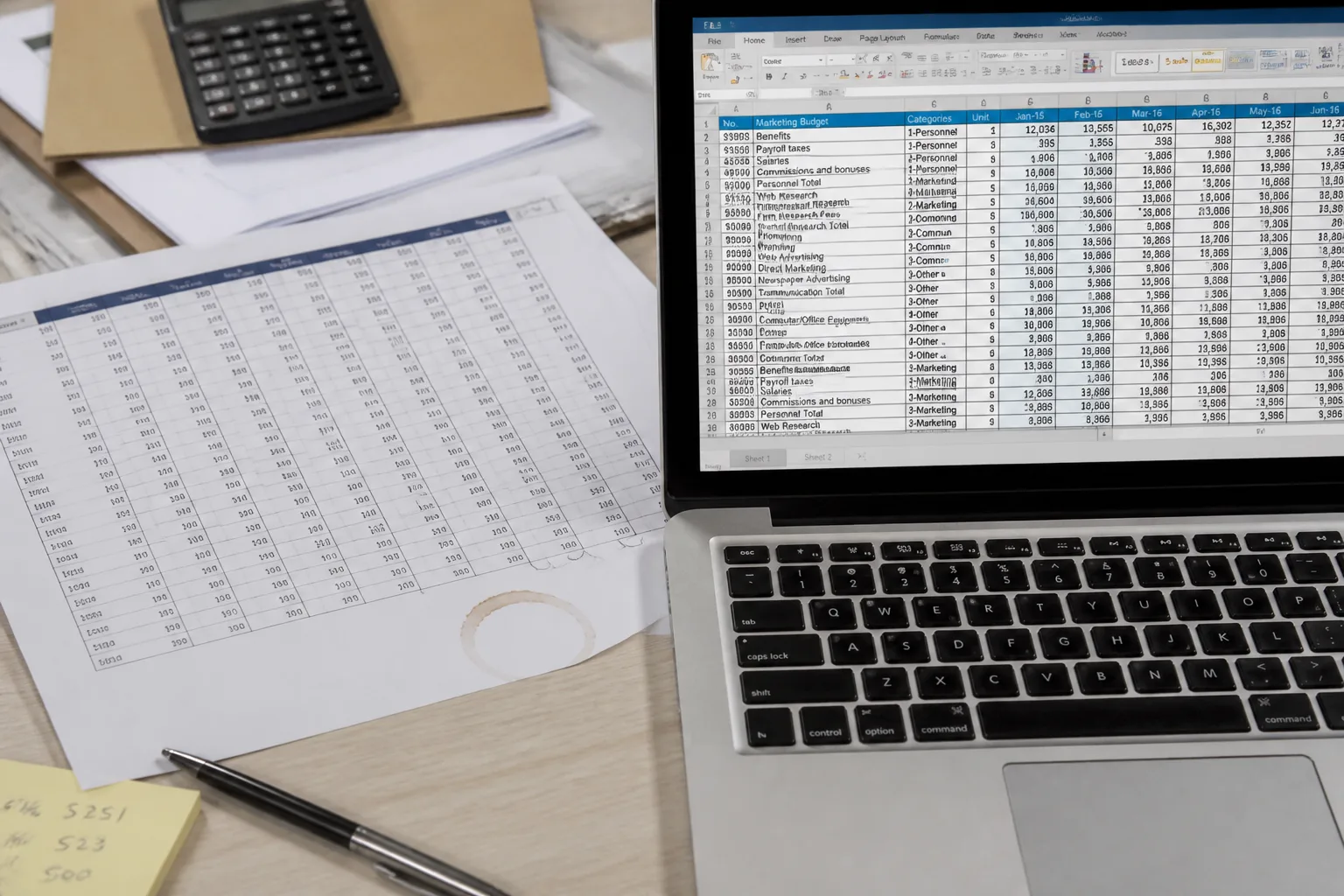
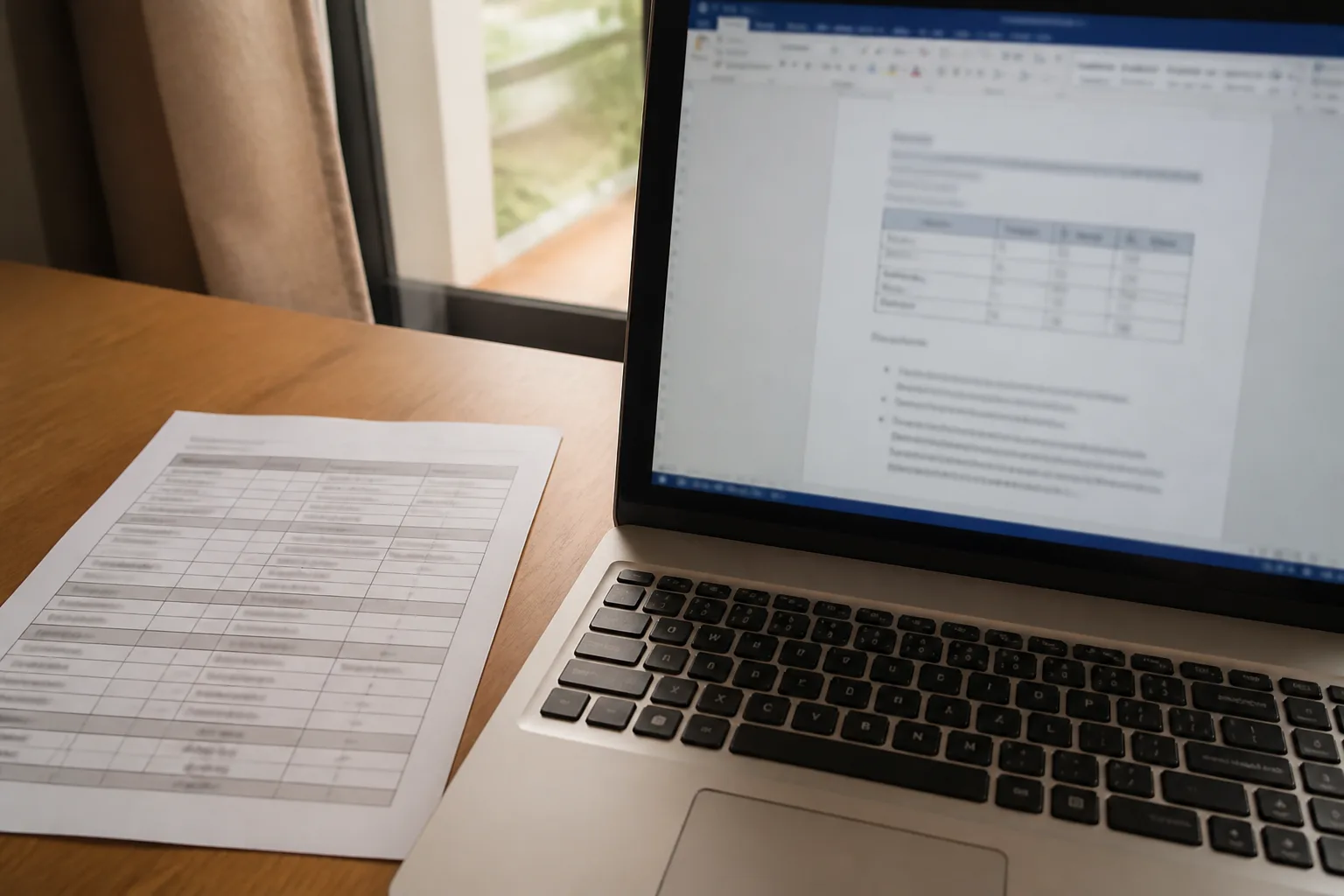
Photo of a table becoming a Word document on a laptop

Features

iLovePDF. iLovePDF is a PDF operating system in the browser: merge, split, compress, OCR PDF, PDF to Word, PDF to Excel, JPG to PDF, and more, plus desktop and mobile apps. OCR exists to make a scan searchable. It is not the product’s center of gravity.

Photo to Text. Photo to Text centers on extraction. Photos and PDFs become text you can copy, then Word or Excel you can edit. There is a smaller set of free PDF tools, not 30+ utilities.

Stay on iLovePDF to wrangle PDFs. Come here when the PDF is a picture of text or a table.
Pricing

iLovePDF. Individual tools work free with daily limits. Premium and Teams are how you stop hitting those walls and unlock desktop. OCR is bundled with the rest of the suite, not priced as credits per page.

Photo to Text. Simple OCR is 1 credit per page. Advanced, Word, and Excel are 10. Free runs cap at 10 pages. Plans start at $9.99/month. Credits are visible; you do not get iLovePDF’s whole toolbox.

iLovePDF is better value if you merge and compress all day. Photo to Text is clearer if extraction is the job you pay for.

Ease of use

iLovePDF. Each tool is its own page with a familiar dropzone. You hop from Compress to OCR to PDF to Excel. Fine for PDF chores. Extra clicks if the photo only needed to become a spreadsheet.

Photo to Text. One converter path, then optional Word or Excel editors. Tables can be fixed in the grid before you download XLSX, CSV, or TSV.

Use iLovePDF as the PDF drawer. Use Photo to Text as the extraction drawer.

Photo to Text is built for

  • The source is a photo, screenshot, or scanned table
  • You want to edit Excel cells before downloading
  • Handwriting, receipts, or invoices are in the mix
  • You do not need merge, watermark, or page organize today

iLovePDF still fits if

  • You already live on ilovepdf.com for merge and compress
  • OCR PDF is one step in a longer PDF workflow
  • Desktop or mobile PDF apps matter
  • You convert PDF to PowerPoint as often as you extract text
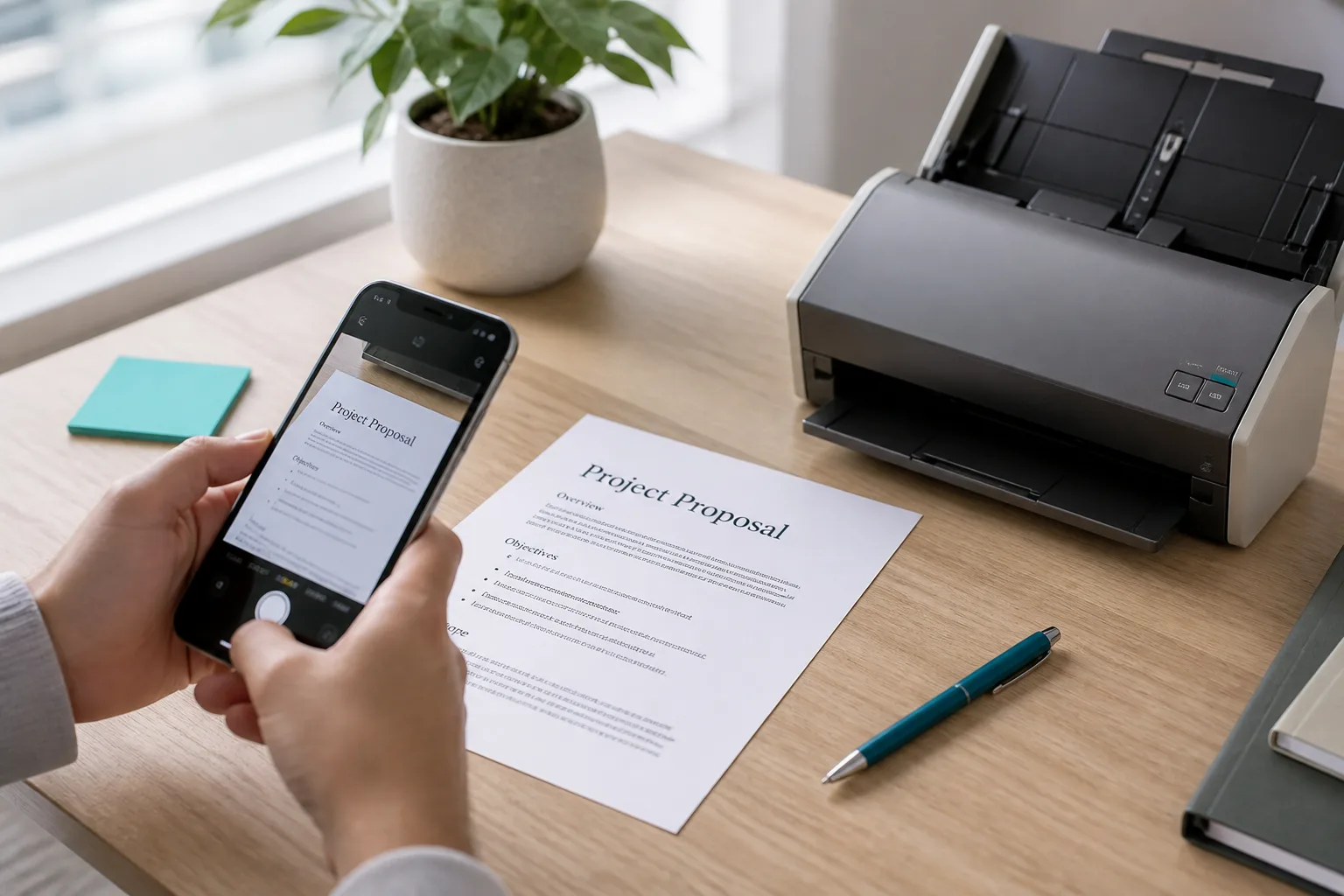
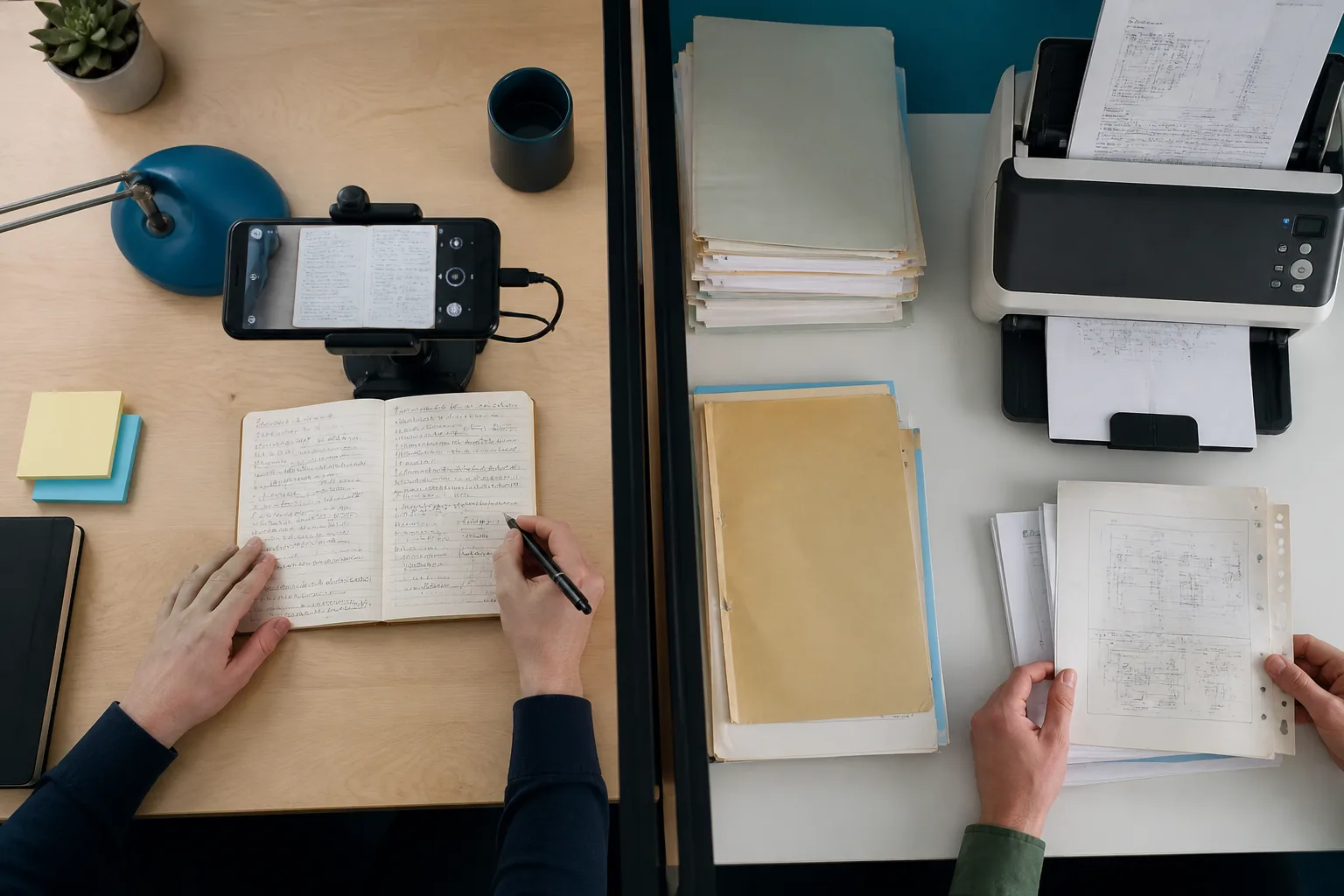
A phone scanning notes beside a stack of archive documents

Keep iLovePDF for merge and compress. Drop the same scan into Photo to Text when you need copyable text or an editable Excel grid.

Questions people ask

Is Photo to Text an iLovePDF alternative?
For extraction, yes. For a full PDF suite, no. iLovePDF has 30+ tools. Photo to Text is stronger when a photo should become text, Word, or Excel you can edit.
Does iLovePDF OCR photos?
iLovePDF’s OCR tool is built around scanned PDFs becoming searchable. Photo to Text starts from JPG, PNG, HEIC, and PDF, then offers Word and Excel.
Which is better for PDF to Excel?
iLovePDF has a dedicated PDF to Excel tool. Photo to Text also converts PDF to Excel and lets you edit the grid first. Pick iLovePDF if you already have an iLovePDF habit; pick Photo to Text if you also need photo tables and receipts.
Do I need Premium on iLovePDF?
Free iLovePDF hits daily limits. Premium and Teams raise them. Photo to Text uses credits and a 10-page free run cap, with paid runs up to 100 pages.