Phone OCR app beside a laptop browser converting the same photo

Photo to Text vs Extract Text from Image

A browser suite for Word and Excel, or a free extractor with a mobile app.

Try Photo to Text

Updated August 19, 2026

The short version

Choose Photo to Text if

Photo to Text is the better pick when three images per submission is too small, or when the text needs to land in Word or Excel.

Choose Extract Text from Image if

Extract Text from Image still fits if you want a Play Store app and only copy short snippets from a few photos.

Visit extracttextfromimage.com

At a glance

How Photo to Text and Extract Text from Image handle the jobs people actually compare.

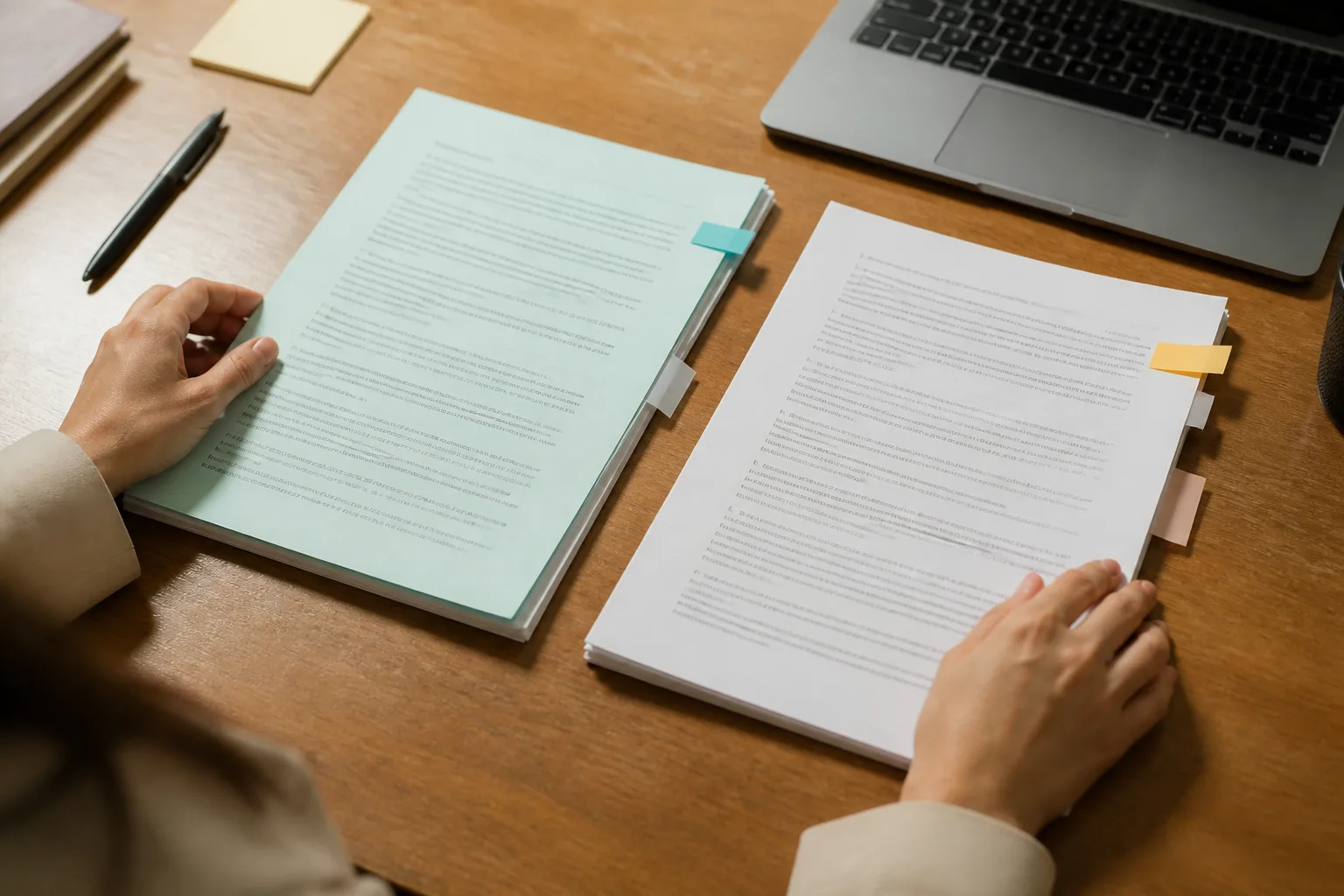
Two documents side by side for an OCR comparison
Feature comparison of Photo to Text and Extract Text from Image
Feature Photo to TextExtract Text from Image
Text outputCopy, TXT, or Markdown. Keep going to Word or Excel when you need a file.Copy or download TXT from JPG, PNG, WEBP, and similar images.
Word and ExcelJPG to Word and JPG to Excel with an in-browser editor before download.Text extractor. No first-class Word or Excel editor.
PDFPDF to text, Word, and Excel, plus free PDF tools.Not the core product. Image formats are the homepage focus.
HandwritingDedicated handwriting to text page.Generic OCR. No dedicated handwriting page.
BatchUp to 10 pages per run on free. Up to 100 when you pay.Free users: 3 images per submission.
PricingFree to start. Plans from $9.99/month, or buy credit packs.Pro about $7/month, $29/year, or $49 lifetime.
PrivacyGuest conversions are not kept as account history.Homepage says no data is transmitted or stored.
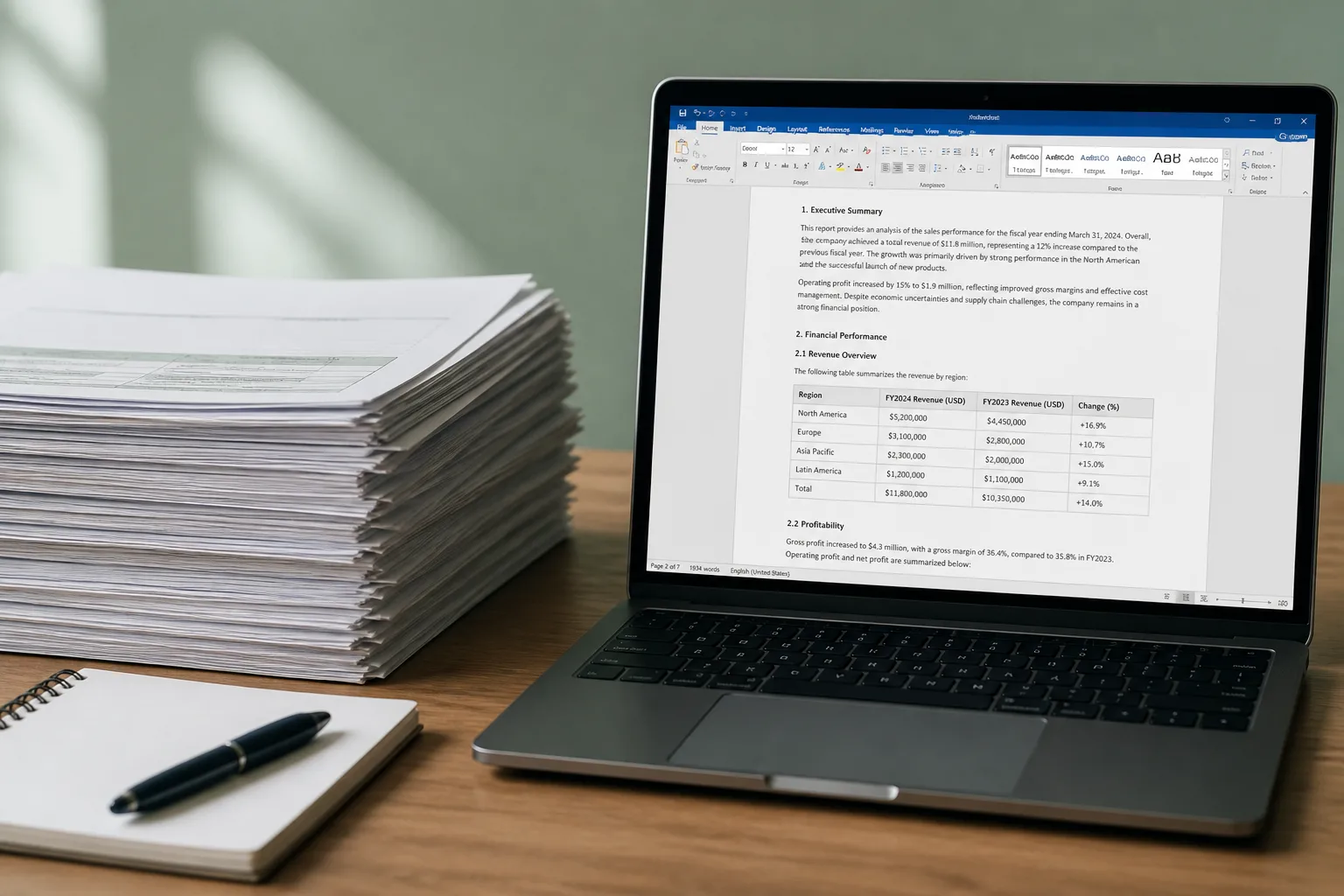
Stack of scanned pages ready for Word and PDF conversion

Features

Extract Text from Image. extracttextfromimage.com is a straightforward copy-from-image tool: upload or paste, extract, copy or download TXT. It advertises batch extraction, many image formats, and a Google Play app with a 4.8 rating on the homepage. Offices, bankers, and students are the named audiences, without specialized document converters.

Photo to Text. Photo to Text covers the same “copy text from a photo” job, then adds JPG to Word, JPG to Excel, PDF converters, and document pages for receipts and scans. There is no native Android app.

Use Extract Text from Image if the Play Store app is the product. Use Photo to Text if the browser file (Word, Excel, PDF) is the product.

Pricing

Extract Text from Image. Free use is real, with a hard 3-image cap per submission. Paid is simple: about $7 monthly, $29 yearly, or $49 lifetime. Lifetime can win if you only ever need more images per run.

Photo to Text. Free runs allow up to 10 pages. Paid runs allow 100. You buy credits or a subscription instead of a lifetime OCR seat. Word and Excel share those credits.

Lifetime on extracttextfromimage.com can be cheaper for TXT-only bulk. Photo to Text is the better value if Word and Excel are in the mix.

Ease of use

Extract Text from Image. The homepage is an extractor plus upgrade modal. Fine for a phone screenshot. The 3-image free cap shows up quickly if you scan a stack of notes.

Photo to Text. You can queue more pages per run on free, then sign in when you want Results history or Advanced OCR.

Stay there for tiny jobs on a phone app. Switch when the stack is bigger than three images or needs a spreadsheet.

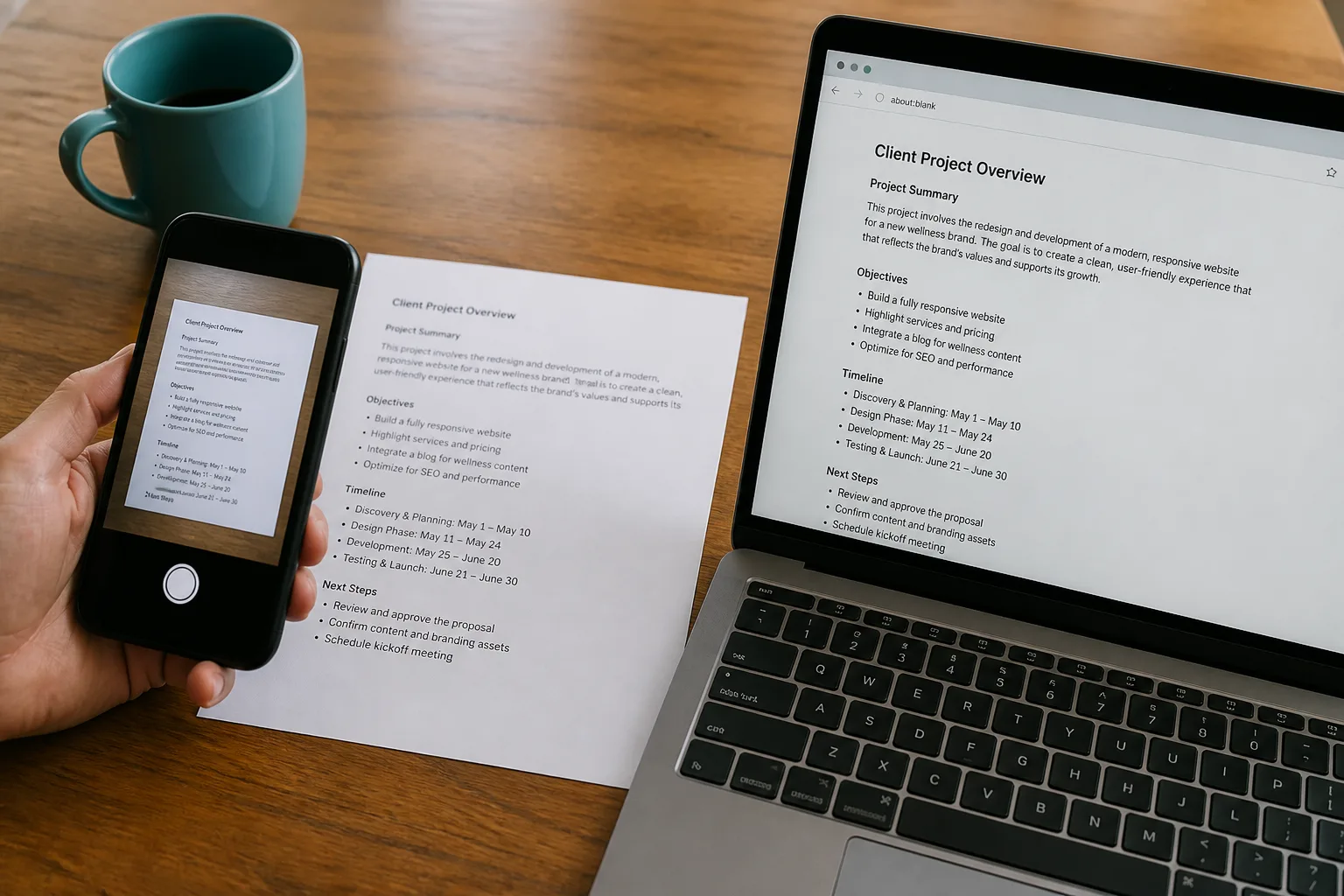
Photo to Text is built for

  • You hit a 3-image wall on free extractors
  • The text has to become a Word doc or Excel sheet
  • You work from a laptop browser more than a Play Store app
  • PDFs and photo tables show up in the same folder

Extract Text from Image still fits if

  • You want their Android app from Google Play
  • You only copy short text and download TXT
  • A $49 lifetime plan is enough for your volume
  • Three images per free submission matches how you work
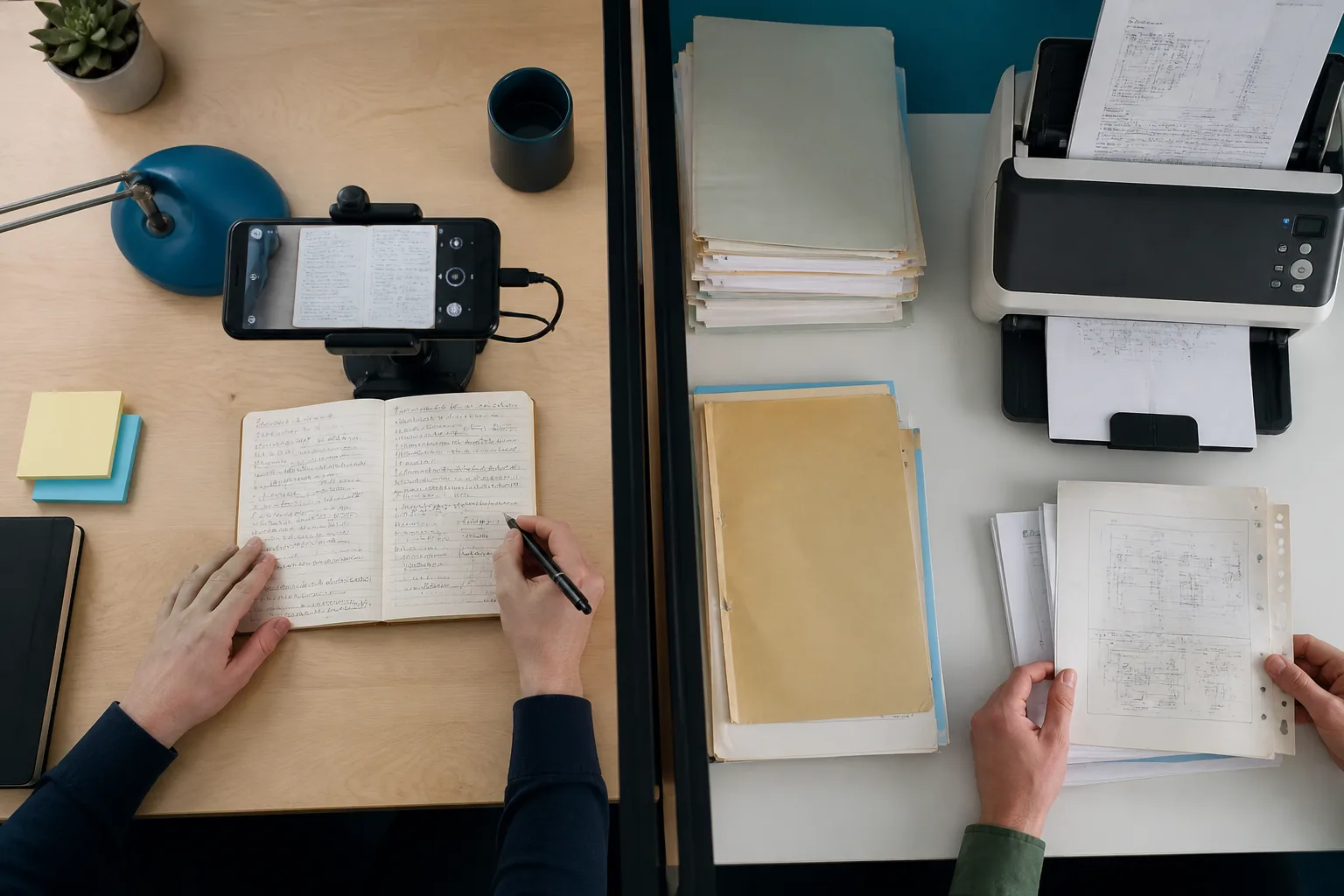
A phone scanning notes beside a stack of archive documents

Copy the TXT from Extract Text from Image, then drop the same photos into Photo to Text if you need more than three images, a Word file, or a table.

Questions people ask

What is a good Extract Text from Image alternative?
Photo to Text is a strong alternative if you need more than 3 images per run, or Word and Excel output. Keep extracttextfromimage.com if their Android app is what you use every day.
Does Photo to Text have a mobile app?
No native app. The site runs in a mobile browser. Extract Text from Image promotes a Google Play listing if an installable scanner is the requirement.
Which free plan allows more images?
Extract Text from Image allows 3 images per free submission. Photo to Text allows up to 10 pages per free run.
Can both tools read PNG and WEBP?
Yes. Both accept common photo formats. Photo to Text also lists HEIC and PDF on the main converter.