
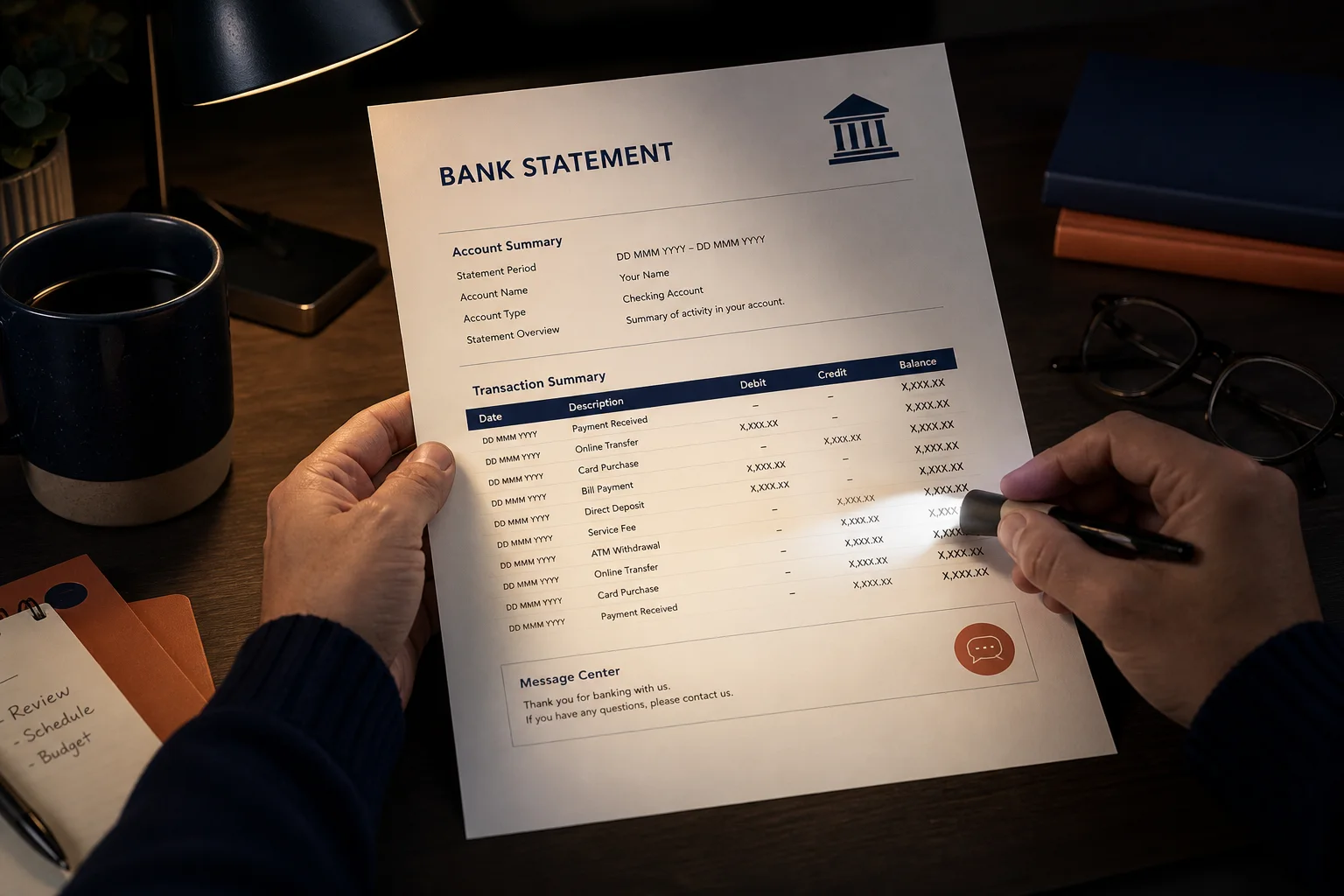
Evening desk photos
Brighten a statement shot under yellow lamp light.
Lighten dark phone captures and boost faded scans so statements and invoices are easier to read — and better for OCR.
Drop a dark or low-contrast scan PDF
Files stay in your browser for this tool.
A clearer page is faster to review.
Drop a dark or low-contrast statement or receipt scan.
Raise brightness or contrast until the numbers are clear.
Save the adjusted PDF. Pages become image-based after adjustment.
Camera and copier output often lands too dark.
Dark phone photos
Under-lit desk captures of statements
Faded fax-style invoices
Low contrast gray text
Gray photocopies
Boost contrast before filing
OCR prep
Clearer digits help table extraction
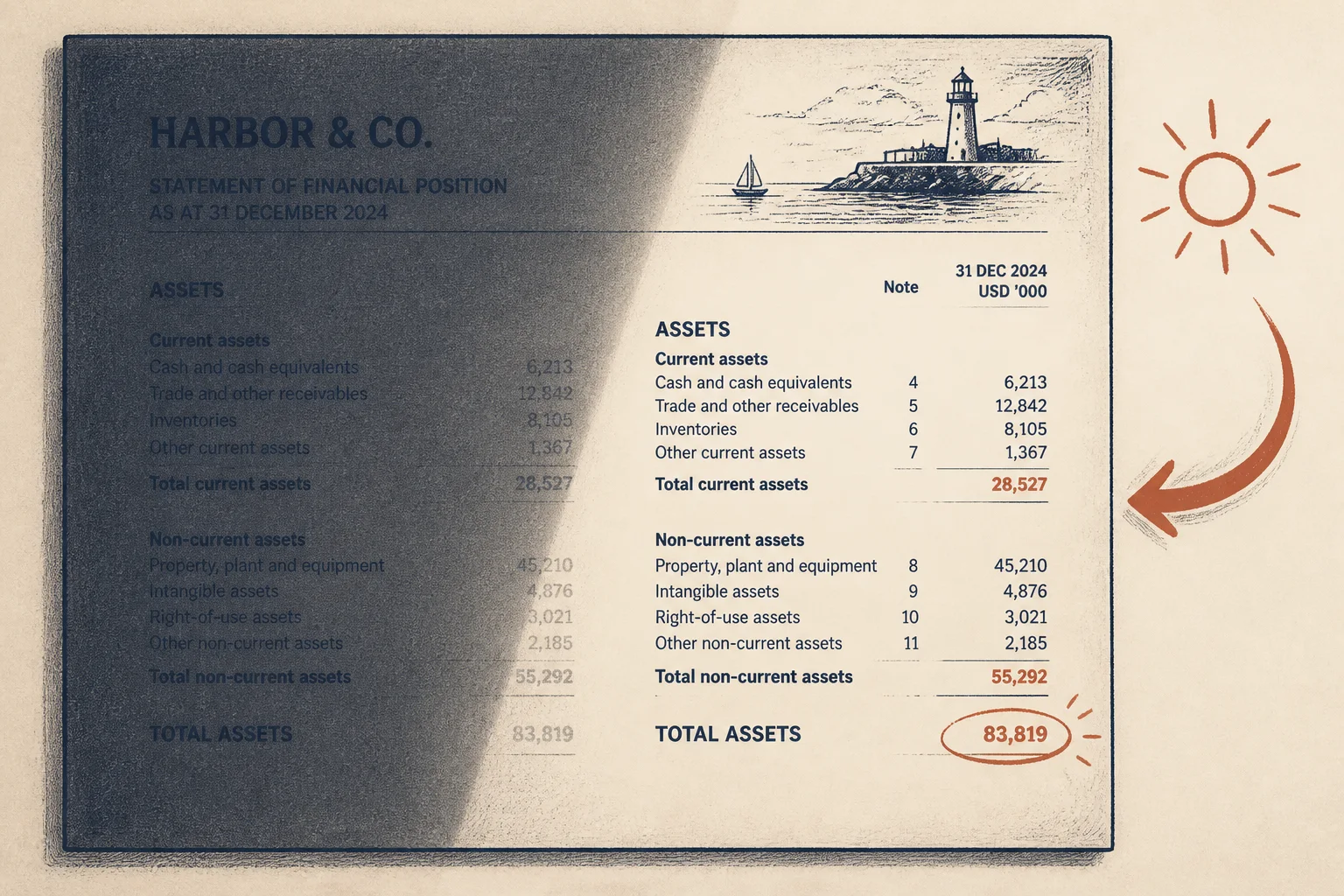
Fix the capture before you chase OCR errors.
Brighten a statement shot under yellow lamp light.
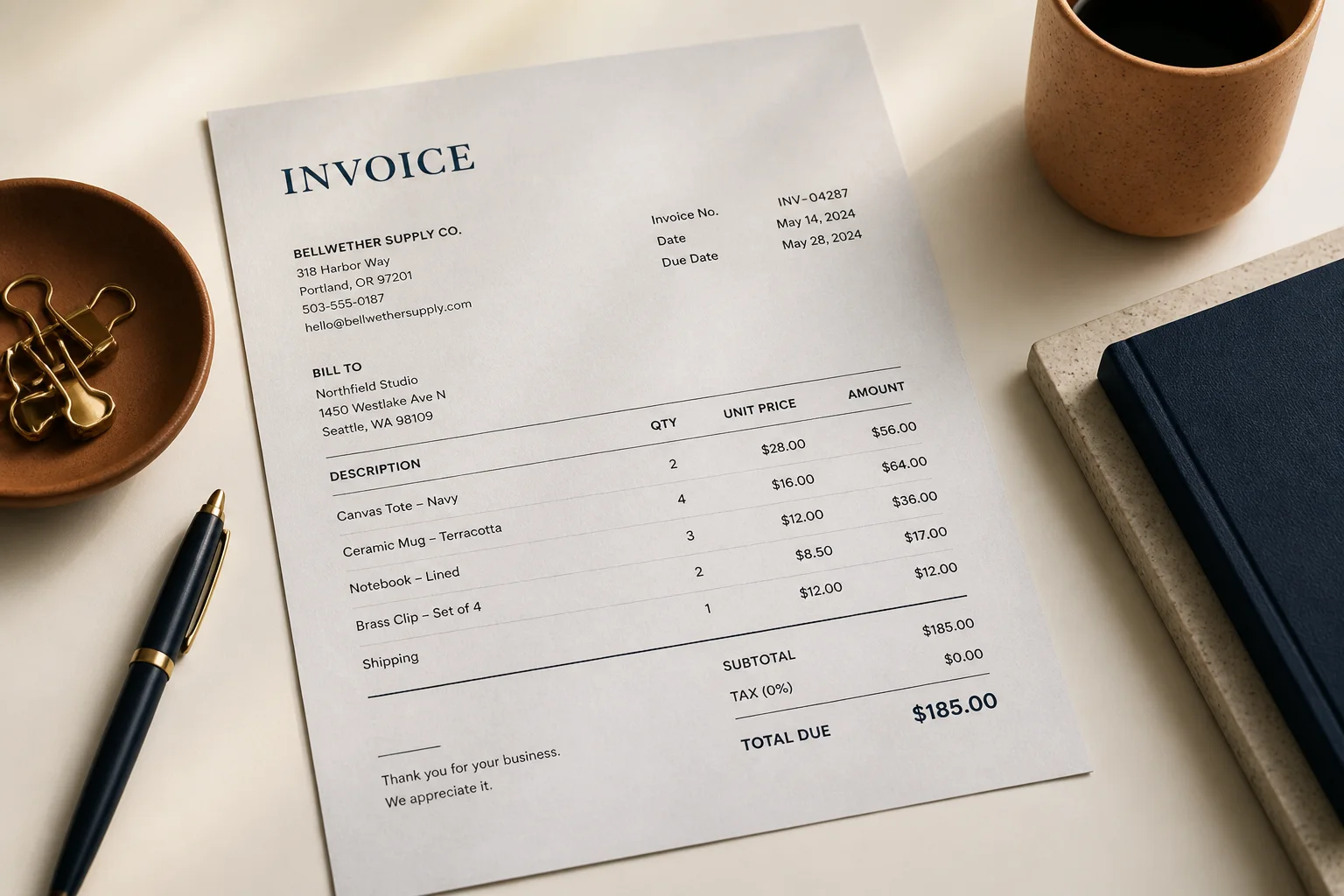
Increase contrast so line amounts stand out.
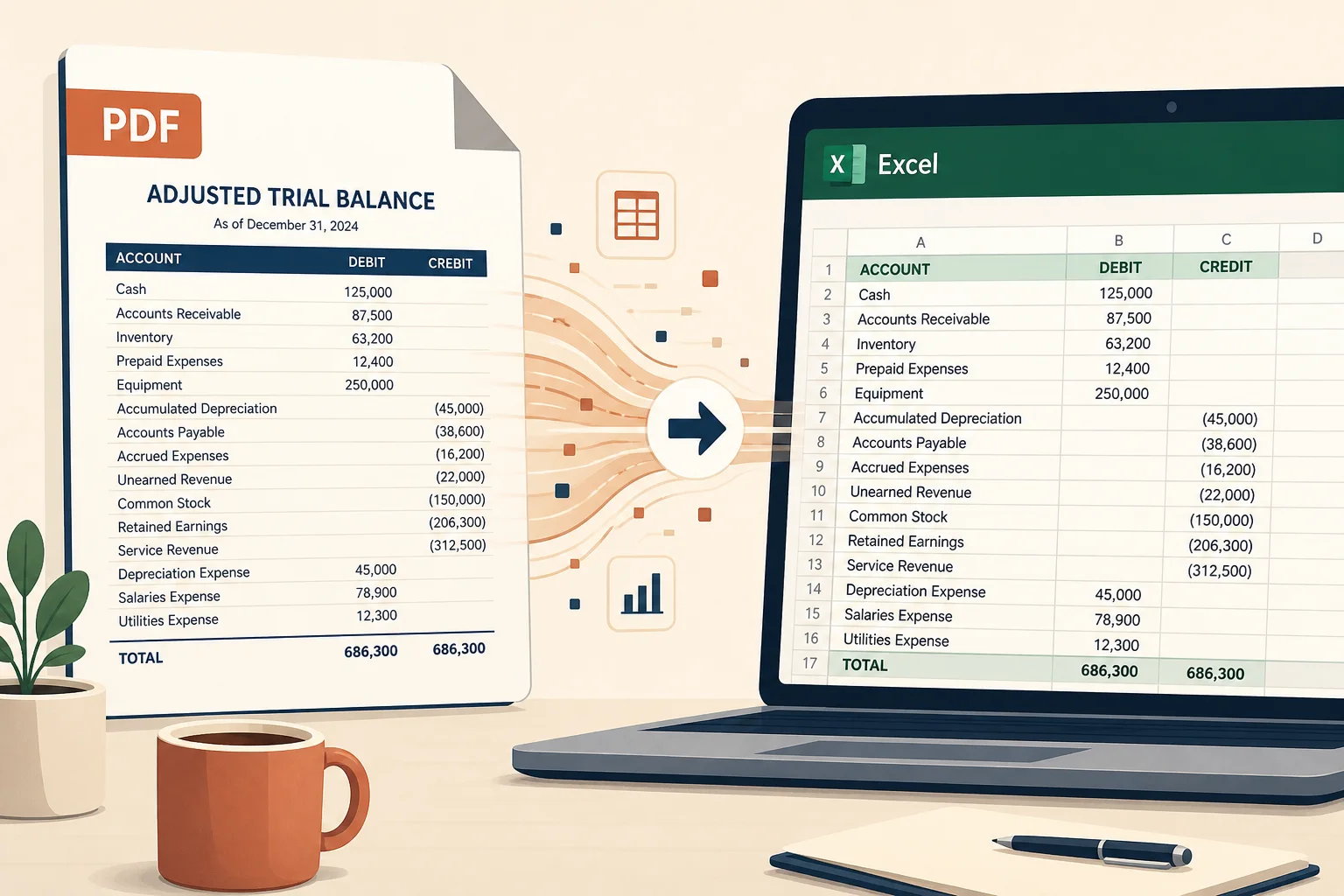
Prep hard-to-read pages, then pull rows with OCR.
Rotate or compress after the page looks right.
Fix sideways pages first.
Open toolShrink the file after adjustments.
Open toolExtract transactions when pages are scans.
Open toolPull tables into a spreadsheet after you prep the file.
Open toolBrowse the free tools hub.
Open tool