
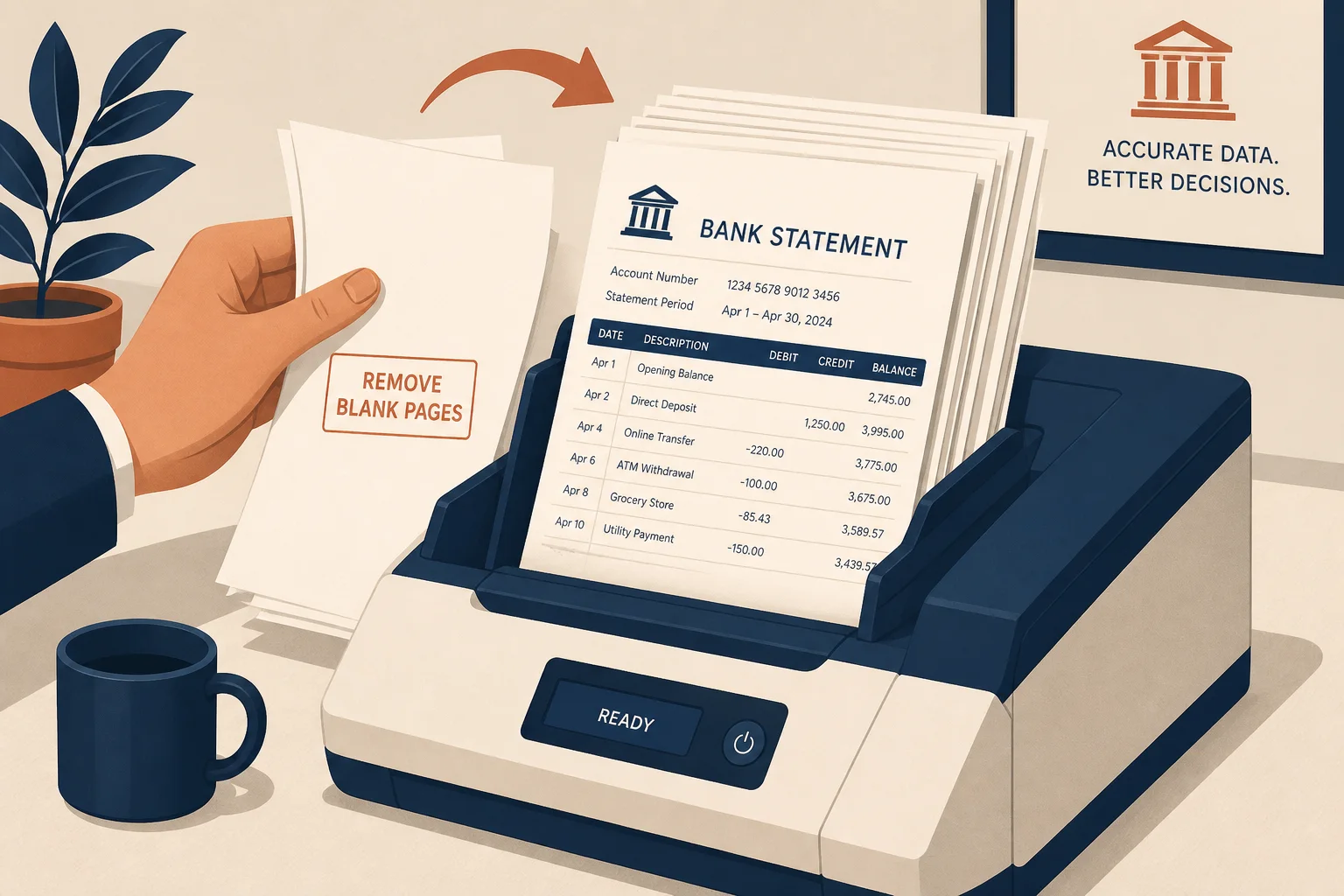
Statement ADF runs
Remove empty sheets before month-end review.
Drop empty feeder pages from statement and invoice packs so reviews — and OCR — only touch pages with content.
Drop a PDF with empty feeder pages
Files stay in your browser for this tool.
Fewer pages means less noise in the pack.
Drop a scan that picked up empty sheets from the feeder.
We sample each page and drop near-white ones.
Save the trimmed file, then extract Excel if needed.
ADF scanners love to keep empty sheets.
Feeder empties
Blank sheets between invoices
Duplex leftovers
Empty backs of single-sided prints
Separator pages
Near-white divider sheets
OCR savings
Fewer pages can mean fewer credits
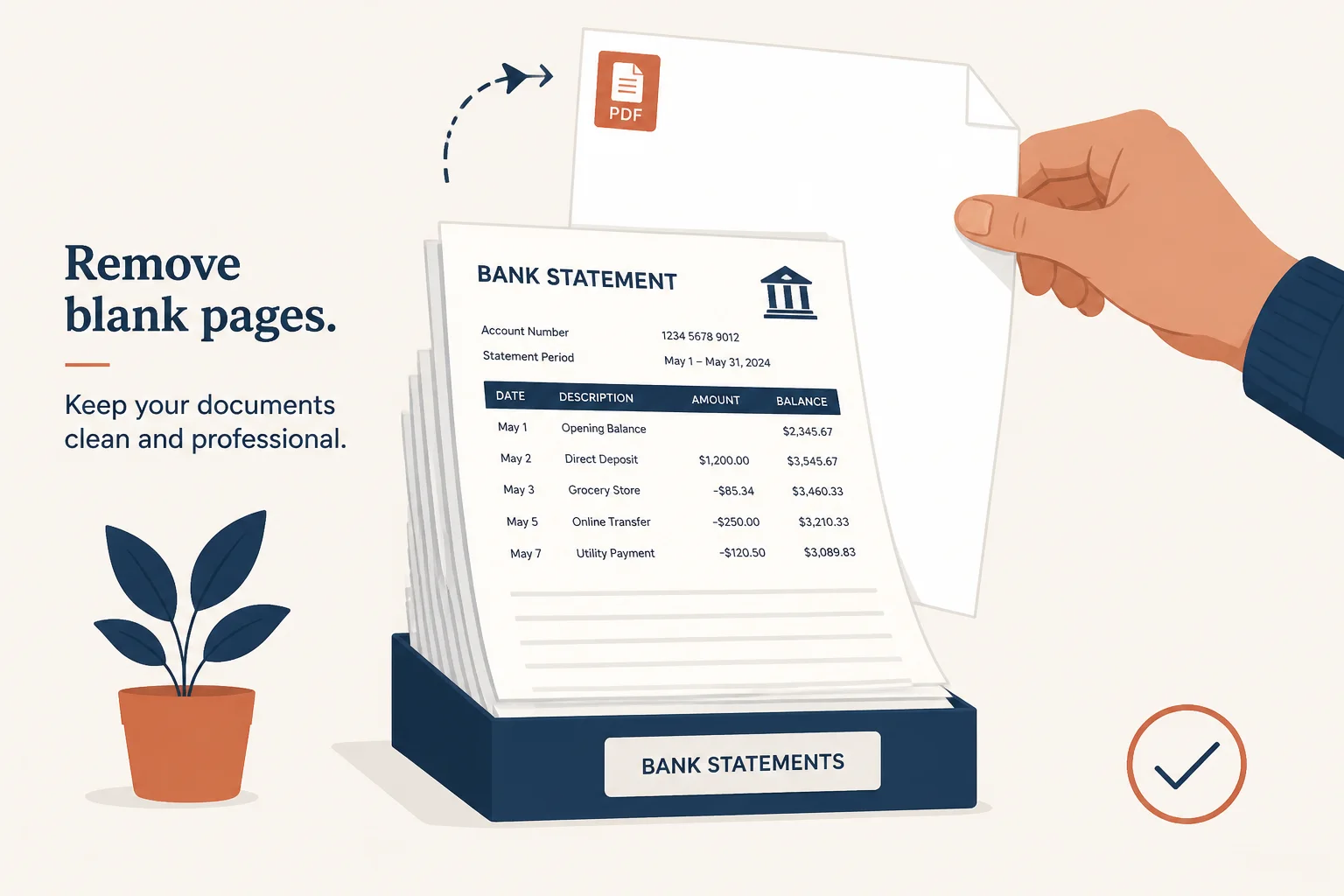
Clean packs file faster.
Remove empty sheets before month-end review.
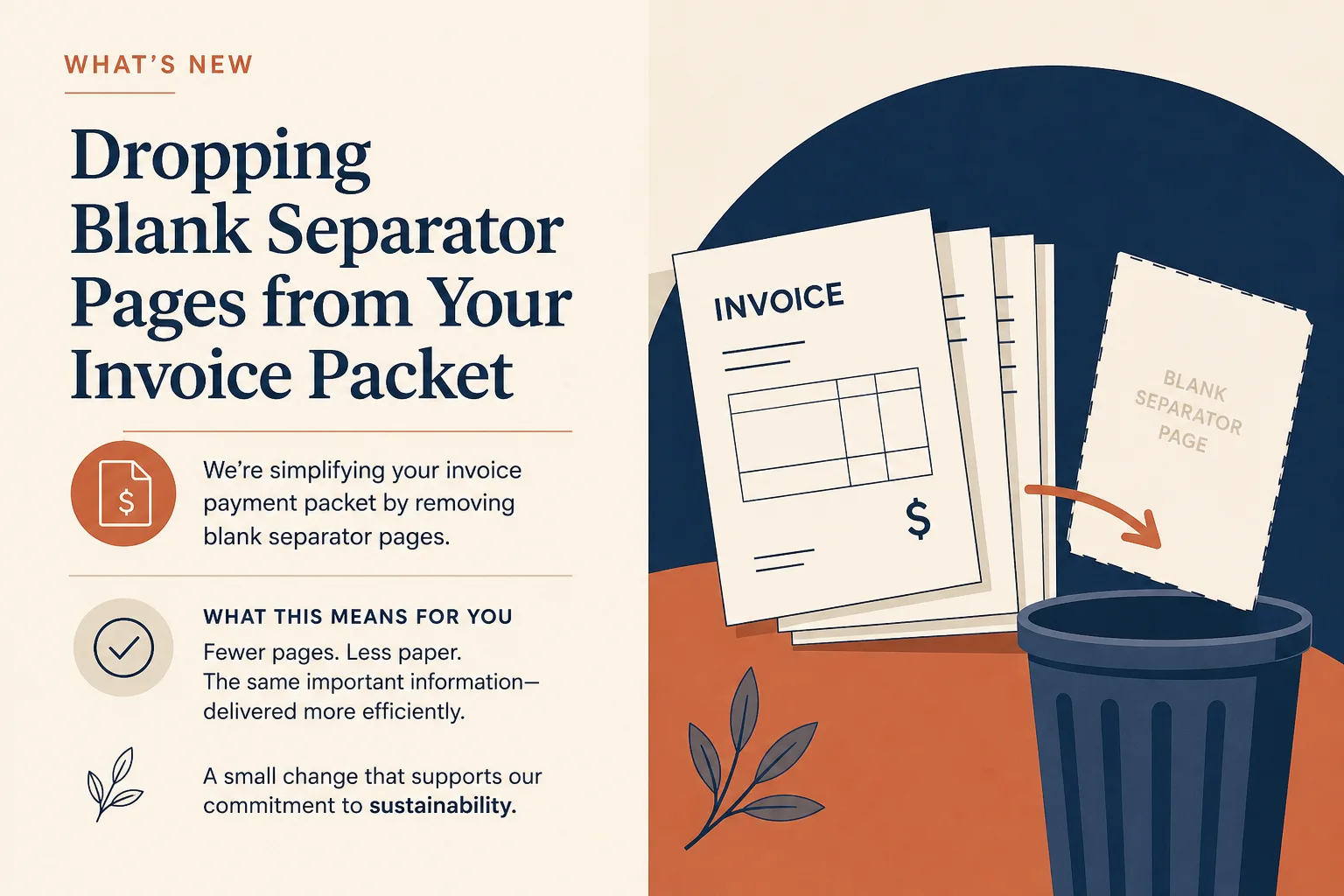
Drop blank separators from a payment packet.
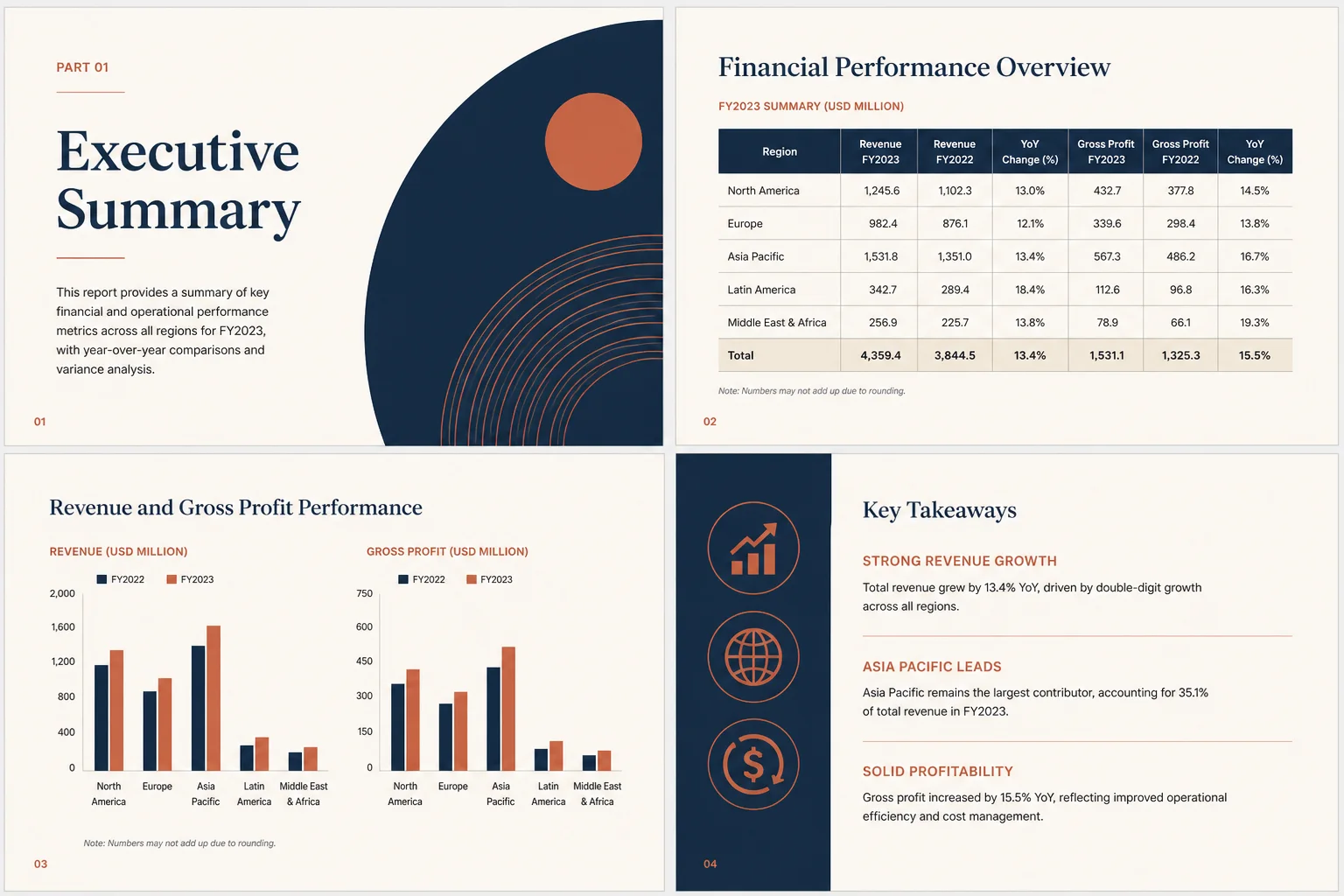
Spend credits only on pages that have numbers.
Organize or extract after blanks are gone.