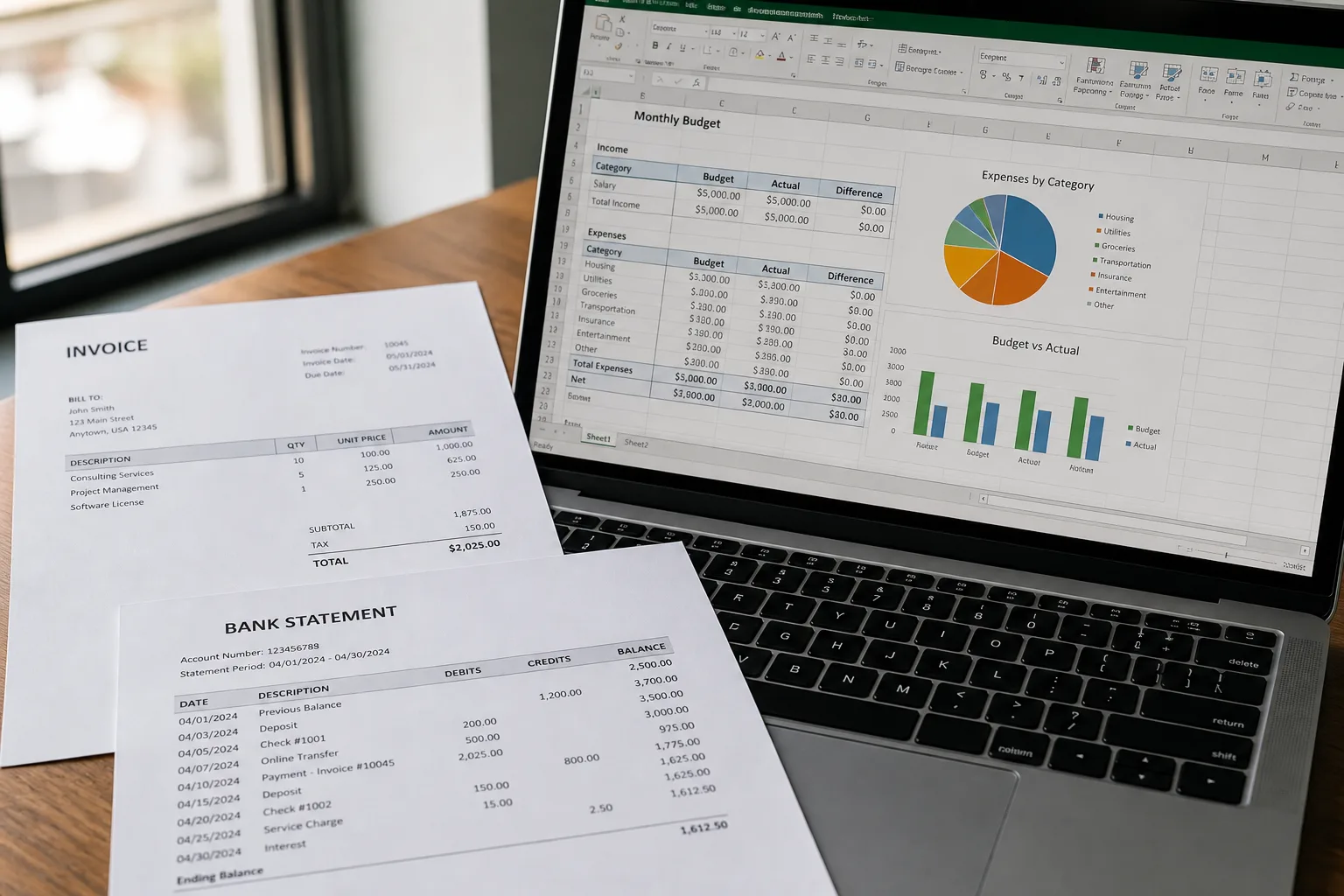
Accounting folders and a printed statement beside a laptop spreadsheet

Photo to Text vs FinanceFileConverter

Accounting file formats, or a photo and PDF converter that writes Excel you can edit.

Open Bank Statement to Excel

Updated August 19, 2026

The short version

Choose Photo to Text if

Photo to Text is the better pick when the statement is a PDF or photo you need as an Excel grid, not as a QuickBooks import file.

Choose FinanceFileConverter if

FinanceFileConverter still fits bookkeepers who convert PDF statements and also hop between OFX, QFX, QBO, QIF, IIF, CSV, and XLSX.

Visit financefileconverter.com

At a glance

How Photo to Text and FinanceFileConverter handle the jobs people actually compare.

Two documents side by side for an OCR comparison
Feature comparison of Photo to Text and FinanceFileConverter
Feature Photo to TextFinanceFileConverter
Text outputCopy, TXT, or Markdown. Keep going to Word or Excel when you need a file.CSV, XLSX, OFX, QBO, QFX, QIF, IIF, Tally XML, and more pairwise converters.
Word and ExcelJPG to Word and JPG to Excel with an in-browser editor before download.Excel and CSV among many finance formats. No Word OCR path.
PDFPDF to text, Word, and Excel, plus free PDF tools.Bank statement PDF to CSV, Excel, OFX, QBO, or Tally XML.
HandwritingDedicated handwriting to text page.Not a handwriting OCR product.
BatchUp to 10 pages per run on free. Up to 100 when you pay.Paid plans include bulk upload and PDFs over 100 pages.
PricingFree to start. Plans from $9.99/month, or buy credit packs.Hobbyist $21/month (500 pages), Professional $41 (1,500), Business $74 (5,000). Annual billed 20% off.
PrivacyGuest conversions are not kept as account history.AES-256, NDA option, and a “no data used for training” claim on paid plans.
Photo of a bank statement being typed into Excel on a desk

Features

FinanceFileConverter. FinanceFileConverter is a format bridge: PDF bank statements into CSV or Excel, plus a matrix of OFX, QFX, QBO, QIF, and IIF tools. That is the product. If you need a QBO for QuickBooks, this is the category. If you need to read a photographed statement, it is a detour.

Photo to Text. Photo to Text extracts content. Bank Statement to Excel, Invoice to Excel, and photo to text. No QBO, no IIF, no Tally XML. The grid is for humans, not for a QuickBooks importer.

File-format suite versus OCR converter. Different jobs.

Pricing

FinanceFileConverter. Hobbyist $21/month for 500 pages, Professional $41 for 1,500, Business $74 for 5,000, with bulk, phone support, and large files. Priced for practices, not for three personal PDFs.

Photo to Text. From $9.99/month, 10-page free runs, 100-page paid runs. Cheaper for mixed OCR, unable to emit QBO.

Pay $21+ here only if you need those accounting formats. Otherwise you are overbuying.

Ease of use

FinanceFileConverter. Pick a converter tile (PDF to QBO, CSV to QIF, and so on), upload, download. Clear if you already know the destination format.

Photo to Text. One extraction path, then Excel or text. Clear if you do not speak OFX.

Accountants who live in QuickBooks stay there. Everyone else can convert the statement to a sheet here.

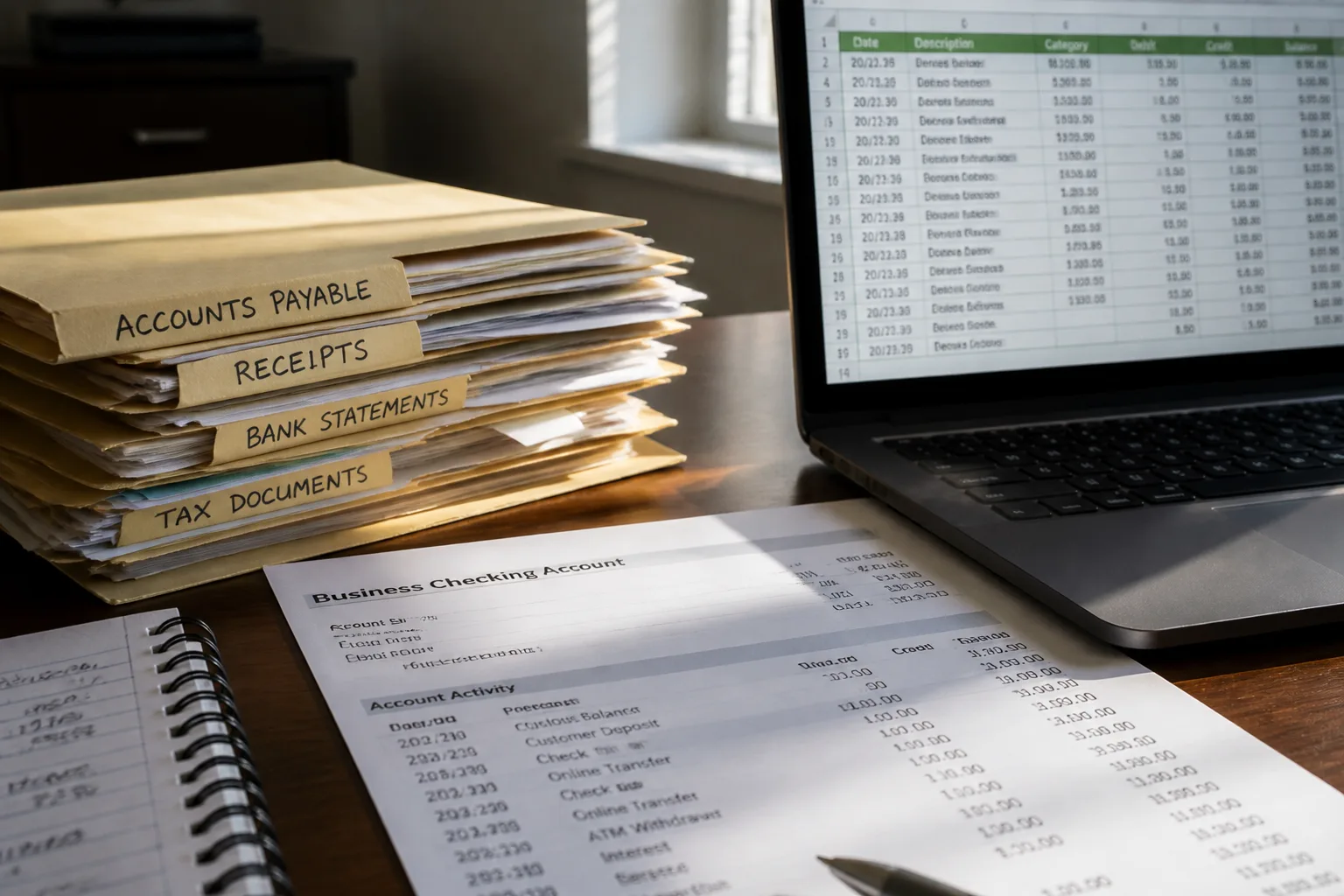
Photo to Text is built for

  • You need to read and edit statement rows in Excel
  • The file might be a photo, not a bank export
  • You also convert invoices or receipts
  • You do not import into QuickBooks this week

FinanceFileConverter still fits if

  • The deliverable is QBO, OFX, QIF, or IIF
  • You convert client files all week and want 500 to 5,000 pages
  • AES-256 and an NDA checkbox are procurement items
  • Tally XML or QuickBooks is the destination
A phone scanning notes beside a stack of archive documents

Keep FinanceFileConverter for QBO and OFX. Use Photo to Text Bank Statement to Excel when you need to see and fix the transactions yourself.

Questions people ask

Is Photo to Text a FinanceFileConverter alternative?
Only for PDF or photo statements to Excel. It is not an alternative for QBO, OFX, QIF, or IIF conversion.
Does Photo to Text export QBO?
No. FinanceFileConverter does. Photo to Text downloads Excel, CSV, or TSV from an editable grid.
Which is cheaper for a few statements?
Photo to Text, if Excel is enough. FinanceFileConverter’s Hobbyist plan is $21/month for 500 pages and a format suite you may not need.
Can both convert PDF bank statements?
Yes. They offer PDF to CSV and PDF to Excel among other outputs. Photo to Text focuses on an editable Excel result from PDFs and photos.