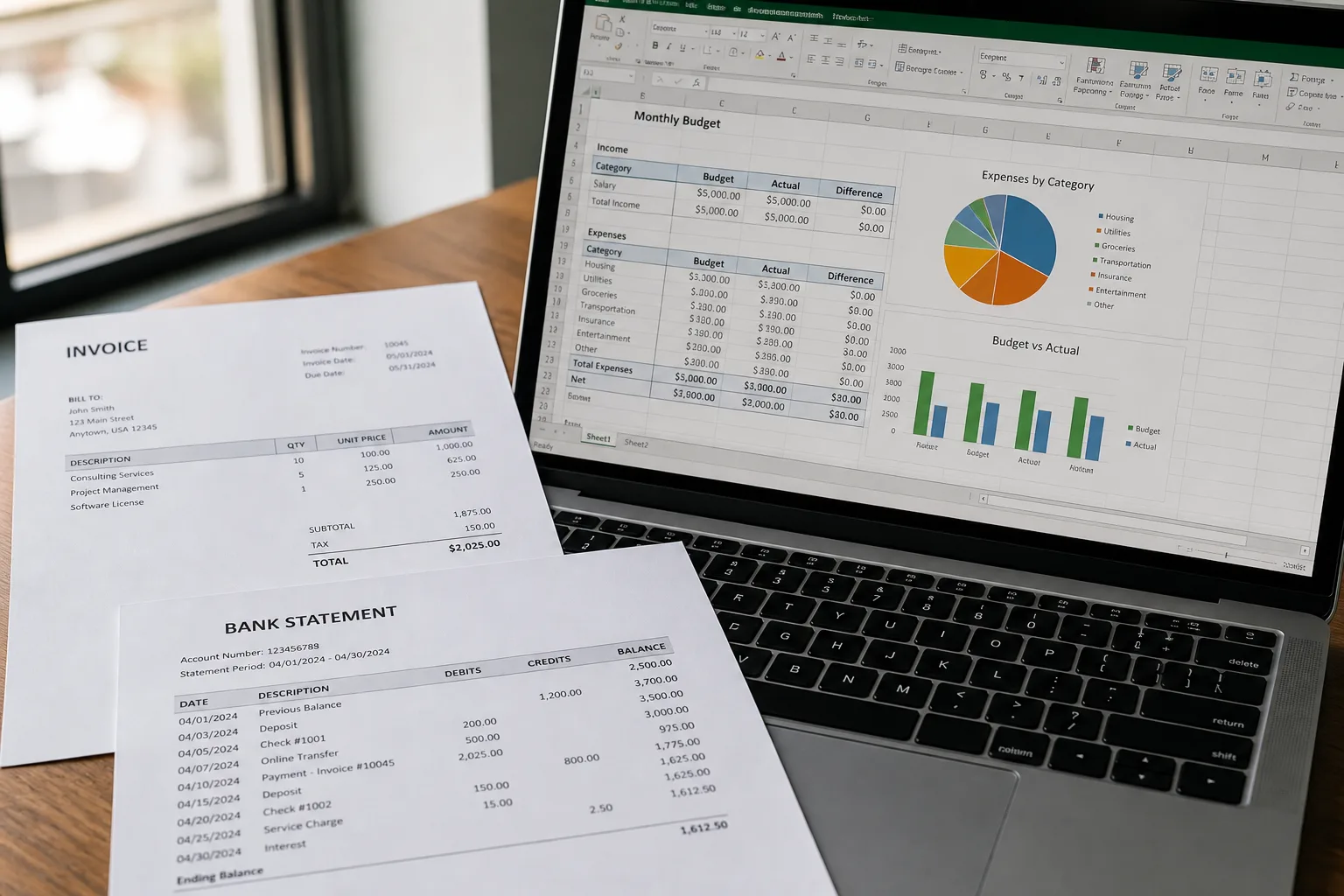

Invoice and bank statement printouts beside an Excel workbook

Photo to Text vs Razor Extract

PDF tables into Excel or CSV, or photos and PDFs into an editable grid plus Word and text.

Open PDF to Excel

Updated August 19, 2026

The short version

Choose Photo to Text if

Photo to Text is the better pick when tables also live in photos, and you want Word or copyable text from the same account.

Choose Razor Extract if

Razor Extract still fits if the file is already a PDF statement or invoice, you want Excel or CSV, and you may need their extraction API.

Visit razorextract.com

At a glance

How Photo to Text and Razor Extract handle the jobs people actually compare.

Two documents side by side for an OCR comparison
Feature comparison of Photo to Text and Razor Extract
Feature Photo to TextRazor Extract
Text outputCopy, TXT, or Markdown. Keep going to Word or Excel when you need a file.Excel or CSV from PDF tables, statements, and invoices.
Word and ExcelJPG to Word and JPG to Excel with an in-browser editor before download.Excel and CSV. No Word converter advertised.
PDFPDF to text, Word, and Excel, plus free PDF tools.PDF dropzone, max 50MB. V2 markets all-pages extraction.
HandwritingDedicated handwriting to text page.Not positioned as handwriting OCR.
BatchUp to 10 pages per run on free. Up to 100 when you pay.Homepage promises a generous free usage tier. Exact free page counts are not listed in plain text.
PricingFree to start. Plans from $9.99/month, or buy credit packs.Free usage tier on the homepage, plus API access in V2. No public price table captured at research time.
PrivacyGuest conversions are not kept as account history.Claims secure processing. The public homepage is behind a CAPTCHA wall.
PDF table on paper extracted into spreadsheet columns

Features

Razor Extract. Razor Extract is a PDF to Excel/CSV converter for statements, invoices, and other table PDFs. V2.0 advertises all-pages extraction and API docs. Max upload is 50MB. The public homepage is thin and CAPTCHA-gated, so we only repeat what is visible: versatile layouts, a free tier, and security copy.

Photo to Text. Photo to Text converts PDF to Excel with an editable grid, and also accepts photos. Word and plain text are available. There is no public extraction API.

Razor Extract is a PDF table pipe. Photo to Text is a broader converter without an API.

Pricing

Razor Extract. The homepage says “generous free usage tier” and points developers to an API. We do not invent a dollar amount or a free page quota that the site did not print in reachable copy.

Photo to Text. Excel is 10 credits per page. Free runs cap at 10 pages. Plans start at $9.99/month. The meter is public.

If you need published credit math, Photo to Text is easier to quote. If you need their API, stay on Razor Extract.

Ease of use

Razor Extract. Drag a PDF, get Excel or CSV. That is the whole consumer story. API users go to a separate docs host.

Photo to Text. Drop PDF or photo, then edit cells or copy text. More formats, no developer portal.

Same dropzone idea. Different breadth after the download.

Photo to Text is built for

  • Tables arrive as photos as well as PDFs
  • You also need Word or copyable text
  • You want a public credit and page cap
  • You do not need an extraction API

Razor Extract still fits if

  • Every file is a PDF statement or invoice
  • Excel or CSV is the only output you want
  • 50MB PDFs and all-pages extraction matter
  • You will call api.razorextract.com
A phone scanning notes beside a stack of archive documents

Use Razor Extract for PDF table jobs and their API. Re-run a photo or mixed PDF on Photo to Text when you need an editable grid, Word, or plain text.

Questions people ask

Is Photo to Text a Razor Extract alternative?
For PDF to Excel in the browser, it can be. Razor Extract remains the alternative if you need their API or a statement-only CSV dump.
Does Razor Extract convert photos?
The public homepage is framed around PDFs. Photo to Text accepts JPG, PNG, HEIC, and PDF.
How much is Razor Extract free usage?
They call it generous and do not print a page number on the reachable homepage. Photo to Text publishes a 10-page free run cap.
Does Photo to Text offer an API?
No. Razor Extract V2 documents API access. Photo to Text is a website converter.