
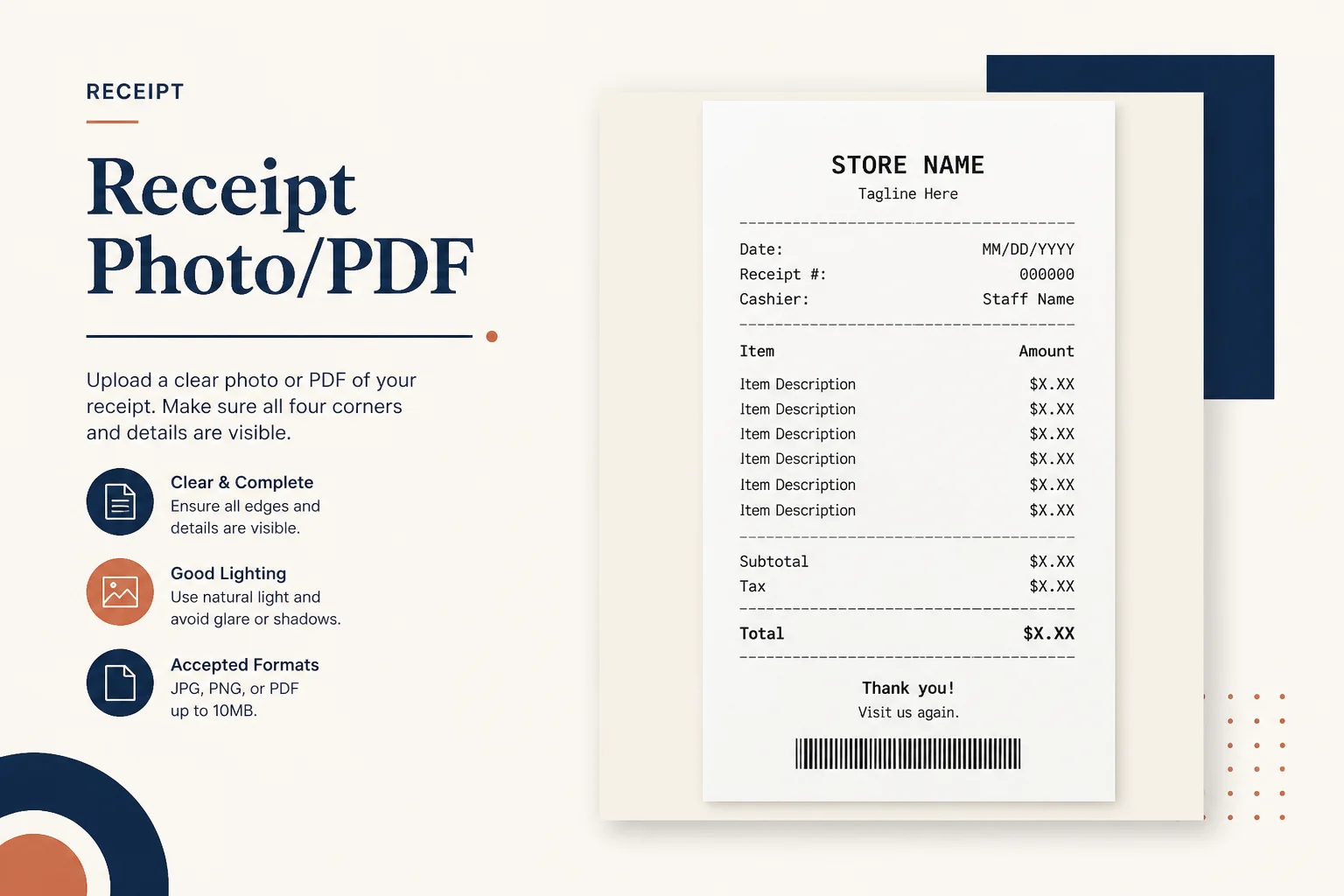
Receipt on a table
Crop away table texture before expense upload.
Trim desk edges and dark borders from statement and receipt scans so the numbers stay front and center.
Drop a scan with large desk margins
Files stay in your browser for this tool.
Less clutter, clearer digits.
Drop a phone or scanner PDF with large empty margins.
Trim a percentage from top, bottom, left, and right.
Save the cropped file for filing or Excel OCR.
Phone captures often include too much desk.
Desk borders
Wood and keyboard around a receipt
Scanner shadows
Dark edges from the platen
Wide margins
Pull content closer for reading
OCR focus
Less background noise around tables
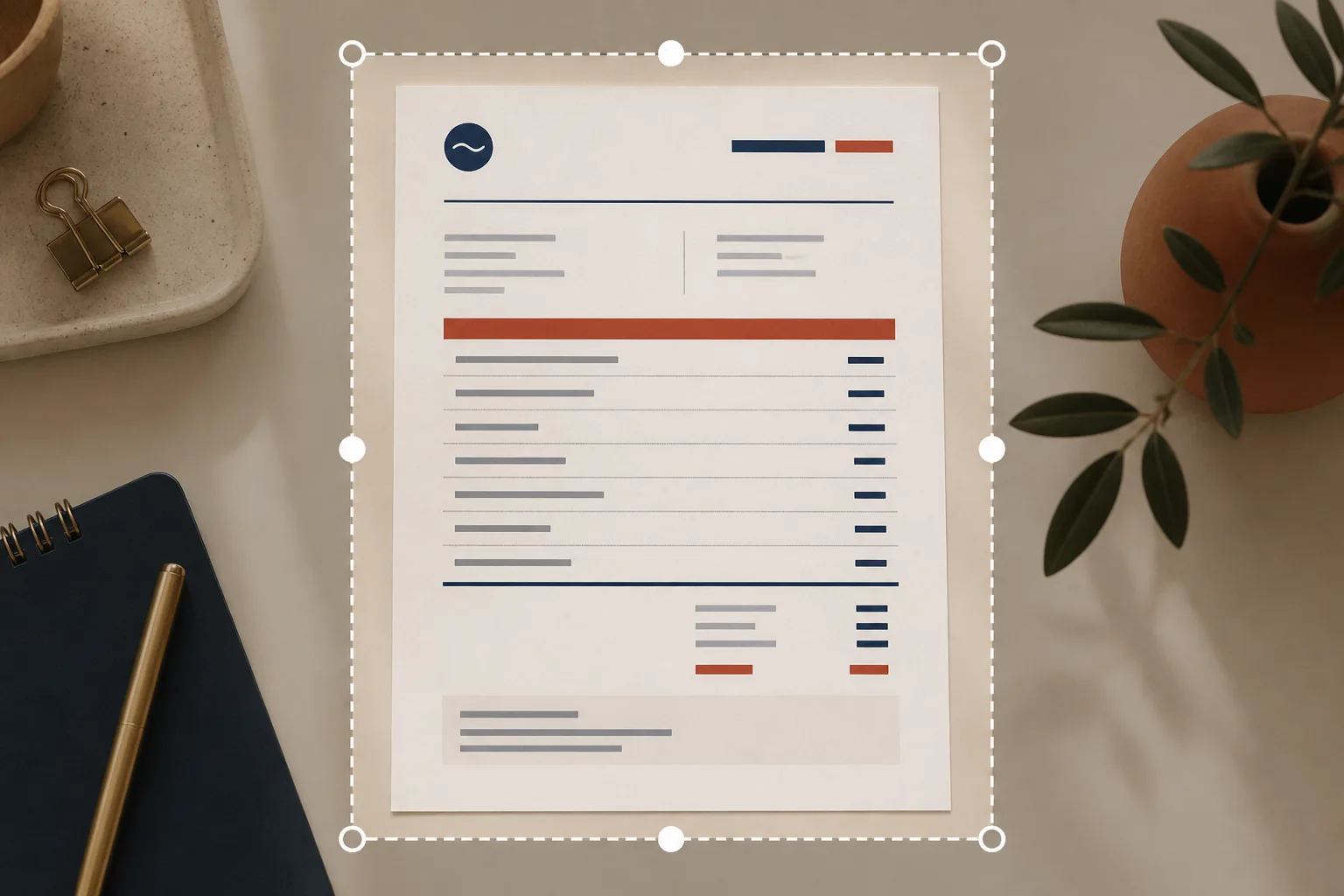
Show the document, not the desk.
Crop away table texture before expense upload.
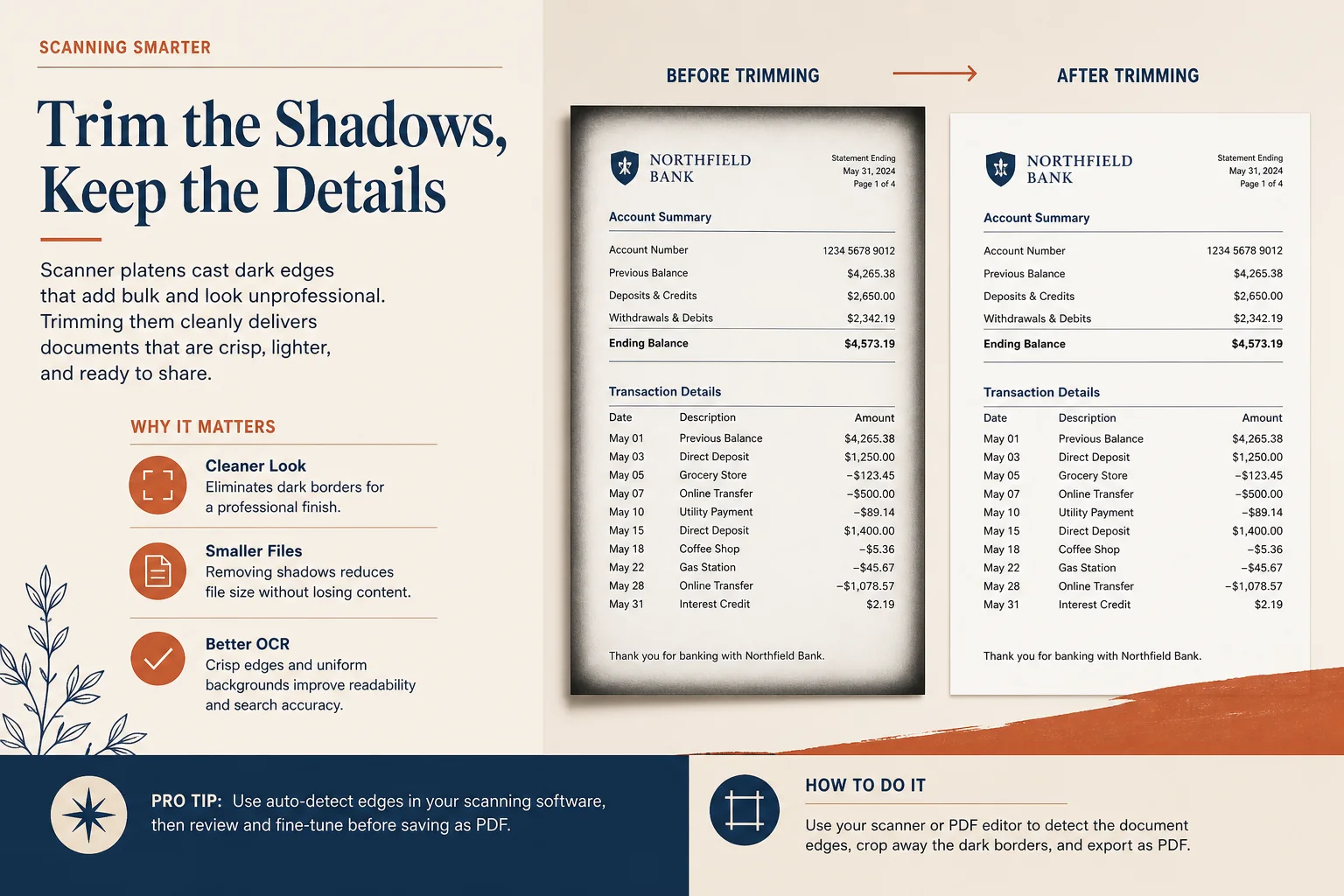
Trim scanner shadows that confuse reviewers.
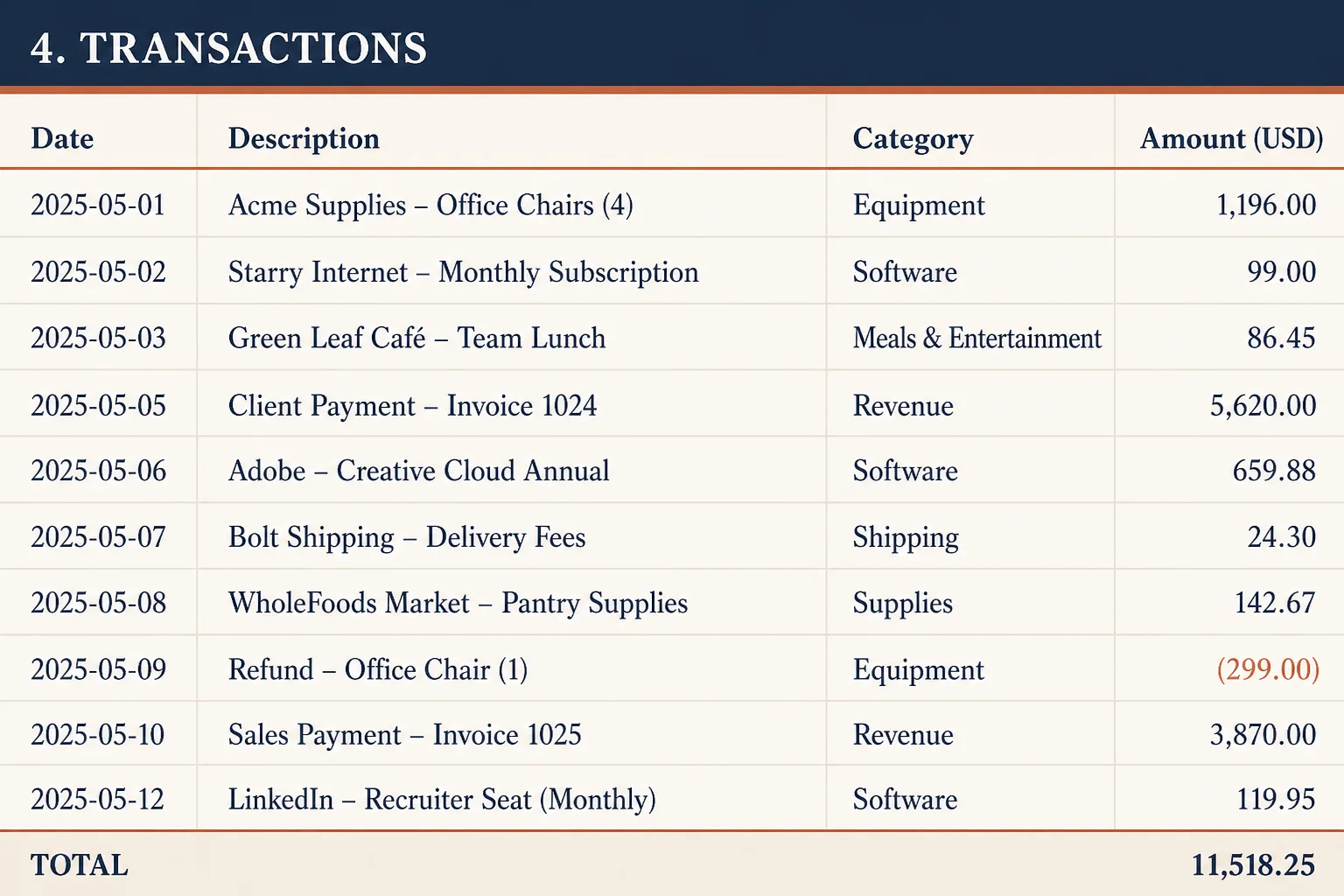
Focus the page on the transaction table.
Adjust colors or rotate if the page still needs work.