
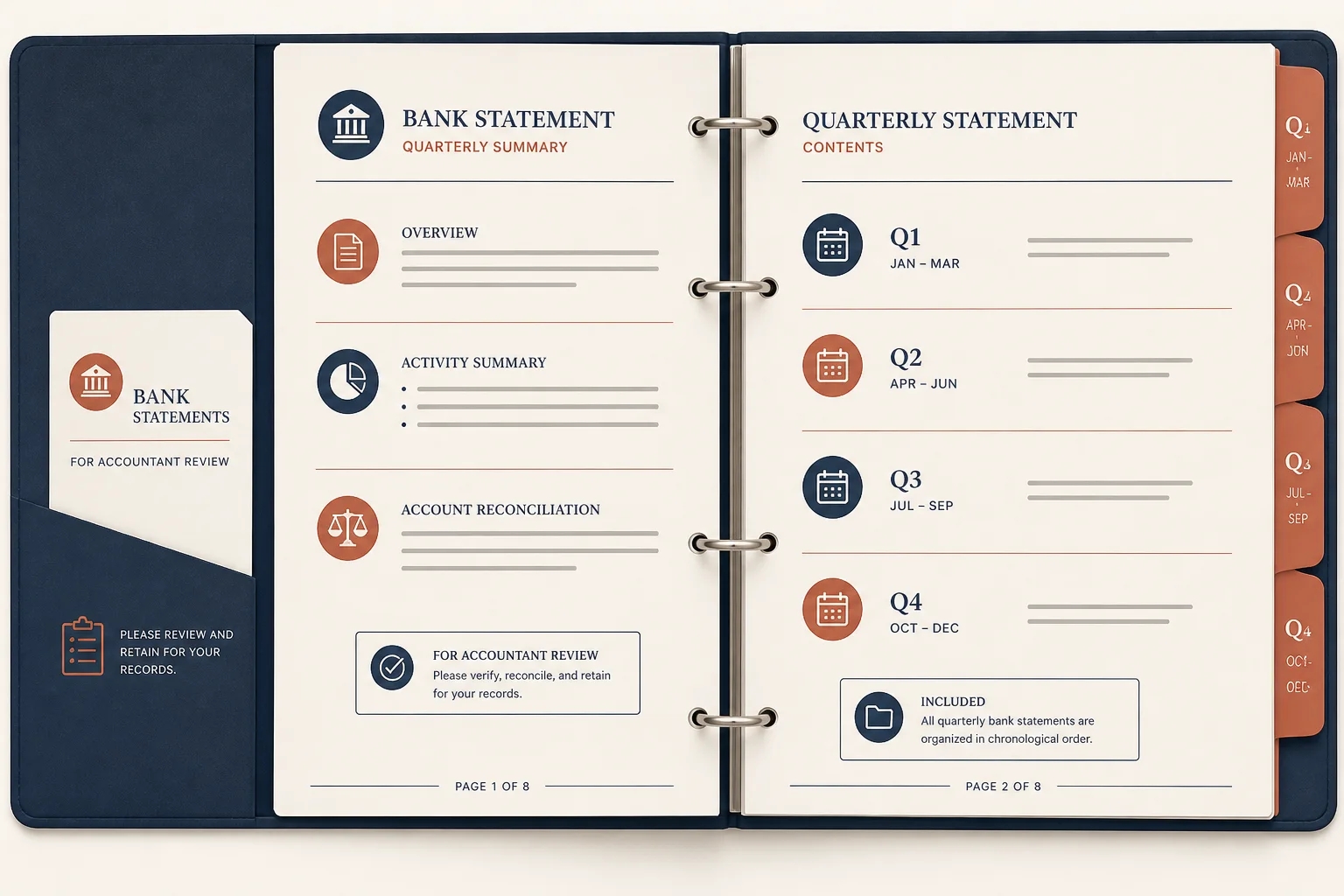
Accountant review
Number a quarterly binder before questions come in.
Put clear footers on statement and invoice packs so reviewers can cite page 3 of 12 without guessing.
Drop a multi-page statement or invoice PDF
Files stay in your browser for this tool.
Simple footers, whole document.
Drop a multi-page statement or invoice binder.
Use plain numbers or “n of N”.
Save the numbered copy for review threads.
Call out the right page in Slack or email.
1 of N
Shows progress through the pack
Simple 1, 2, 3
Minimal footer for clean filings
Long binders
Quarterly statement stacks
Shared reviews
“See page 7” becomes unambiguous
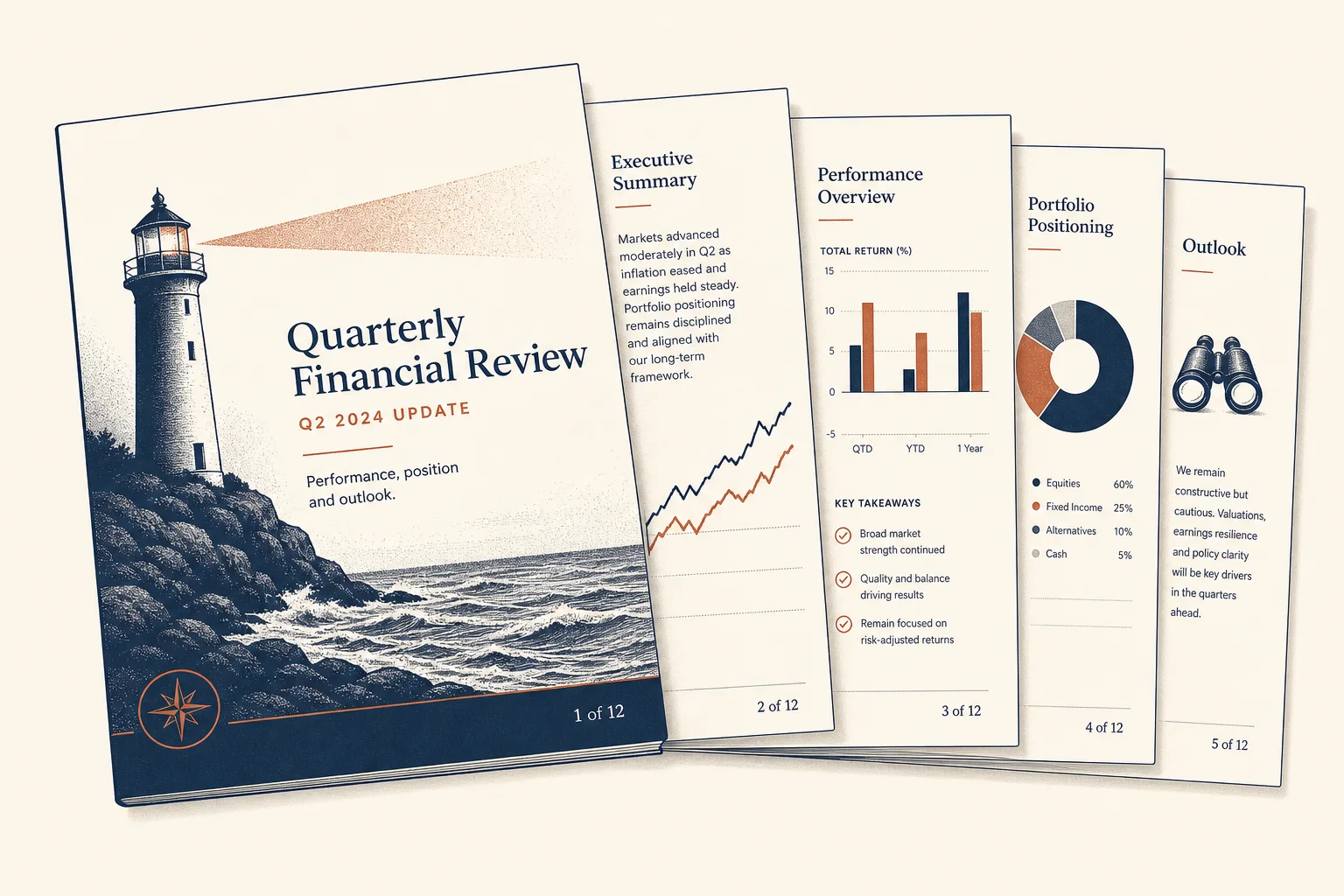
Everyone points to the same sheet.
Number a quarterly binder before questions come in.
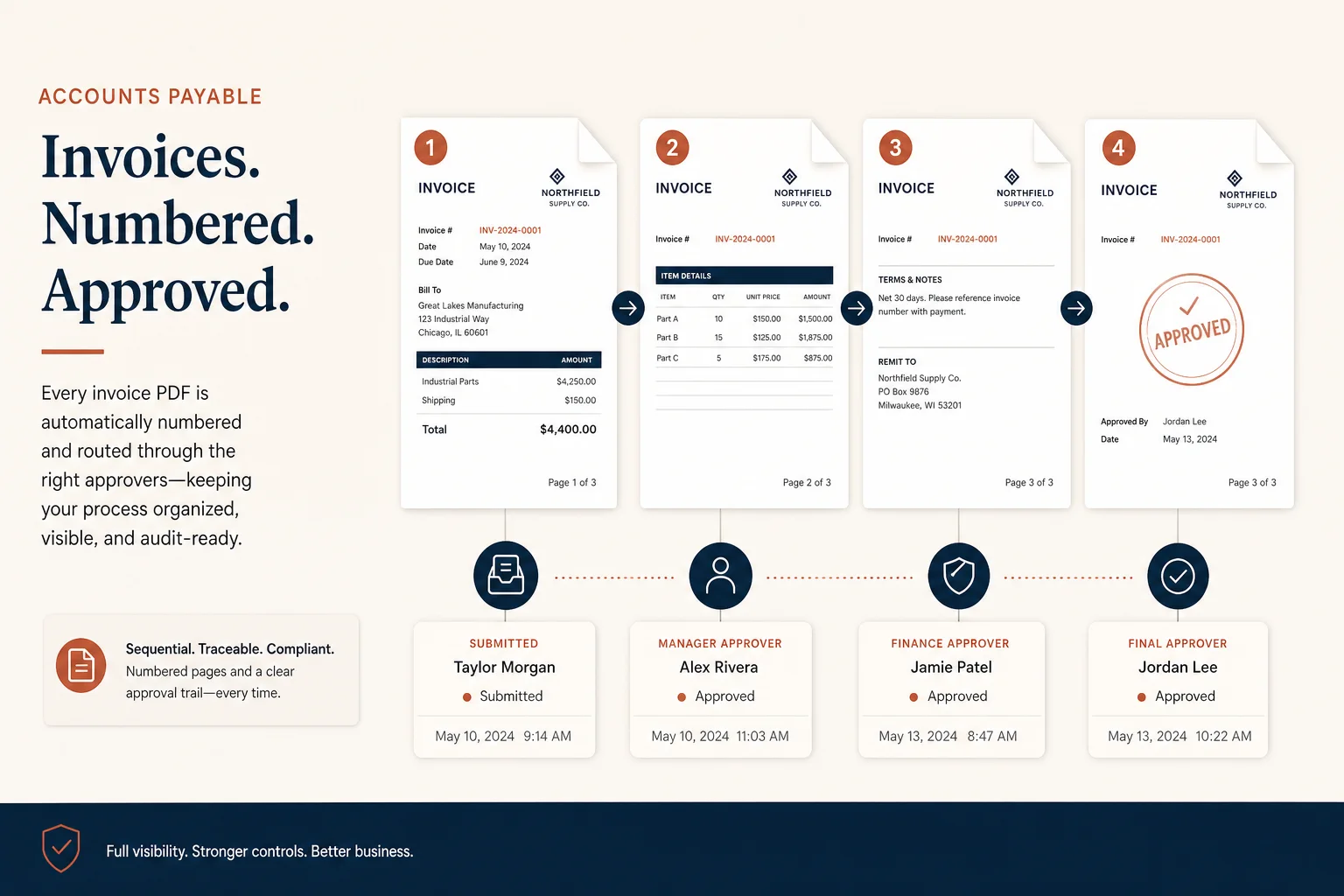
Reference invoice pages in approval comments.
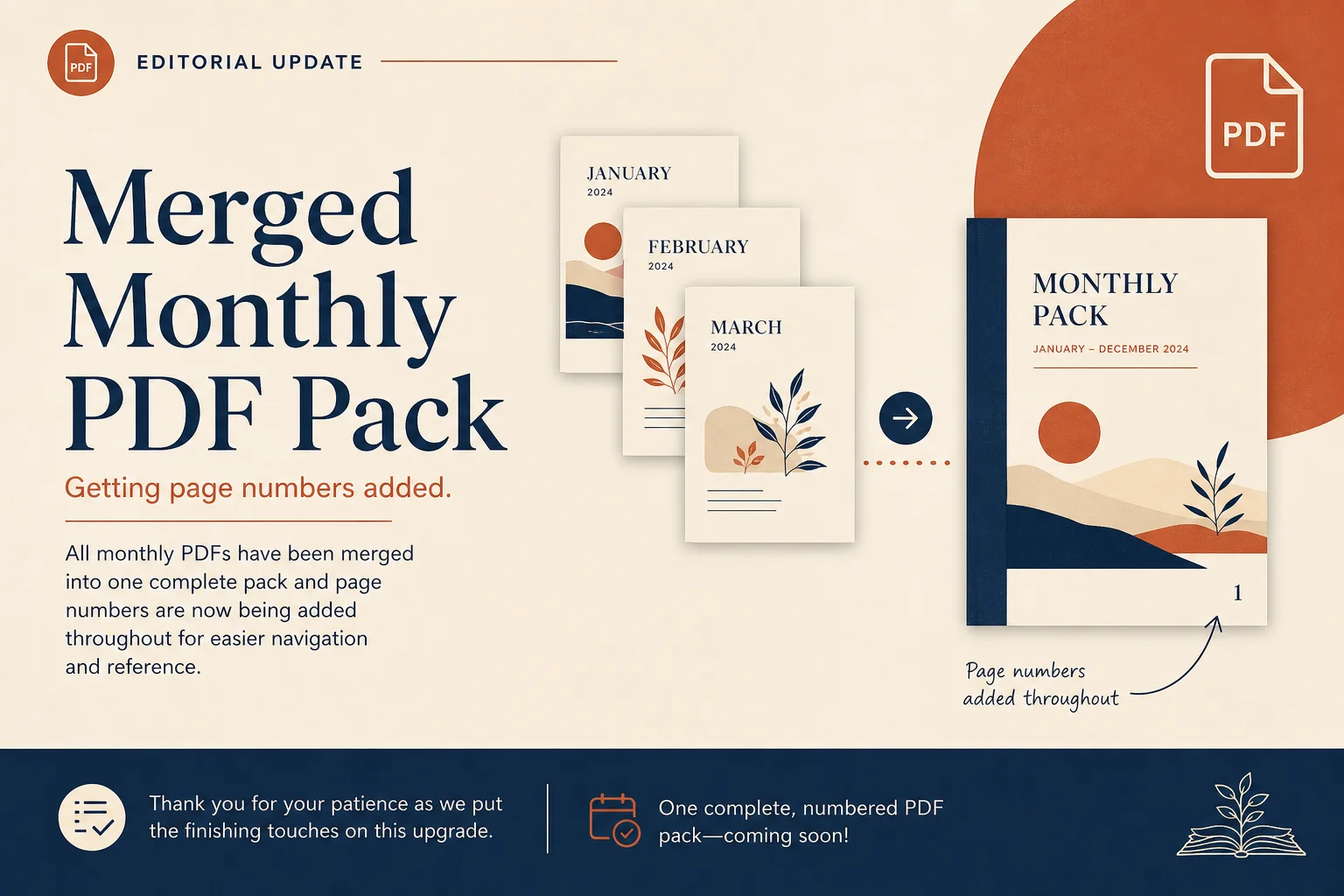
Merge months, then number the combined pack.
Merge or watermark around numbering.
Combine files before numbering.
Open toolAdd a confidential stamp too.
Open toolExtract transactions when pages are scans.
Open toolPull tables into a spreadsheet after you prep the file.
Open toolBrowse the free tools hub.
Open tool