
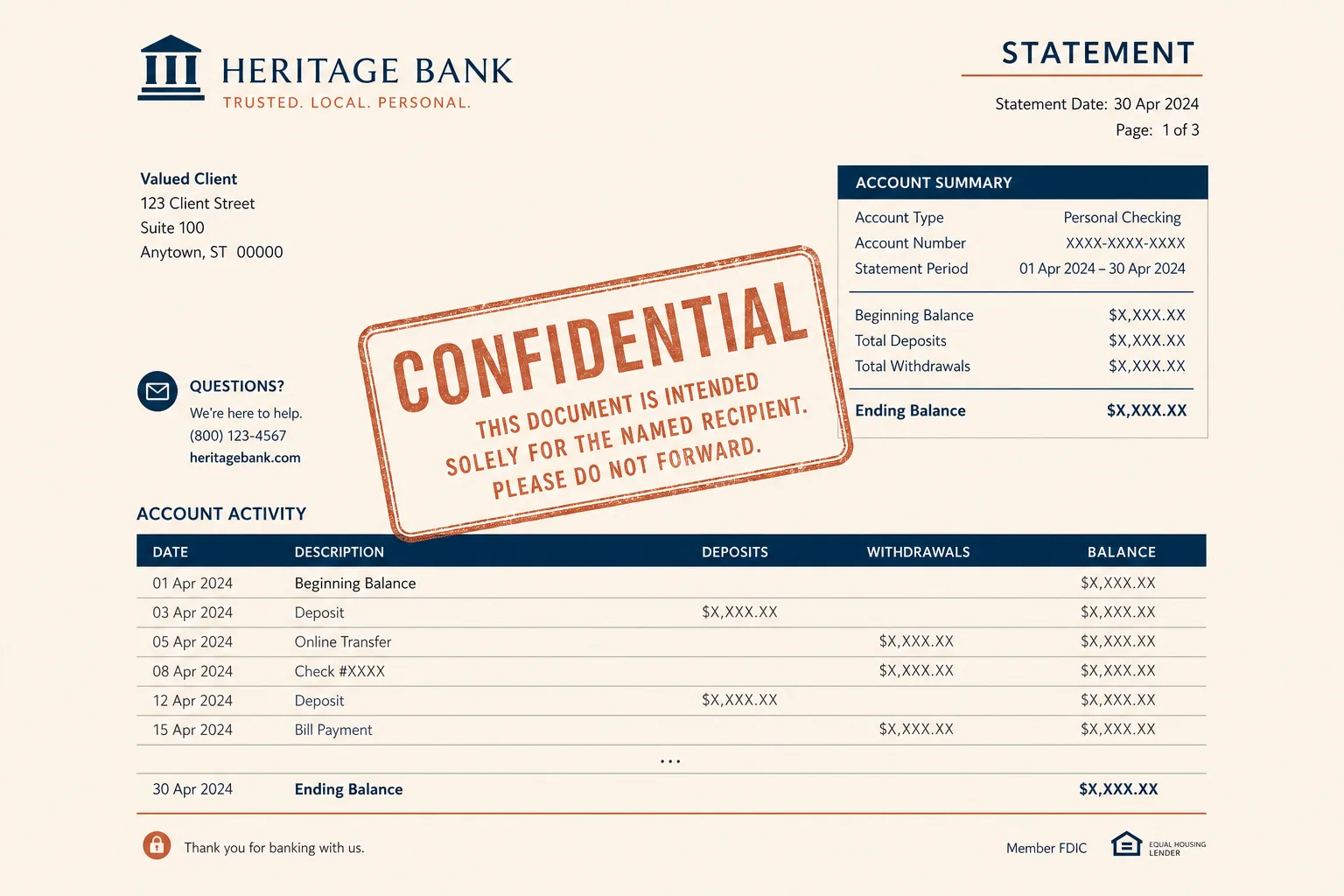
Client handoff
Mark statement copies before emailing outside the team.
Stamp statement and invoice copies with Confidential, Draft, or your firm name before you send them out.
Drop a statement or invoice PDF to stamp
Files stay in your browser for this tool.
Make shared copies obviously labeled.
Drop the statement or invoice file you are about to share.
Type Confidential, Draft, or another label.
Save the stamped copy for email or Drive.
Set expectations when a file leaves your desk.
Confidential
Client statement packs
Draft
Working invoice packets
Copy
Duplicates that are not originals
Firm name
Brand shared exports lightly
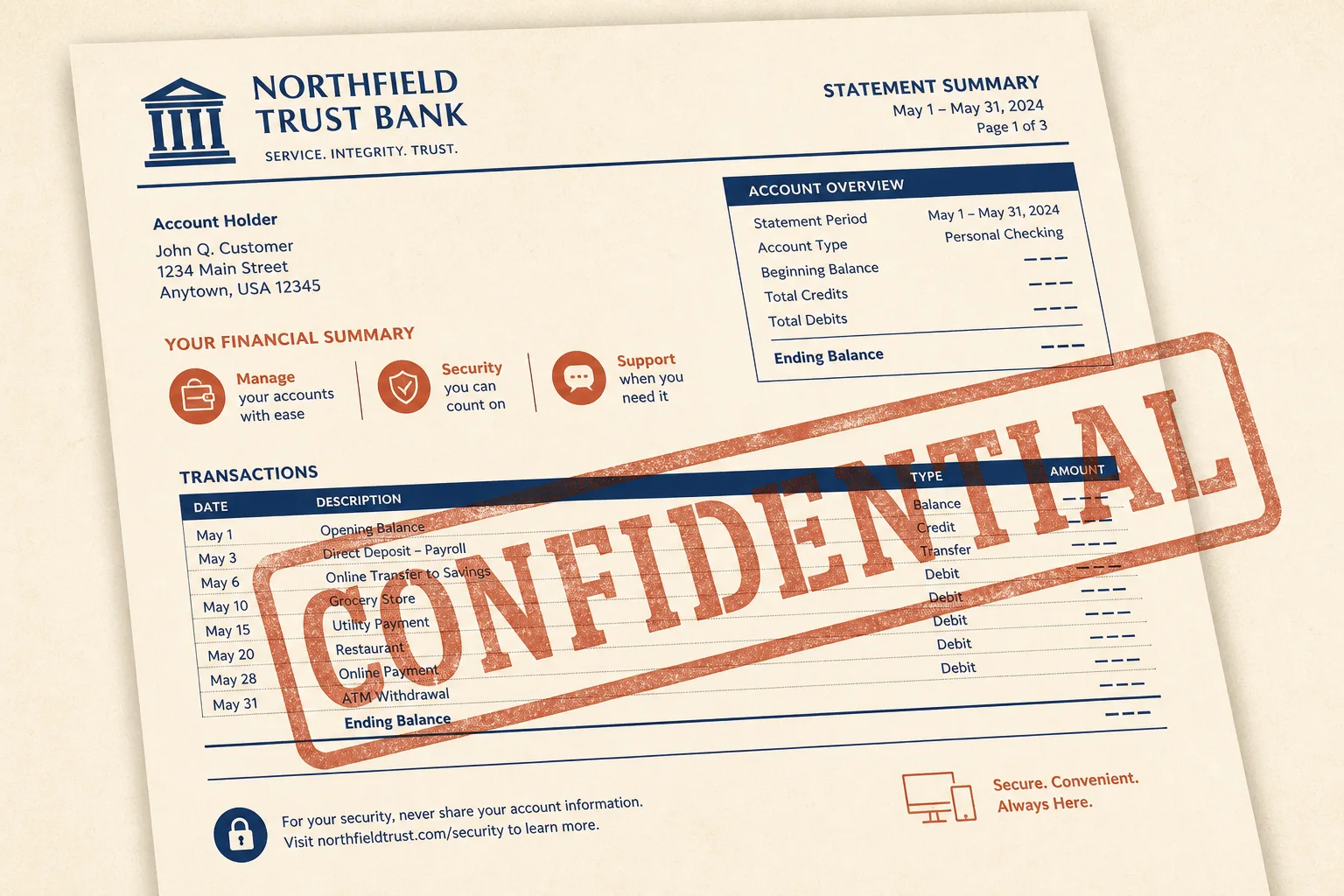
Recipients should know what they are holding.
Mark statement copies before emailing outside the team.
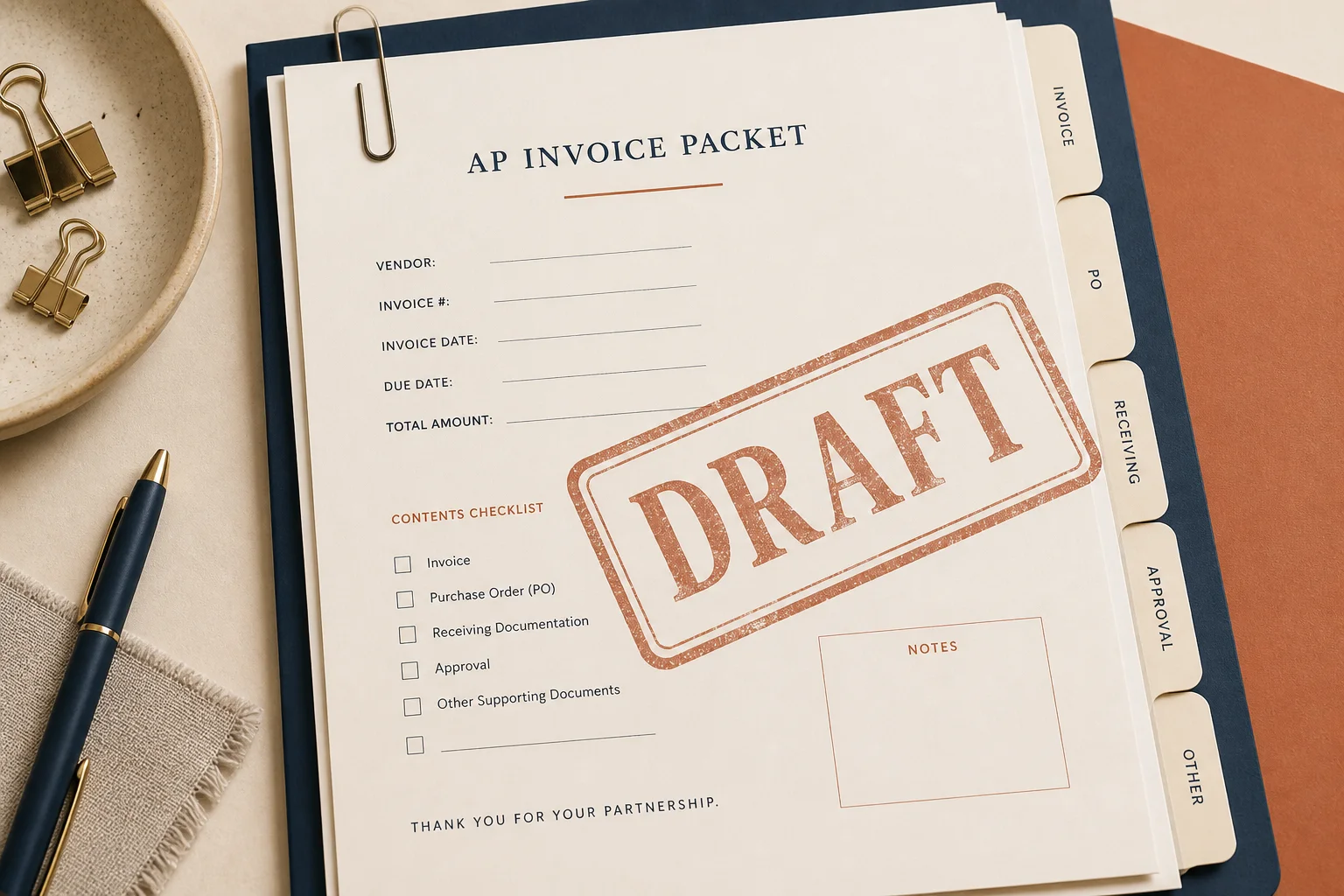
Label unfinished invoice packs so they are not paid early.
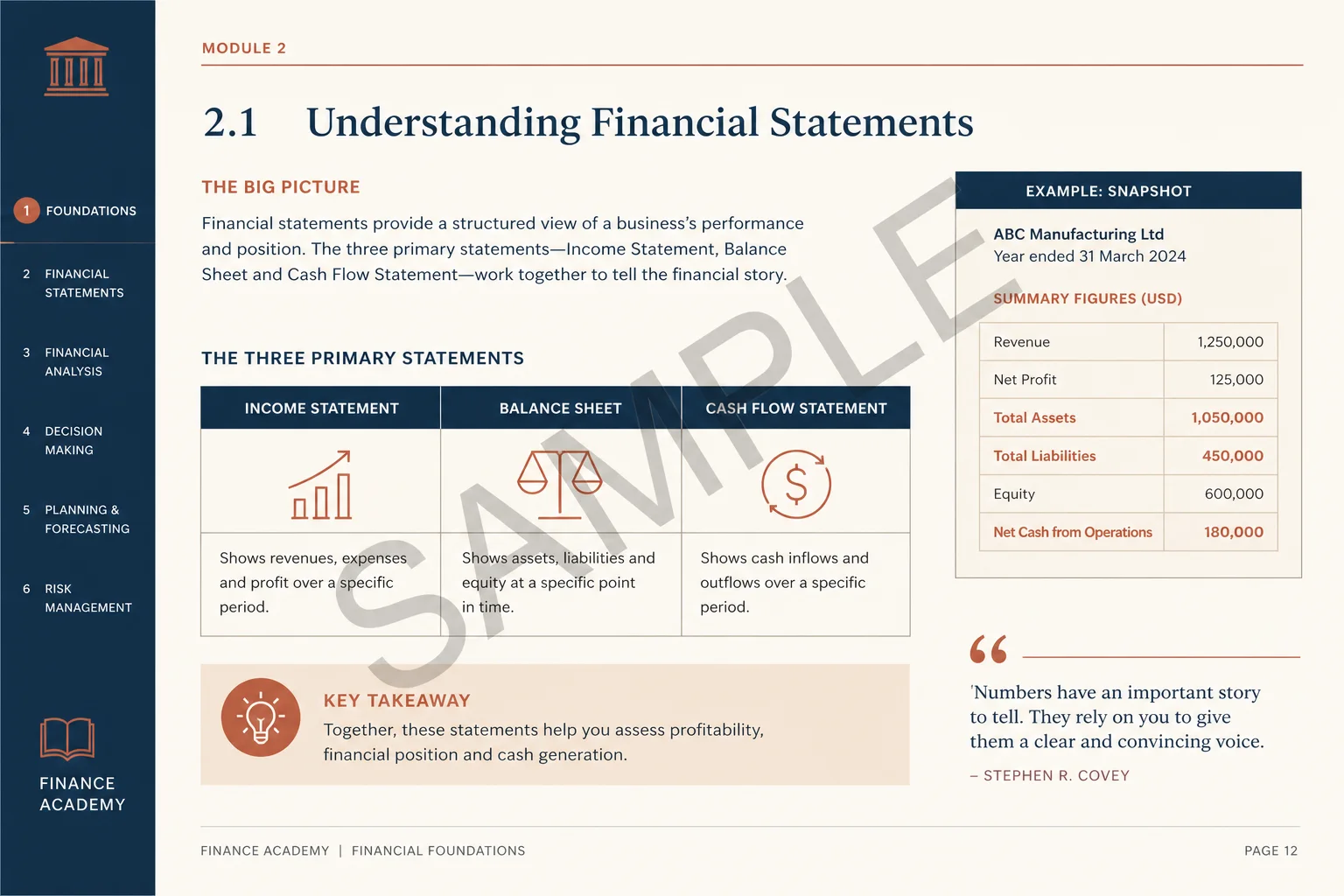
Stamp SAMPLE on demo extracts used in training.
Protect further or number pages next.
Add an open password after watermarking.
Open toolAdd footers for long packs.
Open toolExtract transactions when pages are scans.
Open toolPull tables into a spreadsheet after you prep the file.
Open toolBrowse the free tools hub.
Open tool